
Open Source Link Analysis & OSINT Framework
Open-source visual link analysis and OSINT framework. Free, self-hostable, and community-driven.







Features • Screenshots • Quick Start • Docker • Transform Hub • Architecture • Contributing
Heads up: This project is actively evolving. It has solid core capabilities and test coverage, and we continue to improve documentation, hardening, and feature depth with each release. Contributions, bug reports, and feedback are very welcome.
docker compose up| Graph Investigation | Entity Enrichment |
|---|---|
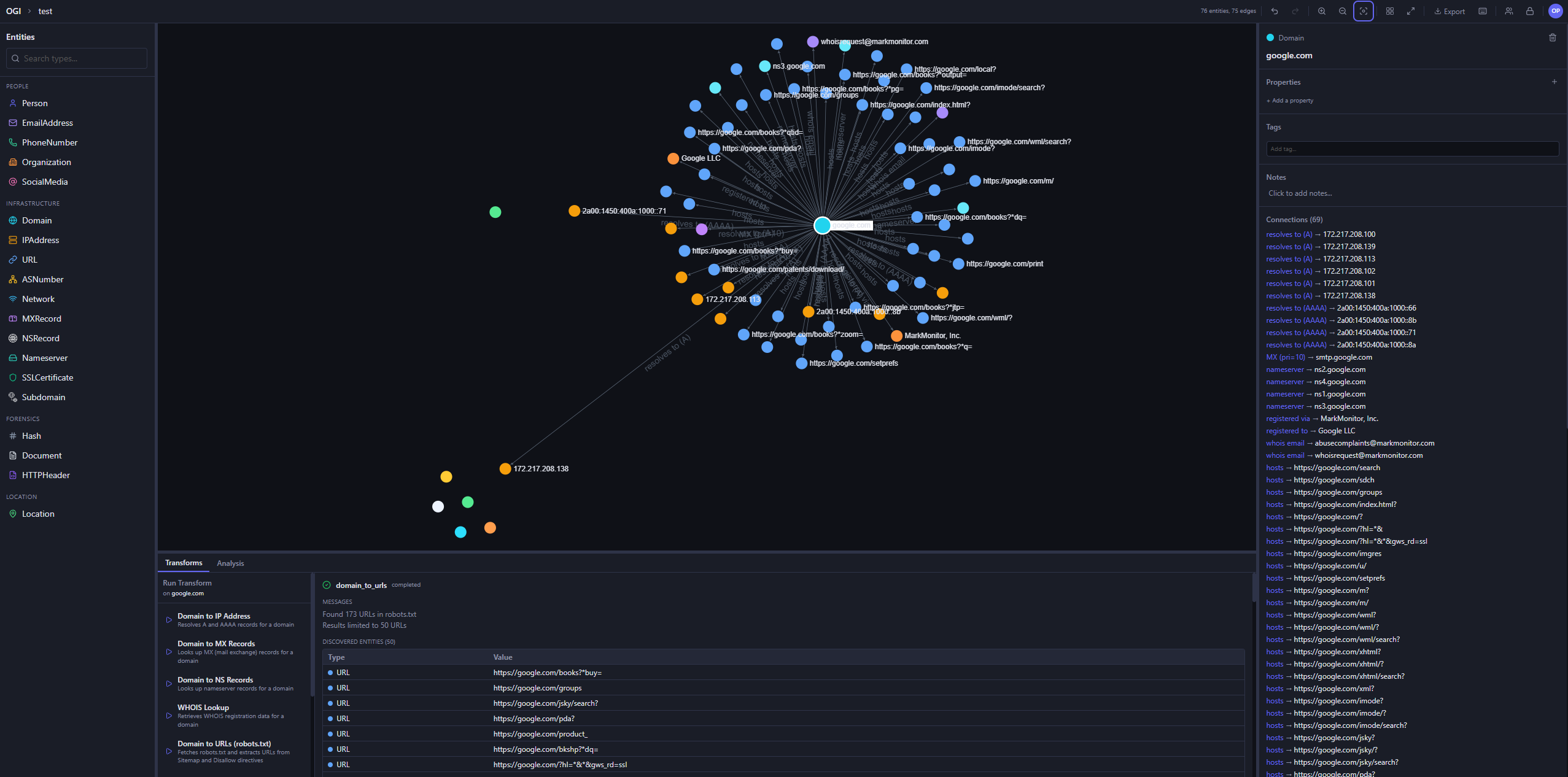 | 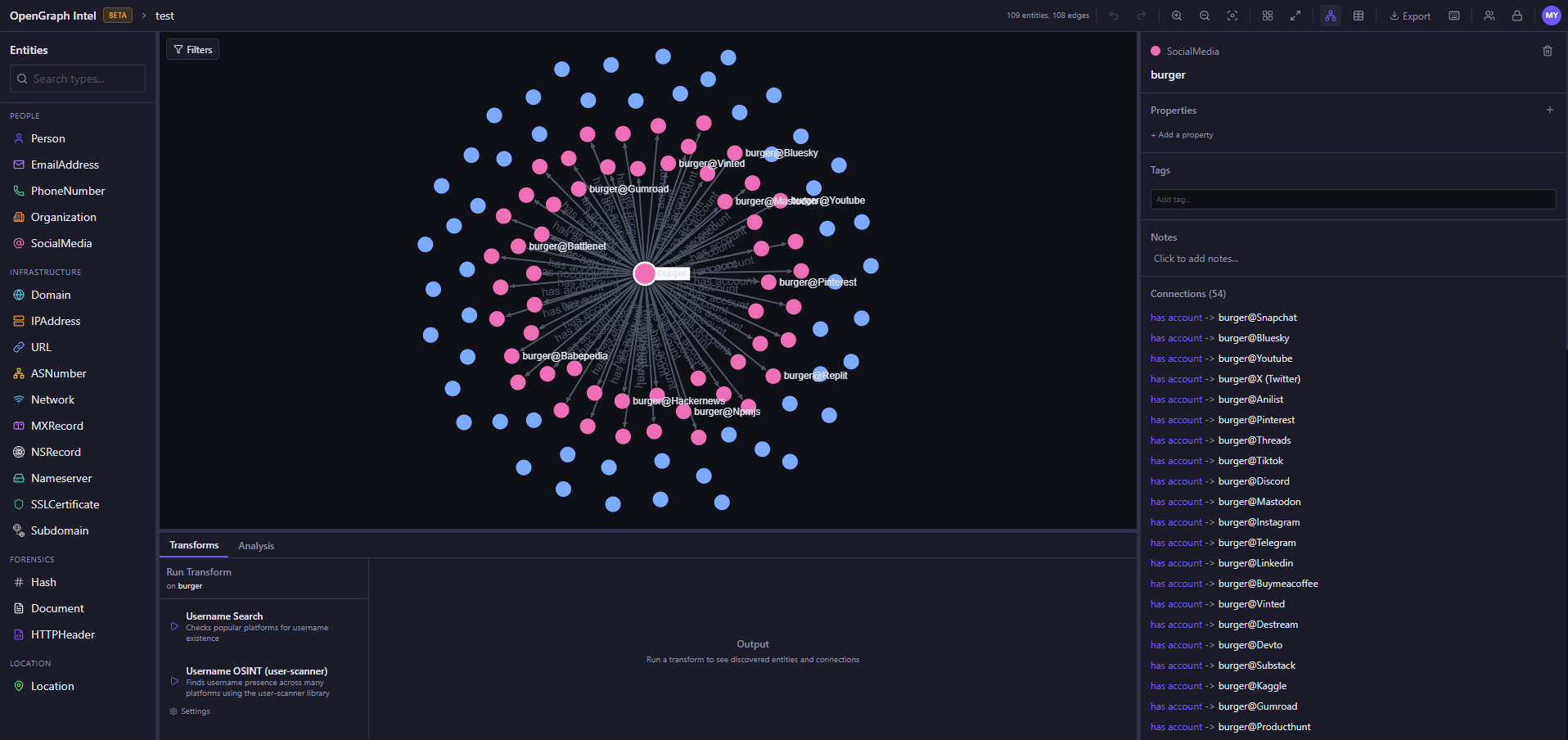 |
| Transform Hub | Export / Import |
|---|---|
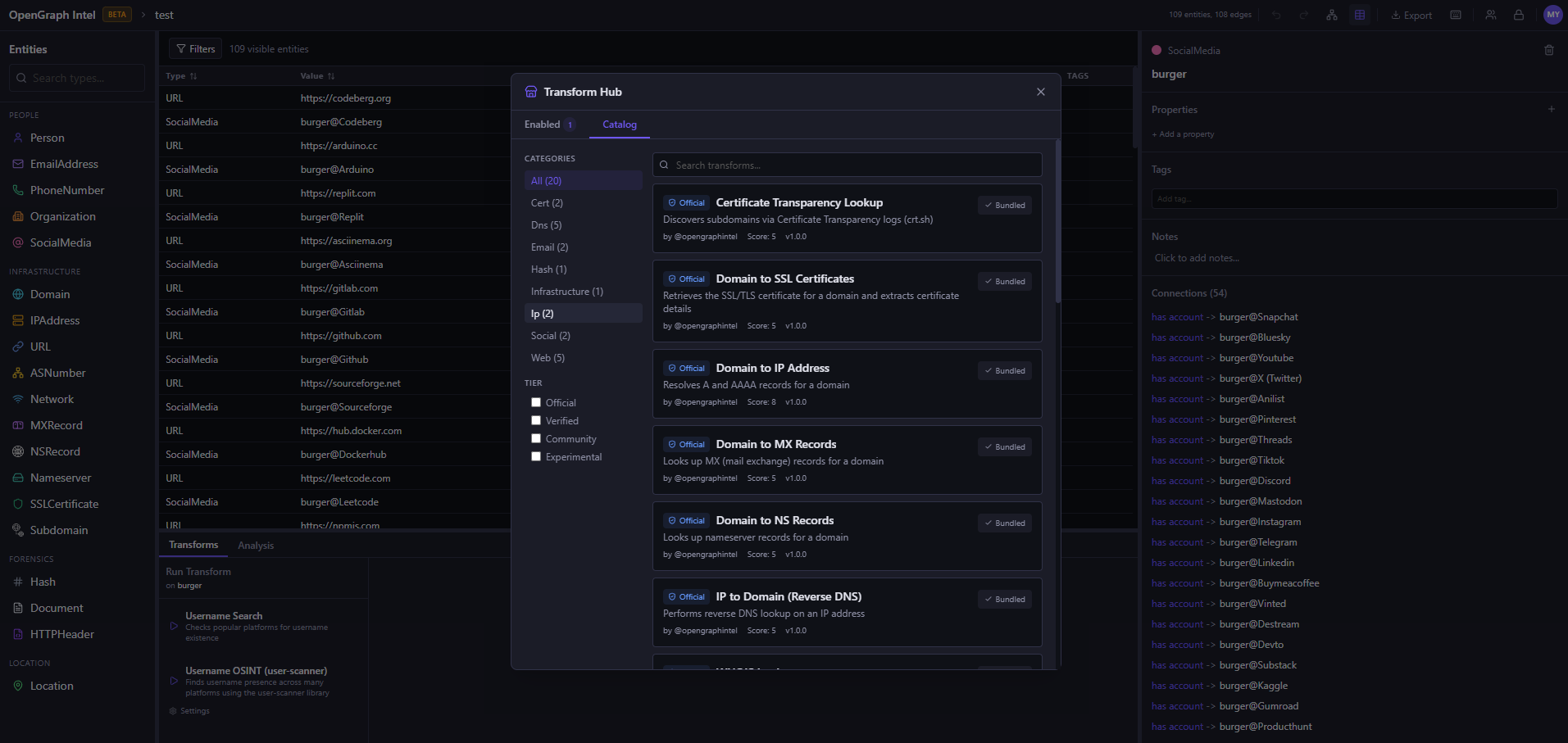 | 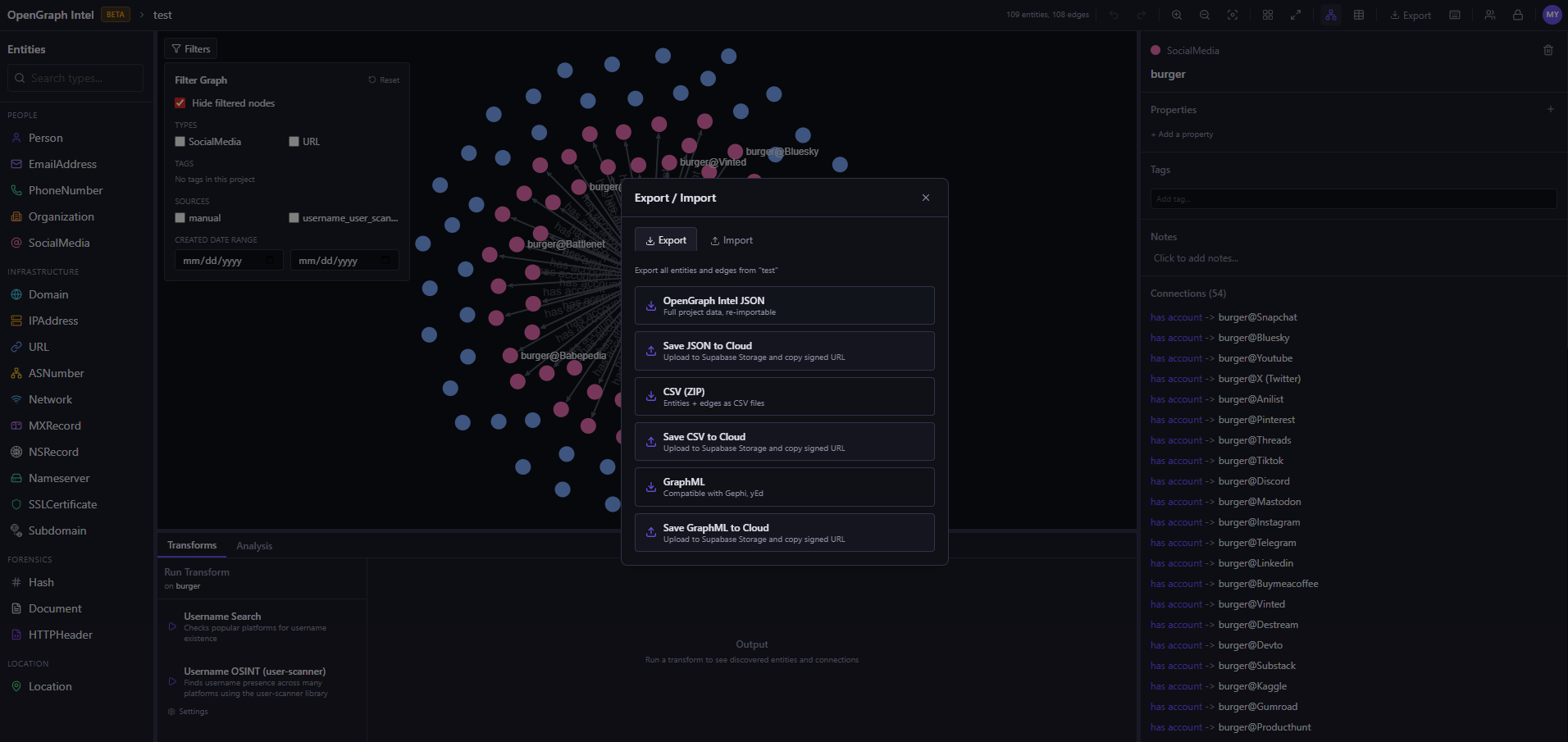 |
| Tool | Version |
|---|---|
| Python | 3.14+ |
| uv | latest |
| Node.js | 20+ |
| pnpm | latest |
cd backend
uv sync
uv run uvicorn ogi.main:app --reload
The API will be available at http://localhost:8000.
For local transform execution, Redis and the transform worker must also be running. Redis alone is not enough.
Start Redis:
docker run -d --name ogi-redis -p 6379:6379 redis:7-alpine
Start the transform worker in a second terminal:
cd backend
uv run python -m ogi.worker.run_worker
If you see Job queue not available or Redis not available, verify that:
OGI_REDIS_URL points to redis://localhost:6379/0 for local host-based runsredis outside Docker ComposeIf you run the backend against PostgreSQL (OGI_USE_SQLITE=false), startup will automatically apply Alembic migrations before serving requests. Docker deployments do the same in the backend container entrypoint.
AI Investigator runs are processed by another separate worker:
cd backend
uv run python -m ogi.agent.run_worker
cd frontend
pnpm install
pnpm dev
Open http://localhost:5173. That's it.
AI Investigator is an optional provider-backed workflow that can plan transform sequences, request approvals, and summarize investigation progress inside the workspace.
AI Investigator tab inside a projectAPI Keysagent-worker process alongside the backendThe current implementation supports per-user provider configuration and a dedicated worker that executes investigation steps independently from the main API server.
Two supported ways to run the CLI:
Recommended (no activation required):
cd backend
uv sync
uv run ogi --help
Activated virtualenv (plain ogi command):
cd backend
uv venv
# PowerShell:
.\.venv\Scripts\Activate.ps1
uv pip install -e .
ogi --help
cp .env.example .env
docker compose up
Use the prebuilt GHCR images.
Important: docker-compose.prod.yml requires an external PostgreSQL database. It does not include a db service.
If you want the all-in-one local Docker stack with built-in Postgres and Redis, use:
docker compose up -d
Use the production compose file only when you already have a reachable PostgreSQL instance and have set OGI_DATABASE_URL accordingly:
docker compose -f docker-compose.prod.yml pull
docker compose -f docker-compose.prod.yml up -d
Set OGI_IMAGE_TAG in .env to pin a specific release image tag (e.g. v0.2.6). Defaults to latest.

New Hetzner users can use the first link to sign up with Hetzner Cloud credits. It is a referral link, so the OGI maintainer may also receive Hetzner Cloud credits if the referral qualifies. After creating a server, use the Docker deployment commands above to run OGI.



