 kennbroorg/iky
OSINT Project. Collect information from a mail. Gather. Profile. Timeline.










Description | Installation | Website | Modules | Issues | Supporting
iKy is an OSINT tool that collects information from an email address or other selectors and displays the results in a visual interface.

git clone https://gitlab.com/kennbroorg/iKy.git
cd iKy
just build
just up
Open your browser at http://localhost:4300
To stop all services:
just down
just upstartsbackend,iky-frontend, andredis. No other services are launched by default.
If you cannot run Docker, iKy can run natively: Caddy serves the pre-built
frontend and Redis + Celery + Uvicorn run as local processes. Requires
redis-server, Python 3.12, curl and tar on the host (Caddy is downloaded
automatically).
just setup          # create the venv
just up-native      # installs deps, downloads Caddy + frontend, starts everything
Open your browser at http://localhost:4300. Stop with Ctrl-C or just down-native.
The frontend is pulled from the latest GitHub release — no Node build needed.
toris not launched in native mode; only thedarkwebmodule needs it.
| Service | Stack | Port |
|---|---|---|
| backend | FastAPI 0.115 + Celery 5.6 | 5000 |
| iky-frontend | Angular 21 + nginx | 4300 |
| redis | Redis 7 | 56379 (host) |
| tor | SOCKS5 proxy (darkweb module) | internal |
iKy routes 26 modules through backend/module_registry.py:
| Category | Modules |
|---|---|
| Social networks | twitter, linkedin, instagram, tiktok, mastodon, twitch, reddit |
| Identity / username | github, gitlab, keybase, sherlock, socialscan, holehe, usersearch, skype |
| Dating / payments | tinder, venmo |
| Music | spotify |
| Reputation / data brokers | peopledatalabs, emailrep, fullcontact |
| Leaks / breaches | leaks, leaklookup, darkweb, hudsonrock |
| Search | search |
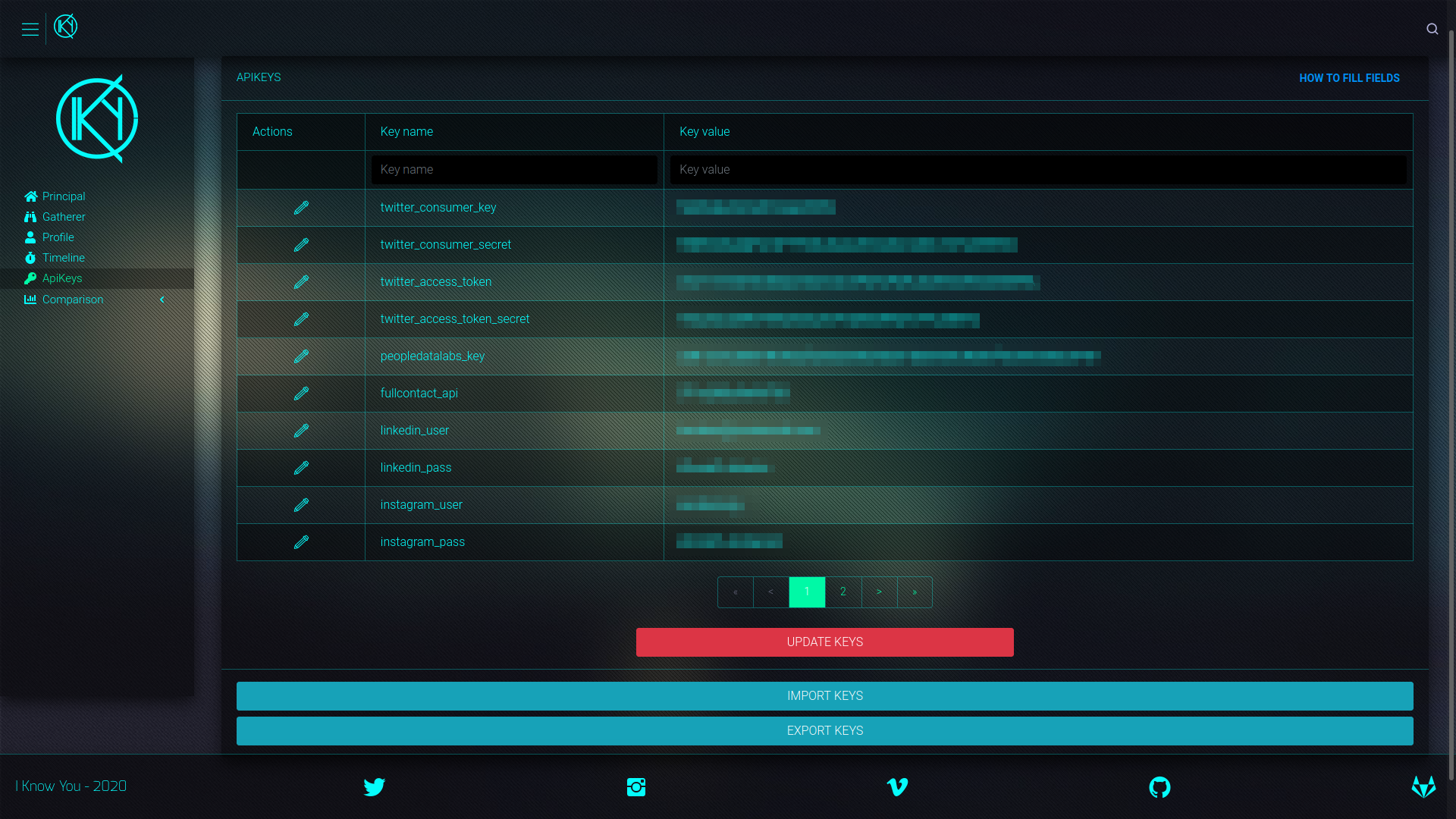
Once the application is loaded in the browser, enter your API keys in the settings panel. Below is the full table of fields from backend/factories/apikeys_default.json:
| Module | Status | Field in apikey | How to obtain |
|---|---|---|---|
| 🆗 🍪 | linkedin_cookies (or legacy linkedin_li_at / linkedin_JSESSIONID) | just cookies-grab linkedin linkedin.com or just cookies-import linkedin <file> | |
| 🆗 🍪 | twitter_cookies | just cookies-grab twitter x.com | |
| TikTok | 🆗 🍪 | tiktok_cookies | just cookies-grab tiktok tiktok.com |
| PeopleDataLabs | 🆗 | peopledatalabs_key | 🆓 Free API — wiki |
| Emailrep | 🆗 | emailrep_key | 🆓 Free API — wiki |
| Leaklookup | 🆗 | leaklookup_key | 🆓 Free API — wiki |
| Spotify | 🆗 | spotify_client_id / spotify_client_secret | 🆓 Free API — wiki |
| Twitch | 🆗 | twitch_client_id / twitch_client_secret | 🆓 Free API — wiki |
| CSE (Google) | 🆗 | cse_api_key / cse_cx | 🆓 Free API — wiki |
| Brave | 🆗 | brave_key | 🆓 Free API |
| ⚠️ | instagram_user / instagram_pass | Under revision | |
| Fullcontact | 🛑 | fullcontact_api | Discontinued |
| HaveIBeenPwned | 🛑 | haveibeenpwned_key | Discontinued |
APIs marked with 🍪 use browser session cookies; the rest use service tokens.
Some modules (LinkedIn, Twitter, TikTok) require session cookies from your browser. Cookies are stored in backend/cookies/ (mounted in the container as /app/cookies) and persist across restarts. There are two ways to load them, both via just.
Cookies are personal session tokens: do not share them or commit them to the repository (
backend/cookies/is git-ignored).
Export the site cookies with an extension such as Cookie-Editor to a JSON file and import it:
just cookies-import linkedin ~/Downloads/linkedin_cookies.json
Extracts cookies directly from your local browser. Close the browser before running (an open browser locks its cookie database):
# Try all installed browsers (firefox, chrome, brave, edge)
just cookies-grab linkedin linkedin.com

# Or a specific one
just cookies-grab linkedin linkedin.com brave
The command reports, browser by browser, what it could read and what it could not, and writes the file only if it finds the cookies the module needs. For example, LinkedIn requires li_at and JSESSIONID.
| Module | Domain | Required cookies |
|---|---|---|
| linkedin.com | li_at, JSESSIONID | |
| x.com | auth_token, ct0 | |
| TikTok | tiktok.com | msToken |
