 josue87/leakedmails
Automated email breach checker using Selenium to query HaveIBeenPwned for leaked credentials, generating CSV reports of compromised accounts.



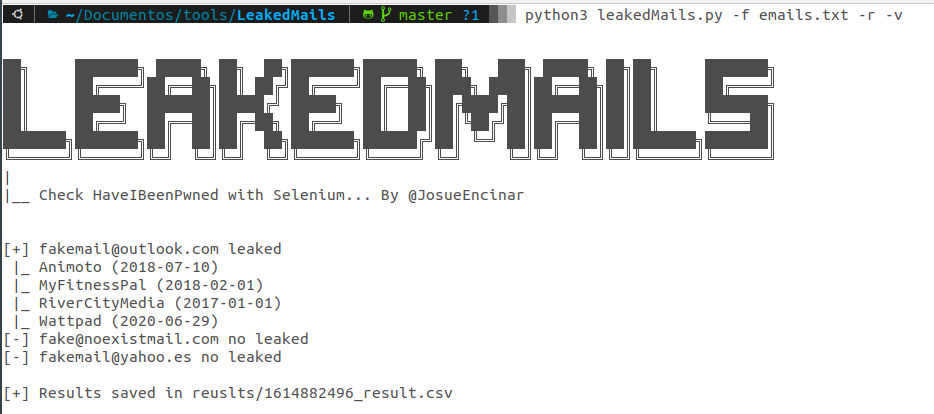
██╗     ███████╗ █████╗ ██╗  ██╗███████╗██████╗ ███╗   ███╗ █████╗ ██╗██╗     ███████╗
██║     ██╔════╝██╔══██╗██║ ██╔╝██╔════╝██╔══██╗████╗ ████║██╔══██╗██║██║     ██╔════╝
██║     █████╗  ███████║█████╔╝ █████╗  ██║  ██║██╔████╔██║███████║██║██║     ███████╗
██║     ██╔══╝  ██╔══██║██╔═██╗ ██╔══╝  ██║  ██║██║╚██╔╝██║██╔══██║██║██║     ╚════██║
███████╗███████╗██║  ██║██║  ██╗███████╗██████╔╝██║ ╚═╝ ██║██║  ██║██║███████╗███████║
╚══════╝╚══════╝╚═╝  ╚═╝╚═╝  ╚═╝╚══════╝╚═════╝ ╚═╝     ╚═╝╚═╝  ╚═╝╚═╝╚══════╝╚══════╝
|
|__ Check HaveIBeenPwned with Selenium... By @JosueEncinar
Manually searching for leaks of an email in HaveIBeenPwned is easy and fast, but when we want to do tens or hundreds of checks the work is tedious, so I have developed this small script to automate the search of a list of emails. This script makes use of Selenium to make the requests.
> pip3 install -r requirements.txt
> python3 leakedMails.py -f our_file_with_emails [-v] [-r]
We launch the tool:
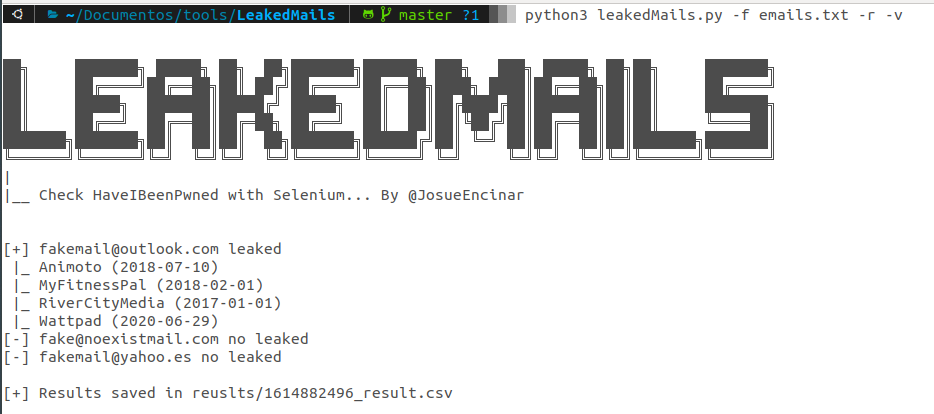
python3 leakedMails.py -f emails.txt -r -v
File emails.txt has the following contents:
[email protected]
[email protected]
[email protected]
The -v parameter indicates to display results without leaks. And the -r parameter is used to generate a file with the leaked emails. The execution shows us the following result in the terminal:
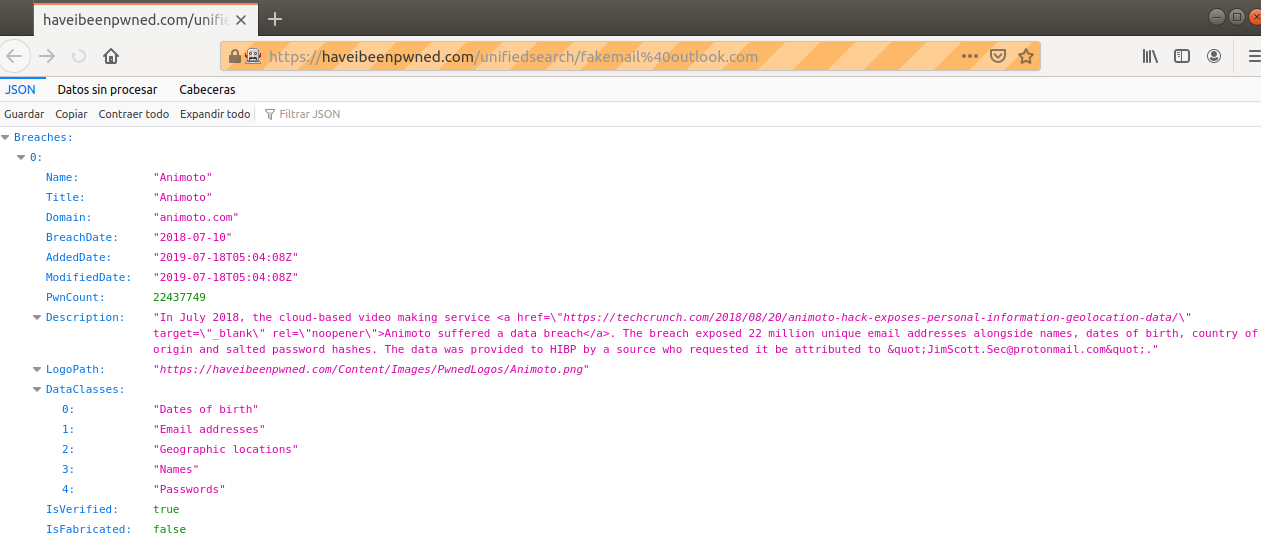
In the process, Firefox will be executed thanks to Selenium, and you will see something like the following screenshot:
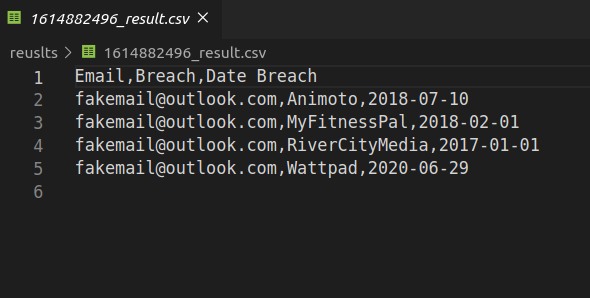
The report is a .csv file containing 3 columns (email, name and date of the breach where found).
This project has been developed by:
This tool is a PoC. If you use the service on a regular basis, I recommend paying for its API. The services have to be maintained.
