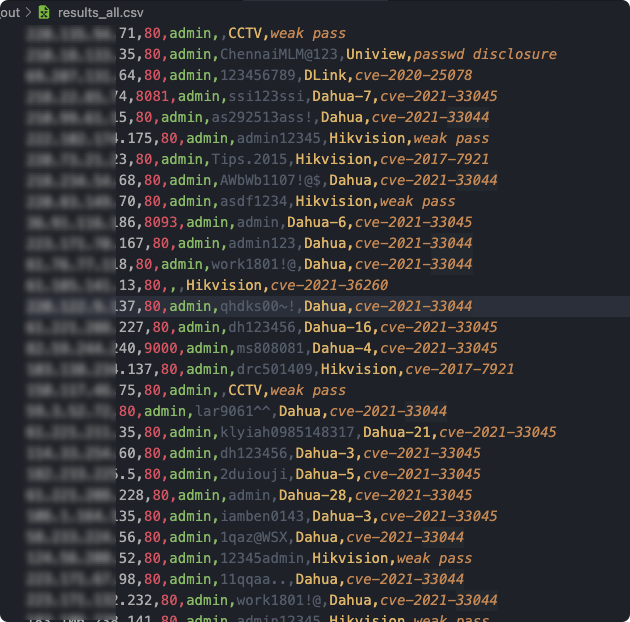
 jorhelp/ingram
网络摄像头漏洞扫描工具 | Webcam vulnerability scanning tool








English | 简体中文
This is a web camera device vulnerability scanning tool, which already supports Hikvision, Dahua and other devices
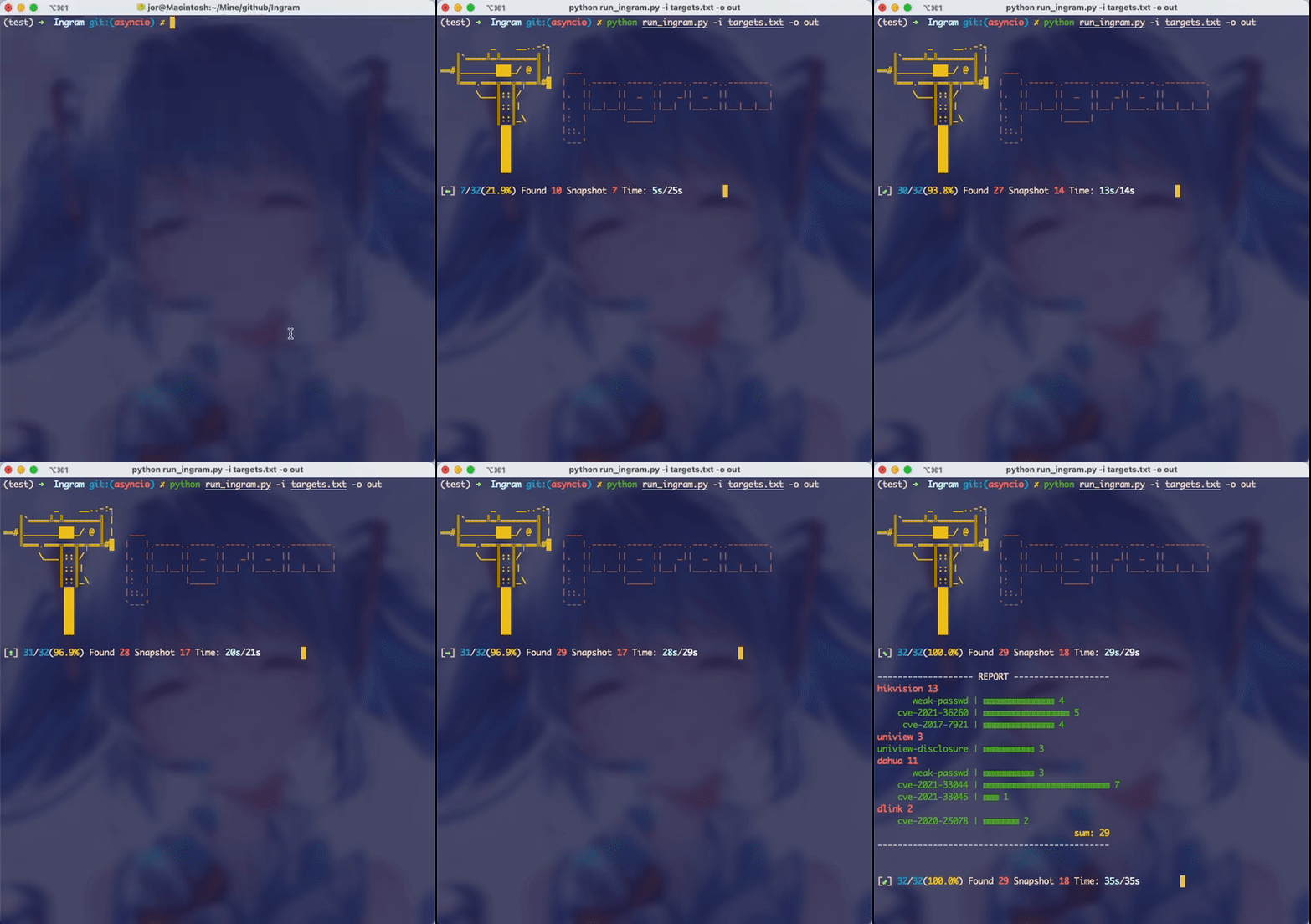
Please run it under Linux or Mac. Please make sure you have installed Python >= 3.8, but 3.11 is not recommended.
git clone https://github.com/jorhelp/Ingram.git
cd Ingram
pip3 install virtualenv
python3 -m virtualenv venv
source venv/bin/activate
pip3 install -r requirements.txt
So far, it has been installed!
Since it is configured in a virtual environment, pls activate the virtual environment before each running
You need to prepare an target file, let's name it input, which contains the targets that will be scanned. The content of input file can be:
# use '#' to comment

# single ip
192.168.0.1

# ip with a port
192.168.0.2:80

# ip segment ('/')
192.168.0.0/16

# ip segment ('-')
192.168.0.0-192.168.255.255
input file, let's start scanning:python3 run_ingram.py -i input -o output
x.x.x.x:80, then the port 80 will be scanned, otherwise common ports will be scanned(defined in Ingram/config.py). And you can also override it with the -p argument such as:python3 run_ingram.py -i input -o output -p 80 81 8000
-t argument:python3 run_ingram.py -i input -o output -t 500
optional arguments:
  -h, --help            show this help message and exit
  -i IN_FILE, --in_file IN_FILE
                        the targets will be scan
  -o OUT_DIR, --out_dir OUT_DIR
                        the dir where results will be saved
  -p PORTS [PORTS ...], --ports PORTS [PORTS ...]
                        the port(s) to detect
  -t TH_NUM, --th_num TH_NUM
                        the processes num
  -T TIMEOUT, --timeout TIMEOUT
                        requests timeout
  -D, --disable_snapshot
                        disable snapshot
  --debug
We can use powerful port scanner to obtain active hosts, thereby reducing the scanning range of Ingram and improving the running speed. The specific method is to organize the result file of the port scanner into the format of ip:port and use it as the input file of Ingram
Here is a brief demonstration of masscan as an example (the detailed usage of masscan will not be repeated here).
First, use masscan to scan the surviving host on port 80 or 8000-8008 (you sure can change the port anything else if you want): masscan -p80,8000-8008 -iL INPUT -oL OUTPUT --rate 8000
After masscan is done, sort out the result file: grep 'open' OUTPUT | awk '{printf"%s:%s\n", $4, $3}' > input
Then: python run_ingram.py -i input -o output
.
├── not_vulnerable.csv
├── results.csv
├── snapshots
└── log.txt
results.csv contains the vulnerable devices: ip,port,device-type,user,password,vul: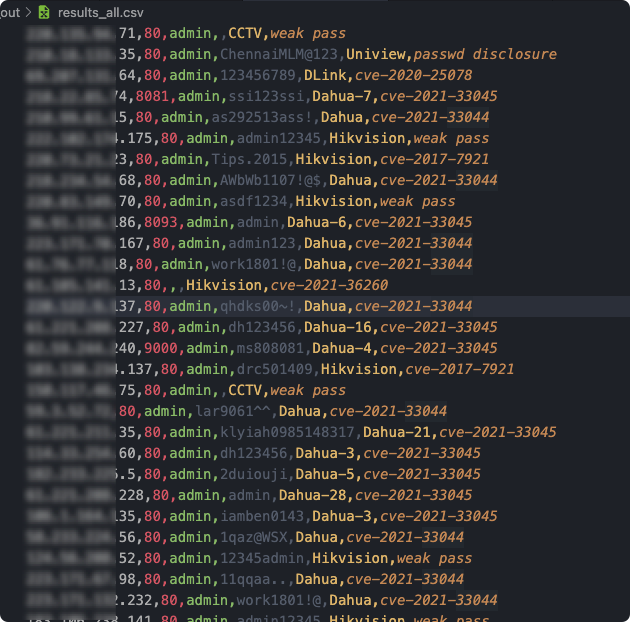
not_vulnerable.csv contains the not vulnerable devices
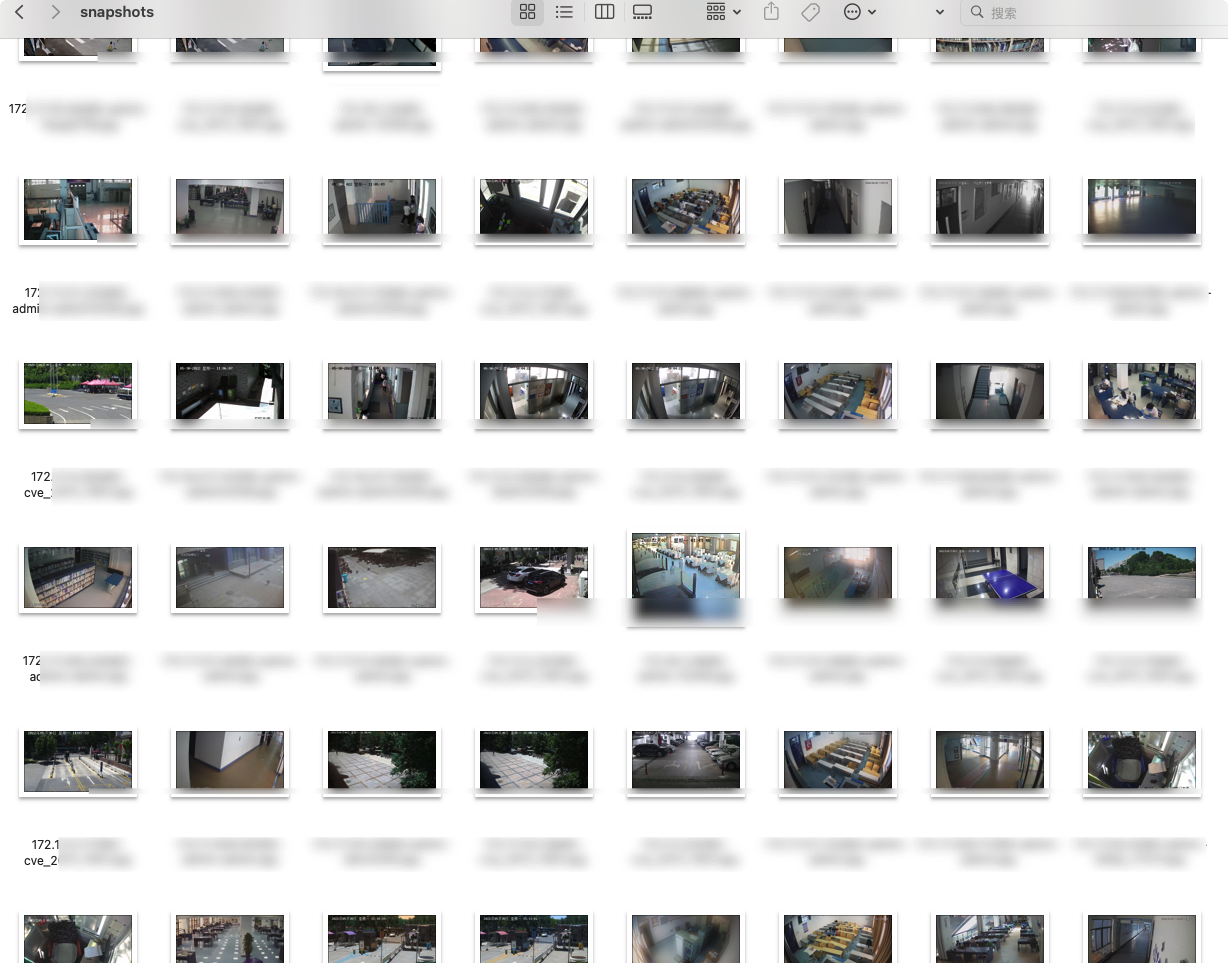
snapshots contains some snapshots of a part of devices (not all device can have a snapshot!!!):
This tool is for security testing only, it is strictly prohibited to use it for illegal purposes, and the consequences have nothing to do with this team.
Thanks to Aiminsun for CVE-2021-36260
Thanks to chrisjd20 for hidvision config file decryptor
Thanks to mcw0 for DahuaConsole
