 joelgmsec/invoke-transfer
PowerShell tool for transferring files in restricted environments (Citrix, RDP, VNC, Guacamole) via clipboard, Base64 chunks, keystrokes, or OCR screenshot reading.

Invoke-Transfer is a PowerShell tool that helps you to send files in highly restricted environments such as Citrix, RDP, VNC or Guacamole. You can send files in text format, in small Base64 encoded chunks or in plaintext. Additionally, you can recieve files from a screenshot, using the native OCR function of Microsoft Windows.
Download the repository:
git clone https://github.com/JoelGMSec/Invoke-Transfer
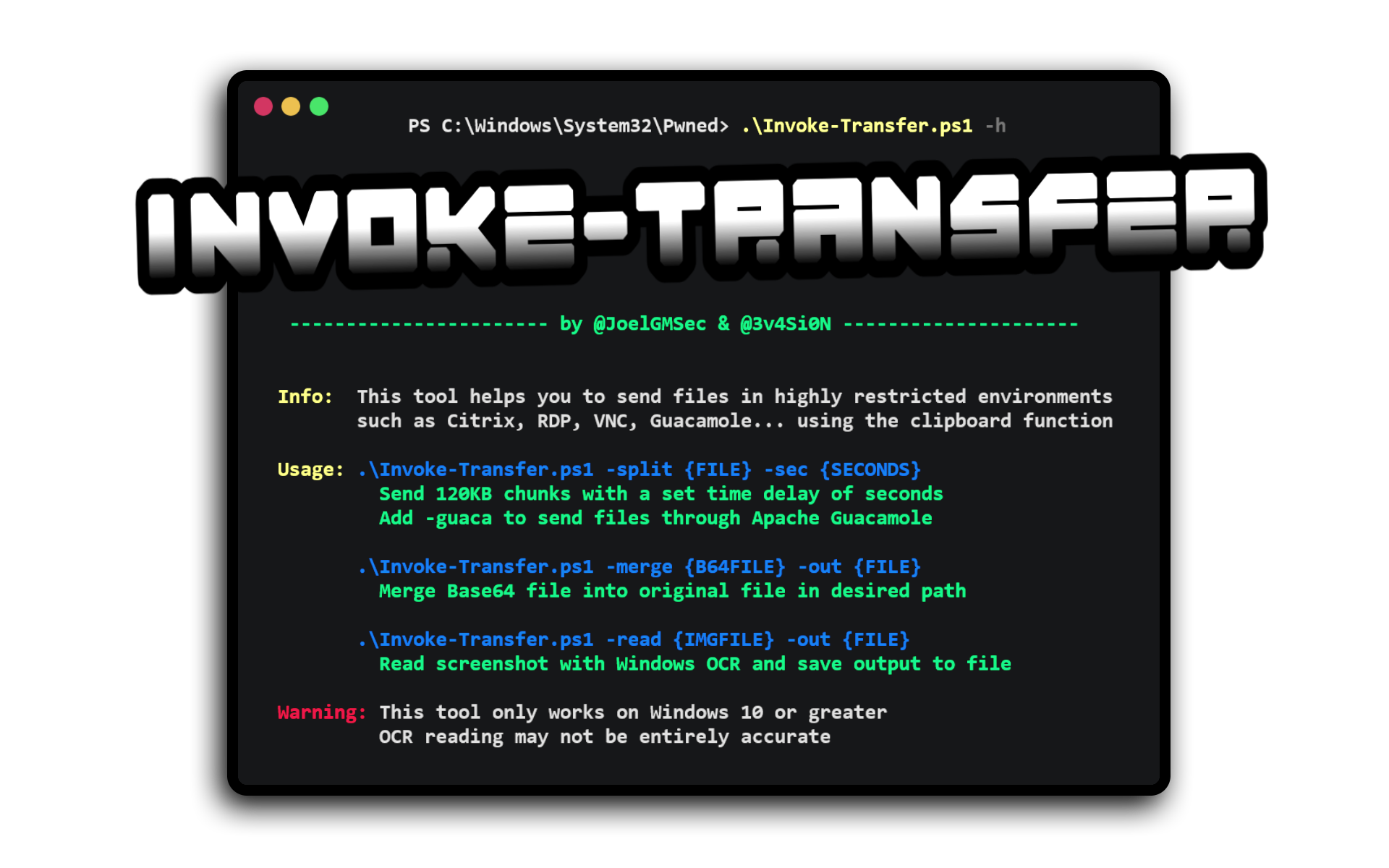
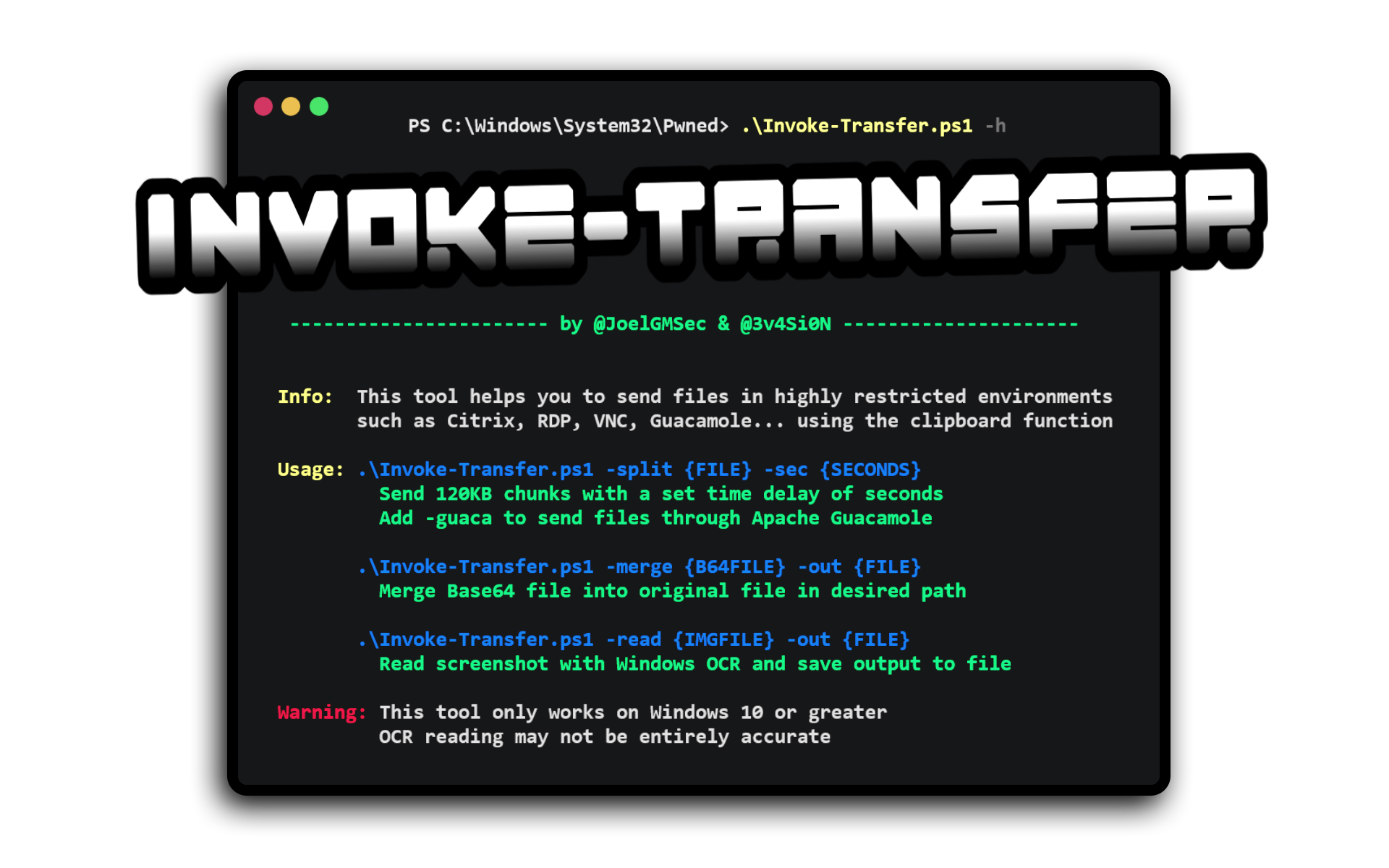
.\Invoke-Transfer.ps1 -h

  ___                 _           _____                     __
 |_ _|_ __ _   __ __ | | __ __   |_   _| __ __ _ _ __  ___ / _| ___ _ __
  | || '_ \ \ / / _ \| |/ / _ \____| || '__/ _' | '_ \/ __| |_ / _ \ '__|
  | || | | \ V / (_) |   <  __/____| || | | (_| | | | \__ \  _|  __/ |
 |___|_| |_|\_/ \___/|_|\_\___|    |_||_|  \__,_|_| |_|___/_|  \___|_|

  ----------------------- by @JoelGMSec & @3v4Si0N ---------------------


 Info:  This tool helps you to send files in highly restricted environments
        such as Citrix, RDP, VNC, Guacamole.. using clipboard or keystrokes

 Usage: .\Invoke-Transfer.ps1 -split {FILE} -sec {SECONDS}
          Send 120KB chunks with a set time delay of seconds
          Add -guaca to send files through Apache Guacamole

        .\Invoke-Transfer.ps1 -plain {FILE or TEXT} -sec {SECONDS}
          Send raw keystrokes with a set time delay of seconds
          Add -pikvm {PiKVM_IP} to send files through PiKVM

        .\Invoke-Transfer.ps1 -merge {B64FILE} -out {FILE}
          Merge Base64 file into original file in desired path

        .\Invoke-Transfer.ps1 -read {IMGFILE} -out {FILE}
          Read screenshot with Windows OCR and save output to file

 Warning: This tool only works on Windows 10 or greater
          OCR reading may not be entirely accurate
Available Parameters:
-split → Split file into chunks for clipboard transfer-plain → Send raw keystrokes with custom time delays-pikvm → Send raw keystrokes to PiKVM compatible device-guaca → Enable Apache Guacamole compatibility mode-sec → Set time delay between chunks/keystrokes in seconds-merge → Merge Base64 chunks back into original file-read → Use native OCR to read text from screenshot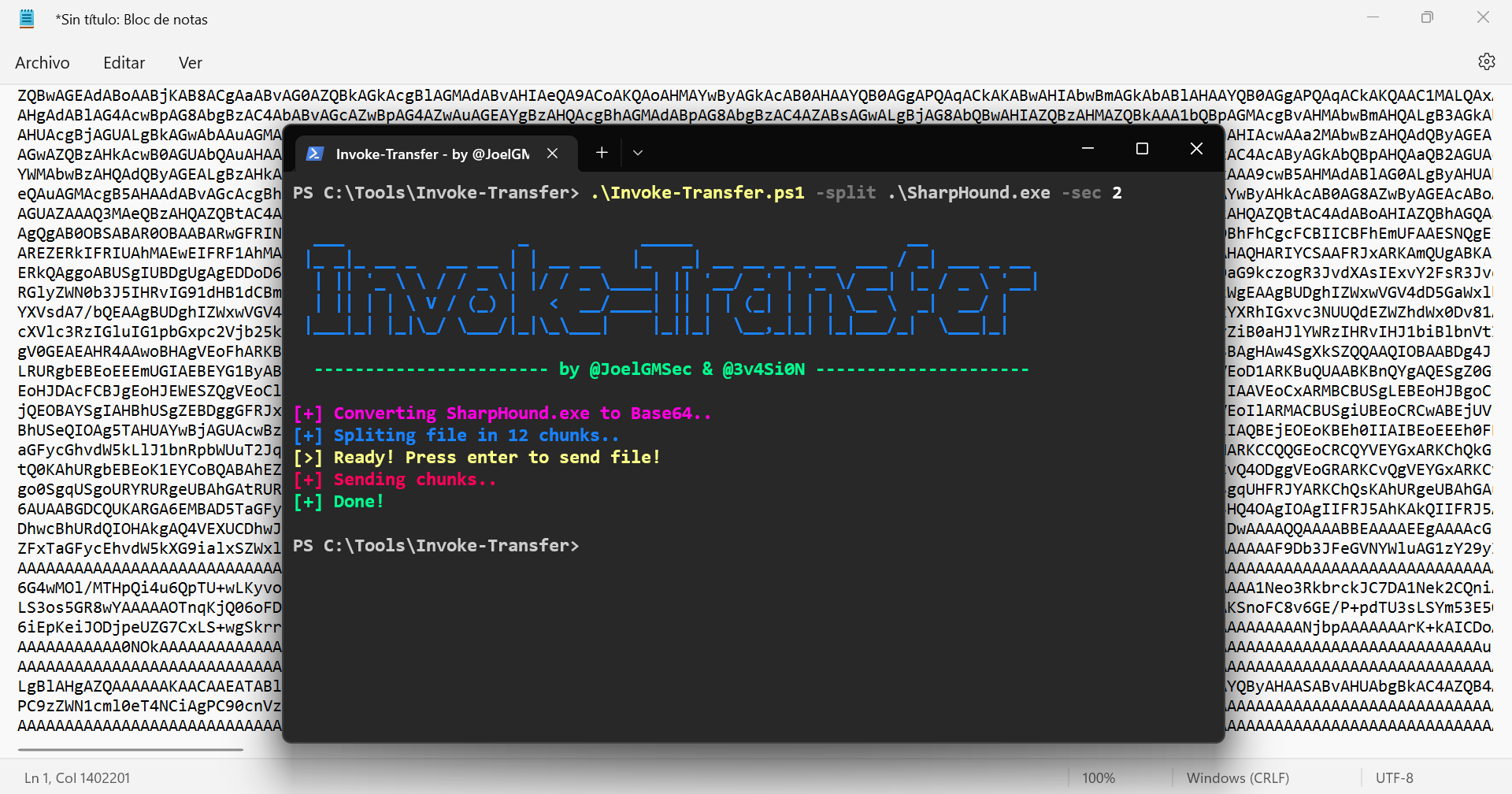
The detailed guide of use can be found at the following link:
https://darkbyte.net/transfiriendo-ficheros-en-entornos-restringidos-con-invoke-transfer
This project is licensed under the GNU GPL-3.0 license - See the LICENSE file for more details.
This tool has been created and designed from scratch by Joel Gámez Molina (@JoelGMSec) and Héctor de Armas Padrón (@3v4si0n).
Other ways to contact me on my blog darkbyte.net
This software comes with no warranty, exclusively for educational purposes and authorized security audits.
The author is not responsible for any misuse or damage caused by this software.
Support our work by buying us a coffee: