 jenderal92/open-redirect-finder
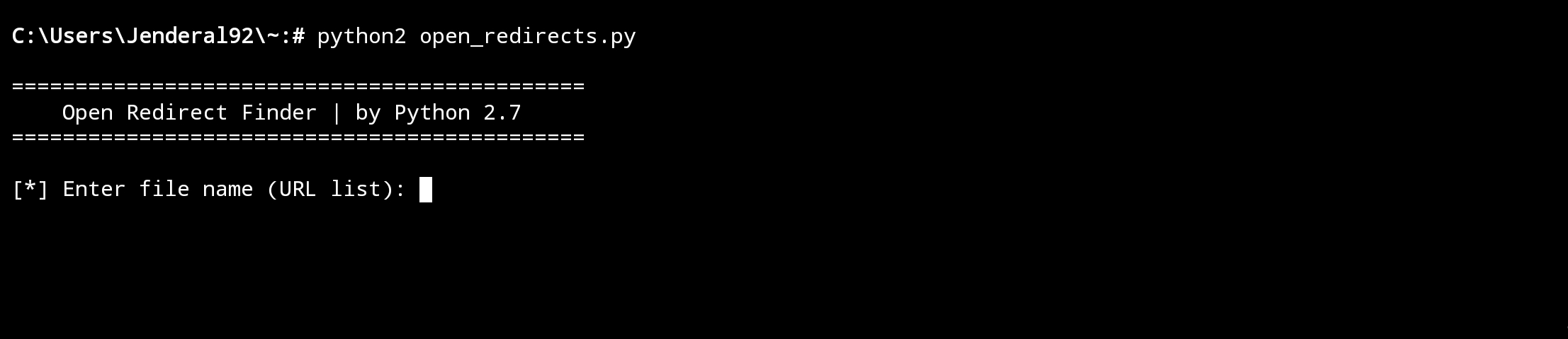
Open Redirect Finder is an automation tool used to detect open redirect vulnerabilities on a URL.

Open Redirect Finder is an automation tool used to detect open redirect vulnerabilities on a URL.
Payload Options:
custom.txt file.Download and Install Python
Ensure Python 2.7 is installed on your system. You can download it from the official Python website: https://www.python.org.
Install Required Module
Run the following command to install the requests library:
pip install requests
Prepare the Target URL File
Prepare a text file containing a list of target URLs (e.g., urls.txt). Each URL should be on a separate line.
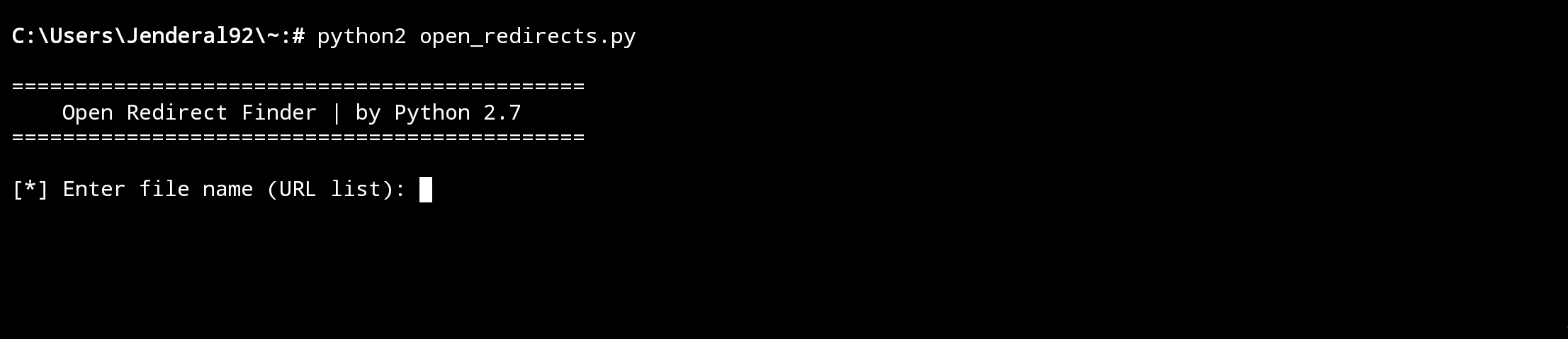
Select Payload Option
Choose the payload option you would like to use:
Option 1: Use the default payload that is already provided by the tool.
Option 2: Use a custom payload that you create, such as from the custom.txt file.
Option 3: Combine the default and custom payloads for a more comprehensive test.
Follow the Results
After selecting the payload and starting the test, follow the results displayed in the terminal. If an open redirect vulnerability is found, the vulnerable URL will be shown along with the payload used to discover it.
Save the Test Results
The test results will be saved in the results.txt file. This file contains a list of vulnerable URLs along with the payload used to exploit the open redirect vulnerability.
I have written the disclaimer on the cover of Jenderal92. You can check it HERE !!!
