git-scan
This tool is designed to scan and identify whether a website has an exposed ".git" directory, which may contain sensitive information such as source code or Git configuration files.
Features
- Massively scans URLs to find out if the ".git/HEAD" directory is available on the website.
- Uses Python libraries such as "requests" to send HTTP requests and check the responses.
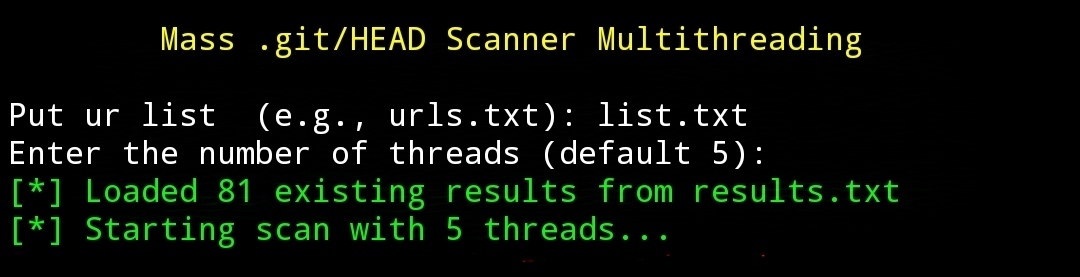
- Supports multithreading to speed up the scanning process across multiple sites simultaneously.
- Displays scan results with statuses: found (200 OK), forbidden (403 Forbidden), or not found (404 Not Found).
- Handles network errors like timeouts or connection failures with safe retry logic.
- The found results are directly saved to a result file ("results.txt") without overwriting previous results.
- Duplicate results are avoided, ensuring that the same URL is not saved more than once.
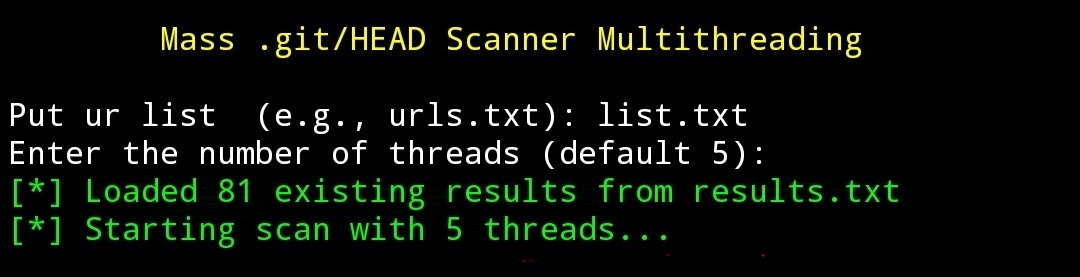
- Allows users to resume scanning without losing previous results if the script is run again.
Buy Coffee :
- Bitcoin $: 14nXhmRiQx5joCXFTdR8ydm3T8et7MFDXC
How To Run?
- Download and install Python from the official Python website: https://www.python.org.
- Install the required modules using the command:
pip install requests.
- Run the script with:
python file.py.
- Provide a list of sites (e.g., url.txt) as input.
Disclaimer !!!
I have written the disclaimer on the cover of Jenderal92. You can check it HERE !!!
 jenderal92/git-scan
