
Skip to content
KitploitKITPLOIT
ToolsBlog
Submit
ToolsBlog
Submit

Hacking, PenTest, and Cybersecurity Tools for Your Security Arsenal!

Kitploit is a directory of hacking, cybersecurity, and pentesting tools. Discover the latest project updates to find vulnerabilities, analyze systems, automate testing, and strengthen your security.

··Feeds·Contact·Privacy·© 2026 Kitploit

Tool Directory

Categories

View all categories
Loading categories
fuxi — Cross-platform penetration testing platform with Docker support, web-based interface, and API for automated vulnerability scanning and security assessment. | Kitploit
Tools/GitHubGitHub/jeffzh3ng/fuxi
Vulnerability ScannersInformation GatheringWeb SecurityPenetration Testing
GitHubjeffzh3ng/fuxi

fuxi

Cross-platform penetration testing platform with Docker support, web-based interface, and API for automated vulnerability scanning and security assessment.


View Repository
1.3k3686 years agoReviewed by Kitploit

Most Popular

View all →

Discover the most used tools by our community.

Explore all tools

Browse our collection of tools

View all tools →
Share

Fuxi 2.1 - developing

Version Python GitHub license GitHub stars Fork

Fuxi is cross-platform compatible and works in any Python 3.x environment including Linux, Mac OSX and Windows.

Getting Started

Docker

root@kitploit:~
docker pull jeffzh3ng/fuxi
docker run -itd --name fuxi_docker -p 5000:50020 jeffzh3ng/fuxi:latest
Wait about 15 seconds for the service to start, then visit: http://127.0.0.1:5000
  • Default username: fuxi
  • Default password: whoami
  • Application restart: docker restart fuxi_docker

How to persist data

root@kitploit:~
docker run -itd --name fuxi_docker -p 5000:50020 -v /your_volume/fuxi:/data jeffzh3ng/fuxi:latest

The data and logs will be saved to /your_volume/fuxi

Installation

Dependency: Linux python3.x redis mongoDB

Get the project:

root@kitploit:~
git clone https://github.com/jeffzh3ng/fuxi.git
cd fuxi
pip install -r requirements.txt

Creating configuration file:

root@kitploit:~
cd instance/
cp _config.py config.py
vi config.py

Begin using fuxi

root@kitploit:~
chmod +x fuxi_manage.sh
./fuxi_manage.sh
  • Default username: fuxi
  • Default password: whoami

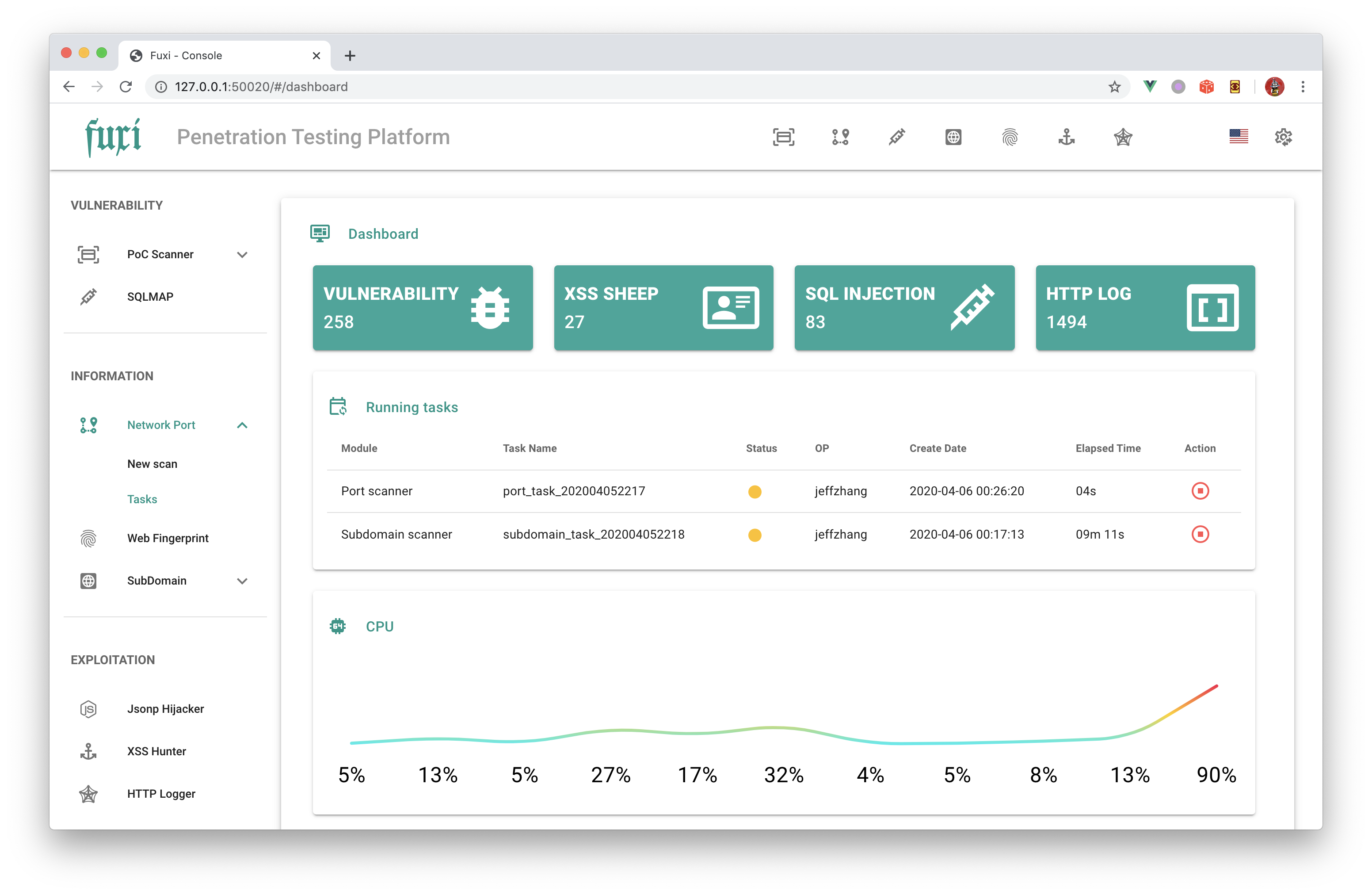
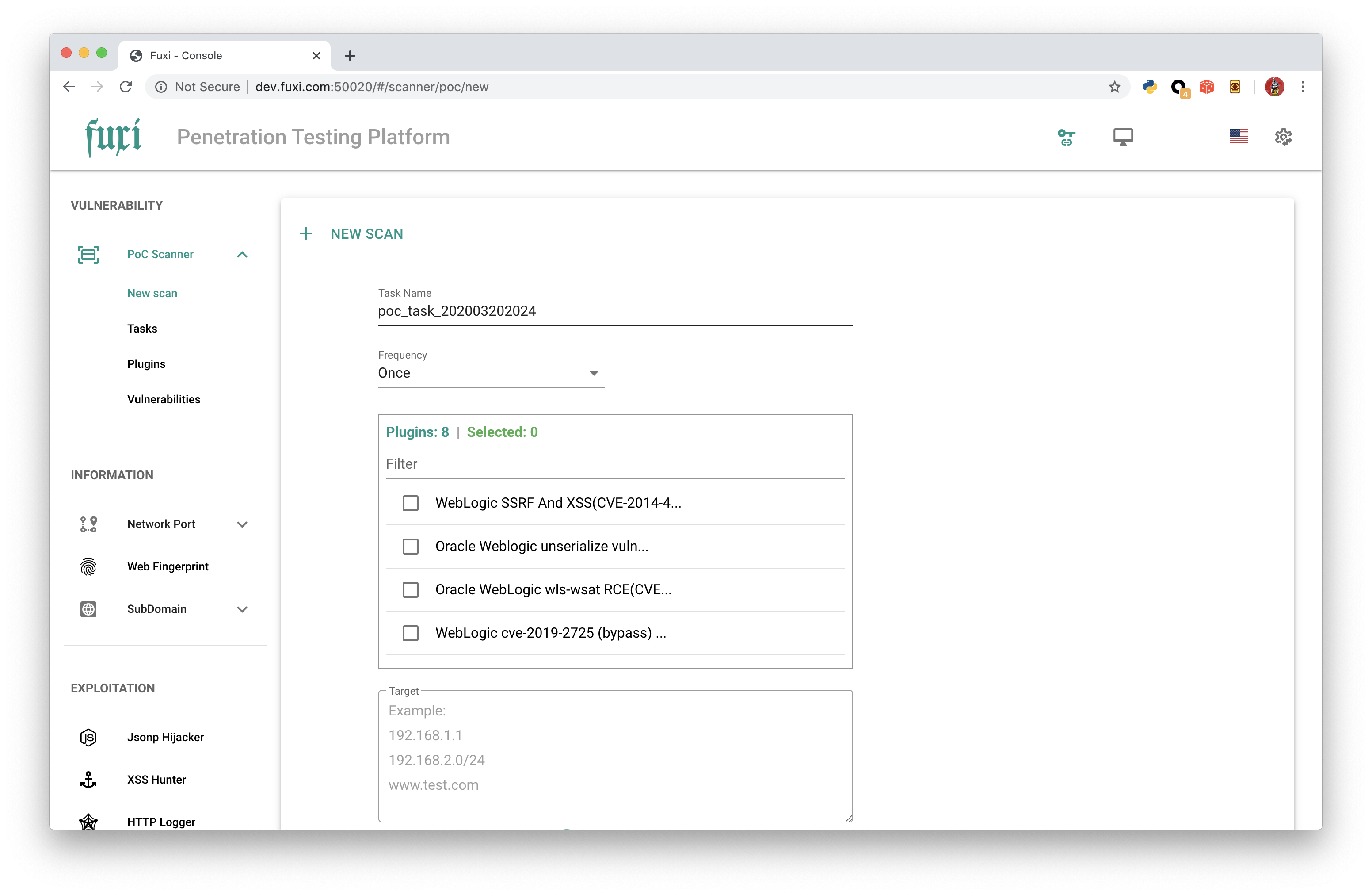
demo_1 demo_1

Docs

API Document

Issues

  Github:   New issue
  E-Mail:   [email protected]
  Telegram:   https://t.me/jeffzh3ng
  WeChat:   QR Code

Feel free to contact me if you have any questions or suggestions.

Download Tool