 jangelesg/py3webfuzz
A Python3 module to assist in fuzzing web applications


Python3 Module Compatible

Based on pywebfuzz, Py3webfuzz is a Python3 module to assist in the identification of vulnerabilities in web applications, Web Services through brute force, fuzzing and analysis. The module does this by providing common testing values, generators and other utilities that would be helpful when fuzzing web applications, API endpoints and developing web exploits.
py3webfuzz has the fuzzdb and some other miscellaneous sources implemented in Python classes, methods and functions for ease of use. fuzzdb project is just a collection of values for testing. The point is to provide a pretty good selection of values from fuzzdb project and some others sources, cleaned up and available through Python3 classes, methods and namespaces. This makes it easier and handy when the time comes up to use these values in your own exploits and PoC.
Effort was made to match the names up similarly to the folders and values from the latest fuzzdb project. This effort can sometimes make for some ugly looking namespaces. This balance was struck so that familiarity with the fuzzdb project would cross over into the Python code. The exceptions come in with the replacement of hyphens with underscores.
Installation can be done in a couple of ways. If you want use virtual environment
http://pypi.python.org/pypi/setuptools
$ git clone https://github.com/jangelesg/py3webfuzz.git
$ cd py3webfuzz/
You can run the supplied setup.py with the install command
$ python setup.py install
You can also use easy_install if that's what you do to manage your installed packages
$ easy_install py3webfuzz_VERSION.tar.gz
You can also point to the location where the tar.gz lives on the web
$ easy_install URL_package
You should be able to go.
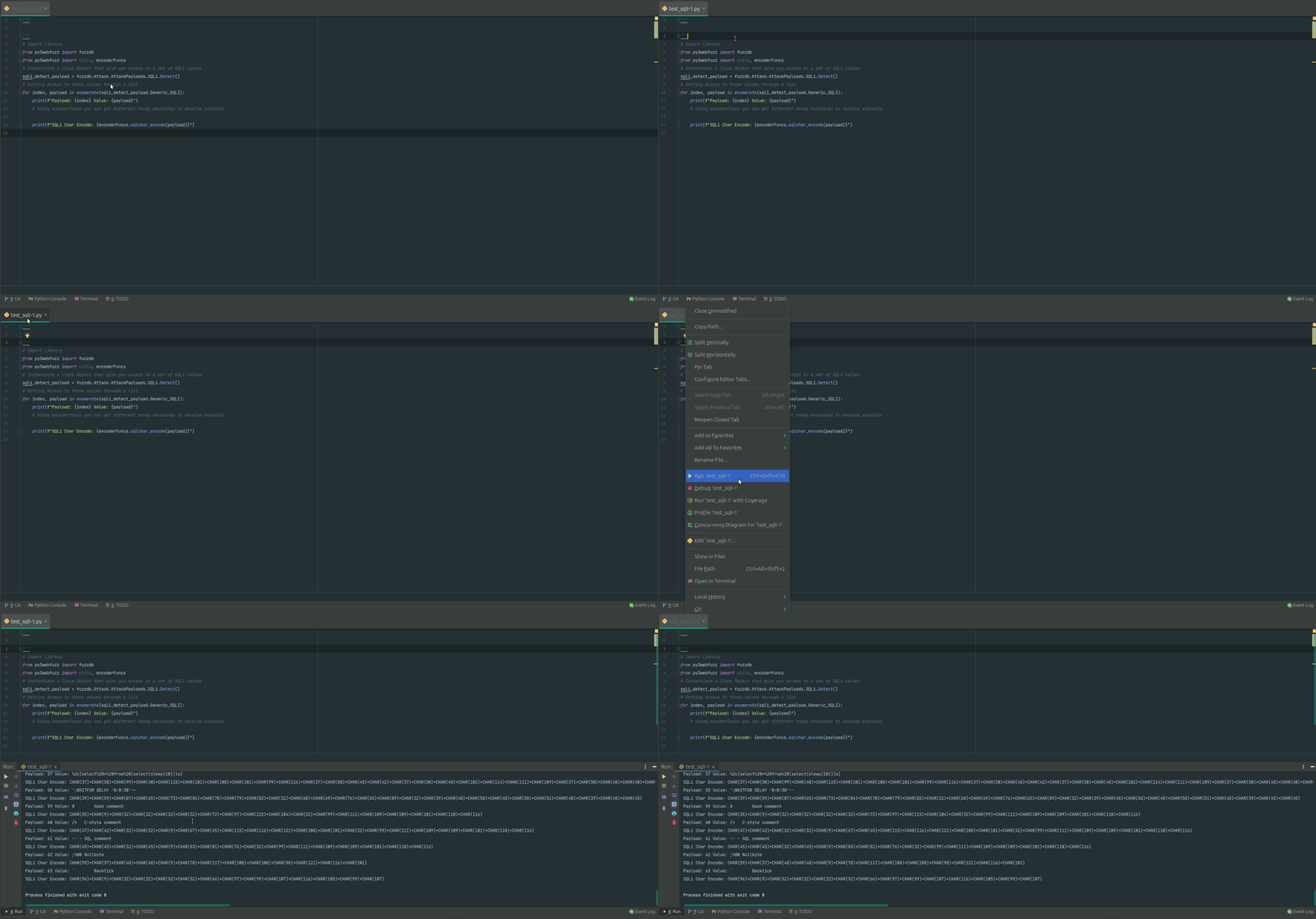
# Accessing SQLi values and encode them for further use
# Import Library
from py3webfuzz import fuzzdb
from py3webfuzz import utils, encoderFuncs
# Instantiate a Class Object that give you access to a set of SQLi values
sqli_detect_payload = fuzzdb.Attack.AttackPayloads.SQLi.Detect()
# Getting Access to those values through a list
for index, payload in enumerate(sqli_detect_payload.Generic_SQLI):
    print(f"Payload: {index} Value: {payload}")
    # Using encoderFuncs you can get different handy encodings to develop exploits
    print(f"SQLi Char Encode: {encoderFuncs.sqlchar_encode(payload)}")
# Send HTTP request to your target
# Import Library
from py3webfuzz import utils
# Custome your target and Headers
location = "http://127.0.0.1:8080/WebGoat/start.mvc#lesson/WebGoatIntroduction.lesson"
    headers = {"Host": "ssl.scroogle.org", "User-Agent": \
               "Mozilla/4.0 (compatible; MSIE 4.01; AOL 4.0; Mac_68K)",
               "Content-Type": "application/x-www-form-urlencoded"}
# at this point you have a dic object with all the elements for your pentest
# "headers": response.headers, "content": response.content, "status_code": response.status_code,
# 'json': response.json, "text": response.text, "time": f"Total in seconds: {time}"
res = utils.make_request(location, headers=headers, method="get")
# print the response
print(res)
FUTURE
