 jamesstringer90/appsandbox
Easily create full virtual machines that are sandboxed for development or computer use models.

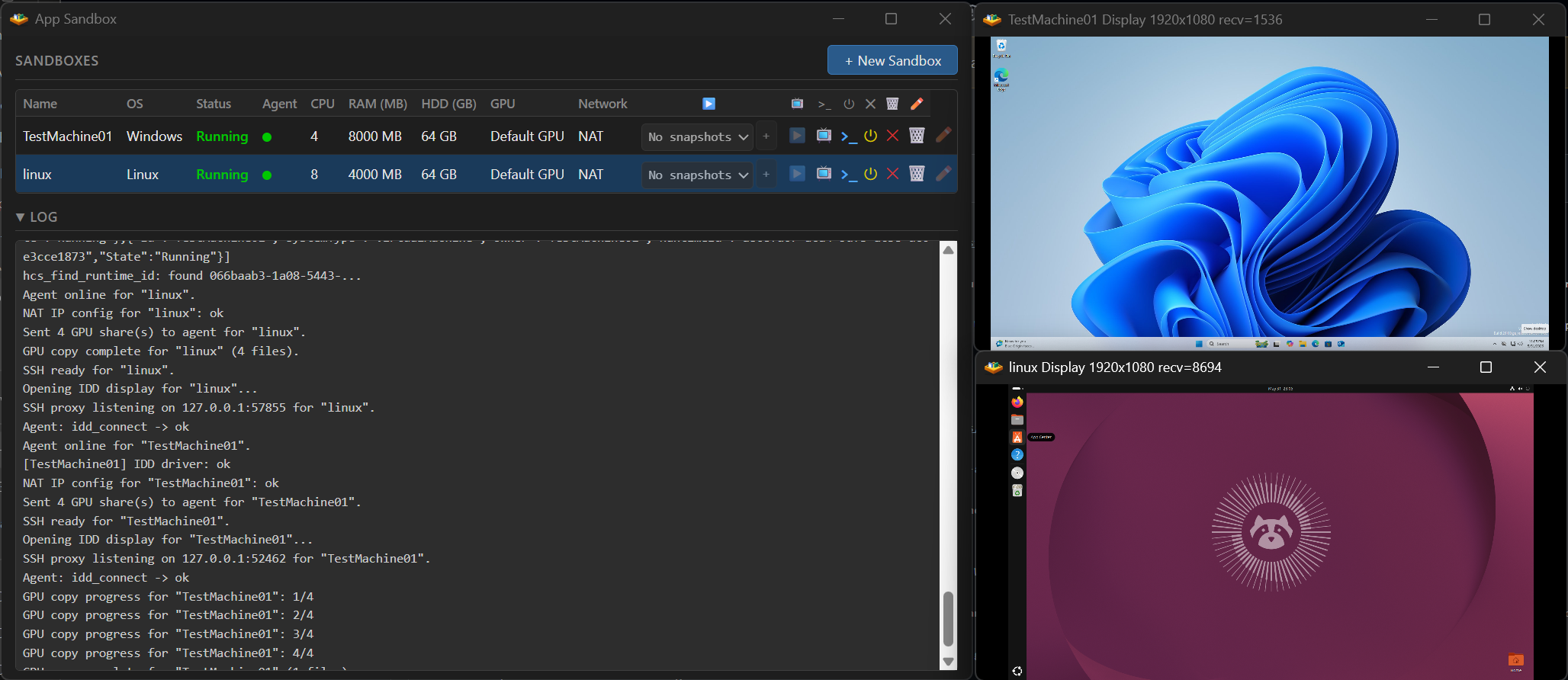
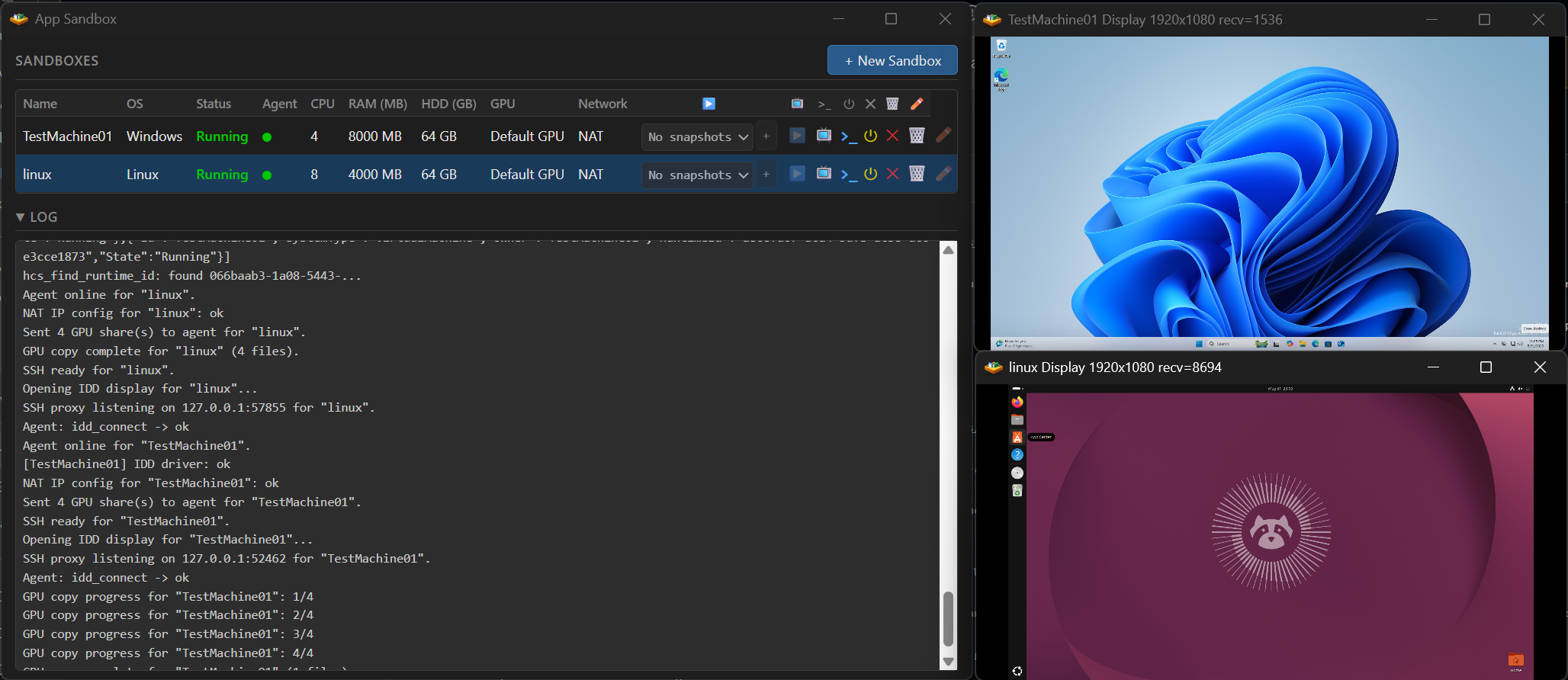
App Sandbox is a virtual machine app for Windows and macOS that's focused on performance and ease of use.
Windows features:
asb.py) for creating and driving GPU-accelerated VMs programmaticallyMac features:
asb.py) as on Windows, for driving macOS and Windows 11 VMs programmaticallyRequirements: Windows 11 with an x64 Processor or macOS Tahoe (M Series)
App Sandbox creates and runs full desktop virtual machines — Windows 11, Ubuntu, and
macOS. It is free and open-source (MIT), distributed as prebuilt binaries (EV-signed on
Windows, Apple-Developer-signed on macOS) on its
Releases page. It is driven two
ways: from a graphical UI, or programmatically through a headless daemon with a
dependency-free Python SDK (asb.py). Either way you pick an OS, point it at an installer
image, and App Sandbox provisions the disk, runs an unattended install, and boots the
guest. You supply a Windows or Ubuntu ISO; macOS guests download their restore image
automatically. It runs on a Windows 11 (x64) PC or an Apple Silicon Mac, including laptops.
Runs on Windows 11 Home, without Hyper-V. On Windows, App Sandbox does not use Hyper-V or Hyper-V Manager; it creates and runs VMs through the Windows Host Compute System (HCS) and Host Compute Network (HCN) APIs, which require only the Virtual Machine Platform feature. Hyper-V is limited to Windows 11 Pro and Enterprise, while Virtual Machine Platform is available on Windows 11 Home, so a Windows 11 Pro license is not required. Virtual Machine Platform is the same Windows feature WSL2 uses.
What you can use it for:
Headless API.
appsandbox.exe --headless
(or sudo /Appsandbox.app/Contents/MacOS/AppSandbox --headless on macOS) starts a
single-owner daemon that hosts the same core as the GUI and exposes it as a Docker-style
local HTTP/JSON API on 127.0.0.1, identical on both platforms. The stdlib-only Python SDK
(asb.py) wraps it: create GPU-accelerated VMs (GPU-PV is a gpuMode create option), SSH
in over an auto-deployed key (Windows, Ubuntu, or macOS guests), snapshot and branch them,
open the live display, and run several at once — how many run concurrently is bounded by host
CPU, RAM, and GPU memory, not by a fixed limit. The daemon is single-host — it drives VMs on
the machine it runs on and does not provision cloud VMs; for CI, run it on a self-hosted
runner. Provisioning a VM runs a full unattended install; snapshots, branches, and templates
(Windows-only) start a new VM from a provisioned state instead of reinstalling. A VM persists
until deleted. A snapshot is a disk-state checkpoint taken with the VM stopped, and a branch
forks a writable disk from it to run divergent actions. The full API reference and runnable
examples are in tools/headless-api/.
How it works: this repo also aims to be a working example of creating full desktop VMs
programmatically with the Windows HCS/HCN APIs and Apple's Virtualization.framework. On
Windows, App Sandbox submits a hand-built HCS machine document to computecore.dll /
computenetwork.dll — the HCS/HCN layer that also underlies WSL2 and Windows Sandbox —
rather than going through Hyper-V Manager. GPU acceleration uses GPU paravirtualization
(GPU-PV) to share the host's installed GPU with the guest — the same WSL2 path, not a
dedicated passthrough (no VFIO/IOMMU, no second GPU). Windows guests get DirectX 12, OpenGL,
Vulkan, CUDA, and OpenCL; Ubuntu guests the same minus DirectX; macOS guests Metal. A custom
IddCx indirect display driver and a virtual audio device carry the screen and sound, and
guest↔host clipboard, audio, input, and SSH run over Hyper-V sockets. Guest disks are
built by an in-repo tool with support for ext4, squashfs, qcow2, and VHDX. On macOS, App
Sandbox uses Apple's Virtualization.framework (VZVirtualMachine, VZMacOSInstaller)
over virtio-vsock. On Windows, Linux (Ubuntu) guests reach the GPU through a custom
DRM/KMS kernel module (asb_drm), Microsoft's WSL2 dxgkrnl, and a custom Mesa build. The
apps are native C / Objective-C with an HTML/JS UI (WebView2 on Windows, WKWebView on macOS).
The default username is user and the default password is test123
[Windows] Enable hotkeys or mute the VM audio: connect to the VM and right-click the connection title bar
[Windows] Need a high performance remote desktop to remotely access your VM? Phaze works well
[Windows] You can check if the GPU-PV driver setup is working by running gpu-test.exe inside your App Sandbox Windows VM, gpu-test.exe will show a box with 6 rotating cubes, each using a different rendering engine (D3D9, D3D10, D3D11, D3D12, OpenGL and Vulkan). If one or more fail, they will not correctly show a rotating cube for that rendering API. gpu-test.zip. Note: The rendering API succeeding means that the GPU-PV worked, but sometimes games or apps are coded in such a way that they will not detect the GPU-PV system correctly and still show an error.
Thank you for sharing fixes and ideas! Pull requests, including AI-assisted changes from your own fork, are welcome as suggestions. They are unlikely to be formally reviewed or merged, but contributions that help shape a change will be credited. See the contribution guidelines for details.
