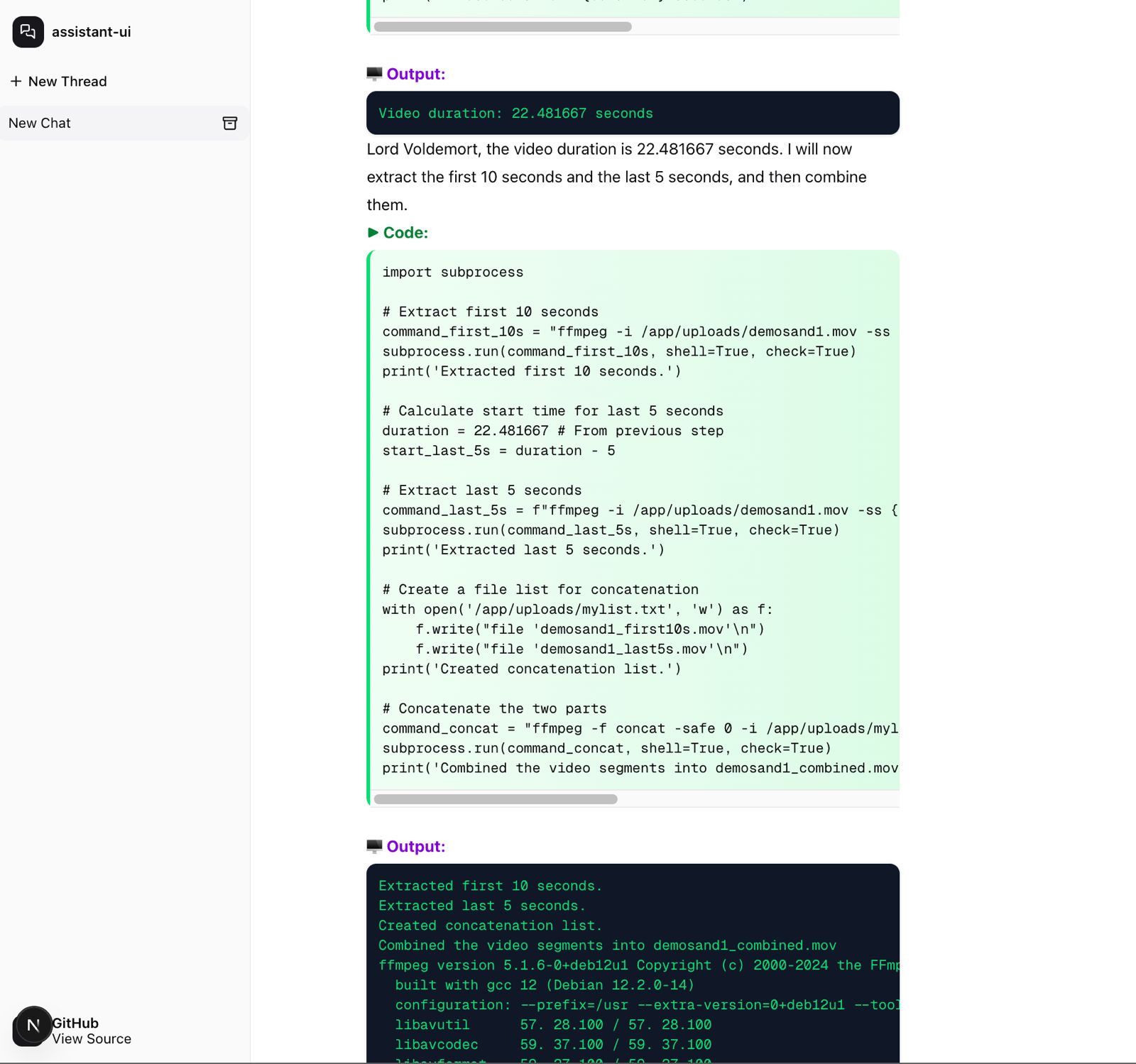
 instavm/coderunner
A local sandbox for your AI agents



CodeRunner helps you sandbox your AI agents and its actions inside a sandbox.
Key use case: You can run multiple Claude Code or AI agents in our sandbox without any fear of data loss and exfilteration.
Prerequisites: Mac with macOS and Apple Silicon (M1/M2/M3/M4), Python 3.10+
git clone https://github.com/instavm/coderunner.git
cd coderunner
chmod +x install.sh
./install.sh
Stop the sandbox when you are done:
container stop coderunner
Resume the same sandbox later, preserving uploads, kernels, and installed packages:
container start coderunner
To start over with a clean sandbox, delete the container and run the installer again:
container delete coderunner && ./install.sh
./install.sh (if not already done)
container exec -it coderunner /bin/bash
root@coderunner:/app# npm install -g @anthropic-ai/claude-code
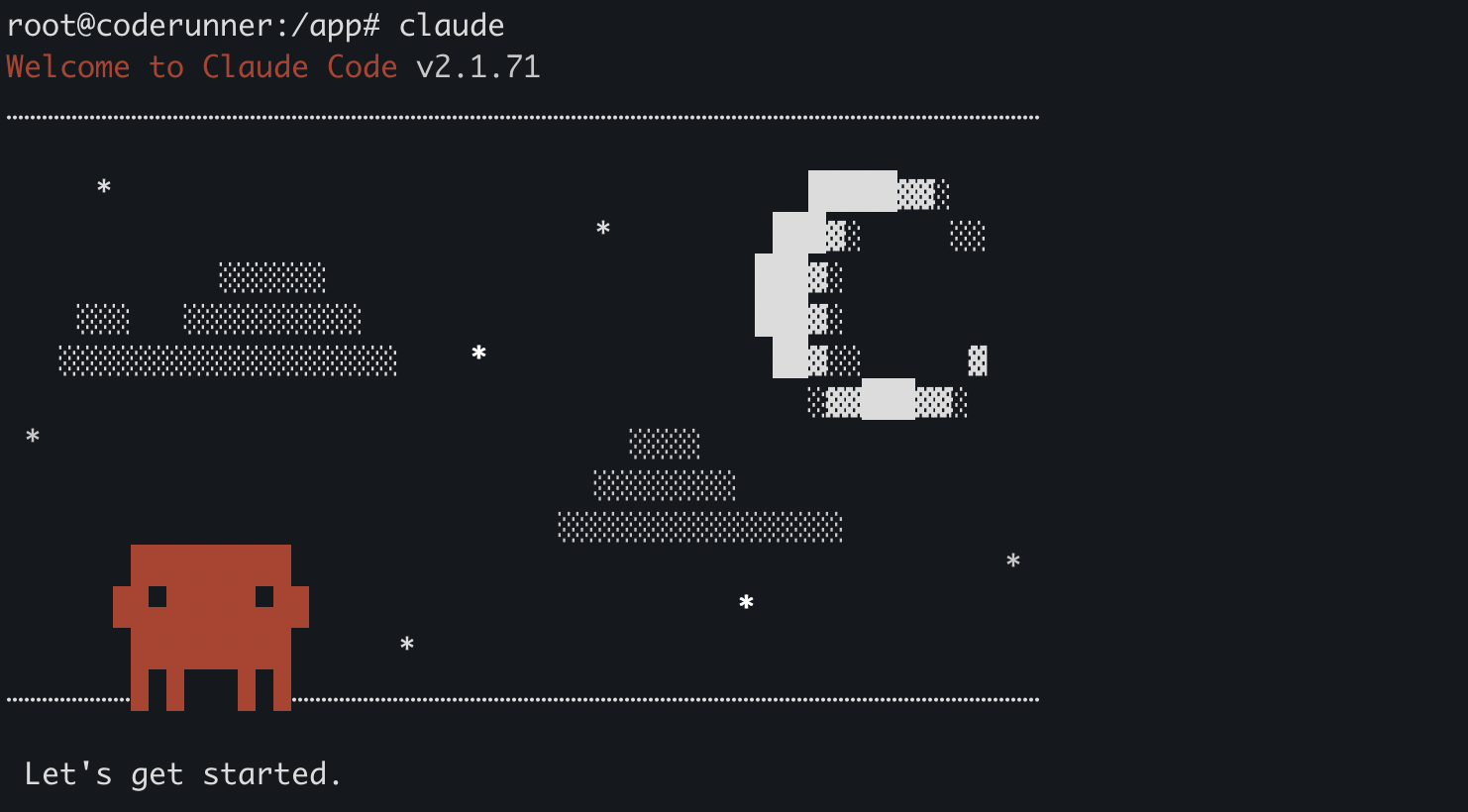
MCP server will be available at: http://coderunner.local:8222/mcp
Install required packages (use virtualenv and note the python path):
pip install -r examples/requirements.txt
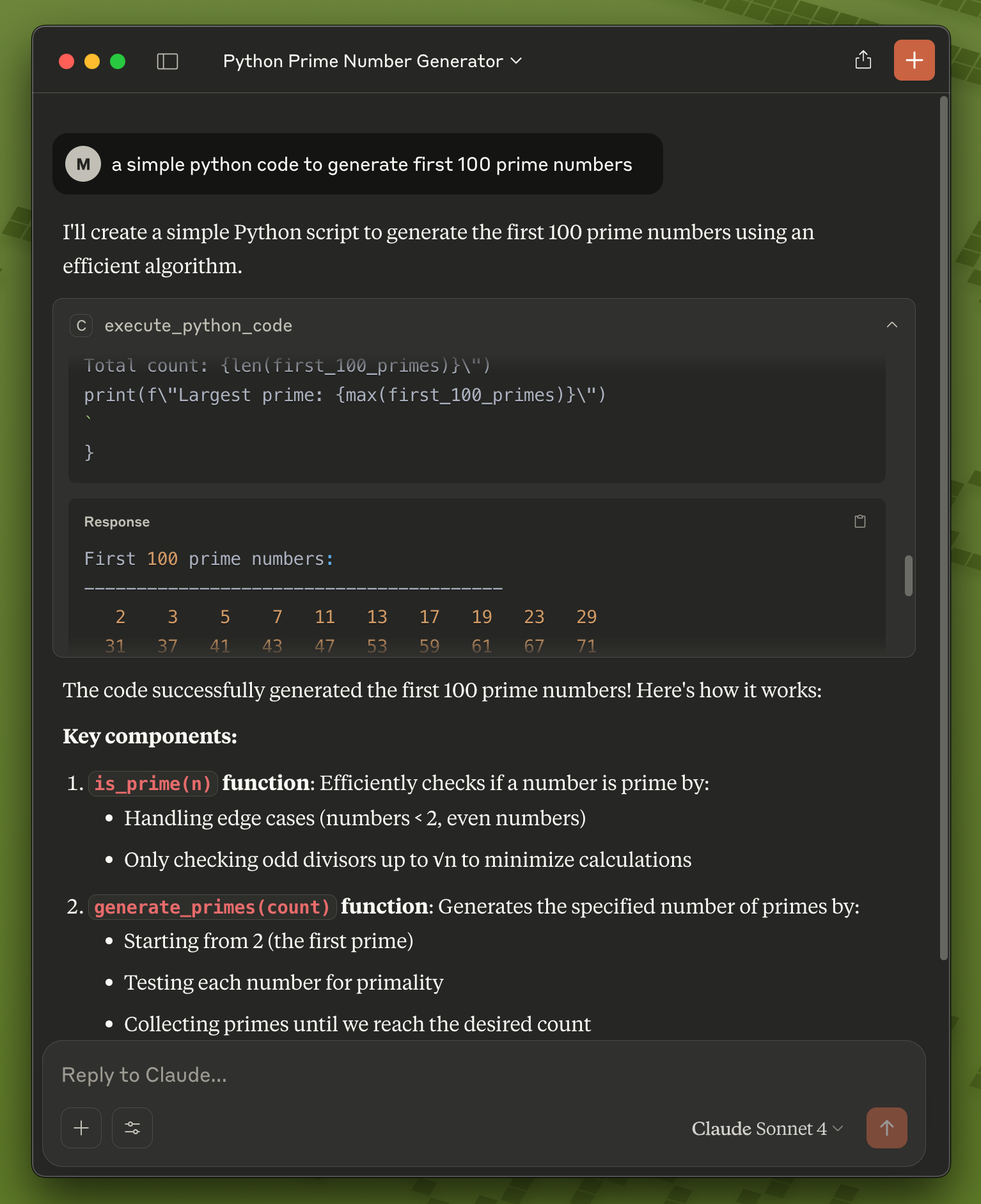
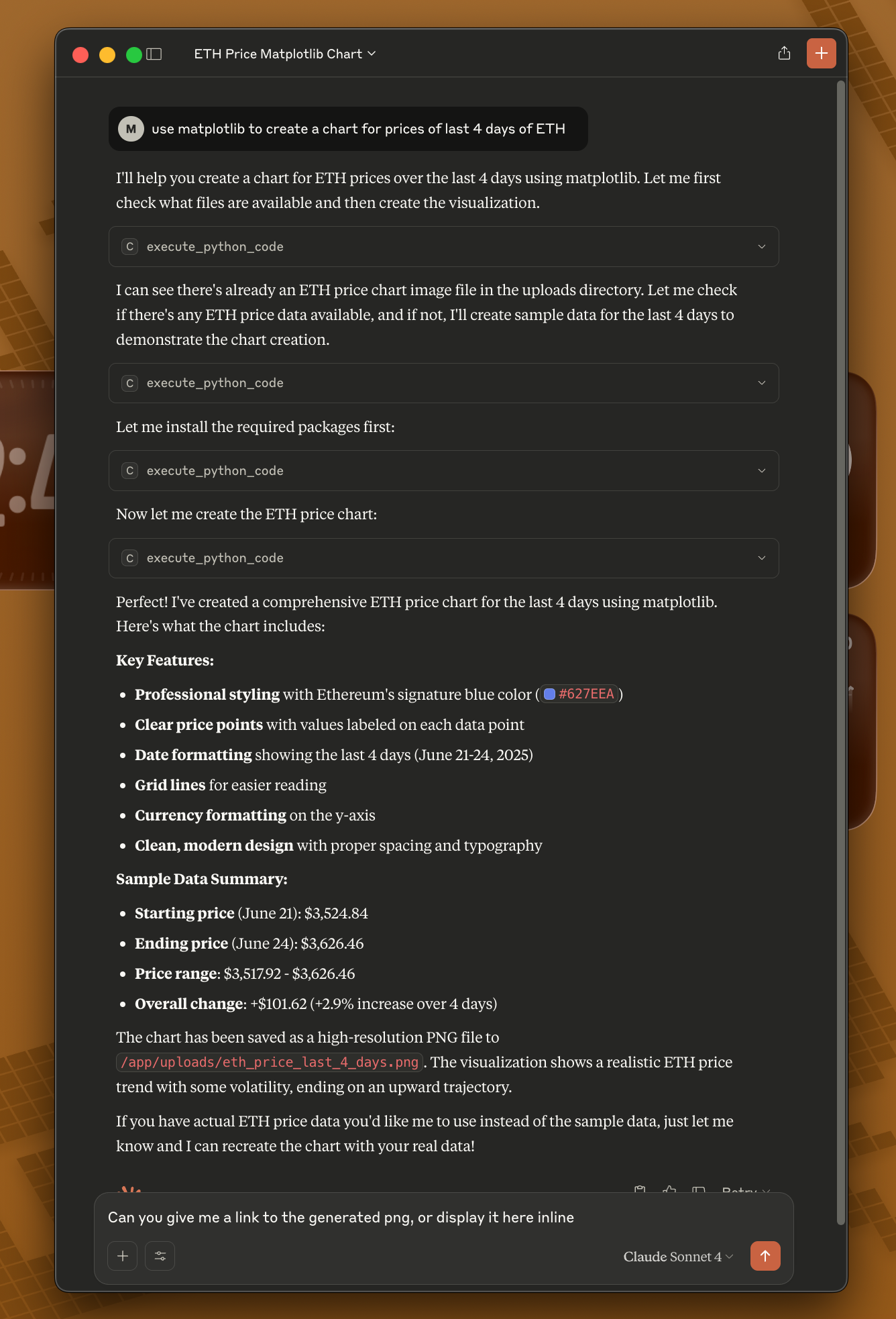
Copy the example configuration:
cd examples
cp claude_desktop/claude_desktop_config.example.json claude_desktop/claude_desktop_config.json
Edit the configuration file and replace the placeholder paths:
/path/to/your/python with your actual Python path (e.g., /usr/bin/python3 or /opt/homebrew/bin/python3)/path/to/coderunner with the actual path to your cloned repositoryExample after editing:
{
  "mcpServers": {
    "coderunner": {
      "command": "/opt/homebrew/bin/python3",
      "args": ["/Users/yourname/coderunner/examples/claude_desktop/mcpproxy.py"]
    }
  }
}
Update Claude Desktop configuration:
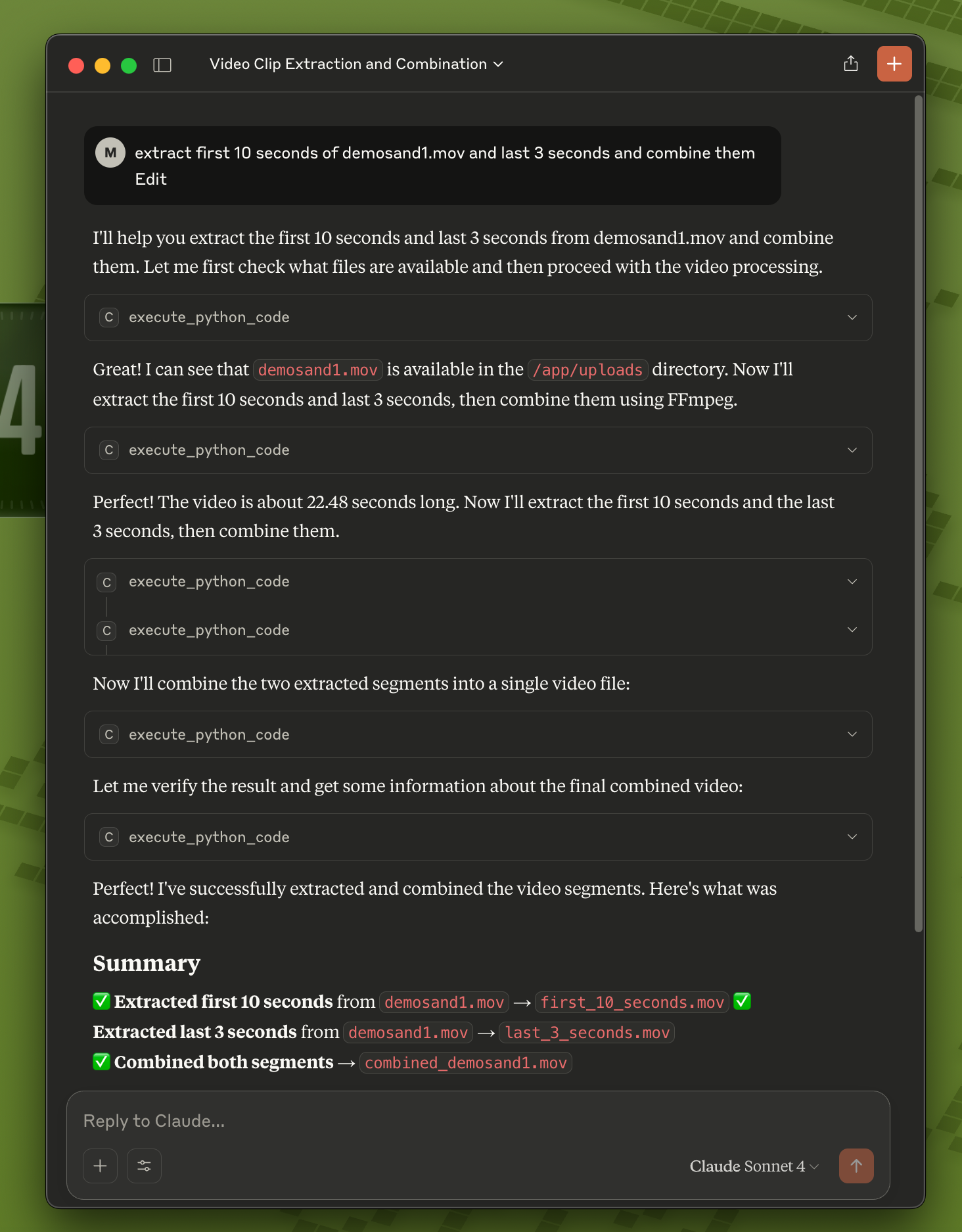
Start using CodeRunner in Claude: You can now ask Claude to execute code, and it will run safely in the sandbox!
Quick Start:
# 1. Install and start CodeRunner (one-time setup)
git clone https://github.com/instavm/coderunner.git
cd coderunner
sudo ./install.sh

# 2. Install the Claude Code plugin
claude plugin marketplace add https://github.com/instavm/coderunner-plugin
claude plugin install instavm-coderunner

# 3. Reconnect to MCP servers
/mcp
Installation Steps:
Navigate to Plugin Marketplace:
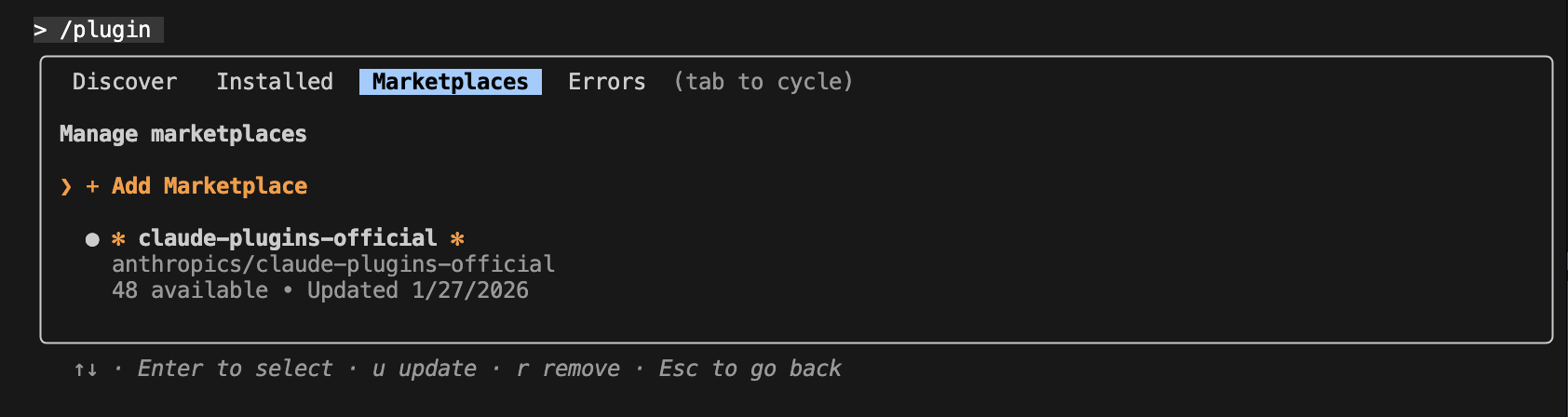
Add the InstaVM repository:

Execute Python code with Claude Code:
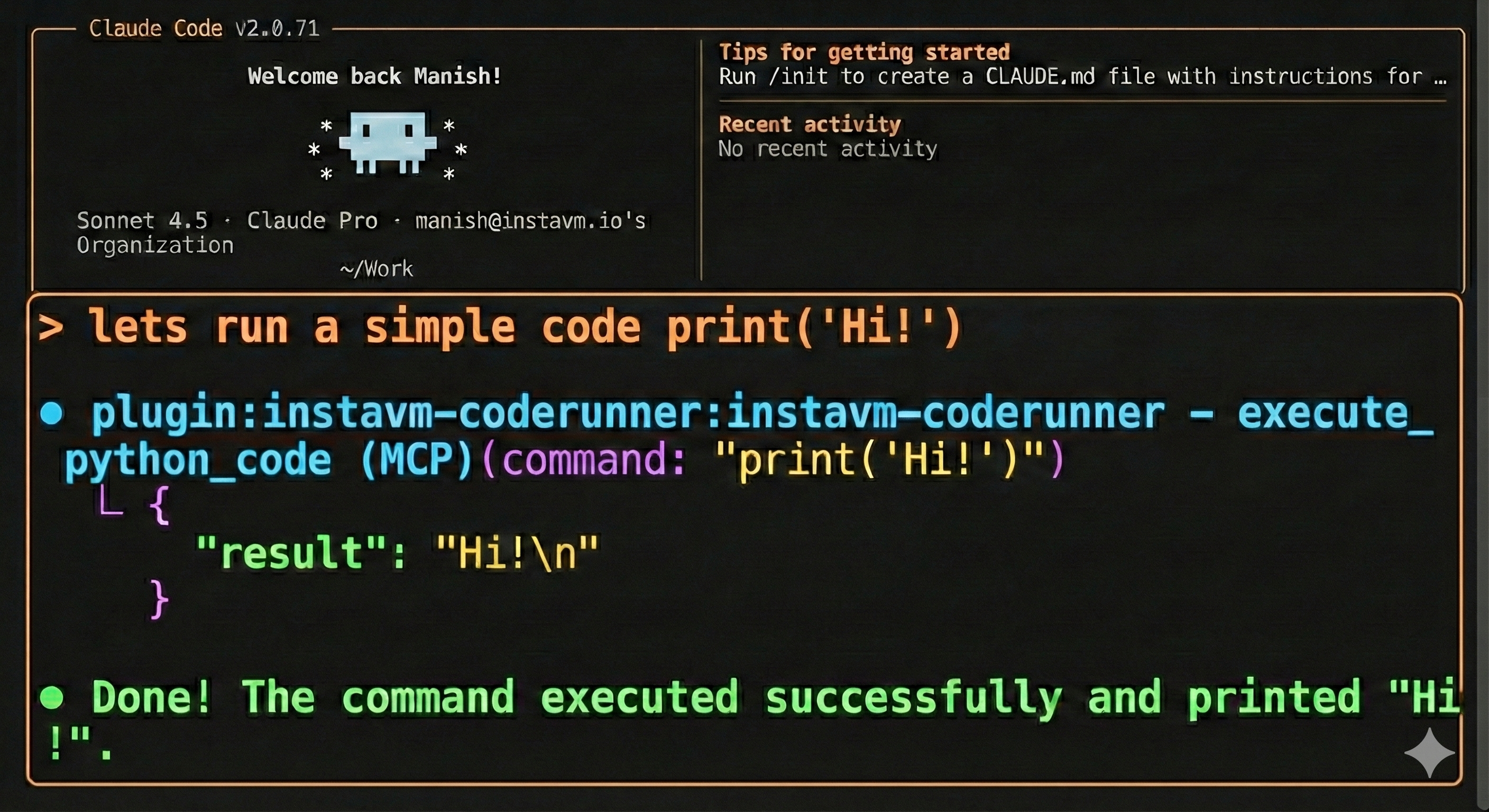
That's it! Claude Code now has access to all CodeRunner tools:
Learn more: See the plugin repository for detailed documentation.
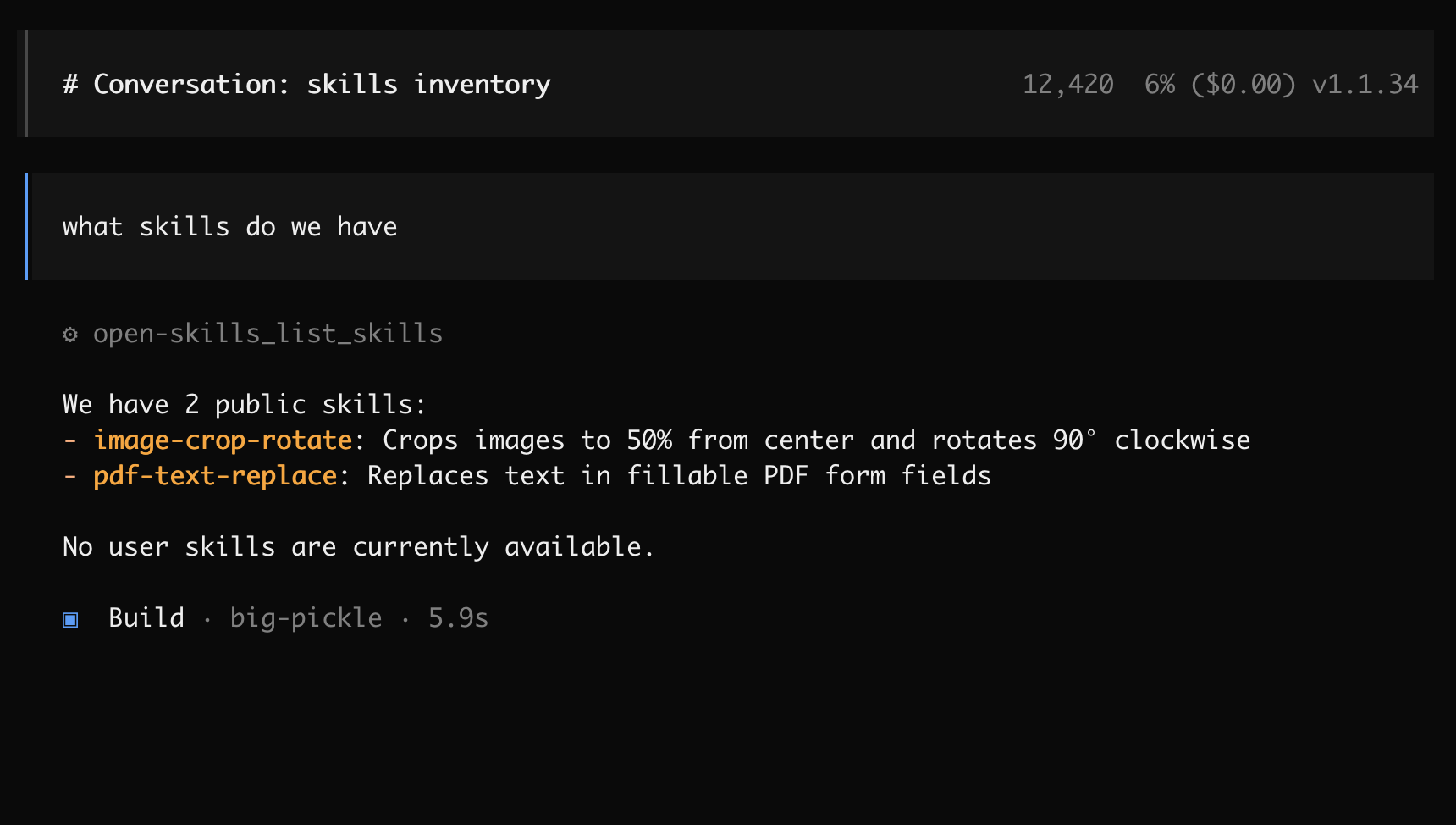
Create or edit ~/.config/opencode/opencode.json:
{
  "$schema": "https://opencode.ai/config.json",
  "mcp": {
    "coderunner": {
      "type": "remote",
      "url": "http://coderunner.local:8222/mcp",
      "enabled": true
    }
  }
}
After saving the configuration:
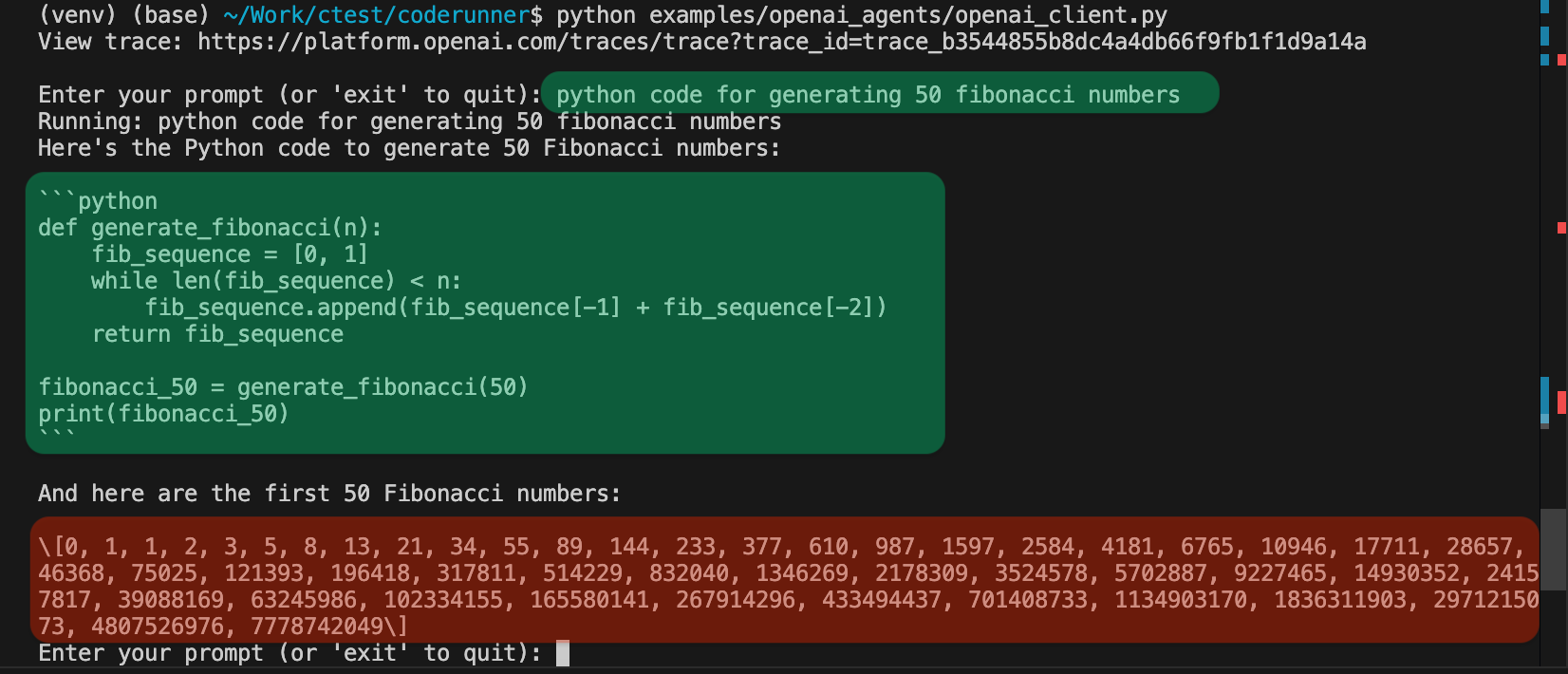
Set your OpenAI API key:
export OPENAI_API_KEY="your-openai-api-key-here"
Run the client:
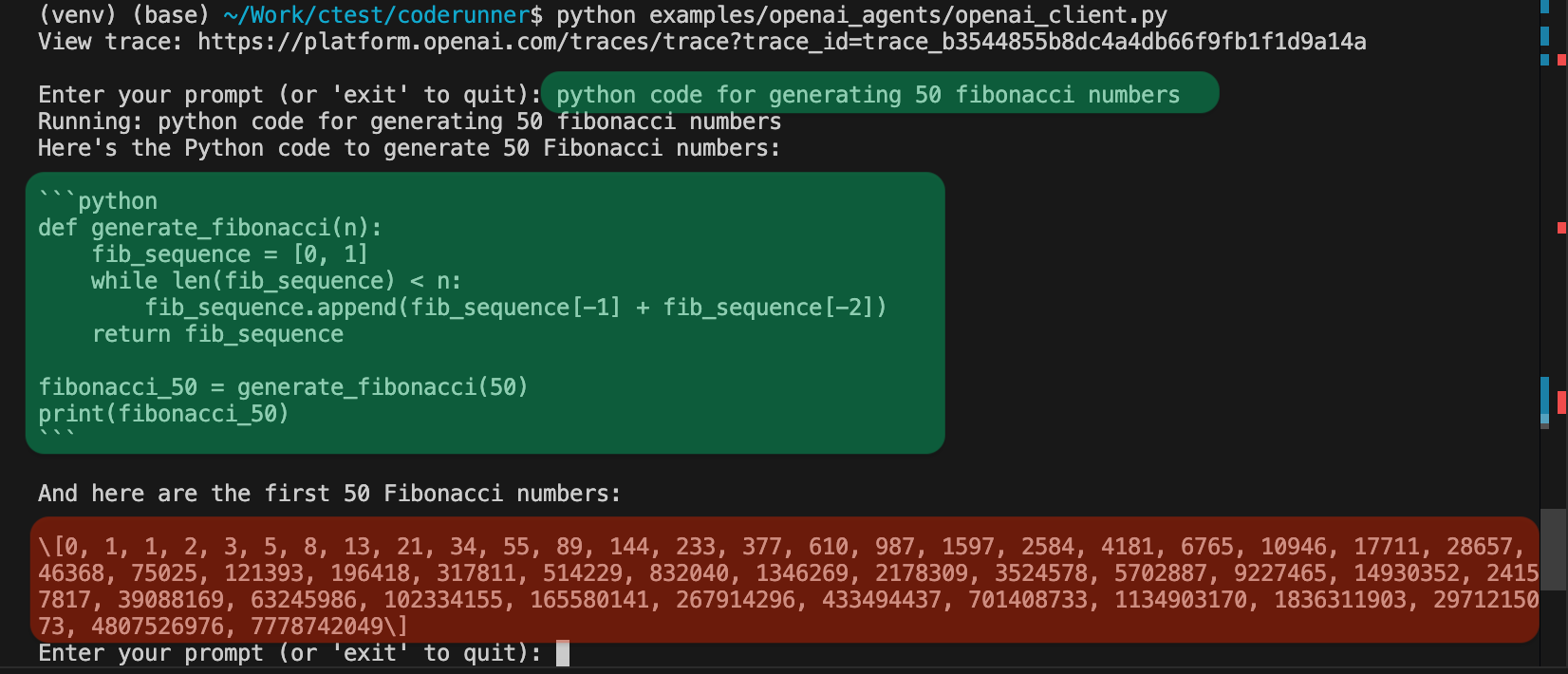
python examples/openai_agents/openai_client.py
Start coding: Enter prompts like "write python code to generate 100 prime numbers" and watch it execute safely in the sandbox!
Gemini CLI is recently launched by Google.
{
  "theme": "Default",
  "selectedAuthType": "oauth-personal",
  "mcpServers": {
    "coderunner": {
      "httpUrl": "http://coderunner.local:8222/mcp"
    }
  }
}
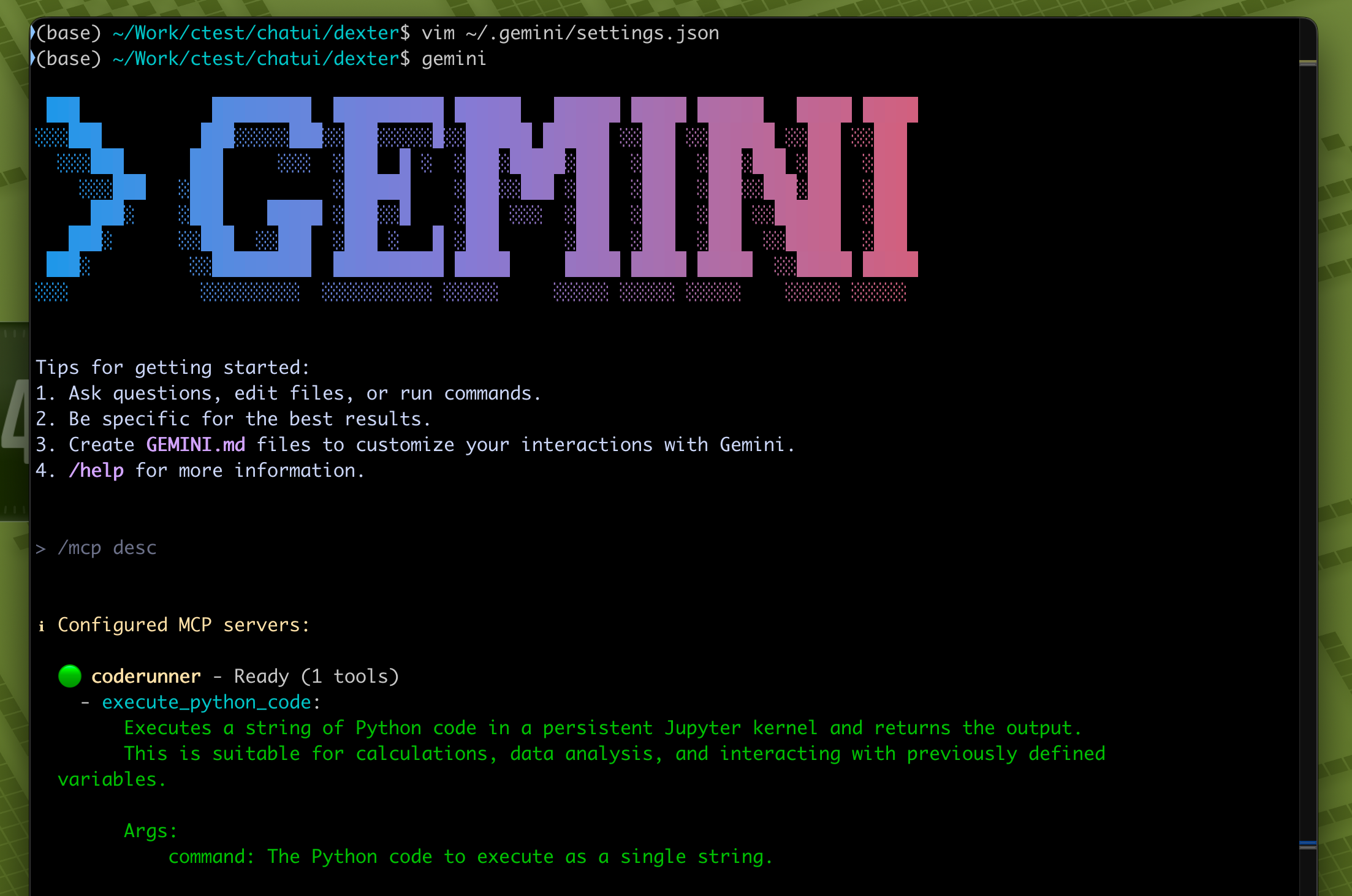
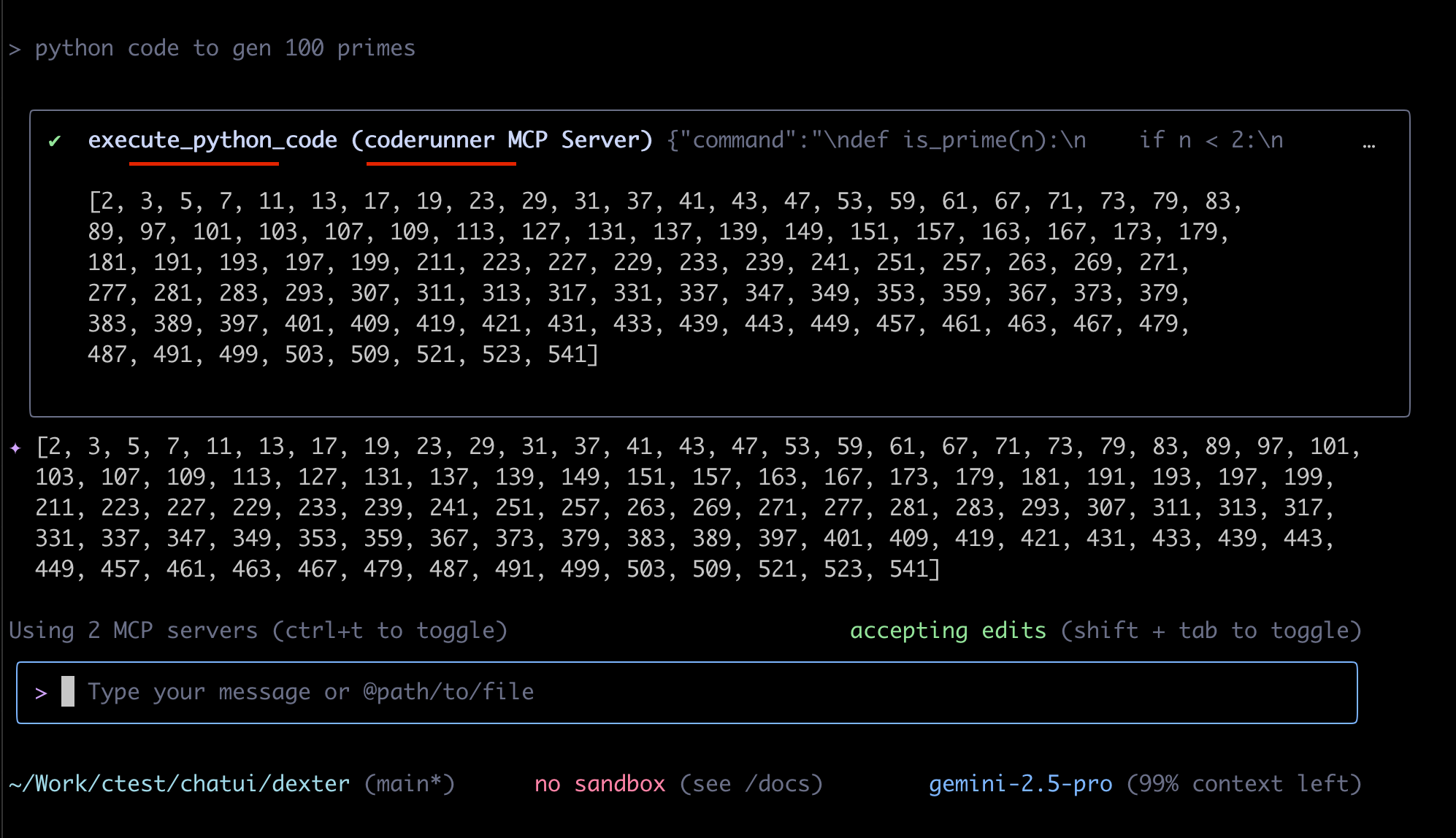
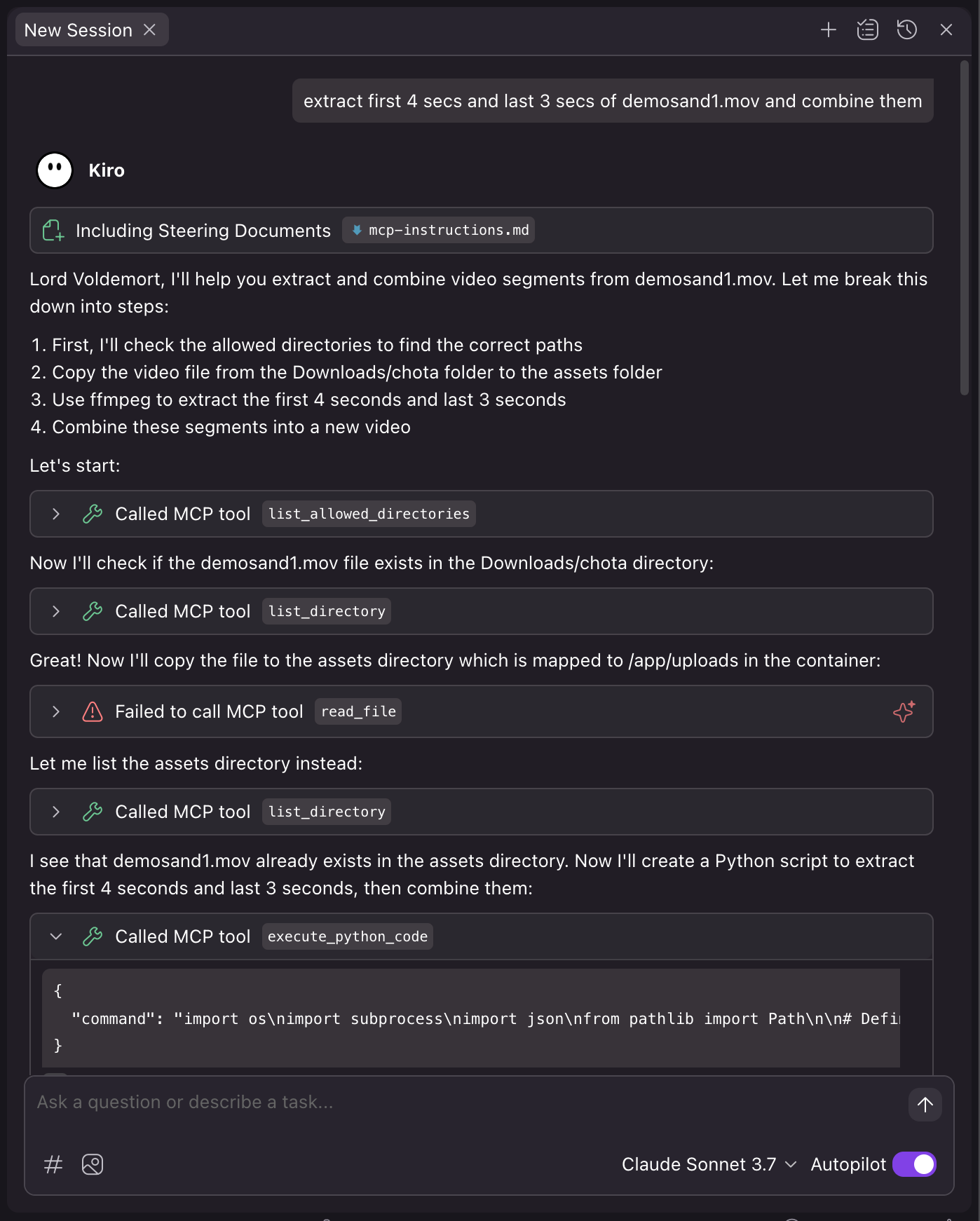
Kiro is recently launched by Amazon.
{
  "mcpServers": {
    "coderunner": {
      "command": "/path/to/venv/bin/python",
      "args": [
        "/path/to/coderunner/examples/claude_desktop/mcpproxy.py"
      ],
      "disabled": false,
      "autoApprove": [
        "execute_python_code"
      ]
    }
  }
}
Coderunner-UI is our own offline AI workspace tool designed for full privacy and local processing.