 inquest/omnibus
The OSINT Omnibus (beta release)


An Omnibus is defined as a volume containing several novels or other items previously published separately and that is exactly what the InQuest Omnibus project intends to be for Open Source Intelligence collection, research, and artifact management.
By providing an easy to use interactive command line application, users are able to create sessions to investigate various artifacts such as IP addresses, domain names, email addresses, usernames, file hashes, Bitcoin addresses, and more as we continue to expand.
This project has taken motivation from the greats that came before it such as SpiderFoot, Harpoon, and DataSploit. Much thanks to those great authors for contributing to the world of open source.
The application is written with Python 2.7 in mind and has been successfully tested on OSX and Ubuntu 16.04 environments.
This is a beta of the final application and as such there may be some bugs or other weirdness during usage. For the most part Omnibus is fully functional and can be used to begin OSINT investigation right away.
Omnibus is built in a modular manner that allows the easy addition of OSINT data source modules and import/export modules. Each module per category is included in a single directory, and by adding a few lines of code, your module could be the next!
As the Wiki continues to grow, we will have full examples of how to write custom plugins.
If you happen to notice any bugs or other issues, please create an Issue and/or Pull Request. We would also love for community support in creating more modules and expanding the Omnibus use-cases. Forks and Pull Requests for new features are more than welcome!
This README file serves as a quick overview of Omnibus and its features. Full documentation is available in the 'docs' folder of this repository.
Before we begin we'll need to cover some terminology used by Omnibus.
new command or by being discoverd through module executionStarting up Omnibus for investigation is a simple as cloning this GitHub repository, installing the Python requirements using pip install -r requirements.txt and running python omnibus-cli.py.
Omnibus Shell - Main Startup
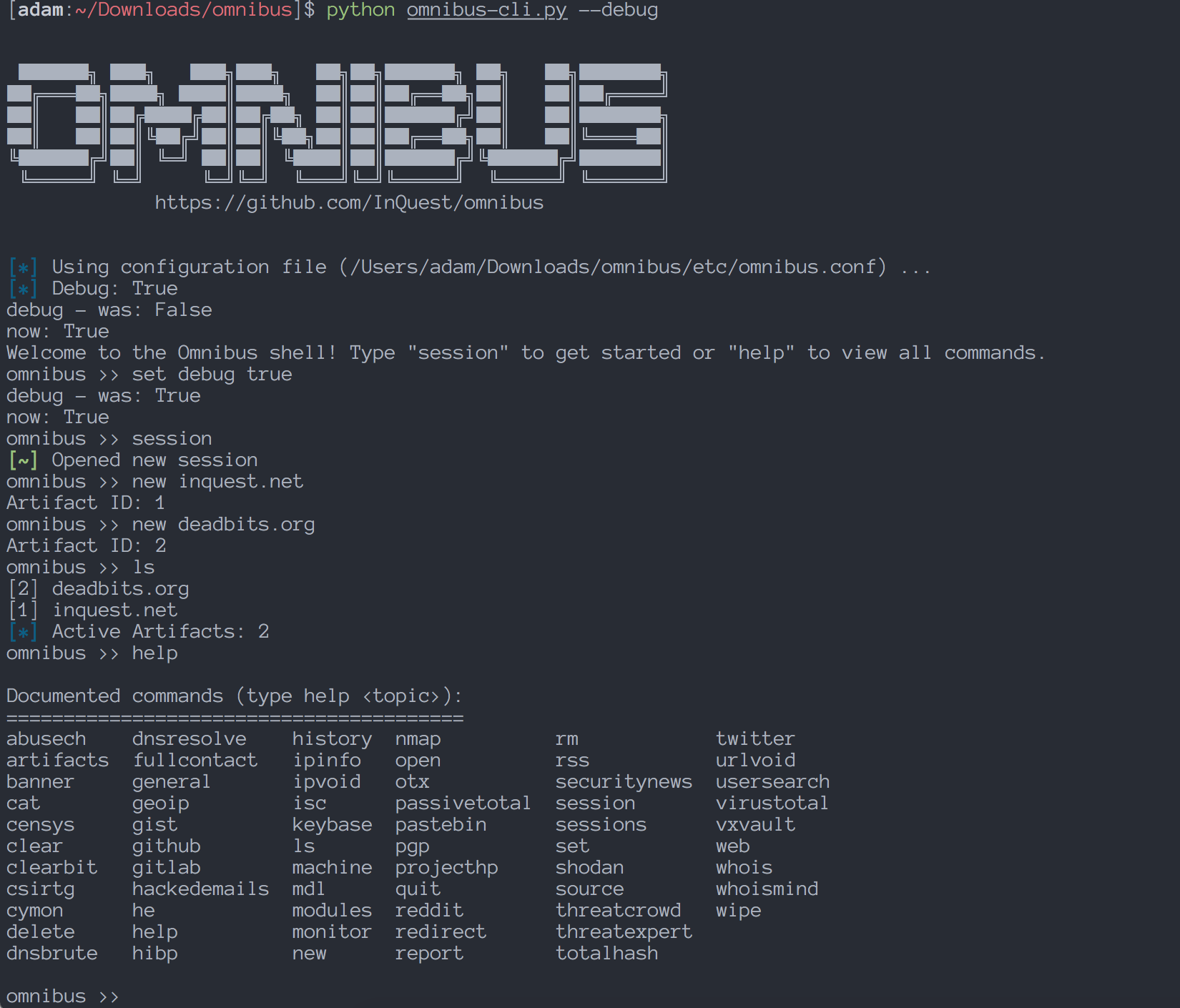
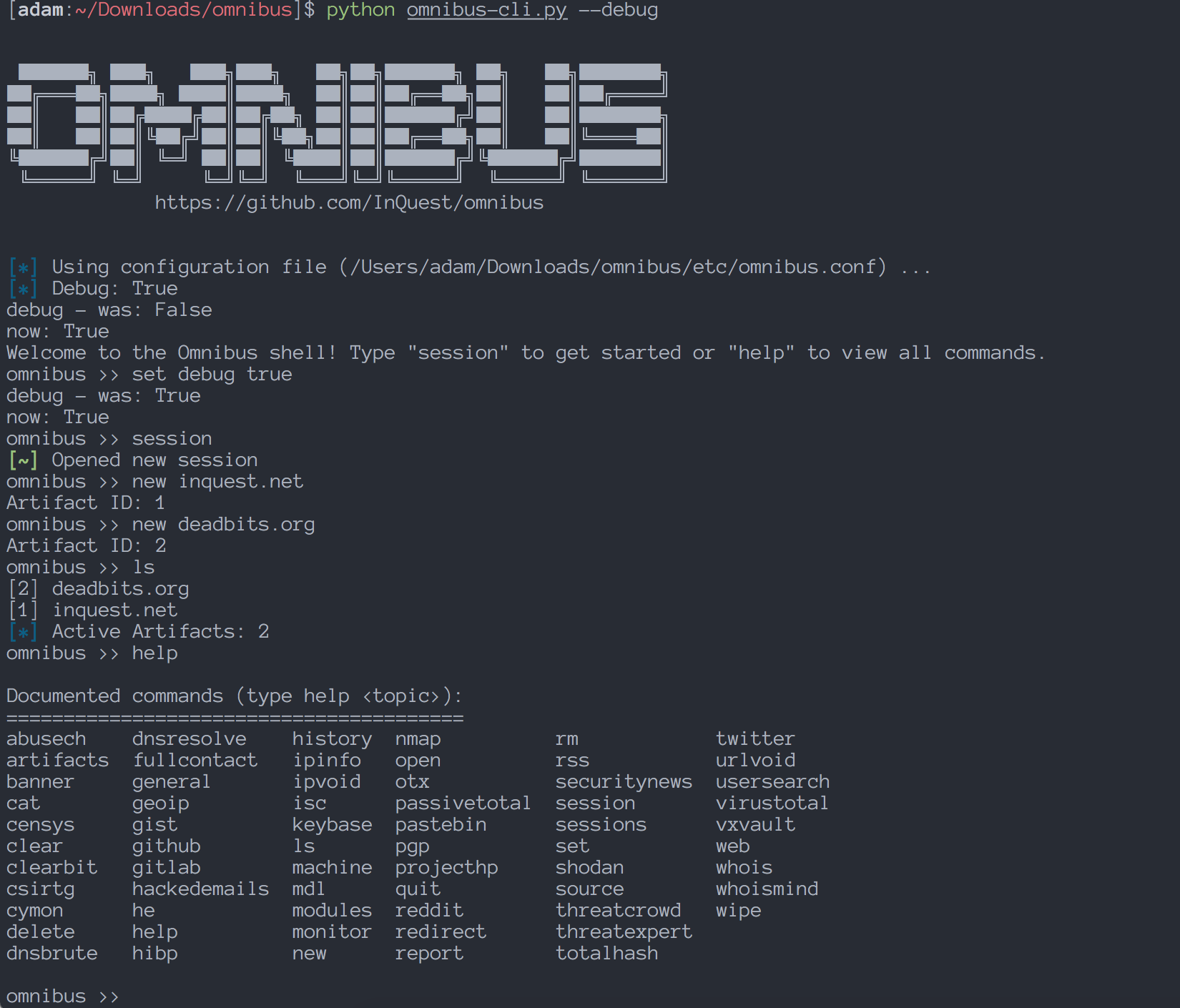
For a visual reference of the CLI, pictured above is the Omnibus console after a new session has been started, 2 artifacts have been added to a session, and the help menu is shown.
You must set any API keys you'd like to use within modules inside the omnibus/etc/apikeys.json file.
This file is a JSON ocument with placeholders for all the services which require API keys, and is only accessed by Omnibus on a per module basis to retrieve the exact API key a module needs to execute.
It should be noted that most of the services requiring API keys have free accounts and API keys. Some free accounts may have lower resource limits, but that hasn't been a problem during smaller daily investigations or testing the application.
A handy tip: Use the cat apikeys command to view which keys you do in fact have stored.
If modules are failing or returning no results, check here first to ensure your API key is properly saved.
When you first run the CLI, you'll be greeted by a help menu with some basic information.
Omnibus tries to use commands that mimic some common Linux commands for familiarity and ease of use. For example, the command cat to show information about and artifact, rm to remove an artifact from the database, ls for view current session artifacts, and output redirection support for any command using the > character.
As an example of output redirection, if you wish to retrieve the details of an artifact named "inquest.net" saved to a JSON file on your local disk you'd simply run the command:
cat inquest.net > inquest-report.json and there it would be!
This feature also works with full file paths instead of relative paths.
The high level commands used in Omnibus most often are:
session
new <artifact name>
modules
open <file path>
ls
rm
wipe
cat <artifact name | session id>
<module name> <artifact name | session id>
<machine name> <artifact name | session id>
If you ever need a quick reference on the different commands available for different areas of the application there are sub-help menus for this exact purpose. Using these commands will show you only those commands available relevant to a specific area:
general
artifacts
sessions
modules
Most cyber investigations begin with one or more technical indicators, such as an IP address, file hash or email address. After searching and analyzing, relationships begin to form and you can pivot through connected data points. These data points are called Artifacts within Omnibus and represent any item you wish to investigate.
Artifacts can be one of the following types:
