
Skip to content
KitploitKITPLOIT
ToolsBlog
Submit
ToolsBlog
Submit

Hacking, PenTest, and Cybersecurity Tools for Your Security Arsenal!

Kitploit is a directory of hacking, cybersecurity, and pentesting tools. Discover the latest project updates to find vulnerabilities, analyze systems, automate testing, and strengthen your security.

··Feeds·Contact·Privacy·© 2026 Kitploit

Tool Directory

Categories

View all categories
Loading categories
Cronos — PoC for a sleep obfuscation technique leveraging waitable timers to evade memory scanners. | Kitploit
Tools/GitHubGitHub/idov31/cronos
IDS/IPS EvasionPost-ExploitationCryptographyRed TeamingPayload Development
GitHubidov31/cronos

Cronos

PoC for a sleep obfuscation technique leveraging waitable timers to evade memory scanners.

View Repository
627642 years agoReviewed by Kitploit

Most Popular

View all →

Discover the most used tools by our community.

Explore all tools

Browse our collection of tools

View all tools →
Share
Website

Cronos

c assembly windows

This project was co-authored by

idov31 YXEL

Description

PoC for a new sleep obfuscation technique (based on Ekko) leveraging waitable timers to RC4 encrypt the current process and change the permissions from RW to RX to evade memory scanners.

A more detailed explanation will be available in the blog post.
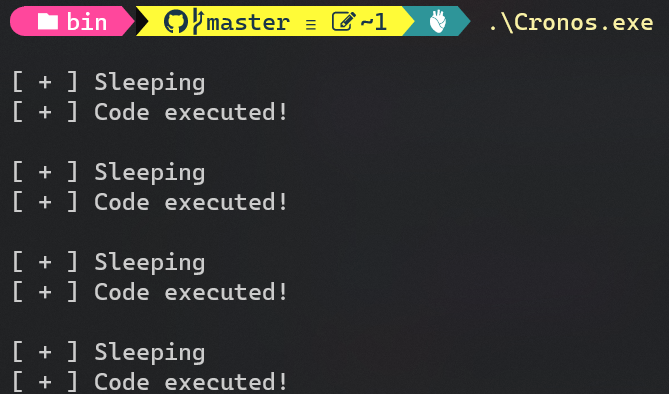
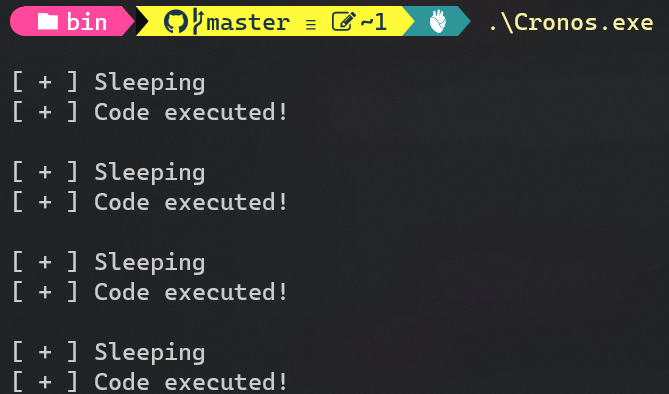
POC

Usage

To use it, all you have to do is to include Cronos in your project and use it like so:

root@kitploit:~
#include "Cronos.h"

int main() {
    int timesToExecute = 1337;
    int seconds = 10;

    for (int i = 0; i < timesToExecute; i++) {
        CronosSleep(seconds);

        // YOUR CODE HERE!
    }
}

Setup

To compile it you will need:

  • NASM
  • make
  • VisualStudio Compiler

After you have all of the above, navigate to the project's directory and build it with the makefile, the EXE will be in the bin directory.

Visual Studio Setup

  • VSNASM

    • Run install_script.bat
  • Add NASMPATH environment variable

    • NASMPATH=C:\Users<user>\AppData\Local\bin\NASM\
  • Open Visual Studio & Configure Settings

    • Tools > Options > Projects and Solutions > VC++ Project Settings > Build Customization Search Path
    • Set to %NASMPATH%;0
  • You can also install the AsmDude extension for syntax highlighting into .ASM files.

Contributors

Thanks a lot to those people that contributed to this project:

  • Orca

  • Xenov-X

Resources

  • Ekko
  • DeathSleep
  • Waitable Timers
Download Tool