 hugsy/bochscpu-python
Python bindings for BochsCPU







Python bindings for @yrp's BochsCPU using FFI to easily and accurately emulate x86 code.
bochscpu-python requires a Python environment of 3.8 or more recent only.
By far the simplest way to get things up and running is using the stable packaged version on PyPI
python -m pip install bochscpu-python
Download the latest working artifact from the repository Github Actions tab. Extract the ZIP file, install the .whl file you'll find inside the wheel folder.
python -m pip install wheel/bochscpu-$version-$os-$arch.whl
Fairly straight forward:
python -m pip install .
Or without cloning
python -m pip install git+https://github.com/hugsy/bochscpu-python.git#egg=bochscpu-python
Note that this approach will require you to have all the building tools necessary installed (as described below)
cmakepipcl for Windows, clang++ for MacOS and g++ Linux)build Github Actions*.lib in bochscpu/lib/<BuildType> (where BuildType can be Debug, Release, RelWithDebInfo, etc.)python -m pip install -r requirements.txtcmake
This will generate the bochscpu pyd file (and its PDB) which you can import from a Python session with import bochscpu..whl from the root of the project:python -m pip wheel .
Just import the bochscpu module and let the fun begin! Installing the package will also install interface files, allowing modern IDEs (VSCode, PyCharm, etc.) to offer useful completion.
A very crude template can be made as such:
import bochscpu, bochscpu.utils, bochscpu.cpu

sess = bochscpu.Session()
sess.missing_page_handler = bochscpu.utils.callbacks.missing_page_cb
state = bochscpu.State()
bochscpu.cpu.set_real_mode(state)
hook = bochscpu.Hook()
bochscpu.utils.callbacks.install_default_callbacks(hook)
sess.run([hook,])
This will create a bochscpu session, set the CPU state for real mode, and pre-populate hooks with basic callbacks (that only perform a print upon execution). Note that this sample will actually do nothing as we haven't allocated code pages nor correctly set registers to point to it.
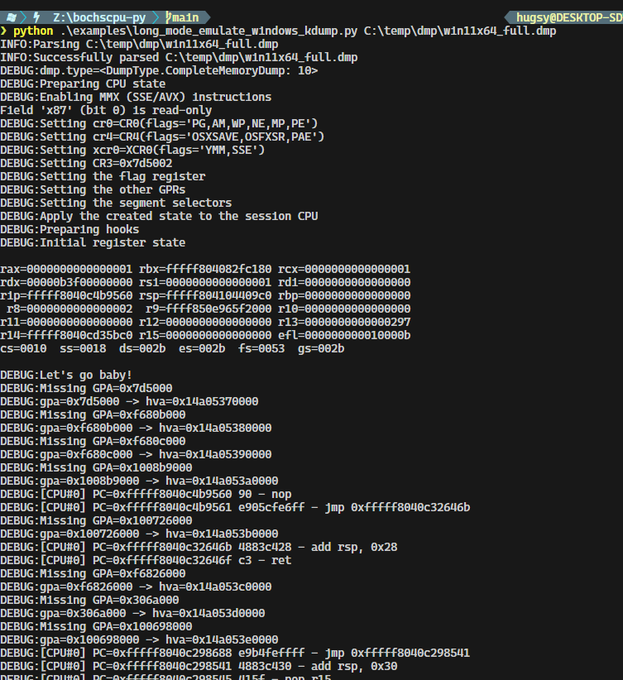
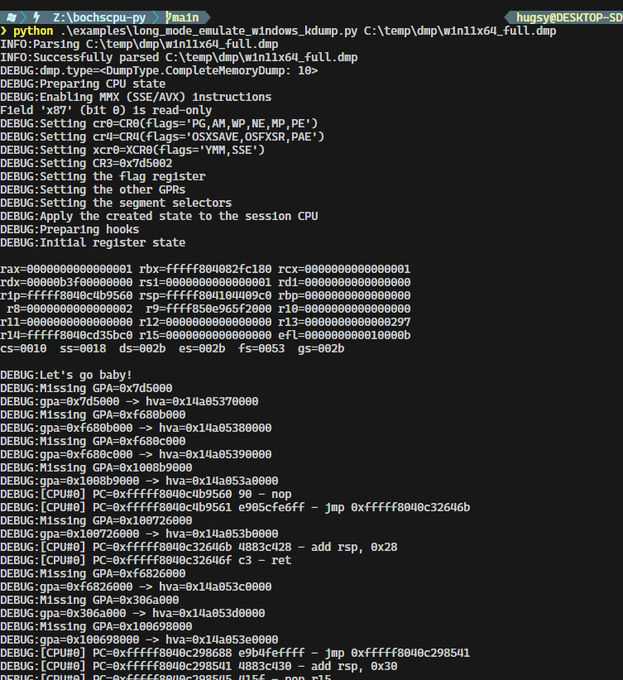
A more complete template can be found in the examples/ folder
https://github.com/hugsy/bochscpu-python/assets/590234/adc5ac5a-a8eb-4982-9537-5ece3f32f8f8
print("hello world")-like assembly code in 16 bit real mode
https://github.com/hugsy/bochscpu-python/assets/590234/eb06af06-4b10-490e-ae40-a1d0aed333ca
rand() function on x64
https://github.com/hugsy/bochscpu-python/assets/590234/2486adbc-0878-46f5-83ed-3bcf9774fd26