 honze-net/nmap-bootstrap-xsl
A Nmap XSL implementation with Bootstrap.

Have a nice interface for checking the result of your Nmap scans. This software must not be used by military or secret service organisations.
Add the nmap-bootstrap.xsl as stylesheet to your Nmap scan with the --stylesheet argument :
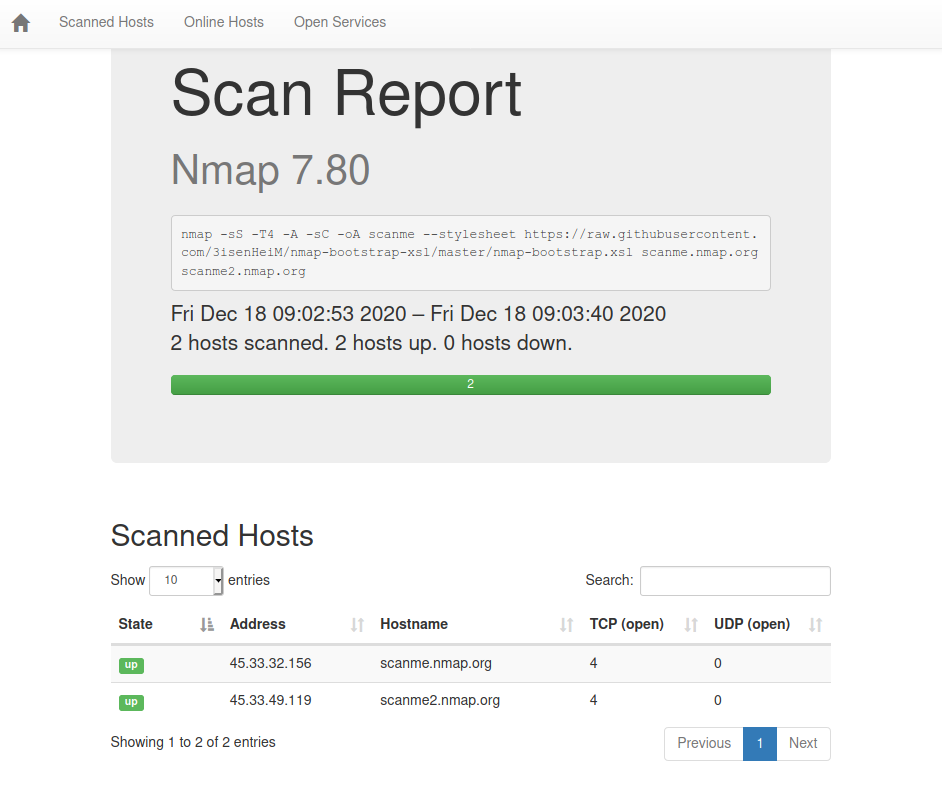
nmap -sS -T4 -A -sC -oA scanme --stylesheet https://raw.githubusercontent.com/honze-net/nmap-bootstrap-xsl/master/nmap-bootstrap.xsl scanme.nmap.org scanme2.nmap.org
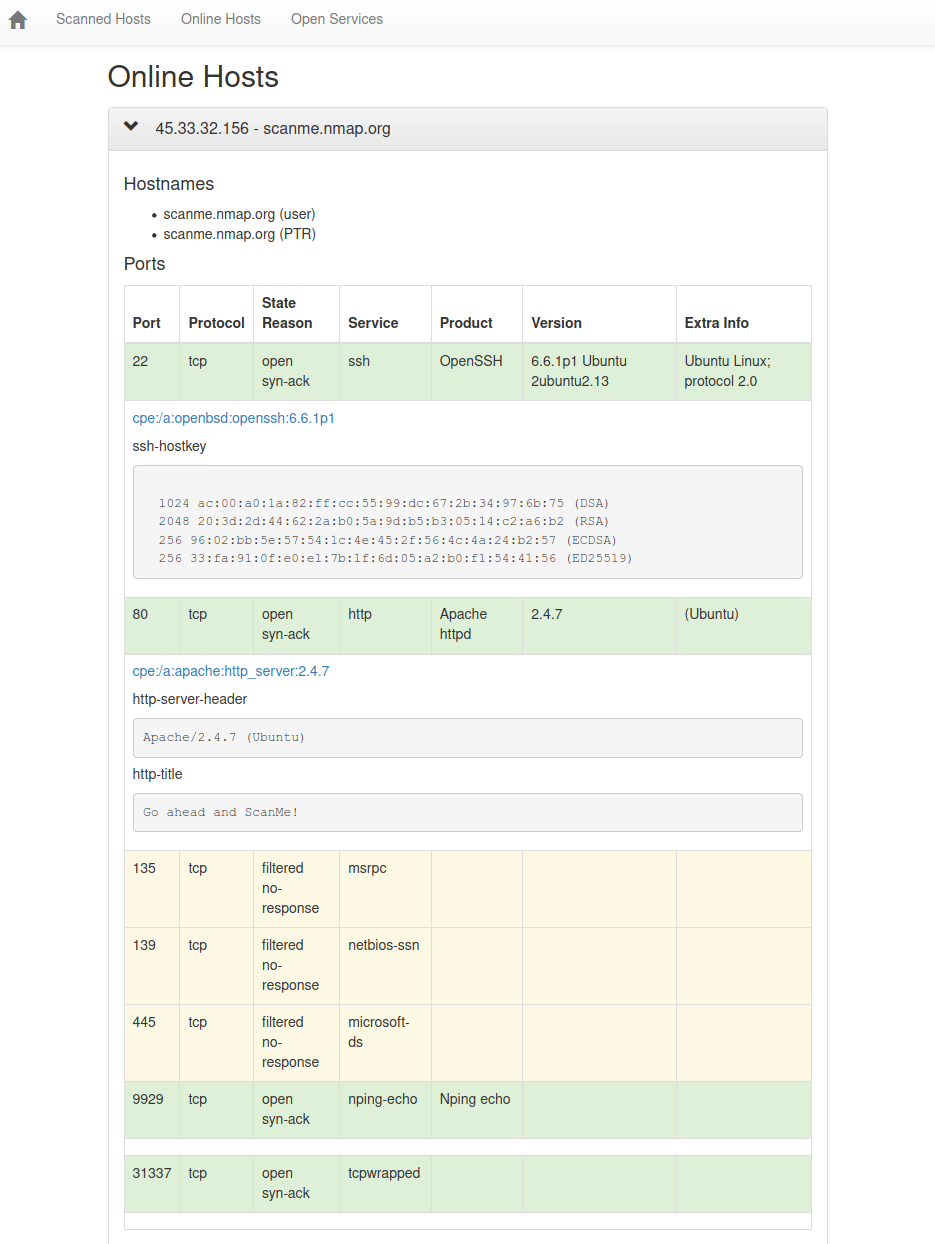
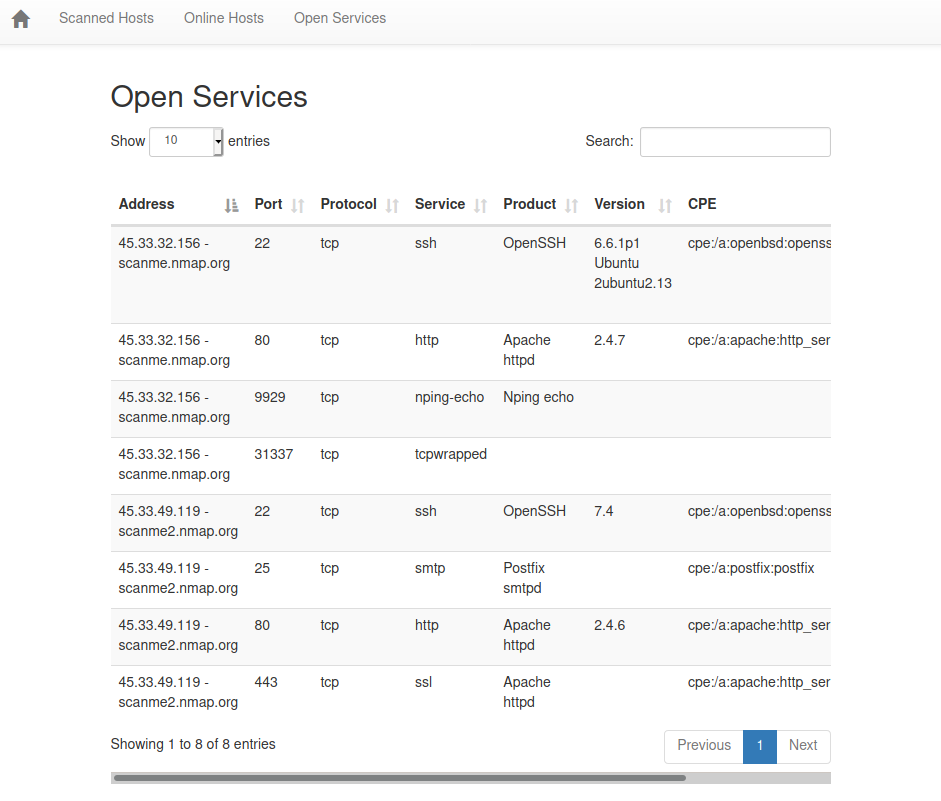
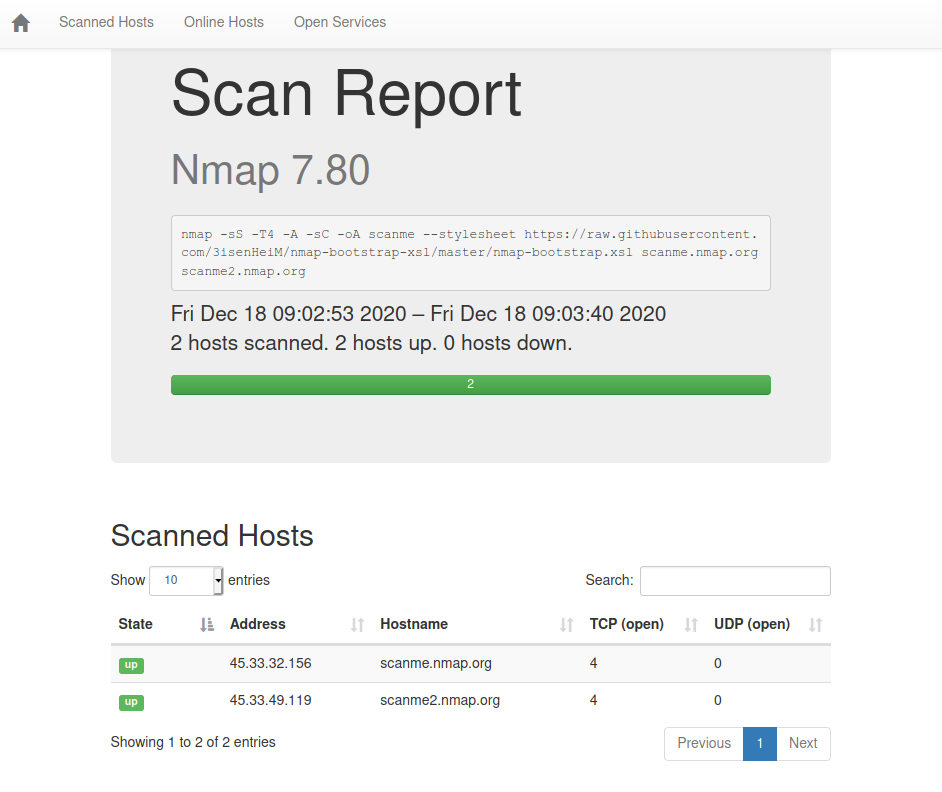
Direclty open the file scanme.xml with your web browser, it will be formatted correctly. It should look like the scanme.html sample report.
If you have a nmap scan already run, with its output as XML, you can apply the formatting template to it.
You'll have 2 options :
You have thus to transform the XML to HTML with the following command :
xsltproc -o scanme.html nmap-bootstrap.xsl scanme.xml
You will need to download the nmap-bootstrap.xslstylesheet beforehand.
Insert
<?xml-stylesheet href="https://raw.githubusercontent.com/honze-net/nmap-bootstrap-xsl/master/nmap-bootstrap.xsl" type="text/xsl"?>
after <!DOCTYPE nmaprun> inside the XML file.