 hameda2/zydra
Multi-threaded password recovery tool for RAR, ZIP, PDF, and Linux shadow files using dictionary and brute-force methods with configurable character sets and length ranges.

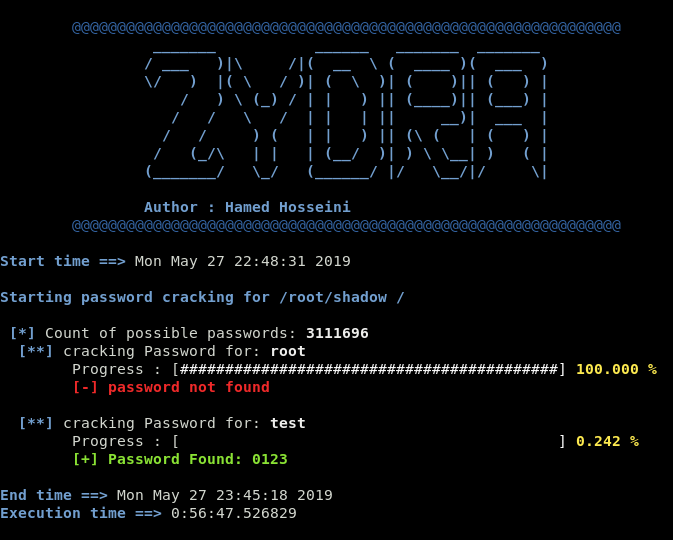
Zydra is a file password recovery tool and Linux shadow file cracker. It uses the dictionary search or Brute force method for cracking passwords.
To run the app, minimal requirements are:
$ sudo apt-get update
$ sudo apt-get install qpdf unrar$ pip3 install py-term
sudo wget http://www.figlet.org/fonts/epic.flf -O /usr/share/figlet/epic.flfThis tool is only for testing and academic purposes Do not use it for illegal purposes!
Download Zydra by cloning the Git repository:
$ git clone https://github.com/hamedA2/Zydra.git
You can also use vagrant to automatically install and run Zydra (more information at the bottom of the page).
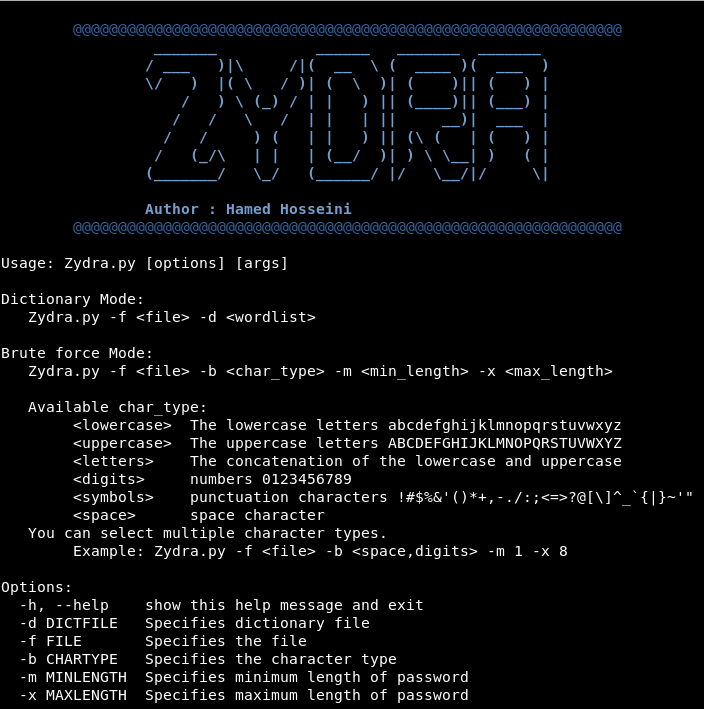
To get a list of all options and learn how to use this app, enter the following command:
$ python3 Zydra.py -h
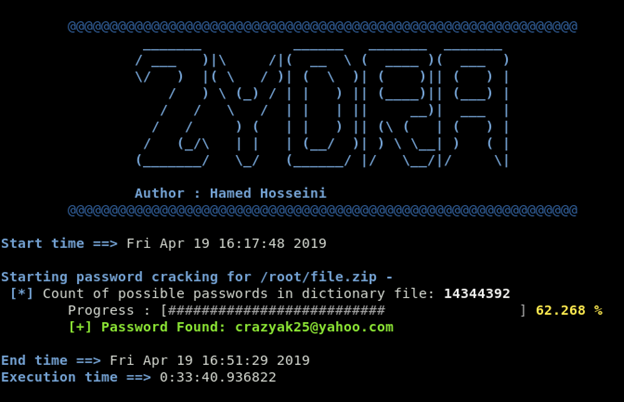
1- Dictionary search to find the password for a zip file
In this example I use rockyou.txt dictionary
$ python3 Zydra.py –f file.zip –d rockyou.txt
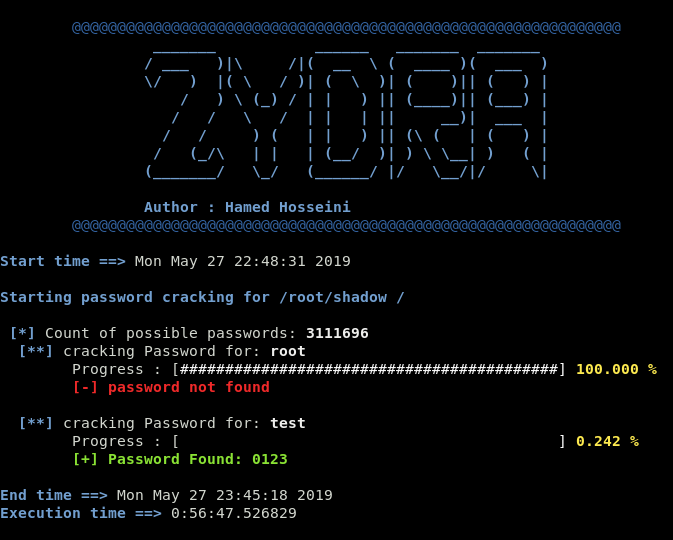
2- Brute force search to find the password for the users in the shadow file
Minimum length of password is 4 and maximum length is 4 and we try to find passwords that are composed of numbers and symbols letters.
$ python3 Zydra.py –f shadow –b digits,symbols –m 4 –x 4
To run Zydra using vagrant use the following command (you have to be in the same folder as the repository):
vagrant up
and once it finishes inialisation, you can run:
vagrant ssh
to connect to the virtual machine.
To exit the virtual machine just type exit in the shell.
To destroy the virtual machine run vagrant destroy.
More information regarding vagrant usage can be found here
Note:
By default the Vagrantfile uses the following settings:
    vb.cpus = 4
    vb.memory = 4096
Edit the Vagrantfile and change those values to improve the performance.
A special thank to, Hamed Izadi
This project is licensed under the MIT License - see the LICENSE.md file for details
