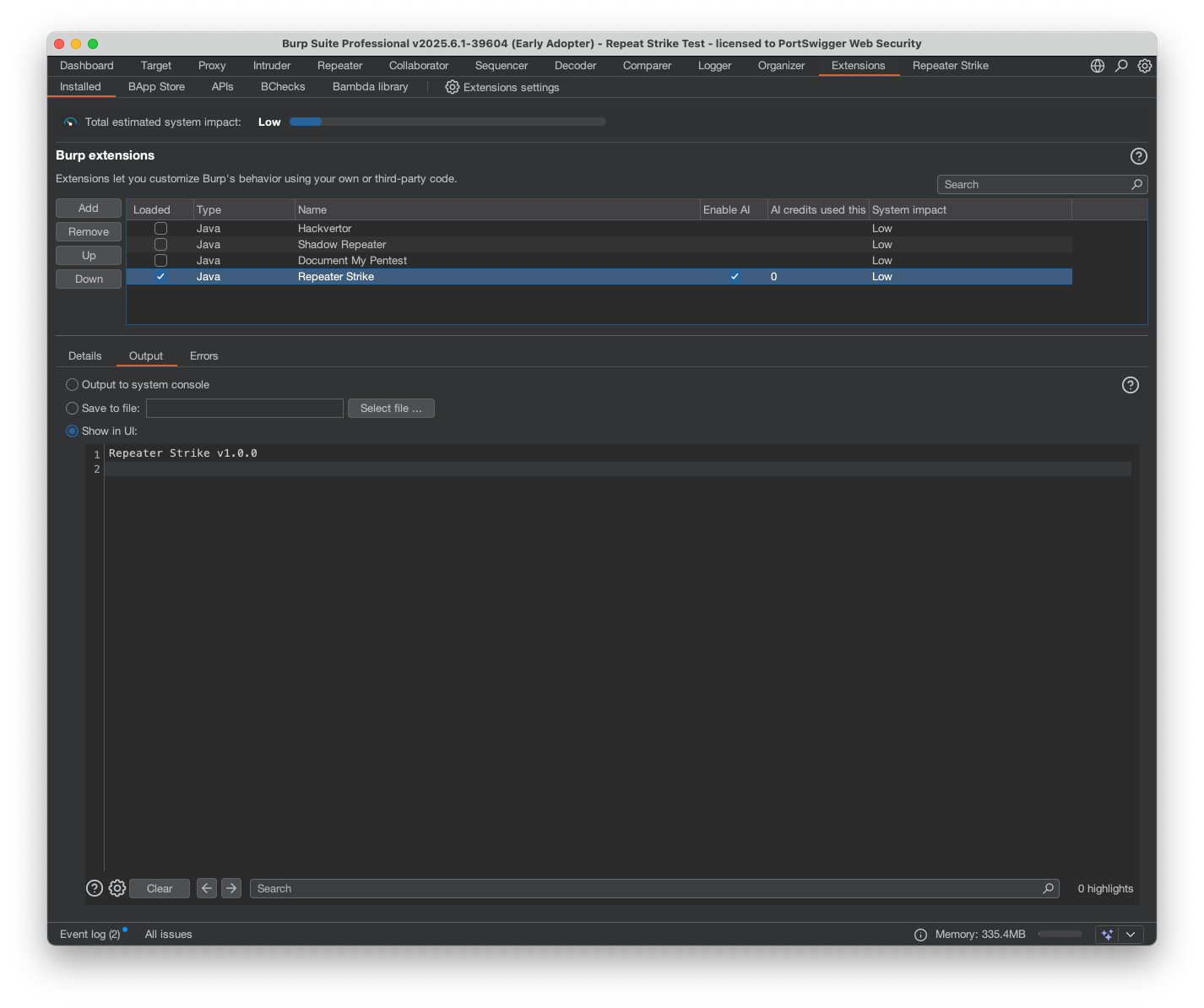

Burp Suite extension that uses AI-generated regex strike rules to detect IDOR and access-control flaws, then scans proxy history to find similar issues at scale.

Repeater Strike is an AI-powered tool that helps uncover IDOR and other vulnerabilities by analyzing your Repeater requests. It automatically generates targeted regular expressions based on the requests and responses you're testing. Once a vulnerability is detected, these regexes are applied to your proxy history to rapidly identify similar issues across your entire traffic, helping you scale your findings and save time.
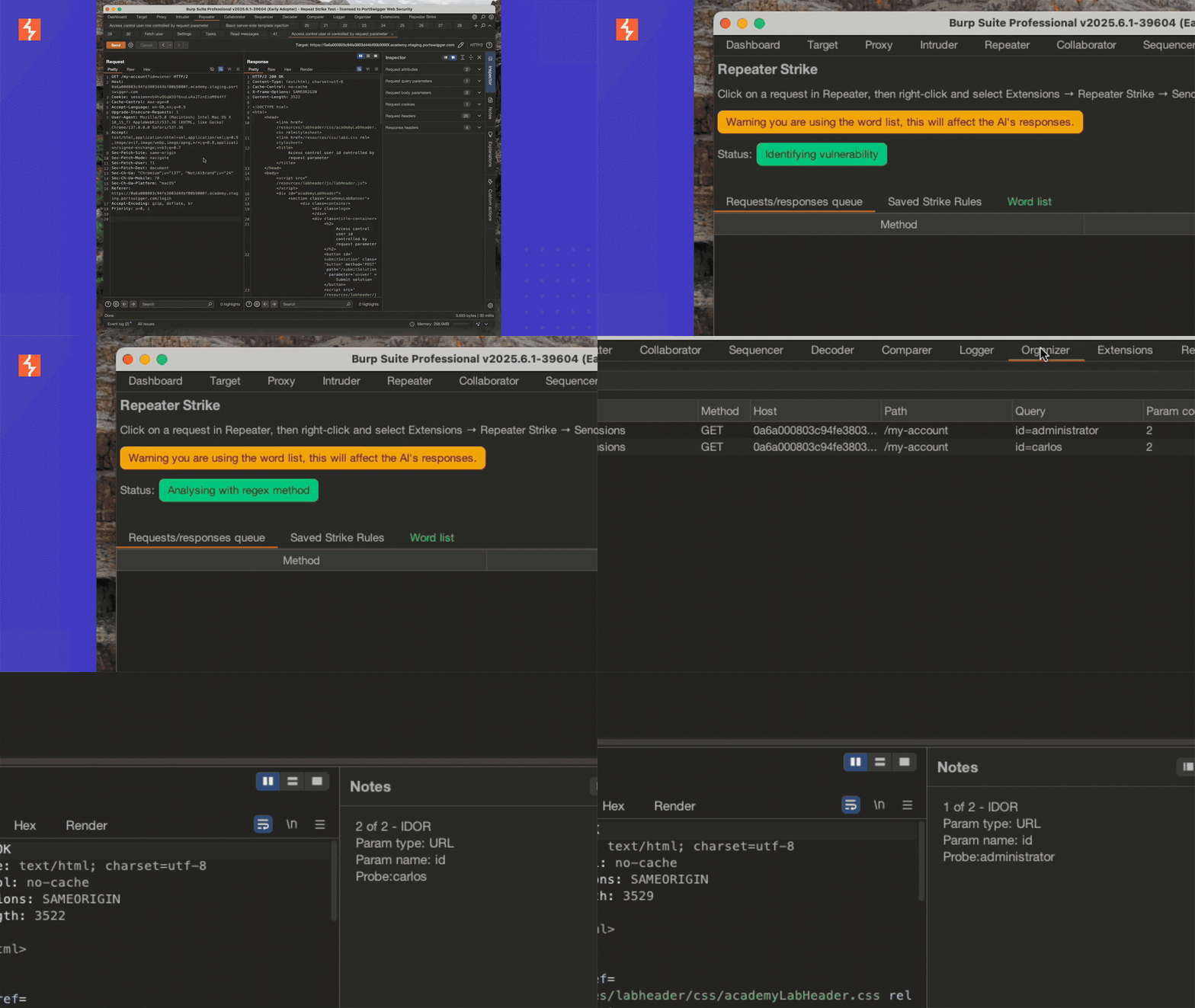
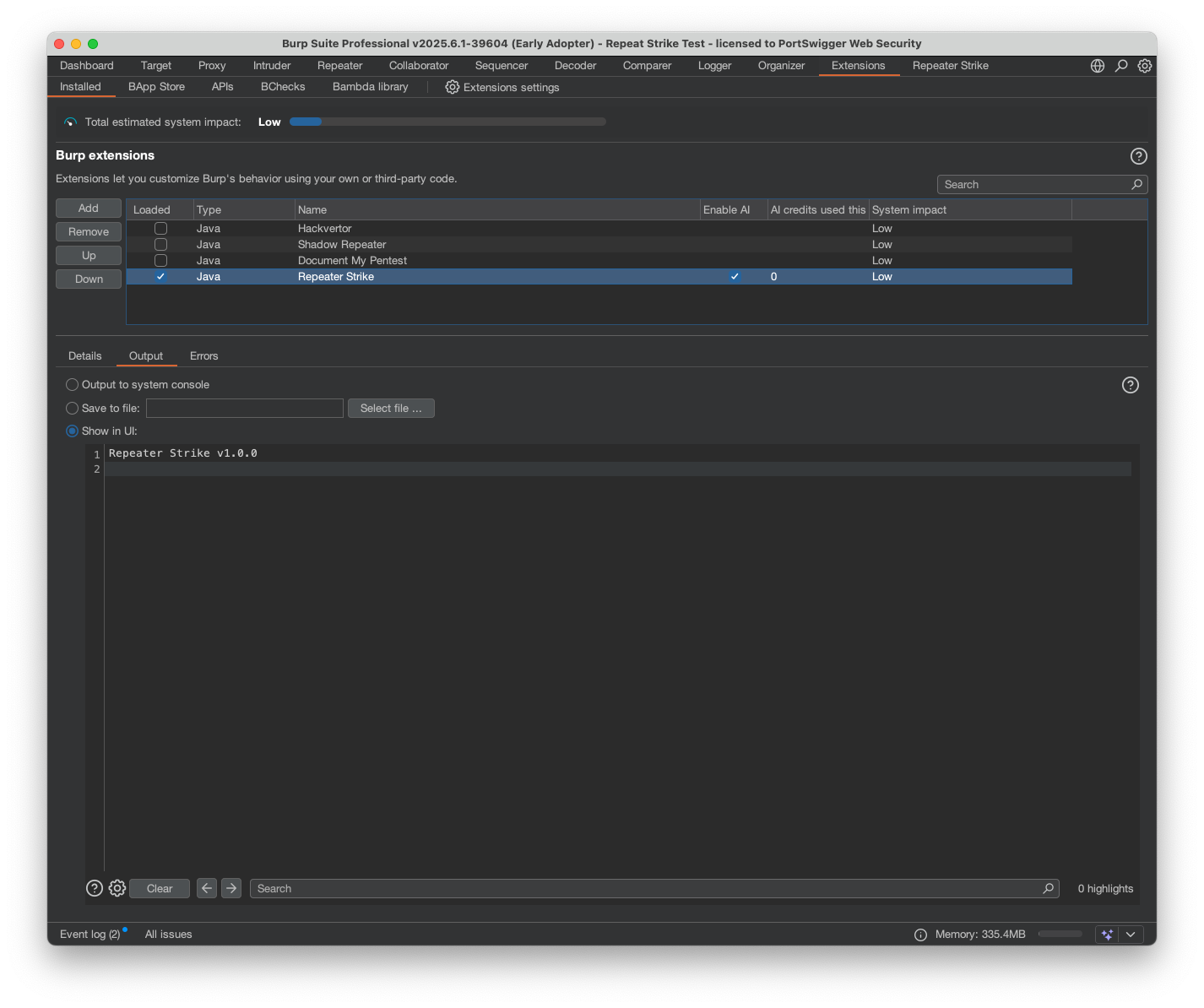
In Burp Suite Professional, go to Extensions->BApp store and search for Repeater Strike. Click the installation button and then navigate to the installed tab then select Repeater Strike and check the "Use AI" checkbox in the Extension tab.
In Repeater identify the target you want to test. You can use this Academy Lab as a test case: Academy Lab
Edit saved Strike Rules in the "Saved Strike Rules" tab and scan proxy history anytime using the "Run Strike rule on proxy history" button.
Configure Repeater Strike in Extension tab → Extensions settings → Repeater Strike. Here, you can set proxy data scan limits, request/response/image caps, and enable automatic Strike Rules and proxy history scanning when sending Repeater requests.

