 hacksider/deep-live-cam
real time face swap and one-click video deepfake with only a single image

Real-time face swap and video deepfake with a single click and only a single image.
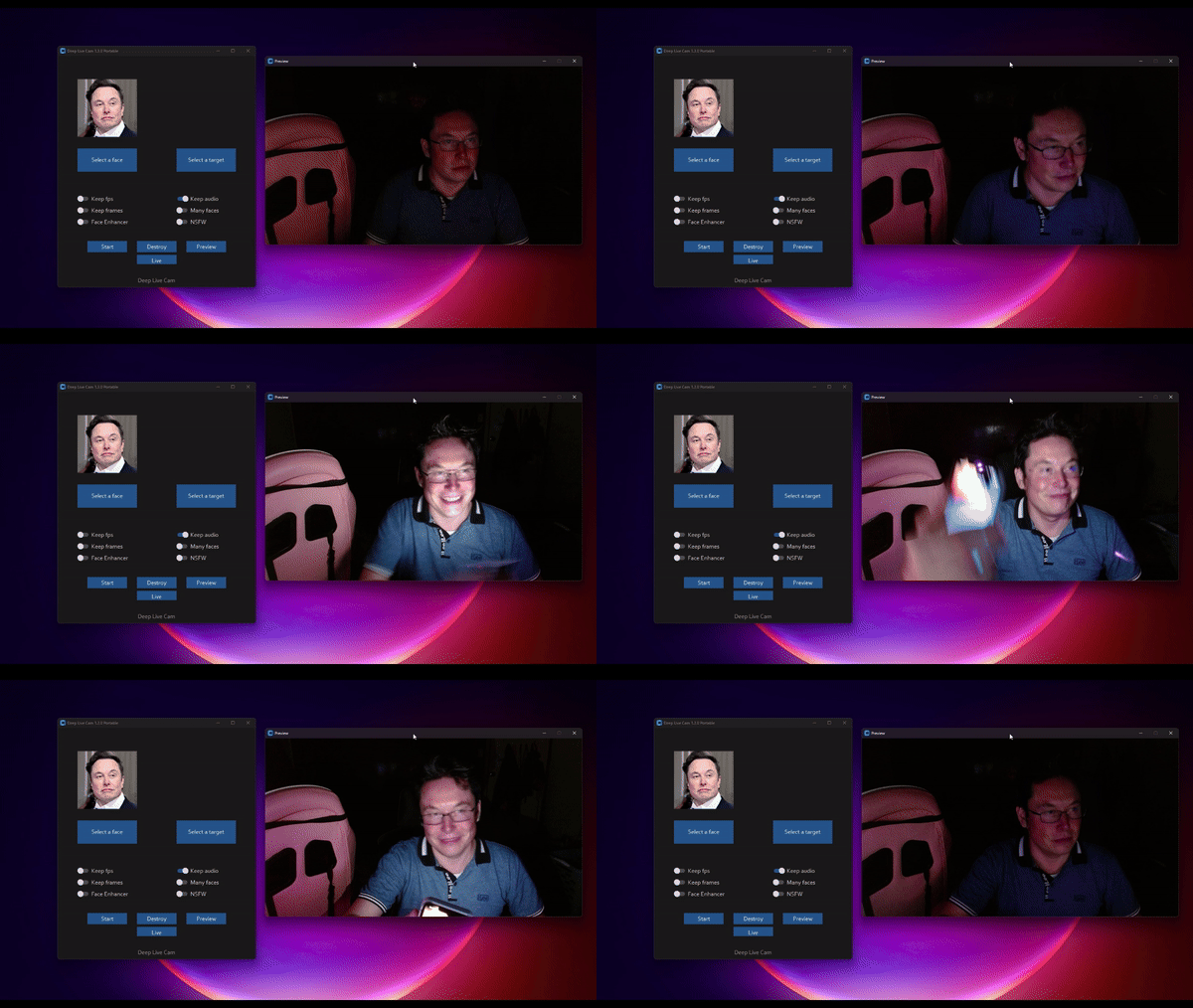
This deepfake software is designed to be a productive tool for the AI-generated media industry. It can assist artists in animating custom characters, creating engaging content, and even using models for clothing design.
We are aware of the potential for unethical applications and are committed to preventative measures. A built-in check prevents the program from processing inappropriate media (nudity, graphic content, sensitive material like war footage, etc.). We will continue to develop this project responsibly, adhering to the law and ethics. We may shut down the project or add watermarks if legally required.
Ethical Use: Users are expected to use this software responsibly and legally. If using a real person's face, obtain their consent and clearly label any output as a deepfake when sharing online.
Content Restrictions: The software includes built-in checks to prevent processing inappropriate media, such as nudity, graphic content, or sensitive material.
Legal Compliance: We adhere to all relevant laws and ethical guidelines. If legally required, we may shut down the project or add watermarks to the output.
User Responsibility: We are not responsible for end-user actions. Users must ensure their use of the software aligns with ethical standards and legal requirements.
By using this software, you agree to these terms and commit to using it in a manner that respects the rights and dignity of others.
Users are expected to use this software responsibly and legally. If using a real person's face, obtain their consent and clearly label any output as a deepfake when sharing online. We are not responsible for end-user actions.
Windows • Mac Silicon • CPU • NVIDIA • AMD
Builds optimized for your hardware.

Ultimate includes 30+ exclusive features, performance optimizations, and priority support We only have a single official website which is https://deeplivecam.net . Please be careful on where you download other versions of this application aside from that website and this github repo.
Perfect if you want the fastest setup with zero manual installation, pre-configured dependencies, and optimized builds for every supported platform.
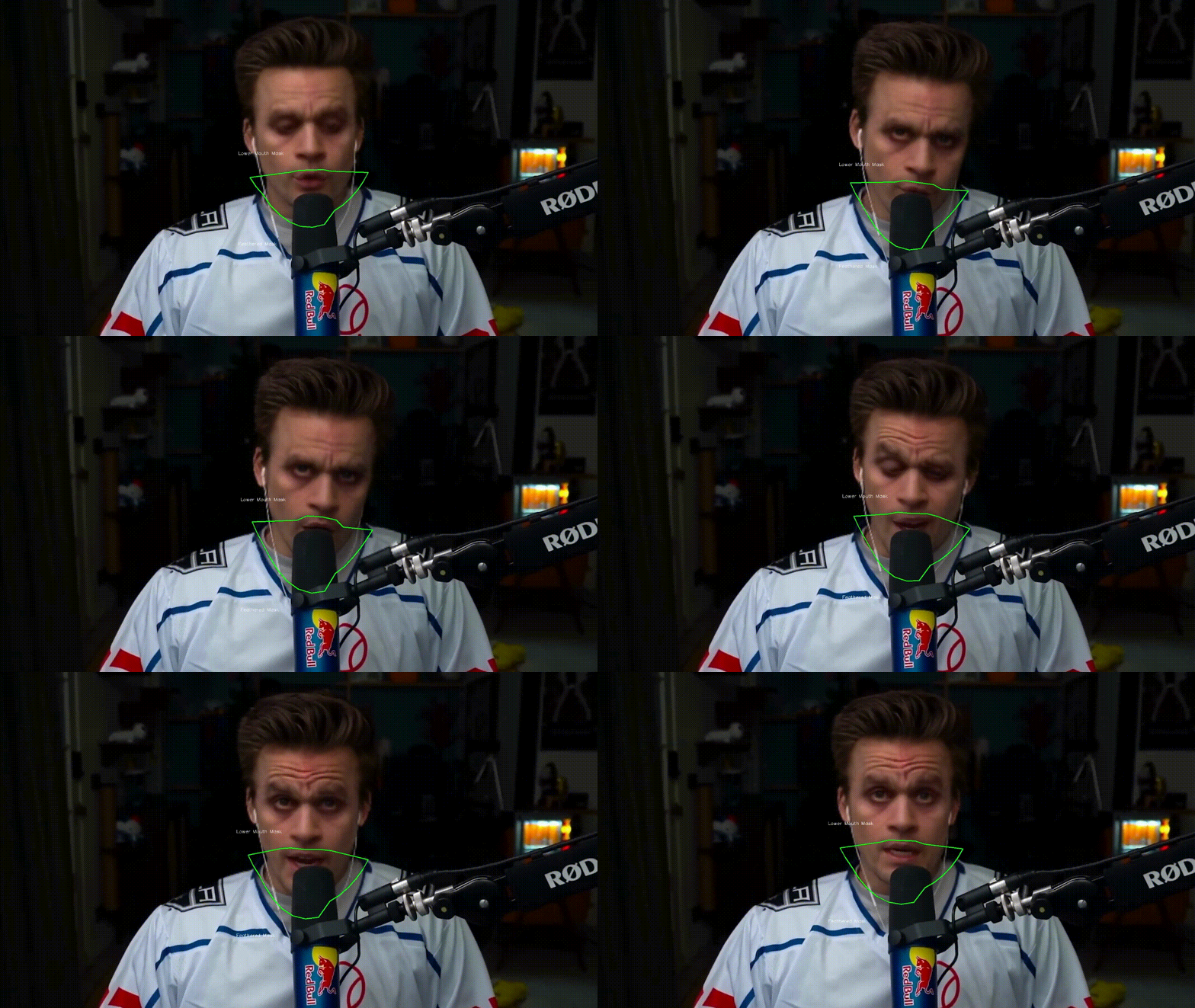
Retain your original mouth for accurate movement using Mouth Mask
Use different faces on multiple subjects simultaneously

Watch movies with any face in real-time

Run Live shows and performances
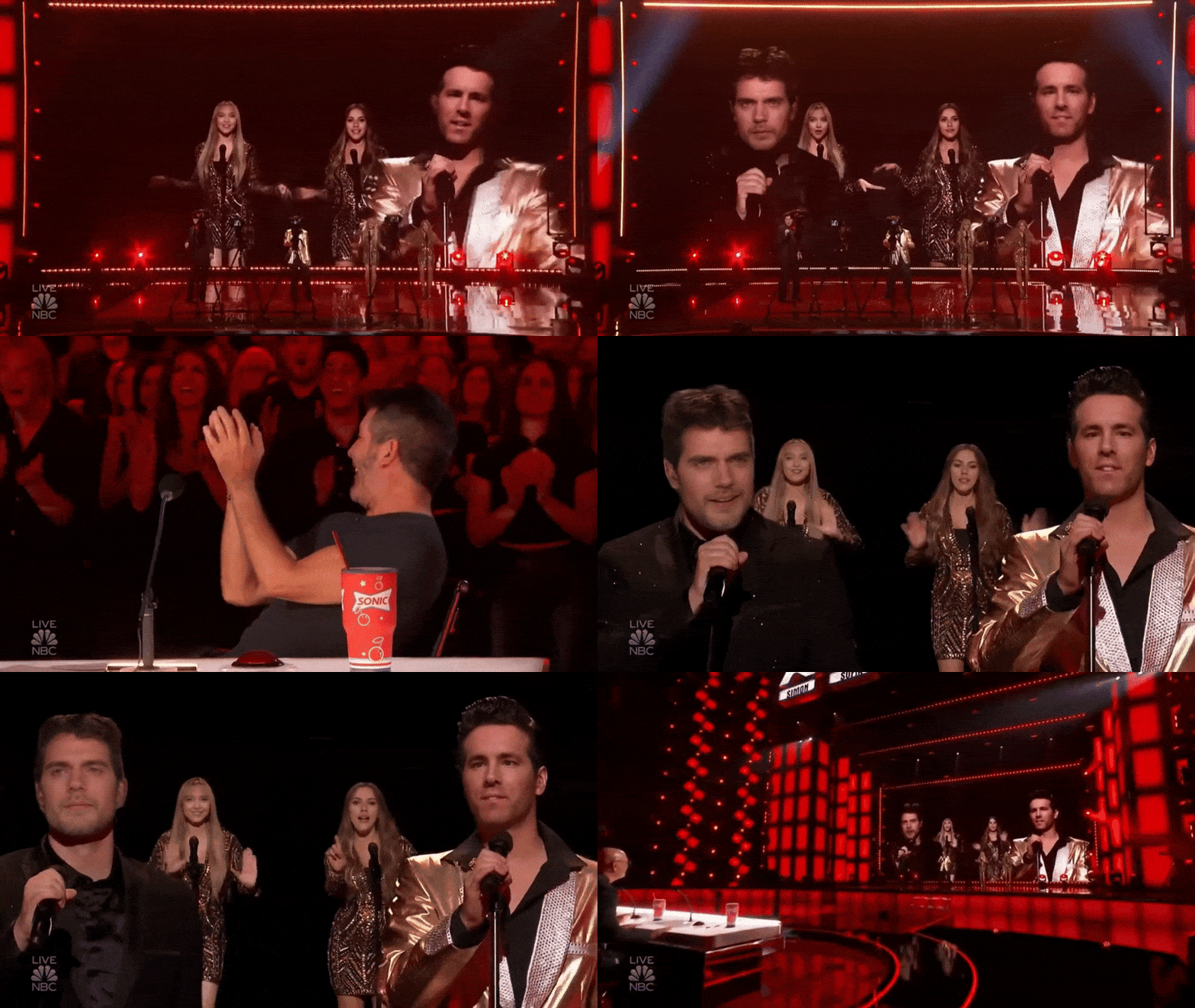
Create Your Most Viral Meme Yet

Created using Many Faces feature in Deep-Live-Cam
Surprise people on Omegle
Please be aware that the installation requires technical skills and is not for beginners. Consider downloading the quickstart version.
This is more likely to work on your computer but will be slower as it utilizes the CPU.
1. Set up Your Platform
iex (irm ffmpeg.tc.ht)2. Clone the Repository
git clone --depth 1 https://github.com/hacksider/Deep-Live-Cam.git
cd Deep-Live-Cam
3. Download the Models
Place these files in the "models" folder.
4. Install Dependencies
We highly recommend using a venv to avoid issues.
For Windows:
python -m venv venv
venv\Scripts\activate
pip install -r requirements.txt
For Linux:
# Ensure you use the installed Python 3.14
python3 -m venv venv
source venv/bin/activate
pip install -r requirements.txt
For macOS:
Apple Silicon (M1 through M5) requires specific setup:
# Install Python 3.14
brew install [email protected]

# Install tkinter package (required for the GUI)
brew install [email protected]

# Create and activate virtual environment with Python 3.14
python3.14 -m venv venv
source venv/bin/activate

# Install dependencies
pip install -r requirements.txt
** In case something goes wrong and you need to reinstall the virtual environment **
# Deactivate the virtual environment
rm -rf venv

# Reinstall the virtual environment
python -m venv venv
source venv/bin/activate

# install the dependencies again
pip install -r requirements.txt
