
 hackerschoice/gsocket
Connect like there is no firewall. Securely.











Connect like there is no firewall. Securely.
The Global Socket Tookit allows two users behind NAT/Firewall to establish a TCP connection with each other. Securely.
More on https://www.gsocket.io.
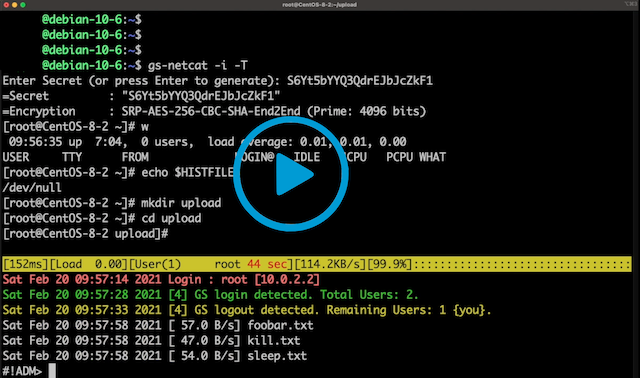
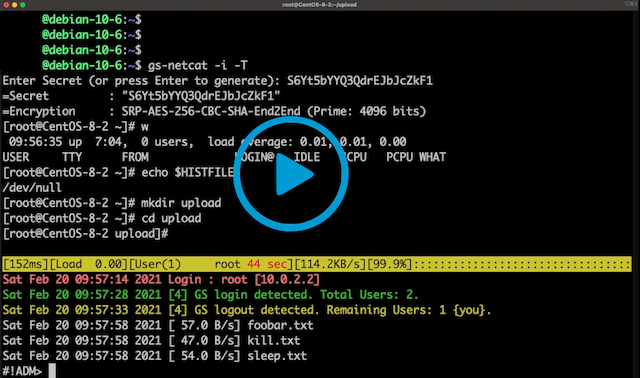
Video 1: gs-netcat reverse login shell and EEElite-console
Video 2: Using gsocket to hijack OpenSSH
Video 3: Blitz files through firewalls
Features:
Abandon the thought of IP Addresses and Port Numbers. Instead start thinking that two programs should be able to communicate with each other as long as they know the same secret (rather than each other's IP Address and Port Number). The Global Socket library facilitates this: It locally derives temporary session keys and IDs and connects two programs through the Global Socket Relay Network (GSRN) regardless and independent of the local IP Address or geographical location. Once connected the library then negotiates a secure TLS connection(End-2-End). The secret never leaves your workstation. The GSRN sees only the encrypted traffic.
The GSRN is a free cloud service and is free to use by anyone.
The Global Socket Toolkit comes with a set of tools:
gs-netcat -s MySecret -i), integrated file-transfer, spawn a Socks4/4a/5 proxy or forward TCP connections or give somebody temporary shell access.gs-sftp -s MySecret)gs-mount -s MySecret ~/mnt/warez)blitz -s MySecret /usr/share/*)| Static | pre-compiled static binaries for AMD64, ARM64, MIPS, ... |
| Source | gsocket-1.4.41.tar.gz (Linux, MacOS, FreeBSD, OpenBSD, Solaris) |
| .deb | x86_64, aarch64, ...more architectures |
| Windows | gs-netcat only or use docker or cygwin |
| Man Page | gsocket(1), gs-netcat(1), gs-mount(1), gs-sftp(1), blitz(1) |
| Docker | docker run --rm -it hackerschoice/gsocket |
| Docker | docker run --rm -it hackerschoice/gsocket-tor # gs via TOR |
Examples
| All | examples |
| OpenSSH via GSRN | examples/sshd |
| WireGuard via GSRN | examples/wireguard |
| Root-Shell via GSRN | examples/systemd-root-shell |
| IRCD via GSRN | examples/port-forward |
Follow the Installation Instructions for all major Operating Systems.
Usage:
$ gs-netcat -l -i   # Workstation A
$ gs-netcat -i      # Workstation B
See also: gs-netcat(1)
$ gs-netcat -l -d 127.0.0.1 -p 22  # Workstation A
$ gs-netcat -p 2222                # Workstation B
# A connection on B's port 2222 will end up on A's port 22
$ nc -vn 127.0.0.1 2222
$ gsocket /usr/sbin/sshd     # Workstation A
$ gsocket ssh root@gsocket   # Workstation B
See also: gsocket(1)
$ blitz -l                         # Workstation A
$ blitz /usr/share/*  /etc/*       # Workstation B
See also: blitz(1)

