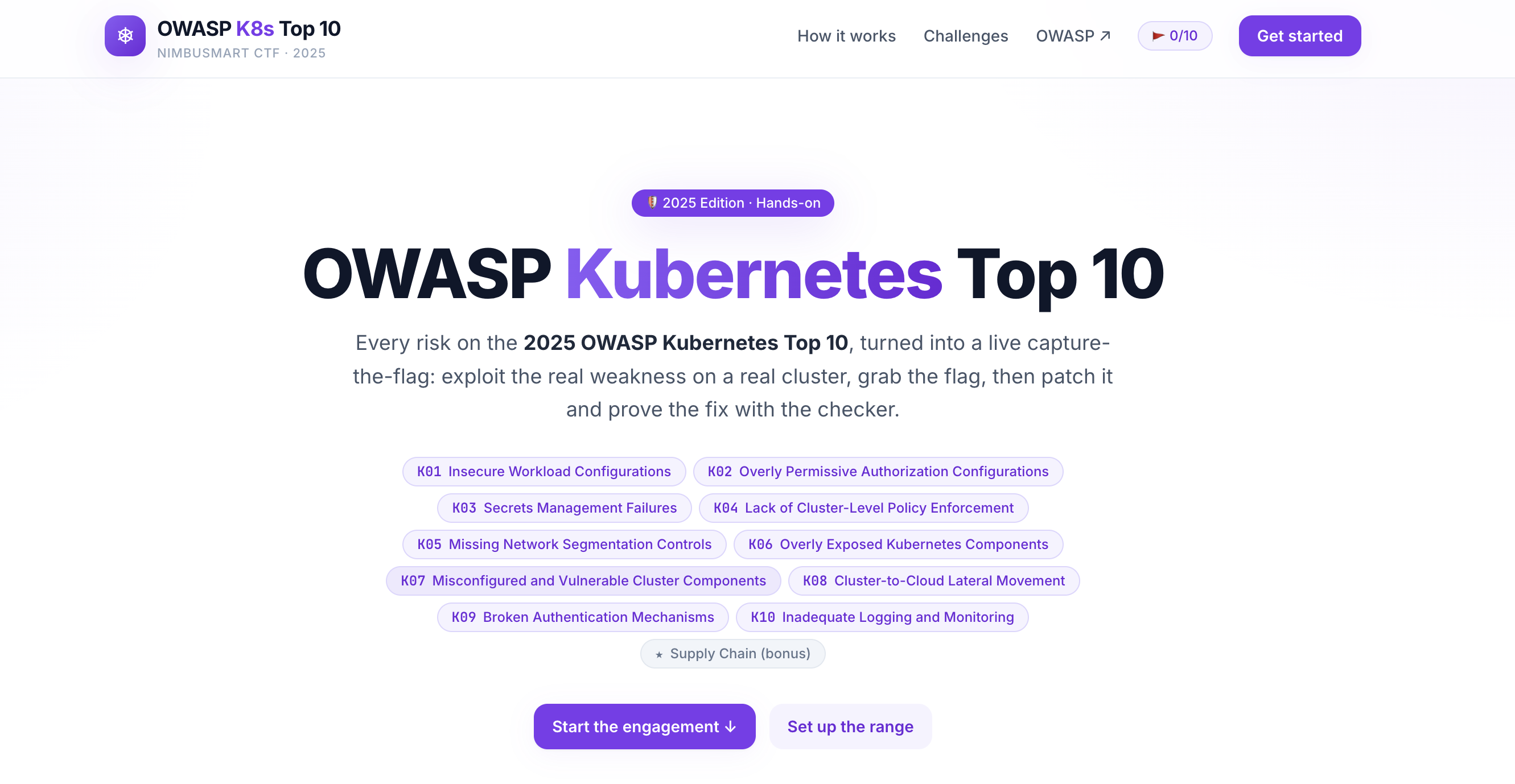


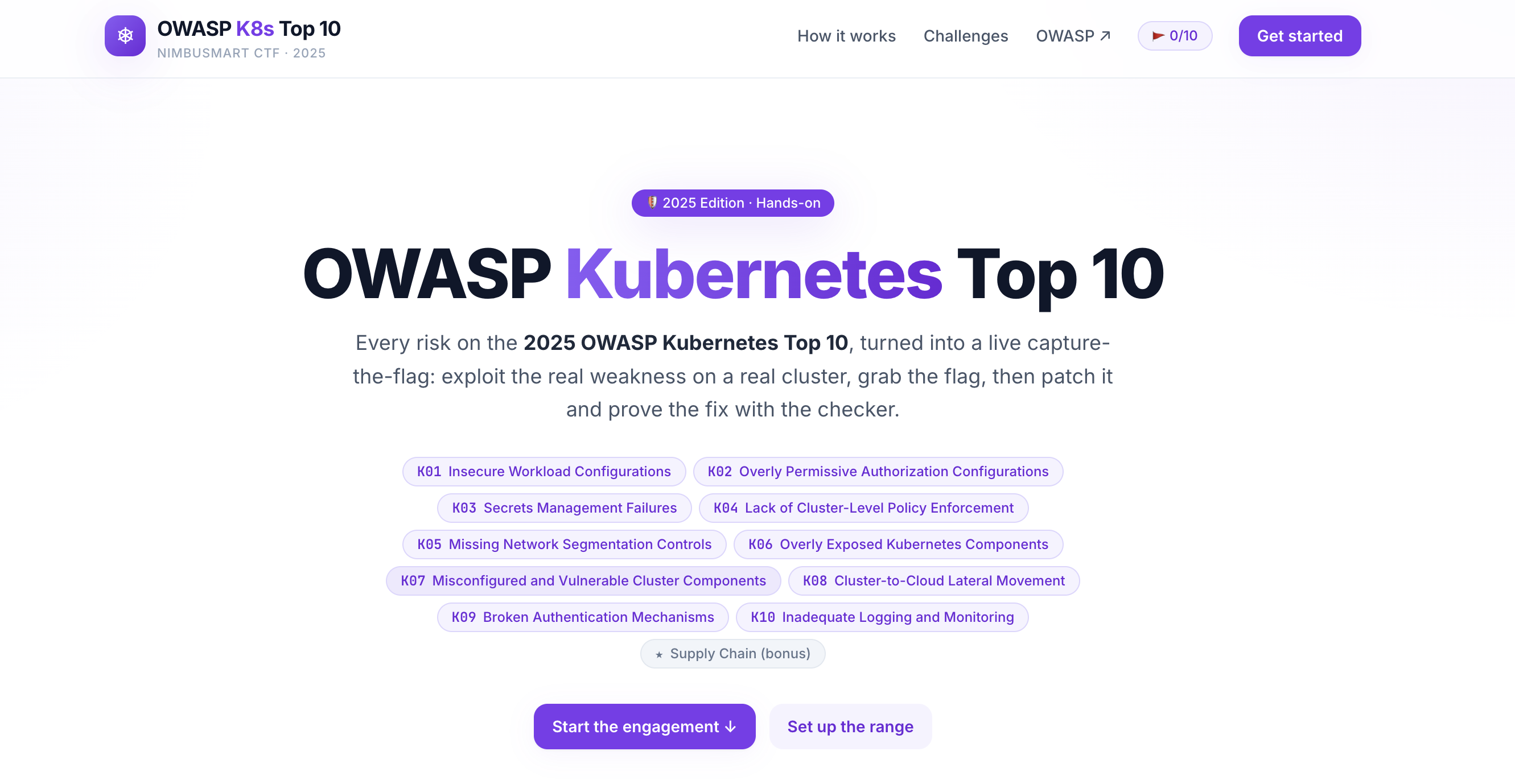
Hands-on capture-the-flag lab for the OWASP Kubernetes Top 10 (2025). Exploit 11 real-world cluster weaknesses, capture flags, then apply fixes and verify with an automated checker. Runs locally on kind.
A capture-the-flag built on the OWASP Kubernetes Top 10 — 2025. You've been hired to red-team NimbusMart, a fictional e-commerce company whose cluster grew faster than its security. Ten challenges, one per OWASP risk (plus a bonus) — exploit each weakness, capture the flag, then apply the fix and prove it with the checker.
The world bible (company, services, namespaces, flag scheme) lives in labs/NIMBUSMART.md.
Everything runs locally on kind. Never run the vulnerable manifests against a real cluster.
Built by @hac01.
This isn't a slide deck — it's a working, vulnerable-by-design Kubernetes cluster plus the tooling to attack it, fix it, and verify the fix. Across the eleven challenges you get hands-on with:
hostPath mounts, and node
breakout (K01).ClusterRoles, over-scoped ServiceAccounts,
and how one stolen token reaches every secret (K02, K09).NetworkPolicy lockdown (K05).:latest images shipped to prod (bonus).For every challenge you get:
Install these before you start. The setup script checks for the first four and fails fast with a clear message if any are missing.
| Tool | Why | Install |
|---|---|---|
| Docker | Runs the kind cluster and builds images. Must be running. | Docker Desktop / Engine |
| kind | Local Kubernetes cluster in Docker. | brew install kind |
| kubectl | Talk to the cluster. | brew install kubectl |
| Go 1.21+ | Builds and runs the checker binary. | brew install go |
| Node.js 18+ | Only for running the web app locally (make web). Not needed for the one-command in-cluster setup. | brew install node |
brewcommands are for macOS. On Linux use your package manager or the linked upstream instructions.
The web app, an in-browser terminal, and the checker can all run inside the kind cluster. One command spins up everything and prints the URL:
./setup.sh          # or: make up
#   - creates the kind cluster, builds and loads images, deploys, waits for ready
#   - Web app:  http://localhost:30090
#   - Terminal: the 'Terminal' button in the web app
./setup.sh (re)creates the cluster with the right port mappings, builds the two
images (nimbusmart-ctf-web, nimbusmart-ctf-terminal), loads them into kind, and
applies deploy/. First run pulls base images and takes ~1-2 minutes.
./setup.sh            # fresh cluster + full platform (deletes any old 'owasp-labs' cluster)
./setup.sh --keep     # reuse an existing 'owasp-labs' cluster if present
Then open http://localhost:30090, pick a challenge, and use the Terminal button in the browser to drive the cluster.
The terminal pod runs as a cluster-admin ServiceAccount, so the terminal in the
browser drives this very cluster — run kubectl apply -f labs/... and
owasp-k8s-checker --check kNN right there.
Warning: the in-browser terminal is effectively cluster-admin over a WebSocket. It is safe only because it is bound to your local, disposable kind cluster on
localhost. Never expose ports30080/30090/30091to an untrusted network.
kind delete cluster --name owasp-labs # or: make cluster-down
.
├── setup.sh         One-command bootstrap (cluster + images + deploy)
├── Makefile         Convenience targets — run `make help` to list them
├── web/             Next.js + React app (white/purple theme) — the UI
├── labs/            Real K8s manifests per risk (vulnerable.yaml + fixed.yaml + README)
│   ├── NIMBUSMART.md        World bible: company, namespaces, flag scheme
│   └── kind-cluster.yaml    Shared local cluster config (port mappings)
├── deploy/          In-cluster platform manifests (web + terminal + RBAC) + build.sh
├── terminal-server/ WebSocket backend for the in-browser terminal
└── checker/         Go binary that validates a cluster against the Top 10
Useful make targets (make help shows all):
| Target | What it does |
|---|---|
make up | One shot: cluster + images + deploy (runs setup.sh) |
make web | Run the web app in dev mode on :3000 |
make cluster / make cluster-down | Create / delete the local kind cluster |
make scan | Run every checker against the current cluster |
make check ID=k01 | Run a single check |
make clean-labs | Delete all lab resources (reset between challenges) |
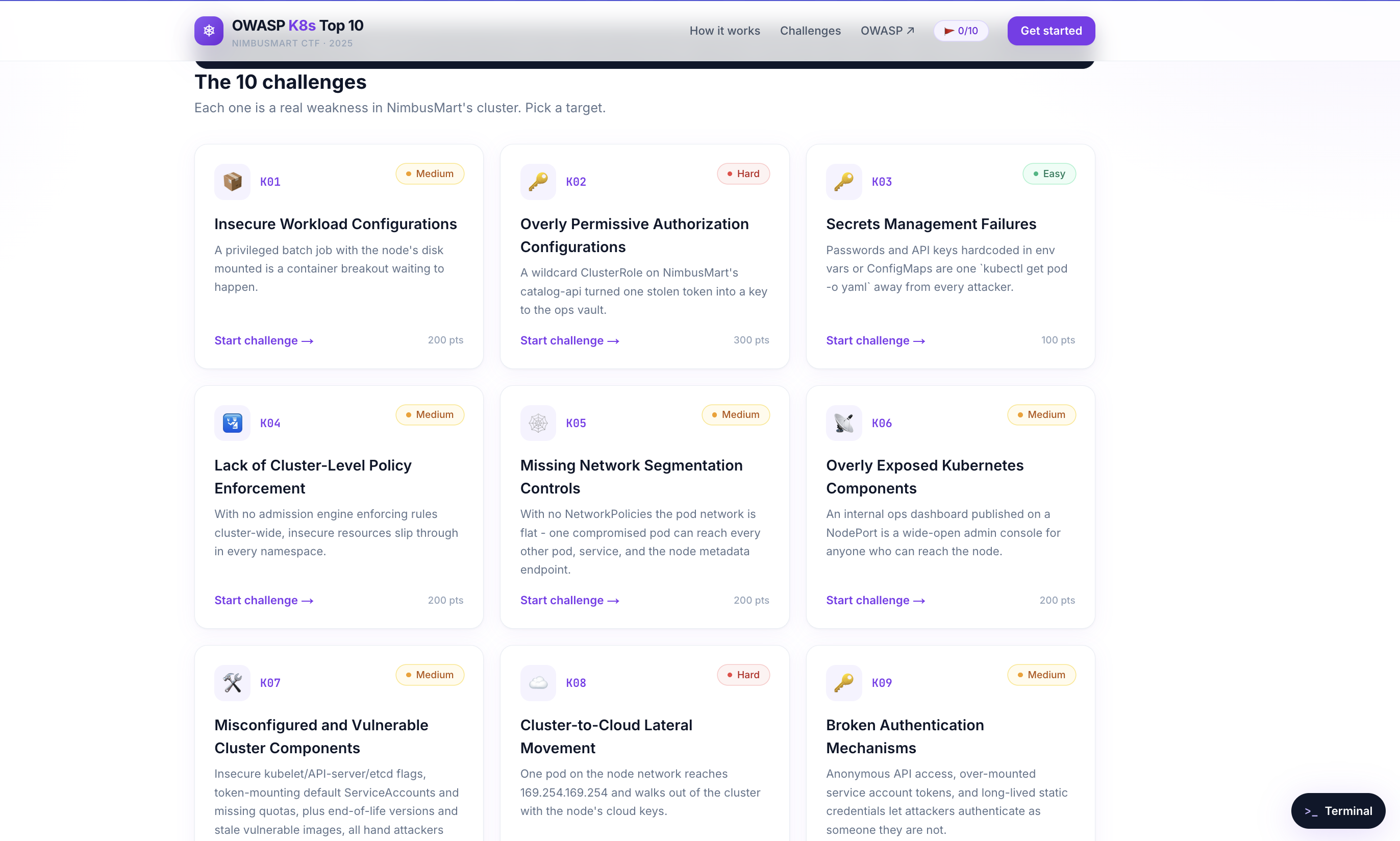
Each challenge is a real weakness in NimbusMart's cluster — pick a target, exploit it, capture the flag, then patch it and prove the fix with the checker.