 h33tlit/jbin-website-secret-scraper
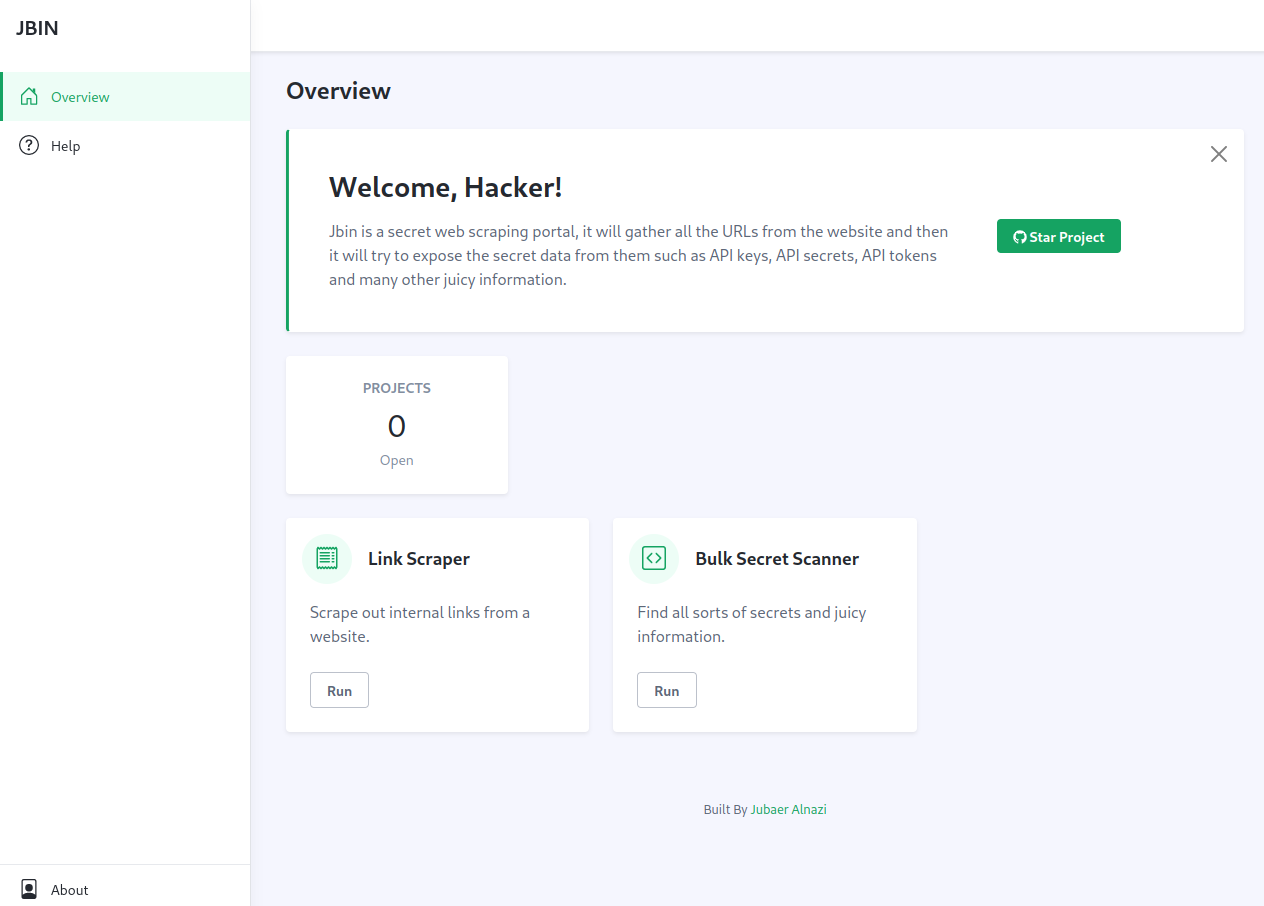
Jbin will gather all the URLs from the website and then it will try to expose the secret data from them such as API keys, API secrets, API tokens and many other juicy information.

 🎖️
🎖️




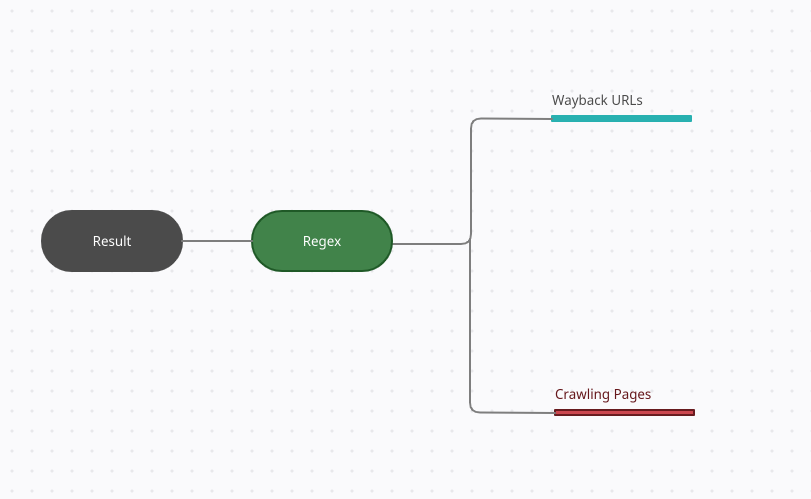
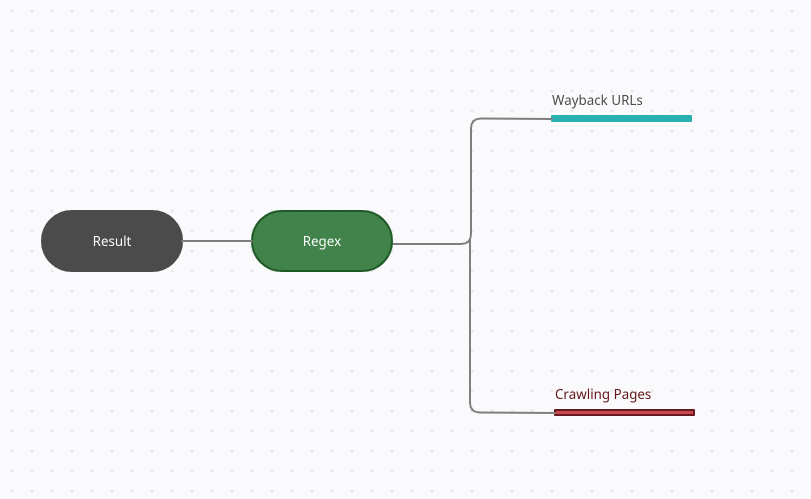
Jbin will gather all the URLs from the website and then it will try to expose the secret data from them. It collects both URLs and JS links to scrape secrets out of it. Also if you are looking for a specific string in a page or want to run custom regex then you can do that too now with the new release, It also provides you with a informative report.
Required: Python-3.8.5, Flask
pip install Flaskpip install -r requirements.txtexport FLASK_APP=app.pyflask runWant Jbin to work asynchronously?
Follow this article - Using gunicorn you can make the whole application asynchronous!
[Note]: Make sure you verify that flask is installed flask --version
Url: https://peaceful-colden-270bad.netlify.app
Copy the url and put this as a target in the tool, Put AWS Keys/IPV4/IPV6 python regexes to verify it's capabilities
Now go to http://127.0.0.1:5000/ where by default the application will be launched but if that port is in used you can run this flask run --host=127.0.0.1 --port=ANY PORT NUMBER
Enter your target domain and put your custom regex or string, You can run the tool as per your requirement.
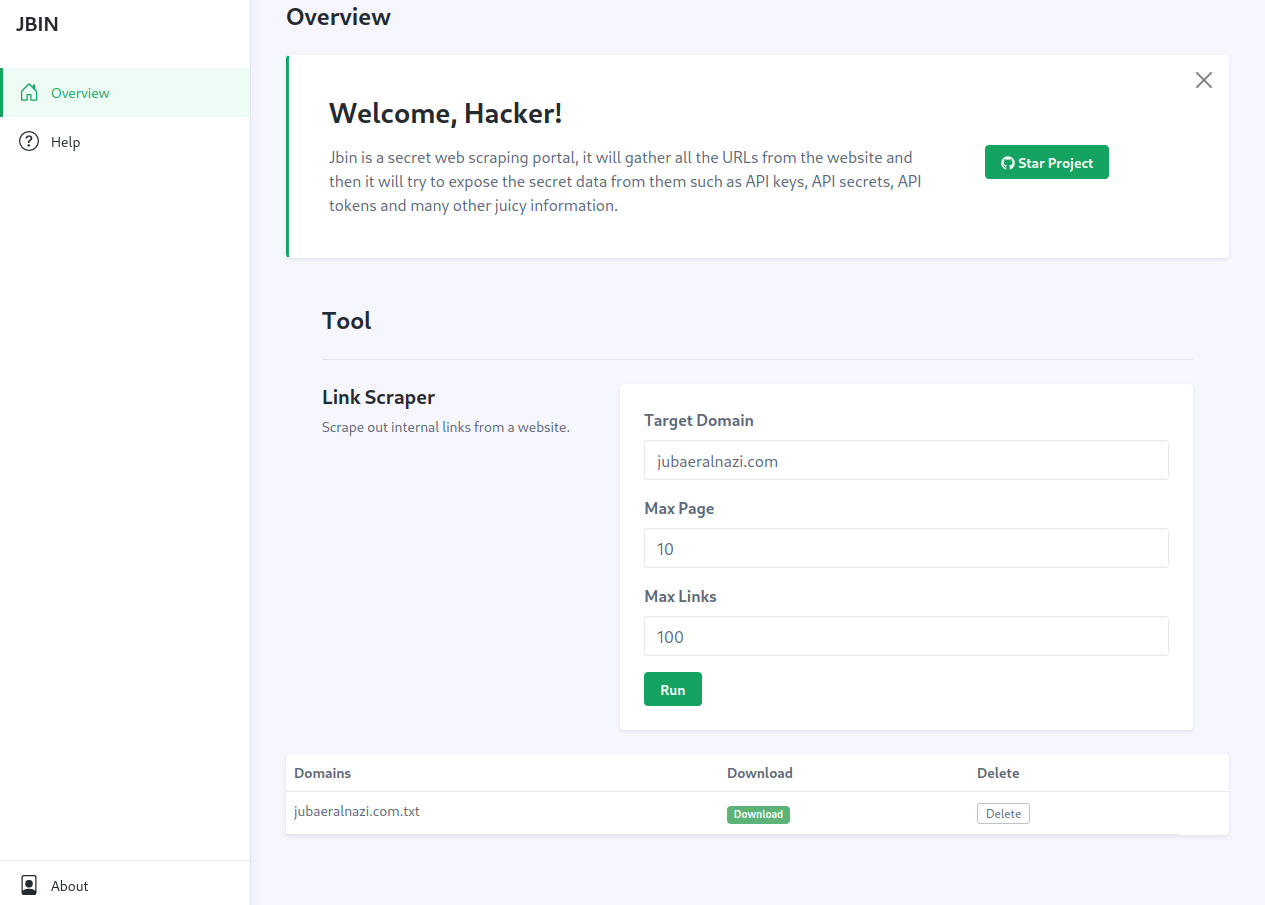
[Note: Becareful of regex as wrong one can crash the script]
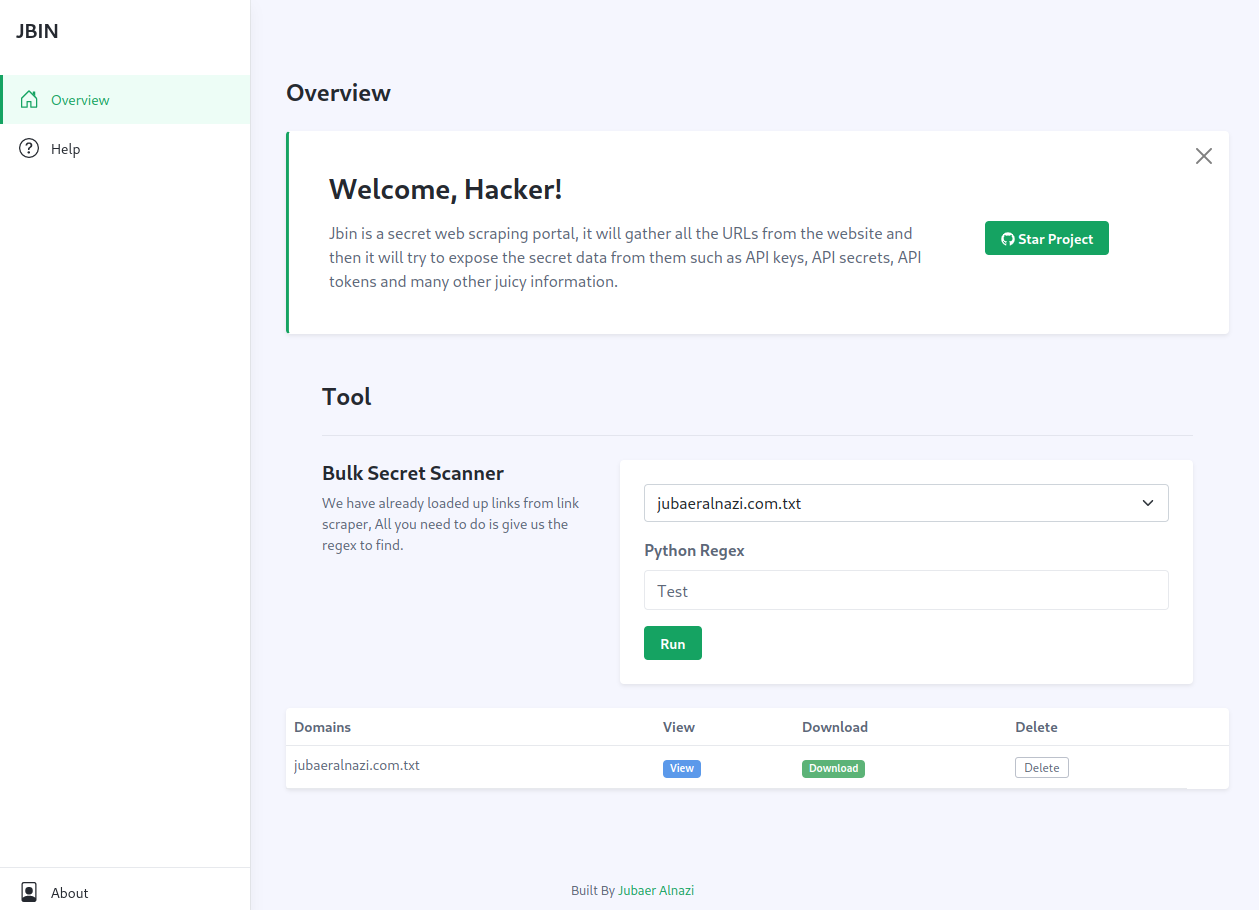
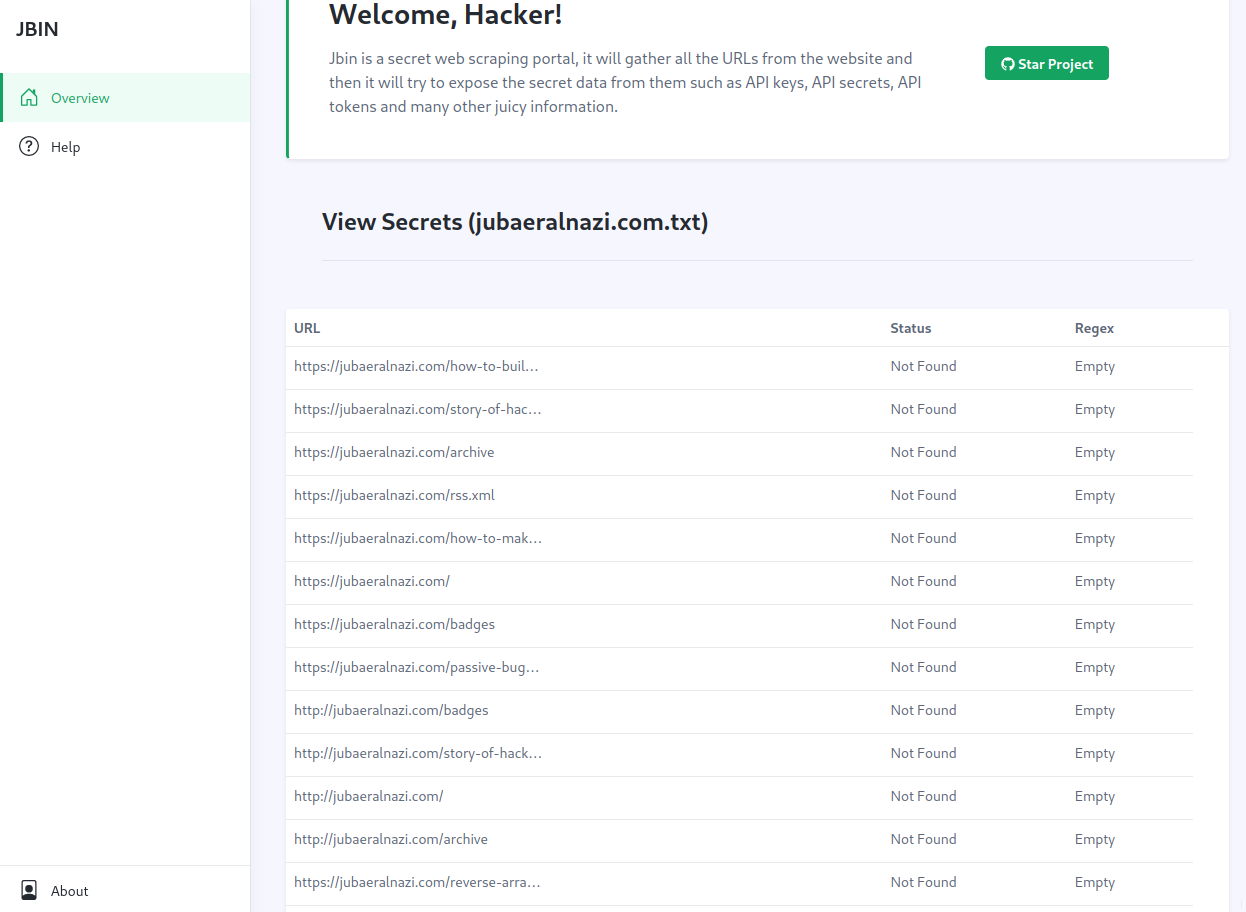
If you are fine with the old version you can always download it from the release section
Please do create issues if you face any error while using the application
