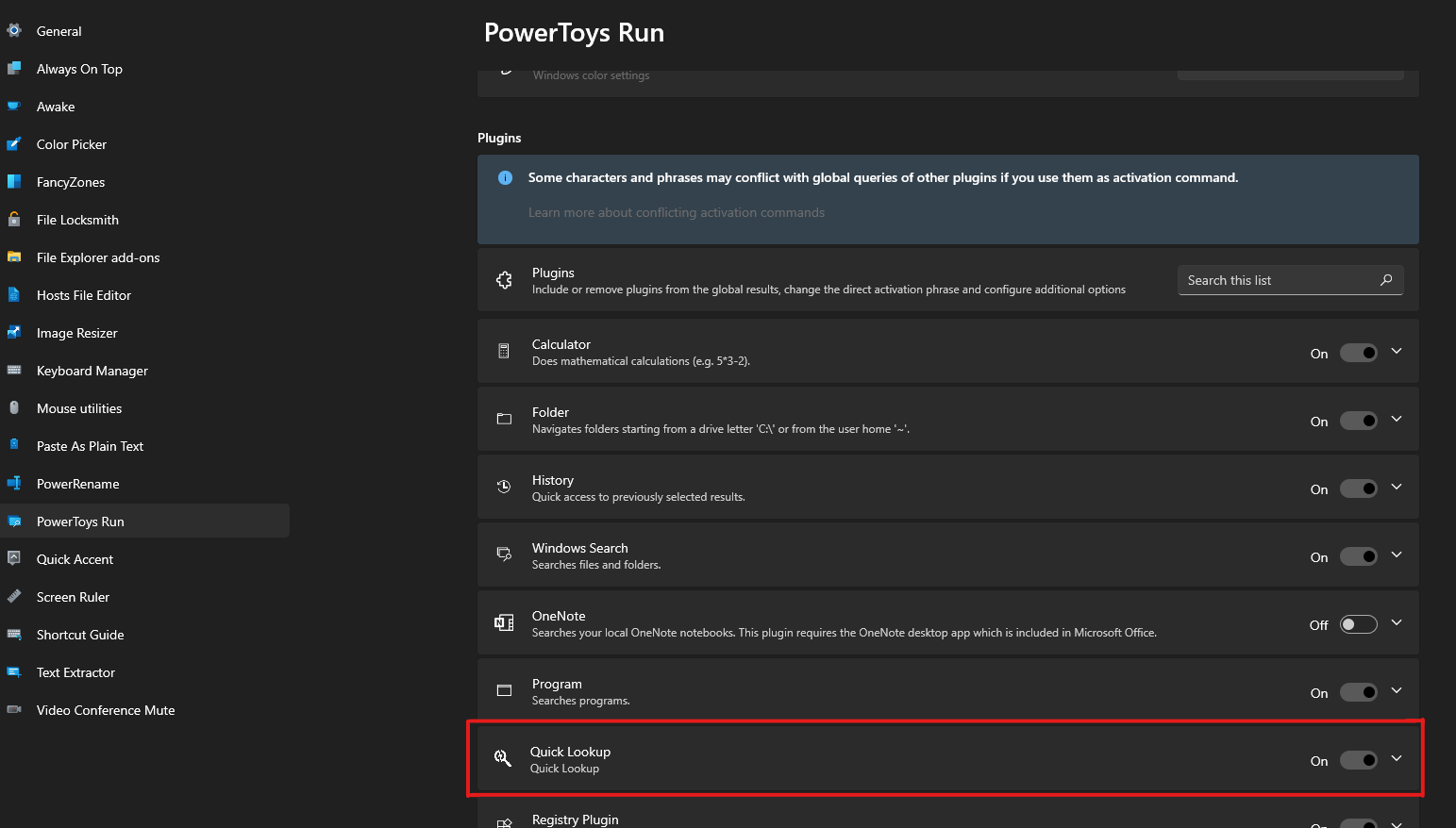
 gtgalaxi/quick-lookup-ptrun
PowerToys Run plugin for instant IP, domain, and hash lookups across multiple threat intelligence platforms like Shodan, VirusTotal, and GreyNoise.


This plugin for PowerToys Run allows you to quickly search for an IP address, domain name, hash or any other data points in a list of Cyber Security tools. It's perfect for security analysts, penetration testers, or anyone else who needs to quickly lookup information when investigating artifacts or alerts.
NOTE: As of Power Toys Run v0.72.0 or v0.73.0 (Not 100% sure as the release notes don't mention this), the directory for Powertoys Run plugins was changed!
If you already installed this or another plugin and it recently stopped working this may be why. You will need to move the plugin(s) from the old directory to the new one.
The old plugin directory was:
- For machine wide install of PowerToys:
C:\Program Files\PowerToys\modules\launcher\Plugins- For per user install of PowerToys:
C:\Users\<yourusername>\AppData\Local\PowerToys\modules\launcher\Plugins
To install the plugin:
C:\Program Files\PowerToys\RunPluginsC:\Users\<yourusername>\AppData\Local\PowerToys\RunPluginsql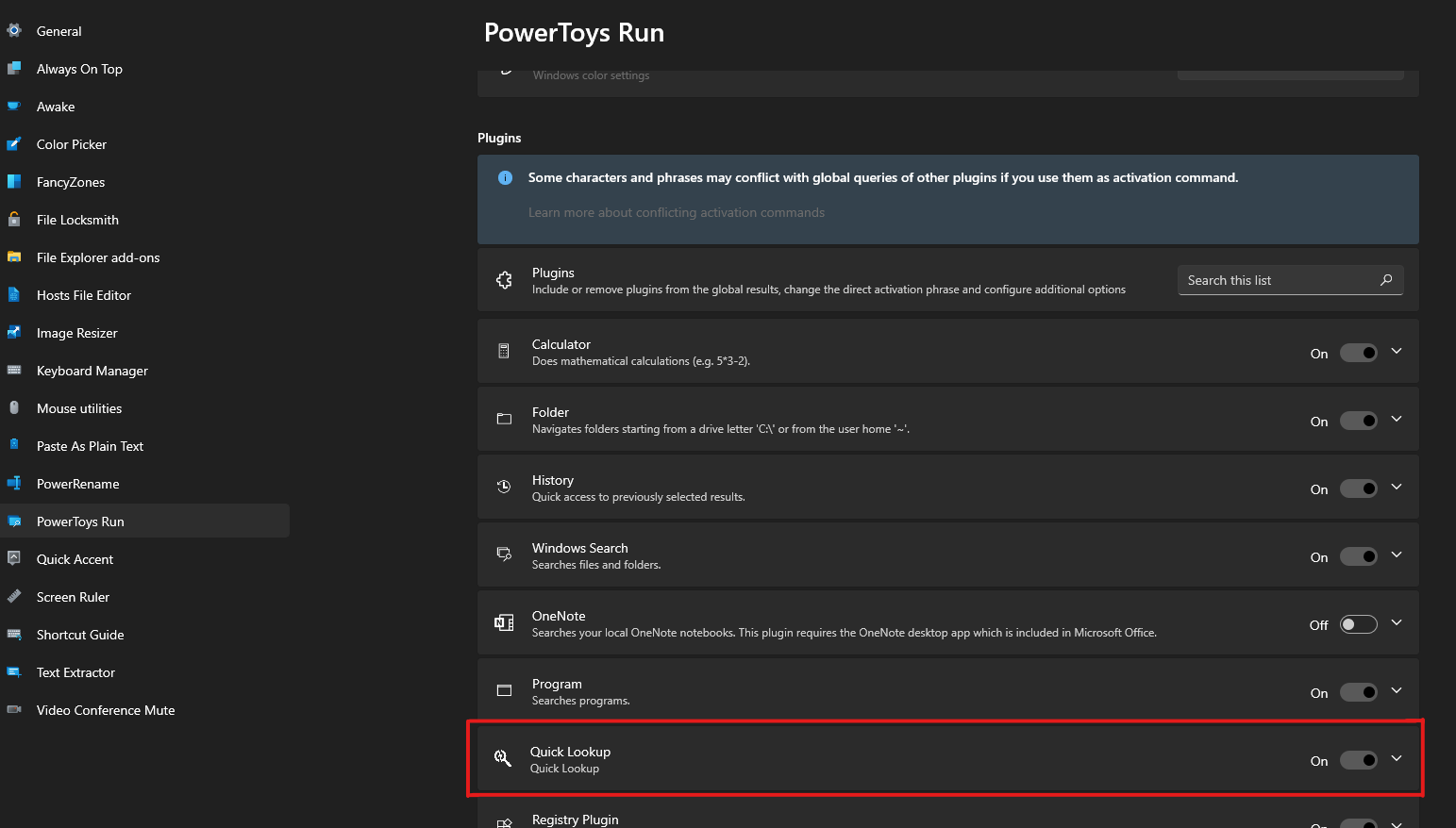
To use the plugin, simply open PowerToys Run by pressing Alt+Space and type the activation command ql followed by the tool category and the data you want to lookup.

The plugin will open the data searched in a new tab in your default browser for each tool registered with that category.
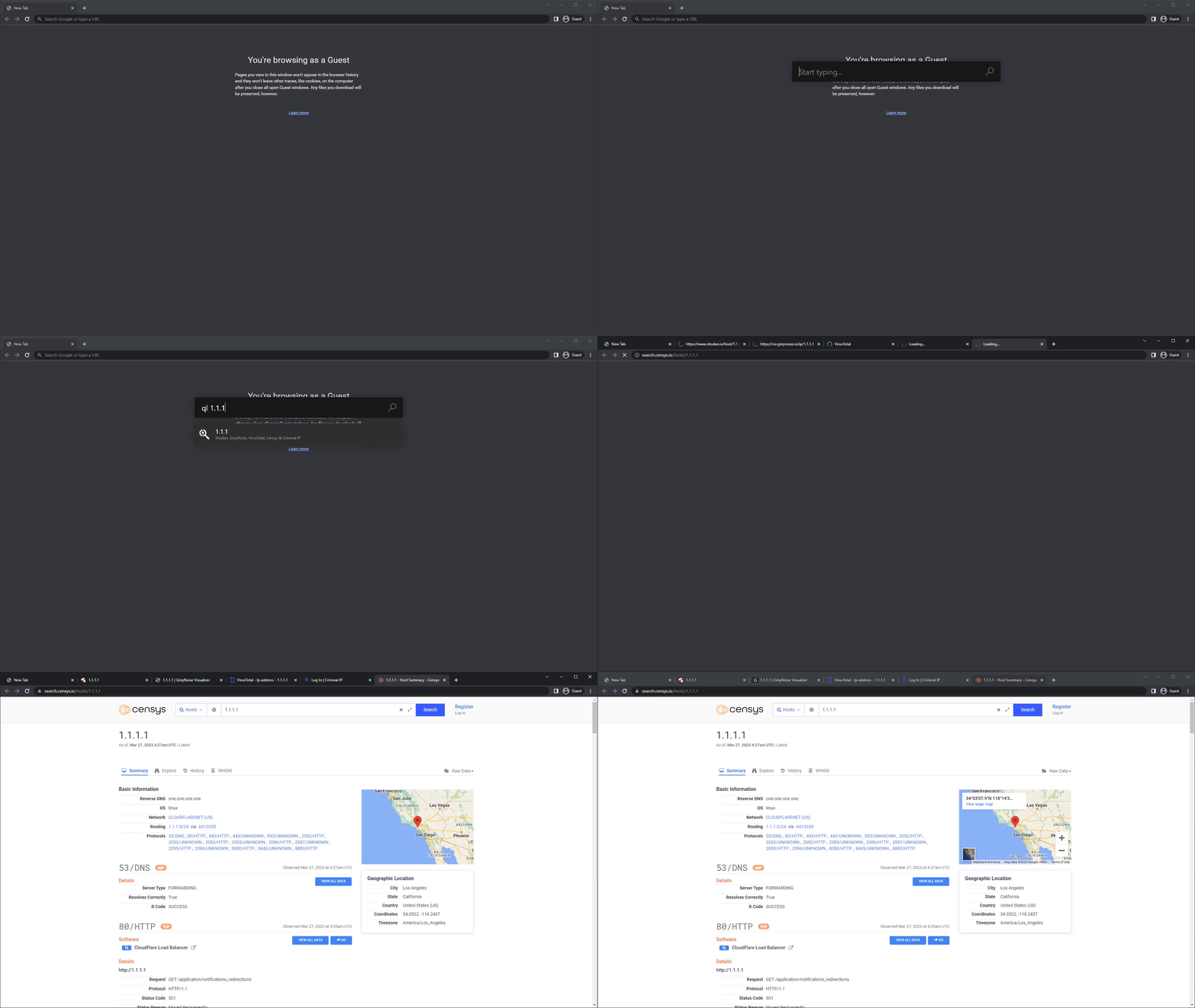
This plugin currently comes default with the following tools:
NOTE: Prior to version 1.3.0
tools.confwas the default configuration file used.The plugin will now automatically convert the
tools.conflist totools.jsonif it does not already exist in JSON form and will then default to using that instead.
The legacy config file will remain however will not be used and will not be included in future builds starting from v1.3.0
By default, the plugin will use the precofigured tools listed above. You can modify these settings by editing the tools.json file in the plugin folder.
The format for the configuration file follows the below standard:
{
    "Name": "VirusTotal",
    "URL": "https://www.virustotal.com/gui/search/{0}",
    "Categories": [ "ip", "domain", "hash"],
    "Enabled": true
}
In the URL, {0} will be replace with the search input. As such, only sites that work based on URL data (GET Requests) are supported for now.
For example, https://www.virustotal.com/gui/search/{0} would become https://www.virustotal.com/gui/search/1.1.1.1
This plugin is licensed under the MIT License. Feel free to use, modify, and distribute the code as you see fit. If you make any improvements or bugfixes, please consider contributing back to the project by opening a pull request.

