 gonzosint/geowifi
Search WiFi geolocation data by BSSID and SSID on different public databases.

Search WiFi geolocation data by BSSID and SSID on different public databases.
| Wigle | Apple | Milnikov | |
|---|---|---|---|
| WifiDB | Combain | Freifunk Carte | ❌ (Discontinued) OpenWifi |
The tool has a configuration file in the gw_utils folder called config.yaml. Each of the configuration parameters and how to obtain the necessary information is explained below:
In order to use the Wigle service it is necessary to obtain an API and configure the gw_utils/config.yaml file replacing the value of the "wigle_auth" parameter for the "Encoded for use" data provided by Wigle.
In order to use the Google Geolocation Services it is necessary to obtain an API and configure the gw_utils/config.yaml file replacing the value of the "google_api" parameter for the "API" provided. Google provides $200 of free monthly usage.
In order to use the Combain API it is necessary to obtain an API and configure the gw_utils/config.yaml file replacing the value of the "combain_api" parameter for the "API" provided. Combain provides a free trial and paid plans.
Option to enable or disable the SSL verification process on requests.
Start by cloning locally the GitHub repo then enter into the geowifi folder. git must be present on your system
git clone https://github.com/GONZOsint/geowifi
cd ./geowifi/
Alternative is to use https://github.com/GONZOsint/geowifi/archive/refs/heads/main.zip then unzip the downloaded file.
Note: Use the package manager pip to install requirements.
virtualenv geowifi
source geowifi/bin/activate
python3 -m pip install -r requirements.txt
docker build -t geowifi:latest .
usage: geowifi.py [-h] [-s {bssid,ssid}] [-o {map,json}] identifier

Search for information about a network with a specific BSSID or SSID.

positional arguments:
  identifier            The BSSID or SSID of the network to search for.

options:
  -h, --help            show this help message and exit
  -s {bssid,ssid}, --search-by {bssid,ssid}
                        Specifies whether to search by BSSID or SSID (default: bssid)
  -o {map,json}, --output-format {map,json}
                        Specifies the output format for the search results (default: map)
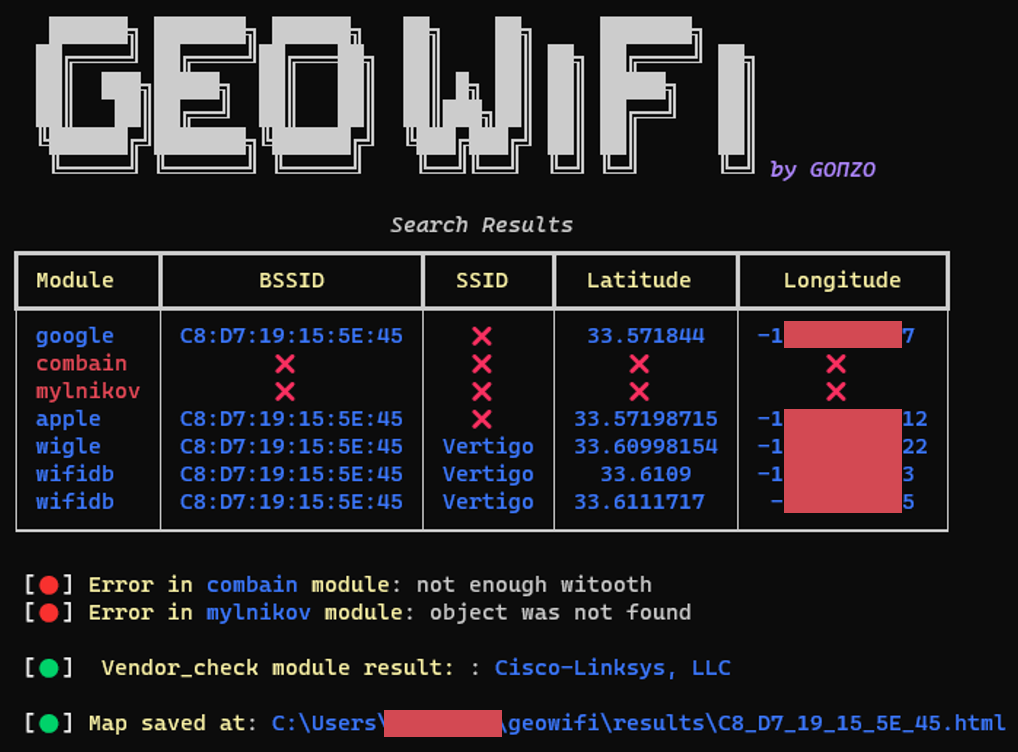
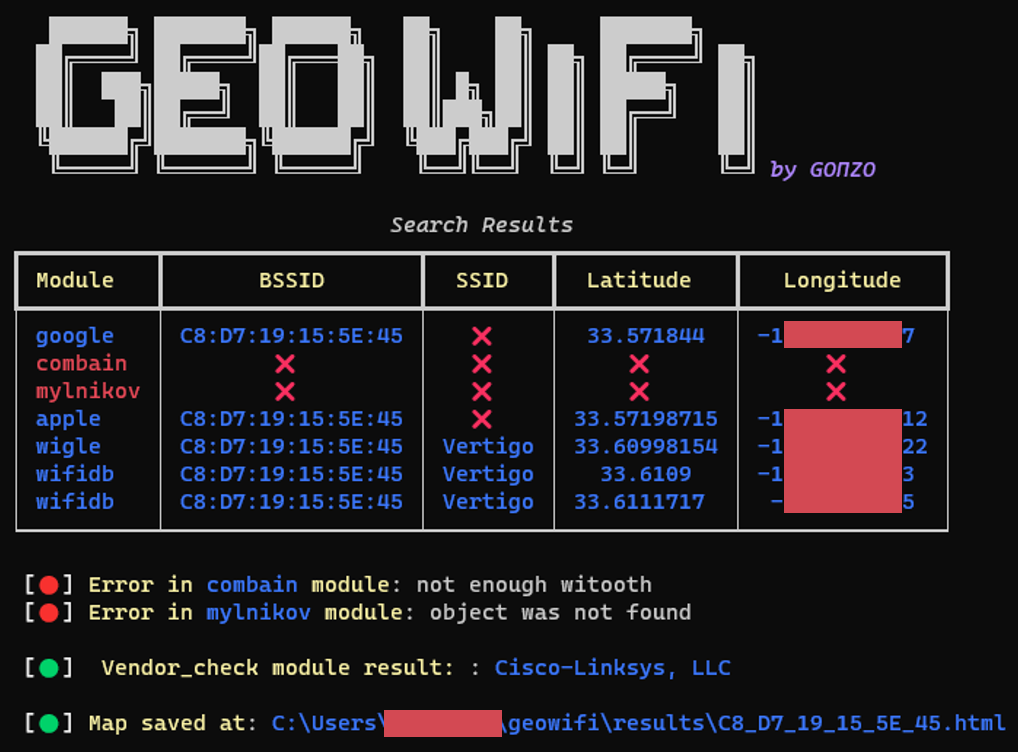
python3 geowifi.py -s bssid <input>
python3 geowifi.py -s ssid <input>
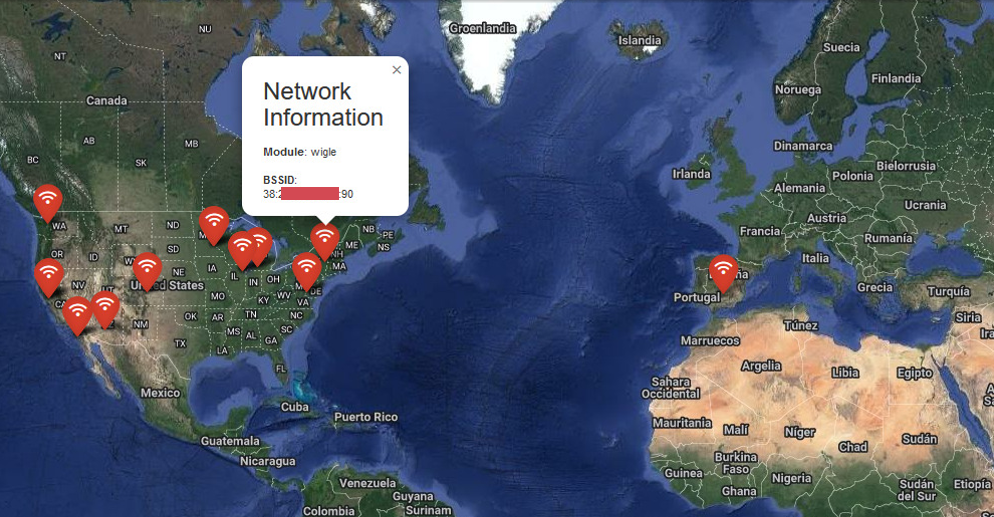
It is possible to export the results in json format using the -o json parameter and show the locations on html map using -o map.
docker run --rm geowifi:latest
docker run --rm geowifi:latest -s bssid <input>
docker run --rm geowifi:latest -s ssid <input>
[
  {
    "module": "google",
    "bssid": "C8:XX:XX:XX:5E:45",
    "latitude": 33.571844,
    "longitude": -1XX.XXXXX97
  },
  {
    "module": "combain",
    "error": "Not enough witooth"},
  {
    "module": "mylnikov",
    "error": "Object was not found"
  },
  {
    "module": "vendor_check",
    "vendor": "Cisco-Linksys, LLC"},
  {
    "module": "apple",
    "bssid": "C8:XX:XX:XX:5E:45",
    "latitude": 33.57198715,
    "longitude": -1XX.XXXXX12},
  {
    "module": "wigle",
    "bssid": "C8:XX:XX:XX:5E:45",
    "ssid": "Vertigo",
    "latitude": 33.60998154,
    "longitude": -1XX.XXXXX22},
  {
    "module": "wifidb",
    "bssid": "C8:XX:XX:XX:5E:45",
    "ssid": "Vertigo",
    "latitude": 33.6109,
    "longitude": -1XX.XXXXX533
  }
]
