gmh5225/mcp-god-mode
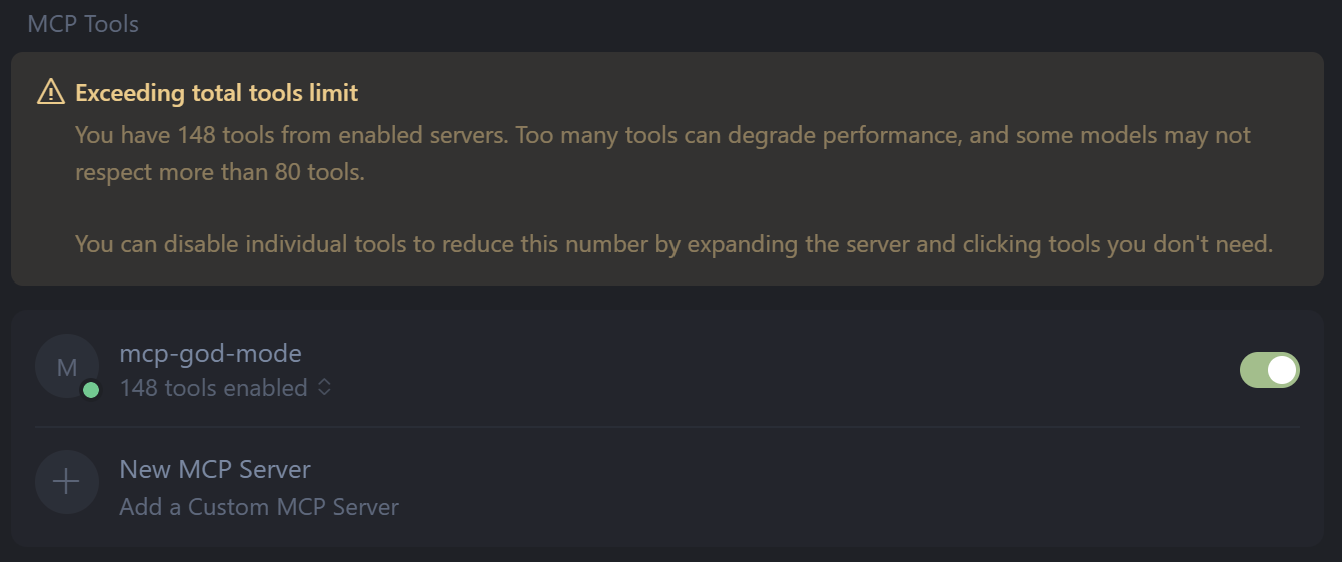
Did you ever just want it to do everything? 148 POWERFUL Infosec/Admin tools on a single MCP server.

Quick Start • Flipper Zero • Tool Categories • Usage Examples • Platform Support • Legal
One MCP to rule them all, one MCP to find them, one MCP to compile the tools, and in the God Mode bind them. 🎲⚡





Version 1.7c - Individual Tool Installation & Consolidated Flipper Zero Support
148 Tools - Complete implementation across both server architectures (server-refactored and modular)

https://github.com/user-attachments/assets/932c43e4-159e-4ce2-9c02-4acf23fc47fd
Slow typing for that 90's dramatic vibe in this demonstration of proc_run, the tool get's the elevated permissions it needs.
Bug Bounty $$$; find a nasty bug or somthing big I forgot and I will make and add a custom MPC tool in your honor
# 1) Clone & enter
git clone https://github.com/BlinkZer0/MCP-God-Mode.git
cd MCP-God-Mode

# 2) Setup
cp .env.example .env   # edit if needed
npm install

# 3) Launch (choose one)
npm run start:refactored   # full refactored server (148 tools)
# or
npm run start:modular      # modular loader (148 tools, grouped)
# or minimal
npm run start:minimal      # minimal profile (15 core tools)
Install only the specific tools you need:
# Install specific tools
node install.js --modular --tools health,system_info,fs_list

# Install with automatic dependencies
node install.js --modular --tools port_scanner --auto-deps

# Install categories + individual tools
node install.js --modular --categories core,network --tools packet_sniffer

# List all available tools
node install.js --list-tools
📖 Complete Individual Tool Installation Guide
.\scripts\install-win.ps1
npm run start:refactored
npm run smoke
MCP God Mode is the ultimate cybersecurity and system management platform that provides 148 fully implemented tools across 5 major platforms. It's designed for security professionals, system administrators, penetration testers, and anyone who needs comprehensive system control and security testing capabilities.
📝 Note: We offer both monolithic and modular server architectures. Our primary server-refactored provides comprehensive functionality in a unified interface with 148 tools. The modular server provides 148 tools (configurable) for granular control, better error handling, and for the ease of an individual to extract a tool for their own server build. Tools are located in dev/src/tools. Each architecture serves different use cases and preferences.
🔍 Server Architecture Differences:
🔢 Tool Count Explanation:
📊 Documentation Status: All 148 tools (both servers) now have comprehensive documentation with detailed usage examples, parameter references, and platform compatibility information. See Complete Tool Catalog for detailed information about each tool.
⚖️ Legal Compliance & Forensic Readiness: Both server architectures include comprehensive legal compliance capabilities including audit logging, evidence preservation, legal hold management, and chain of custody tracking. These features are disabled by default and can be enabled through environment variables for SOX, HIPAA, GDPR, PCI DSS, and ISO 27001 compliance. See Legal Compliance Documentation for detailed configuration and usage instructions.