 ginlix-ai/langalpha
Automated OSINT framework for reconnaissance, data harvesting, and threat intelligence gathering with modular crawlers, scanners, and extraction pipelines.


A vibe investing agent harness
LangAlpha is built to help interpret financial markets and support investment decisions.



Getting Started • API Docs • Agent Core • Backend • Web • TUI • Plugins
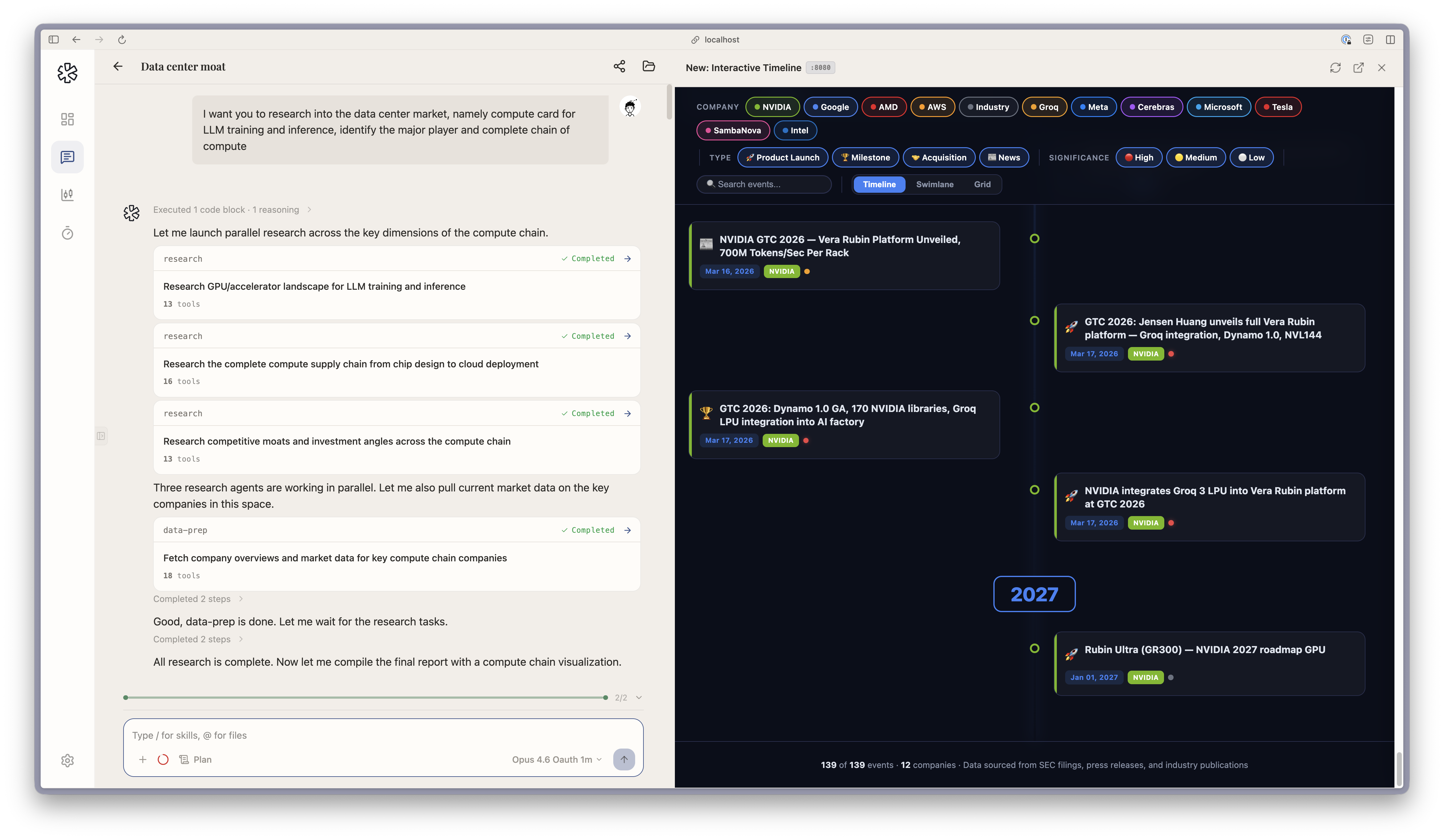
Pin a curated news brief from the dashboard, kick off idea generation, and dispatch parallel subagents to screen the market — then get five long/short pair-trade ideas in an inline interactive dashboard, calibrated to your book.
Every AI finance tool today treats investing as one-shot: ask a question, get an answer, move on. But real investing is Bayesian — you start with a thesis, new data arrives daily, and you update your conviction accordingly. It's an iterative process that unfolds over weeks and months: refining theses, revisiting positions, layering new analysis on top of old. No single prompt captures that.
Inspired by software engineering: a codebase persists, and every commit builds on what came before. Code agent harnesses like Claude Code and OpenCode succeeded by building agents that embrace this pattern, exploring existing context and building on prior work. LangAlpha brings that same insight: give the agent a persistent workspace, and research naturally compounds.
In practice, you create a workspace per research goal ("Q2 rebalance", "data center demand deep dive", "energy sector rotation"). The agent interviews you about your goals and style, produces its first deliverable, and saves everything to the workspace filesystem. Come back tomorrow and your files, threads, and accumulated research are still there.
agent.md) that compounds research across sessions and threads. A separate long-term memory store (.agents/user/memory/, .agents/workspace/memory/) persists durable user preferences and cross-sandbox knowledge, and a user-managed memo store (.agents/user/memo/) lets you upload PDFs and markdown research notes that the agent can read on demand.System Architecture
%%{init: {'theme': 'neutral'}}%%

flowchart TB
    Web["Web UI<br/>React 19 · Vite · Tailwind"] -- "REST · SSE" --> API
    Web -- "WebSocket" --> WSP
    CLI["CLI / TUI"] -- "REST · SSE" --> API

    subgraph Server ["FastAPI Backend"]
        API["API Routers<br/>Threads · Workspaces · Market Data<br/>OAuth · Automations · Skills"]
        WSP["WebSocket Proxy"]
        API --> ChatHandler["Chat Handler<br/>LLM Resolution · Workflow Dispatch"]
        ChatHandler --> BTM["Background Task Manager<br/>Decoupled Execution · Workflow Lifecycle"]
    end

    subgraph PostgreSQL ["PostgreSQL — Dual Pool"]
        AppPool[("App Data<br/>Users · Workspaces · Threads<br/>Turns · BYOK Keys · Automations")]
        CheckPool[("LangGraph Checkpointer<br/>Agent State · Checkpoints")]
    end

    subgraph Redis ["Redis"]
        EventBuf[("SSE Event Buffer<br/>150K events · Reconnect Replay")]
        DataCache[("API Cache<br/>Market Data · SWR")]
        Steering[("Steering Queue<br/>User Messages Mid-workflow")]
    end

    BTM --> AppPool
    BTM --> CheckPool
    BTM --> EventBuf
    BTM --> Steering
    API --> DataCache

    BTM -. "Sandbox API" .-> Daytona["Daytona<br/>Cloud Sandboxes"]
    API -. "REST" .-> FinAPIs["Financial APIs<br/>FMP · SEC EDGAR"]
    WSP -. "WebSocket" .-> GData["ginlix-data<br/>Polygon.io · Massive"]
