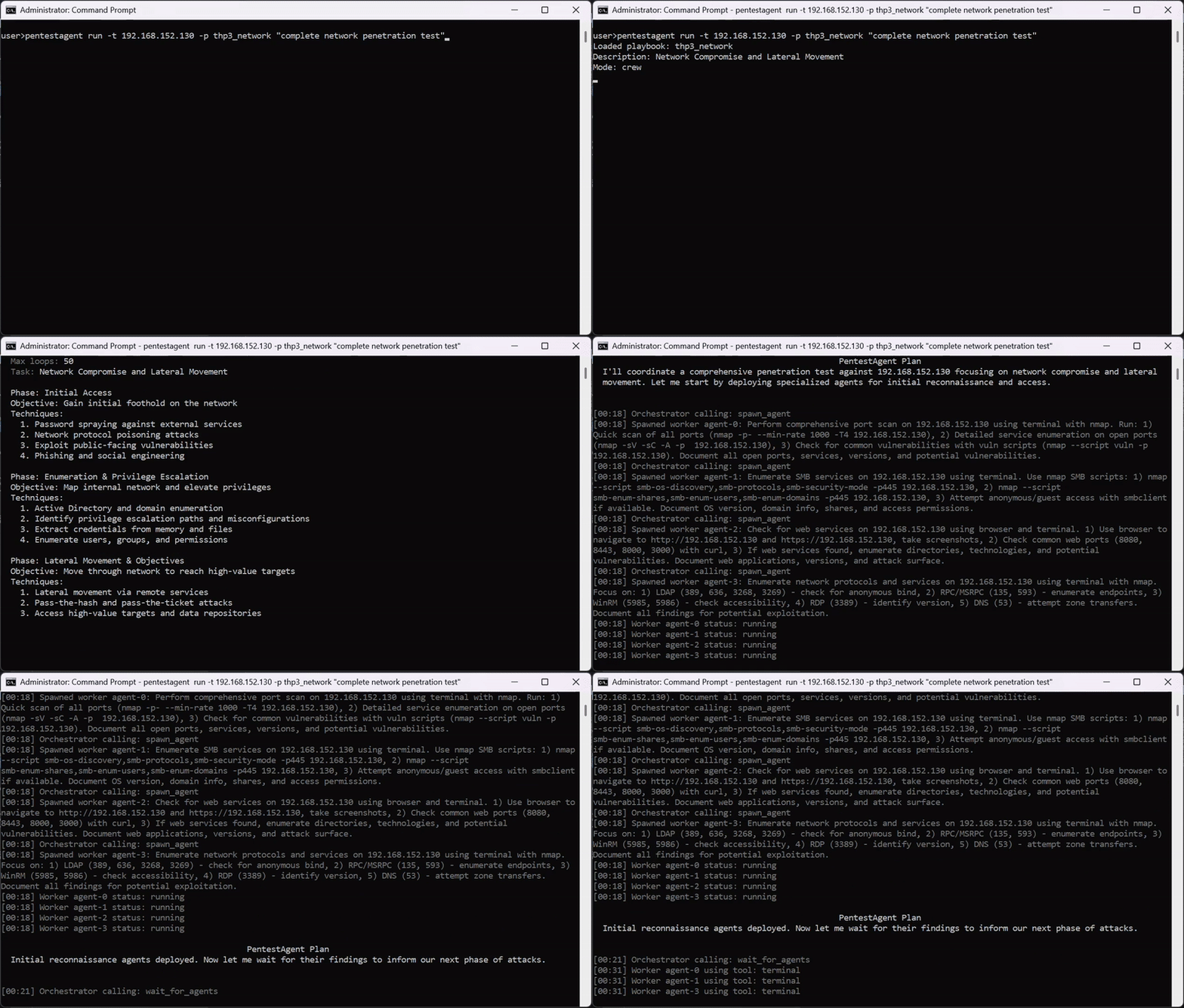


AI agent framework for black-box security testing with autonomous multi-agent orchestration, built-in pentesting tools, and MCP integration for bug bounty, red-team, and penetration testing workflows.





https://github.com/user-attachments/assets/a67db2b5-672a-43df-b709-149c8eaee975
# Clone
git clone https://github.com/GH05TCREW/pentestagent.git
cd pentestagent

# Setup (creates venv, installs deps)
.\scripts\setup.ps1   # Windows
./scripts/setup.sh    # Linux/macOS

# Or manual
python -m venv venv
.\venv\Scripts\Activate.ps1  # Windows
source venv/bin/activate     # Linux/macOS
pip install -e ".[all]"
playwright install chromium  # Required for browser tool
Create .env in the project root:
ANTHROPIC_API_KEY=sk-ant-...
PENTESTAGENT_MODEL=claude-sonnet-4-20250514
Or for OpenAI:
OPENAI_API_KEY=sk-...
PENTESTAGENT_MODEL=gpt-5
Any LiteLLM-supported model works.
Point PentestAgent at any OpenAI-compatible endpoint via OPENAI_API_BASE:
OPENAI_API_KEY=your-relay-token
OPENAI_API_BASE=https://relay.example/v1
PENTESTAGENT_MODEL=openai/<model-name-on-your-relay>
For Anthropic-compatible endpoints use ANTHROPIC_API_BASE instead.
See .env.example for full provider notes and embedding options.
pentestagent                      # Launch TUI
pentestagent -t 192.168.1.1       # Launch with target
pentestagent tui --docker         # Run tools in Docker container
Run tools inside a Docker container for isolation and pre-installed pentesting tools.
# Base image with nmap, netcat, curl
docker run -it --rm \
  -e ANTHROPIC_API_KEY=your-key \
  -e PENTESTAGENT_MODEL=claude-sonnet-4-20250514 \
  ghcr.io/gh05tcrew/pentestagent:latest

# Kali image with metasploit, sqlmap, hydra, etc.
docker run -it --rm \
  -e ANTHROPIC_API_KEY=your-key \
  ghcr.io/gh05tcrew/pentestagent:kali
# Build
docker compose build

# Run
docker compose run --rm pentestagent

# Or with Kali
docker compose --profile kali build
docker compose --profile kali run --rm pentestagent-kali
The container runs PentestAgent with access to Linux pentesting tools. The agent can use nmap, msfconsole, sqlmap, etc. directly via the terminal tool.
Requires Docker to be installed and running.
PentestAgent has three modes, accessible via commands in the TUI:
| Mode | Command | Description |
|---|---|---|
| Assist | /assist <task> | One single-shot instruction, with tool execution |
| Agent | /agent <task> | Autonomous execution of a single task |
| Crew | /crew <task> | Multi-agent mode. Orchestrator spawns specialized workers |
| Interact | /interact <task> | Interactive mode. Chat with the agent, it will help you and guide during the pentesting procedure |
/assist <task>    One single-shot instruction.
/agent <task>     Run autonomous agent on task
/crew <task>      Run multi-agent crew on task
/interact <task>  Chat with the agent in guided mode
/target <host>    Set target
/tools            List available tools
/notes            Show saved notes
/report           Generate report from session
/memory           Show token/memory usage
/prompt           Show system prompt
/conversations    Browse and restore saved conversations
/mcp <list/add>   Visualizes or adds a new MCP server.
/spawn [target] [--scope CIDR] [--model M] [--no-rag] [--no-mcp]
                  Manually spawn a child MCP agent from the TUI.
/despawn <server_name>
                  Terminate and remove a previously spawned child agent.
/clear            Clear chat and history
/quit             Exit (also /exit, /q)
/help             Show help (also /h, /?)
Press Esc to stop a running agent. Ctrl+Q to quit.
PentestAgent includes prebuilt attack playbooks for black-box security testing. Playbooks define a structured approach to specific security assessments.
Run a playbook:
pentestagent run -t example.com --playbook thp3_web
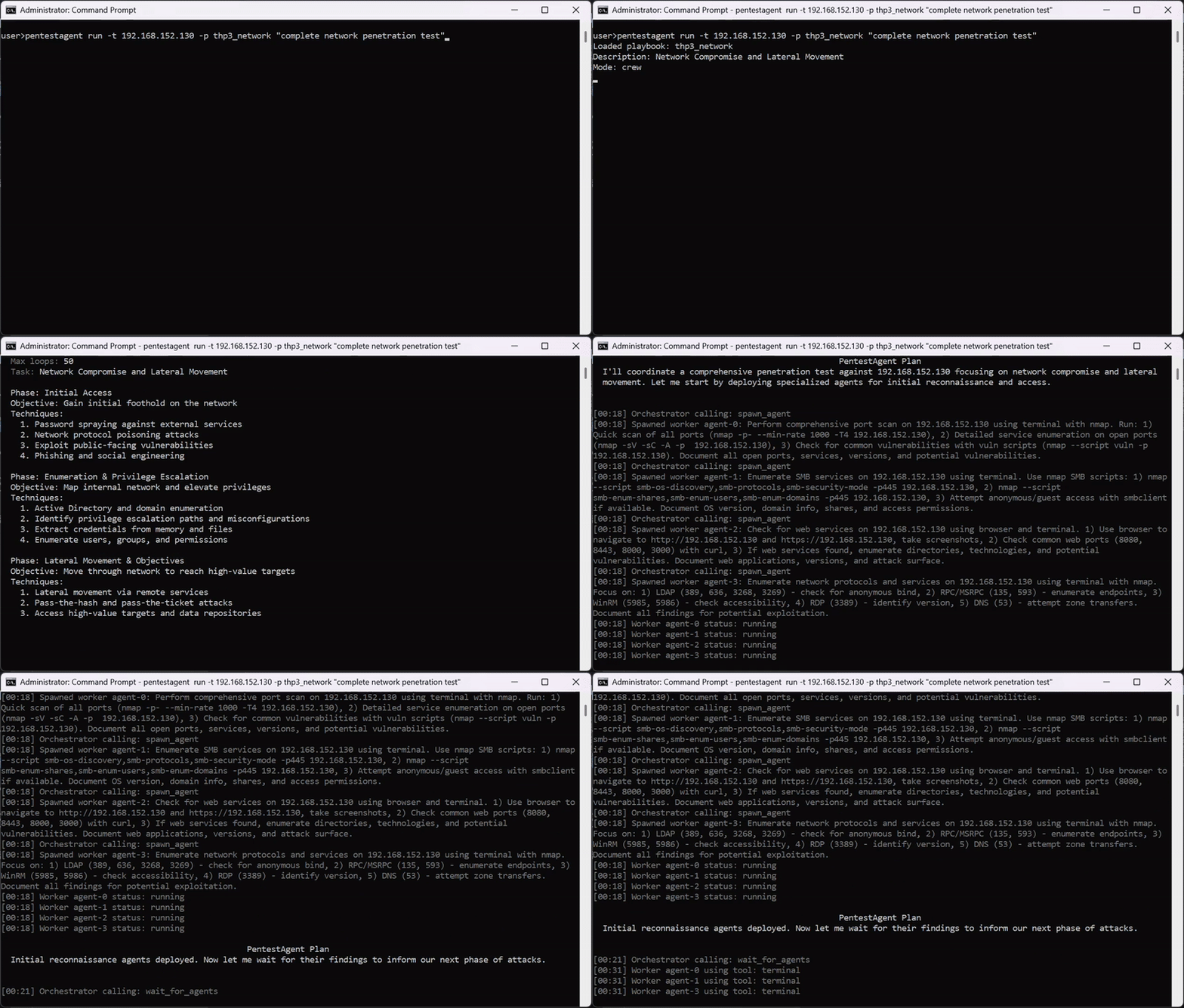
PentestAgent includes built-in tools and supports MCP (Model Context Protocol) for extensibility.
Built-in tools: terminal, browser, notes, web_search (requires TAVILY_API_KEY), spawn_mcp_agent
spawn_mcp_agent)spawn_mcp_agent is a built-in tool that allows a running agent to spawn a child copy of itself as a subordinate MCP server connected over stdio. The child process is fully isolated — its own runtime, LLM client, conversation history, and notes store — and its complete tool set is injected back into the parent agent's available tools after spawning.
This enables hierarchical, multi-agent workflows without any external orchestration: the agent self-organises by delegating scoped subtasks to children it spawns on demand.
| Argument | Type | Default | Description |
|---|---|---|---|
target | string | — | Pentest target to pass to the child |
scope | string[] | — | In-scope targets/CIDRs for the child |
model | string | env var | Model identifier, overrides PENTESTAGENT_MODEL on the child |
no_rag | boolean | false | Skip RAG engine initialisation on the child |
no_mcp | boolean | true | Skip external MCP server connections on the child (recommended) |
After spawn_mcp_agent returns, the child's tools (run_task, run_task_async, await_tasks, etc.) are available on the next tool call. The child's server name is assigned automatically (e.g. child_agent_1) and returned in the result.
Example — orchestrator delegating parallel recon to two children:
# Turn 1: spawn two isolated child agents
spawn_mcp_agent  target="10.0.1.0/24"  scope=["10.0.1.0/24"]
spawn_mcp_agent  target="10.0.2.0/24"  scope=["10.0.2.0/24"]

# Turn 2: children's tools are now available — delegate work asynchronously
child_agent_1__run_task_async  task="Full port scan and service enumeration"
child_agent_2__run_task_async  task="Full port scan and service enumeration"

# Turn 3: wait and collect
child_agent_1__await_tasks  task_ids=["<id1>"]  timeout_seconds=600
child_agent_2__await_tasks  task_ids=["<id2>"]  timeout_seconds=600
child_agent_1__get_task_result  task_id="<id1>"
child_agent_2__get_task_result  task_id="<id2>"
/spawn and /despawn)Beyond the automatic spawn_mcp_agent tool, the TUI exposes two commands that let you spawn and terminate child agents manually, independently of a running agent loop.
/spawn/spawn [target] [--scope CIDR ...] [--model MODEL] [--no-rag] [--no-mcp]
Spawns a new child MCP agent over stdio and attaches it to the current session. The child appears as a collapsible terminal panel in the TUI sidebar and its tools become available to the parent agent on the next tool call.
