 gerbenjavado/linkfinder
A python script that finds endpoints in JavaScript files

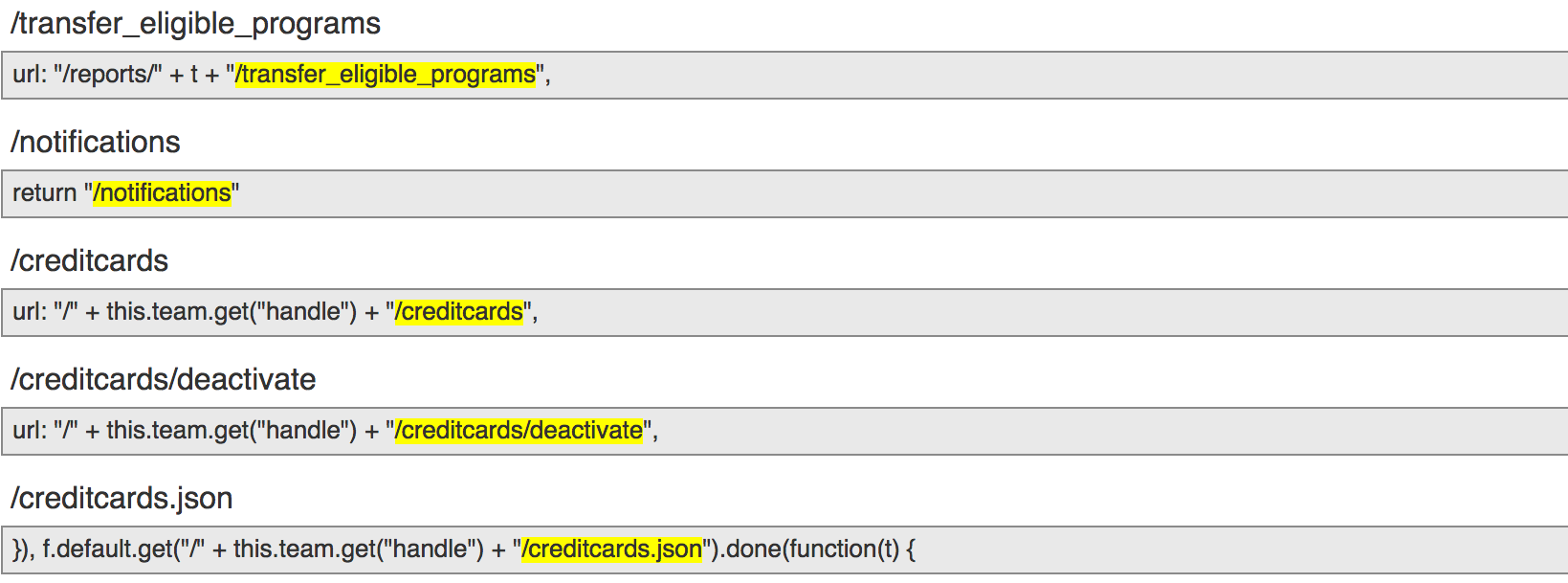
LinkFinder is a python script written to discover endpoints and their parameters in JavaScript files. This way penetration testers and bug hunters are able to gather new, hidden endpoints on the websites they are testing. Resulting in new testing ground, possibility containing new vulnerabilities. It does so by using jsbeautifier for python in combination with a fairly large regular expression. The regular expressions consists of four small regular expressions. These are responsible for finding:
https://example.com/*)/\* or ../*)text/test.php)test.php)The output is given in HTML or plaintext. @karel_origin has written a Chrome extension for LinkFinder which can be found here.
LinkFinder supports Python 3.
$ git clone https://github.com/GerbenJavado/LinkFinder.git
$ cd LinkFinder
$ python setup.py install
LinkFinder depends on the argparse and jsbeautifier Python modules. These dependencies can all be installed using pip.
$ pip3 install -r requirements.txt
| Short Form | Long Form | Description |
|---|---|---|
| -i | --input | Input a: URL, file or folder. For folders a wildcard can be used (e.g. '/*.js'). |
| -o | --output | "cli" to print to STDOUT, otherwise where to save the HTML file Default: output.html |
| -r | --regex | RegEx for filtering purposes against found endpoints (e.g. ^/api/) |
| -d | --domain | Toggle to use when analyzing an entire domain. Enumerates over all found JS files. |
| -b | --burp | Toggle to use when inputting a Burp 'Save selected' file containing multiple JS files |
| -c | --cookies | Add cookies to the request |
| -h | --help | show the help message and exit |
python linkfinder.py -i https://example.com/1.js -o results.html
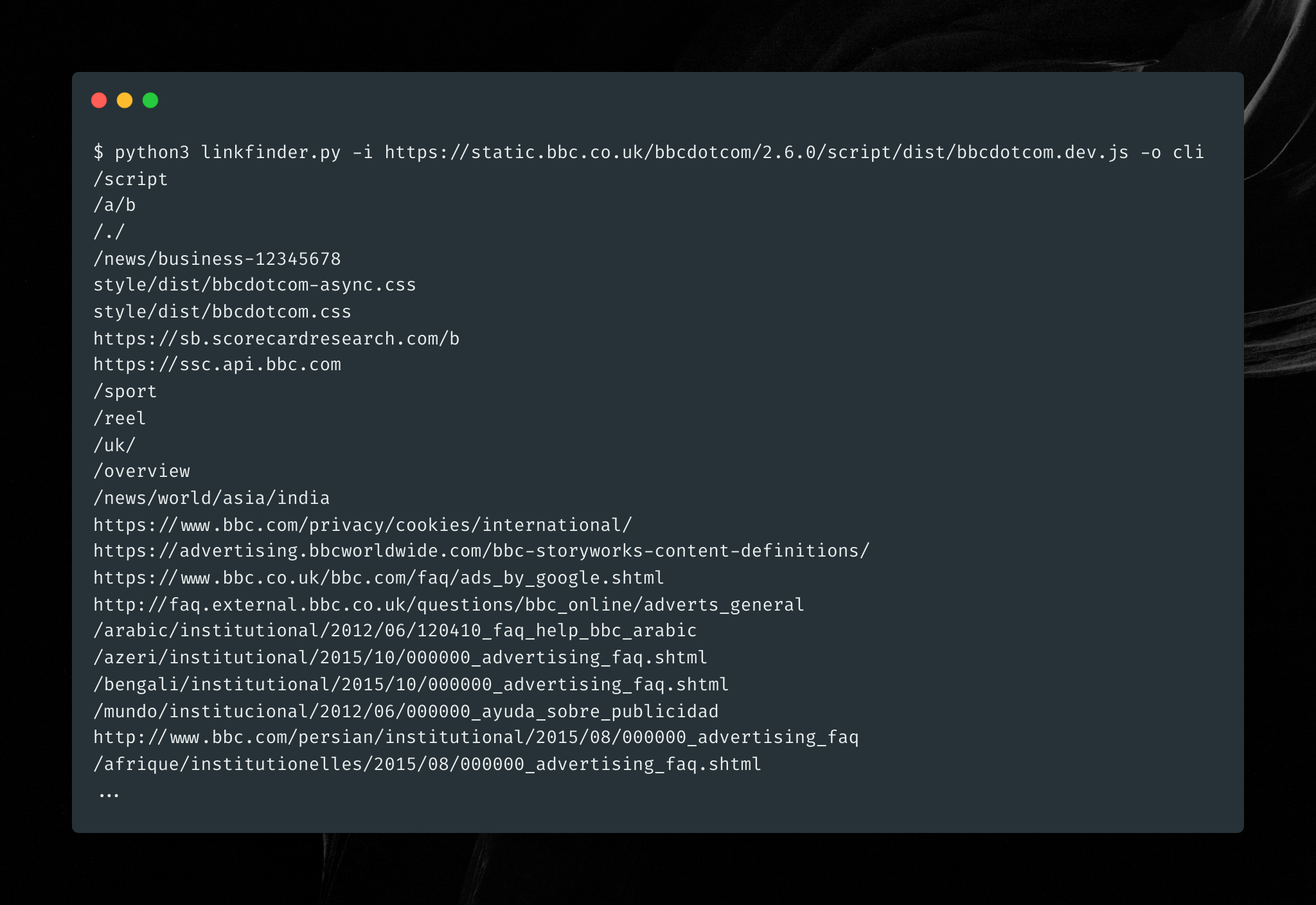
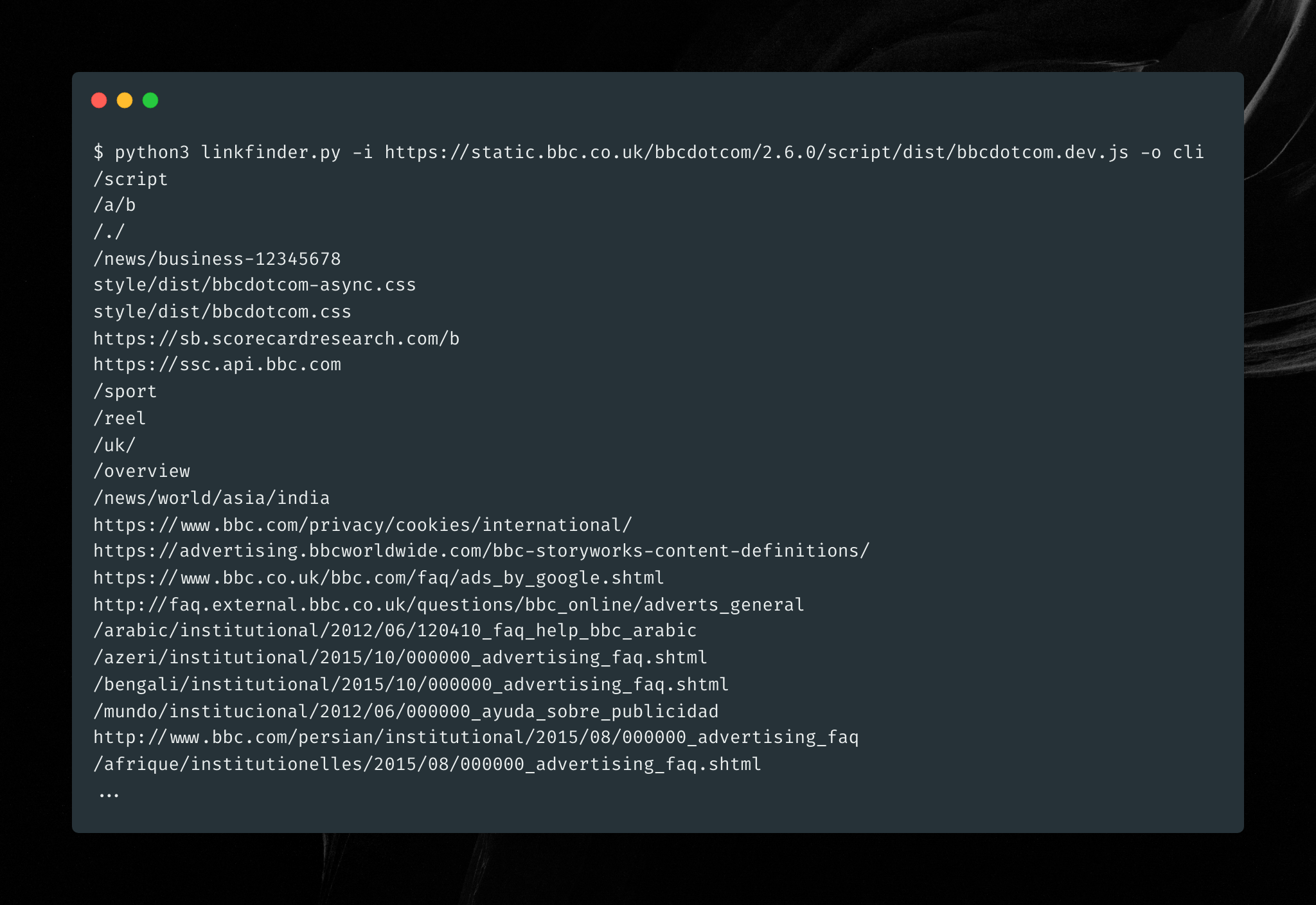
python linkfinder.py -i https://example.com/1.js -o cli
python linkfinder.py -i https://example.com -d
Save selected items, feed that file as input):python linkfinder.py -i burpfile -b
python linkfinder.py -i 'Desktop/*.js' -r ^/api/ -o results.html
Build the Docker image:
docker build -t linkfinder
Run with Docker
docker run --rm -v $(pwd):/linkfinder/output linkfinder -i http://example.com/1.js -o /linkfinder/output/output.html
Make sure to use the path /linkfinder/output in your output path, or the output will be lost when the container exits.
pytest test_parser.py
