 geeknik/scada-scanner
A high-performance, asynchronous SCADA/ICS scanner

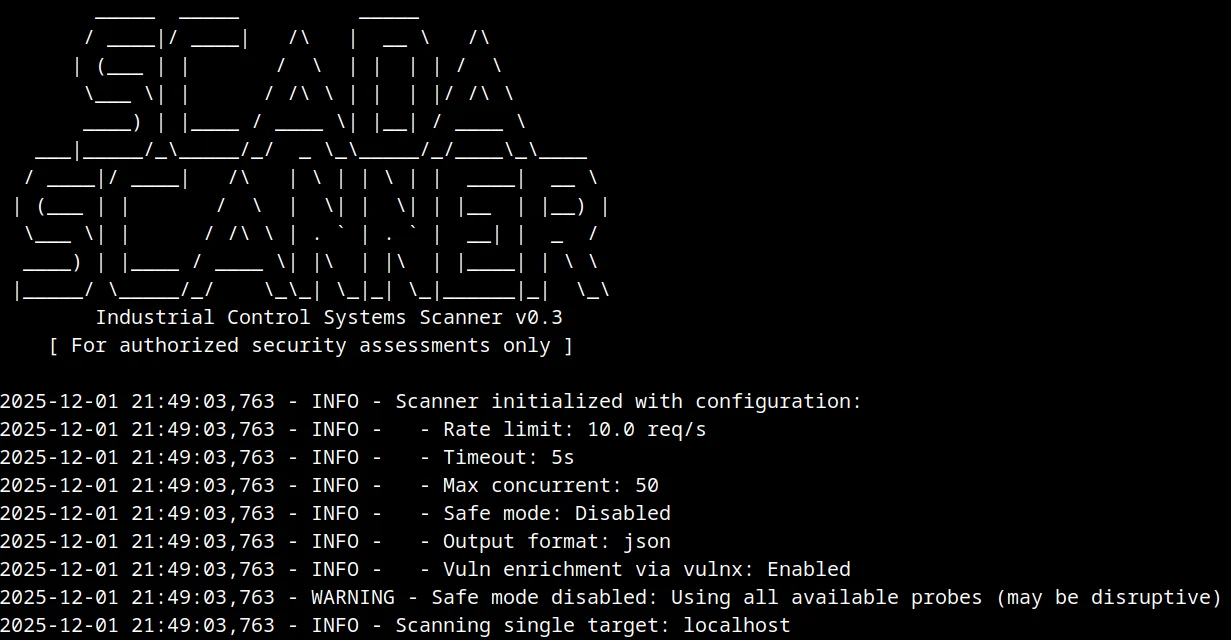
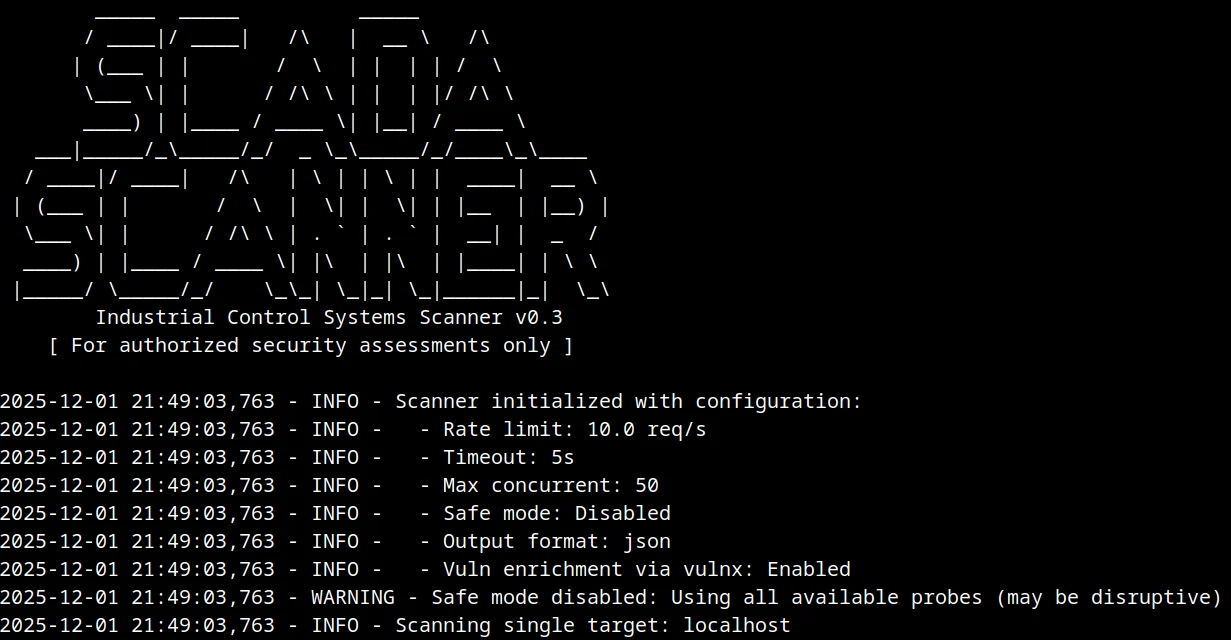
A high-performance, asynchronous SCADA/ICS scanner for identifying and fingerprinting industrial control systems across networks. Detects vulnerabilities, identifies vendors/products, and generates comprehensive risk reports.
WARNING: For authorized security assessments only. Unauthorized scanning may violate laws and regulations.
# Clone the repository
git clone https://github.com/geeknik/scada-scanner.git
cd scada-scanner

# Install dependencies
pip install -r requirements.txt
# Single target scan
python scada_scanner.py -t 192.168.1.100 -o results.json

# CIDR range scan
python scada_scanner.py -c 192.168.1.0/24 -o results.json

# Multiple CIDR ranges from file
python scada_scanner.py -f networks.txt -o results.json

# Export CSV instead of JSON
python scada_scanner.py -t 192.168.1.100 --format csv -o results.csv

# Respect an exclude list
python scada_scanner.py -c 10.0.0.0/24 --exclude exclude.txt

# Highlight unexpected protocol/port combos (logged and in findings)
python scada_scanner.py -t 203.0.113.10 -o results.json

# Enable live vuln enrichment via ProjectDiscovery vulnx (requires vulnx + PDCP API key)
vulnx auth
python scada_scanner.py -t 192.168.1.100 --vulnx --vulnx-limit 3
Required arguments (one of):
  -t, --target            Single target IP address
  -c, --cidr              CIDR range to scan (e.g., 192.168.1.0/24)
  -f, --cidr-file         File containing CIDR ranges (one per line)

Optional arguments:
  -o, --output            Output file (default: scan_results.json)
  -r, --rate              Max requests per second (default: 10.0)
  --timeout               Connection timeout in seconds (default: 5)
  --max-concurrent        Maximum concurrent connections (default: 50)
  --safe-mode             Enable safe mode (non-intrusive scans only)
  --exclude               File containing IPs to exclude from scan
  -v, --verbosity         Verbosity level: 0=quiet, 1=normal, 2=debug
  --format                Output format: json or csv (default: json)
--safe-mode flag{
"scan_summary": {
"timestamp": "2025-02-27T14:02:33.456789",
"total_hosts_scanned": 256,
"hosts_with_scada": 12,
"total_vulnerabilities": 37,
"high_risk_hosts": 5
},
"hosts": [
{
"ip": "192.168.1.100",
"ports": [
{
"port": 502,
"protocol": "MODBUS",
"fingerprint": {
"vendor": "Schneider",
"product": "M340",
"version": "2.6.0",
"risk_score": 0.75,
"evidence": [
"response:00010000000101",
"port_hint:502"
],
"findings": [
"Detected MODBUS protocol (confidence: 0.55)",
"Identified vendor: SCHNEIDER, product: M340",
"Overall risk assessment: High (score: 0.75)"
],
"unexpected_port": false
}
}
],
"vulnerabilities": [
{
"cve_id": "CVE-2025-55221",
"description": "Socomec DIRIS Digiware M-70 DoS via crafted Modbus TCP/RTU over TCP packets",
"severity": "high",
"source": "local_db"
}
]
}
]
}
This tool is intended for authorized security assessments only. Unauthorized scanning may violate:
The scanner ships with a small built-in vulnerability database for core protocols (see VULNERABILITY_DATABASE). For fresher intel you can enable the optional ProjectDiscovery vulnx integration:
vulnx and configure your PDCP API key (vulnx auth).--vulnx (optionally tune --vulnx-limit and --vulnx-timeout).source: "vulnx".If vulnx is missing or unreachable, the scanner silently falls back to the local database.
Local database entries are periodically refreshed from vulnx searches for core protocols (captured in this repo snapshot) and are tagged with source: "local_db".
Run the unit test suite:
pytest
The scanner is designed to be modular, making it easy to add support for new protocols:
SCADA_PORTS listPROTOCOL_SIGNATURES dictionaryVULNERABILITY_DATABASEContributions are welcome! Please follow these steps:
git checkout -b feature/amazing-feature)git commit -m 'Add amazing feature')git push origin feature/amazing-feature)This project is licensed under the MIT License - see the LICENSE file for details.
THE SOFTWARE IS PROVIDED "AS IS", WITHOUT WARRANTY OF ANY KIND, EXPRESS OR IMPLIED. THE AUTHORS DISCLAIM ALL LIABILITY FOR ANY DAMAGE OR LOSS RESULTING FROM THE USE OF THIS SOFTWARE.
