 gamozolabs/applepie
A hypervisor for fuzzing built with WHVP and Bochs

Hello! Welcome to applepie! This is a tool designed for fuzzing, introspection, and finding bugs! This is a hypervisor using the Windows Hypervisor Platform API present in recent versions of Windows (specifically this was developed and tested on Windows 10 17763). Bochs is used for providing deep introspection and device emulation.
The Windows Hypervisor Platform API (WHVP) is an API set for accessing Hyper-V's hypervisor abilities. This API makes it easy for us to implement a virtual machine all in user-space without any special drivers or permissions needed.
This is a rapidly developing project. I'll probably tweet when new features go out before they get documented.
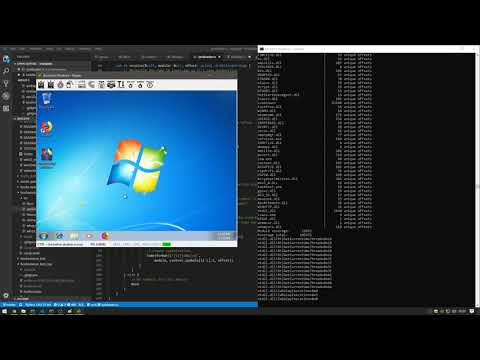
I like to have physical things for my projects:
This is a tool designed for fuzzing and introspection during security research. By using a hypervisor common fuzzing techniques can be applied to any target, kernel or userland. This environment allows fuzzing of whole systems without a need for source of the target. At the hypervisor level code coverage can be gathered, and if needed Bochs emulation can be used to provide arbitrary introspection in an emulation environment. This coverage information can be used to figure out the effectiveness of the fuzz cases. A fuzz case that caused an increase in coverage can be saved as it was an interesting case. This input can be used later, built on by new corruptions.
Snapshot fuzzing is the primary use of this tool. Where you take a snapshot of a system in a certain state, and save it off. This snapshot can then be loaded up for fuzzing, where a fuzz case is injected, and it's resumed. Since the VM can be reset very cheaply, the VM can be reset often. If it takes Word 5 seconds to boot, but you can snapshot it right as it reads your file, you can cut the fuzz case down to only what is relevant to an input. This allows for a very tight loop of fuzzing without needing to have access to source. Since the VM's are entirely separate systems, many can be run in parallel to allow scaling to all cores.
Currently this tool only supports gathering code coverage, dynamic symbol downloading for Windows, and symbol/module parsing for Windows targets as well. Adding fuzzing support will be quite soon.
Given I've written almost all the features here before (coverage, fuzzing, fast resets, etc). I expect this project should pretty quickly become ready for fuzzing, unless I get distracted :D
I'm aiming for end-of-January for coverage (done!), feedback, module listings (done!), process lists, fast resets, and symbol support (done!). Which would make it a very capable fuzzer.
The main supported target is modern Windows 10. Windows targets have downloading of symbols from the symbol store. This allows for symbolic coverage in Windows targets out of the box. However, the code is written in a way that Linux enlightenment can easily be added.
Without any enlightment, any OS that boots can still be fuzzed and basic coverage can be gathered.
Before reporting OS support issues please validate that the issue is in the hypervisor/changes to Bochs by trying to boot your target using standard prebuilt Bochs with no hypervisor. Bochs is not commonly used and can frequently have breaking bugs for even common things like booting Linux. Especially with the rapid internal changes to CPUID/MSR usages with Spectre/Meltdown mitigations going into OSes.
See the issues page on Github for a list of issues. I've seeded it with a few already. Some of these need to be addressed quickly before fuzzing development starts.
To build this you need a few things:
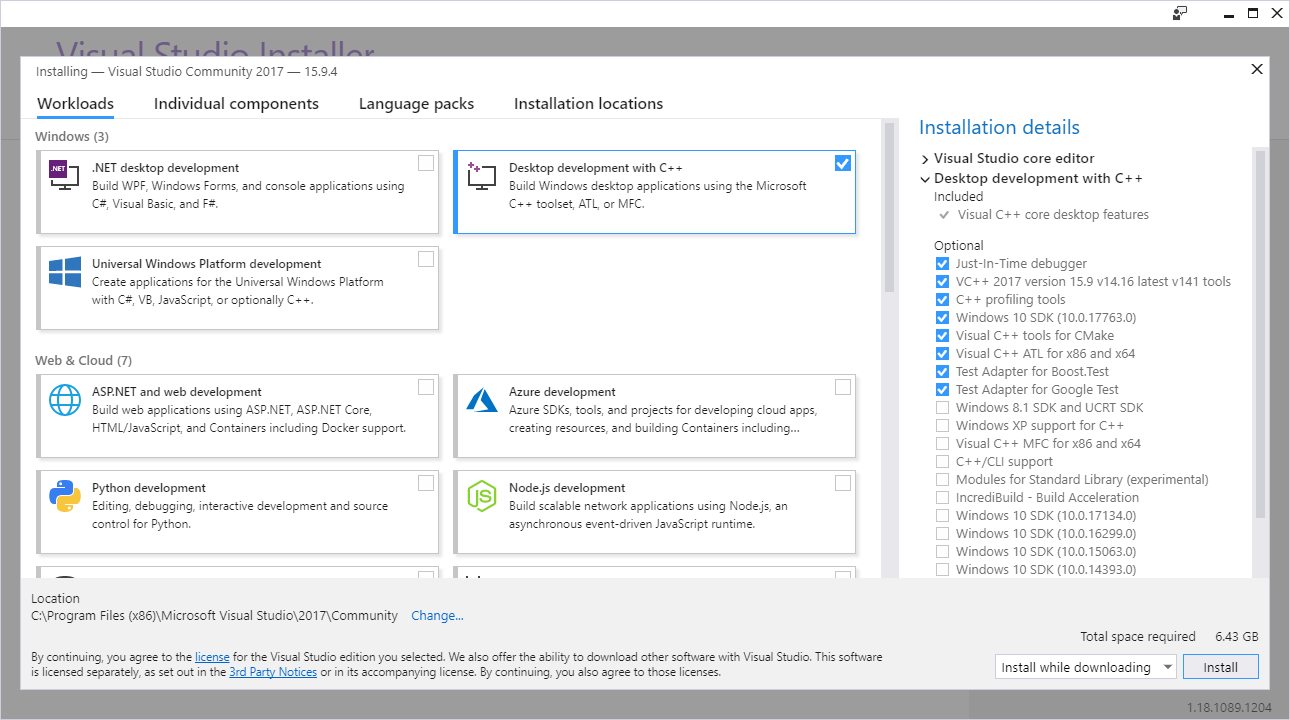
Install Visual Studio 2017 and make sure it's updated. We're using some bleeding edge APIs, headers, and libraries here.
I was using cl.exe version: Microsoft (R) C/C++ Optimizing Compiler Version 19.16.27025.1 for x64
And SDK version 10.0.17763.0
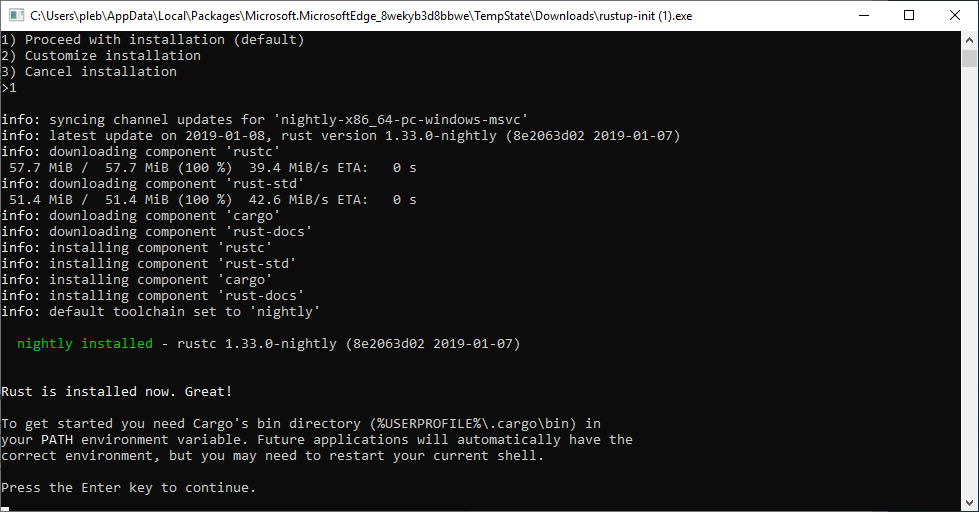
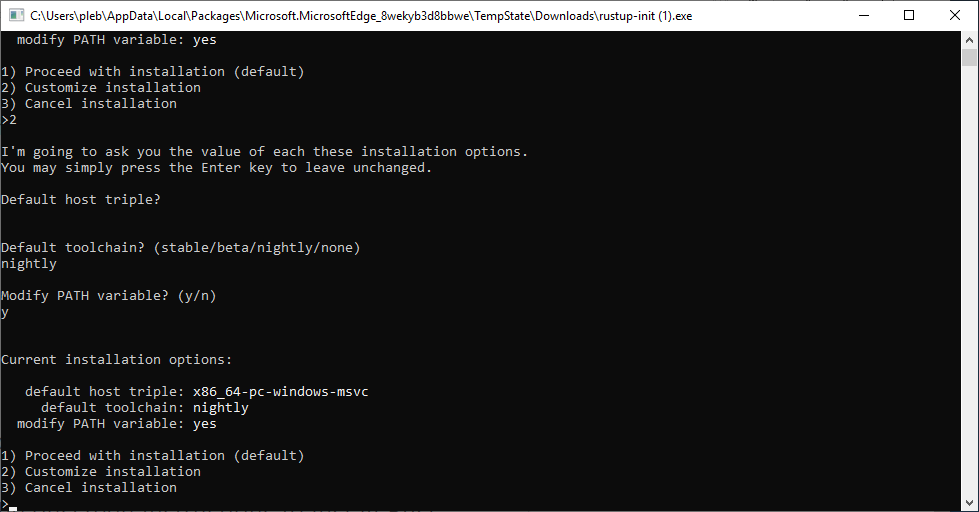
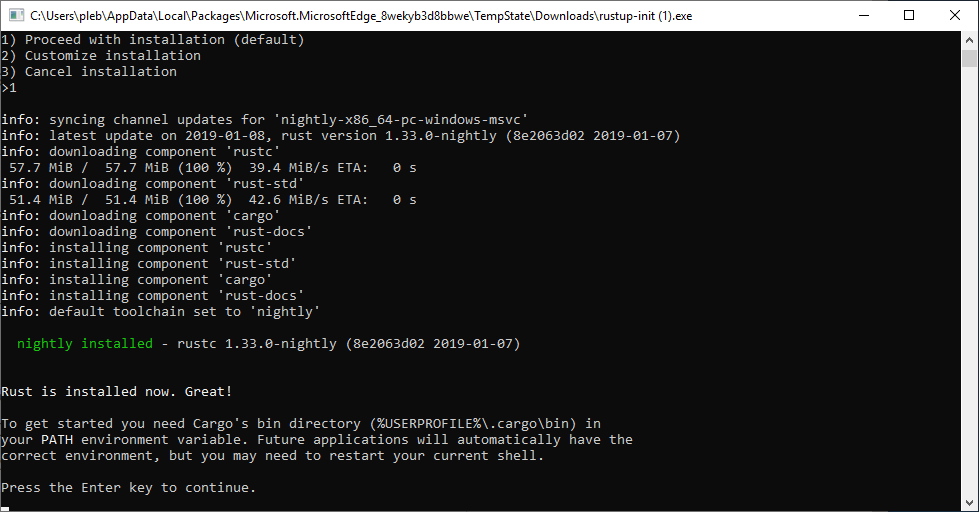
Install Rust via https://rustup.rs/. I used rustc 1.32.0-nightly (b3af09205 2018-12-04)
Make sure you install the x86_64-pc-windows-msvc toolchain as only 64-bit is supported for this project.
Make sure cargo is in your path. This should be the default.
Go grab python https://www.python.org/ and make sure it's in your PATH such that python can be invoked.
Install 64-bit Cygwin (https://www.cygwin.com/setup-x86_64.exe) specifically to C:\cygwin64. When installing Cygwin make sure you install the autoconf and make packages.
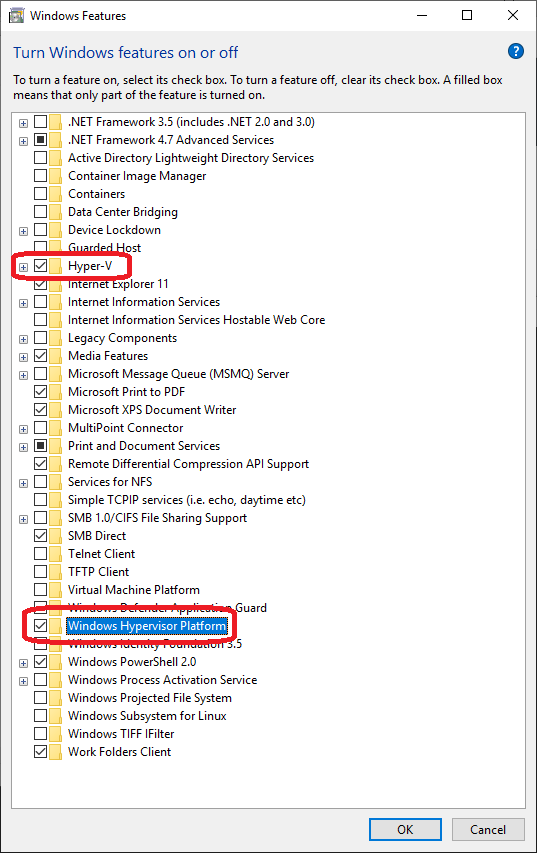
Go into "Turn Windows features on or off" and tick the checkbox next to "Hyper-V" and "Windows Hypervisor Platform". This requires of course that your computer supports Hyper-V.
This install process guide was verified on the following:
Clean install of Windows 10, Build 17763
rustc 1.33.0-nightly (8e2063d02 2019-01-07)
Microsoft (R) C/C++ Optimizing Compiler Version 19.16.27025.1 for x64
Visual Studio Community 2017 version 15.9.4
applepie commit `f84c084feb487e2e7f31f9052a4ab0addd2c4cf9`
Python 3.7.2 x64
git version 2.20.1.windows.1
autoconf package)make package)git clone https://github.com/gamozolabs/applepiepython build.py