 gaasedelen/lighthouse
A Coverage Explorer for Reverse Engineers

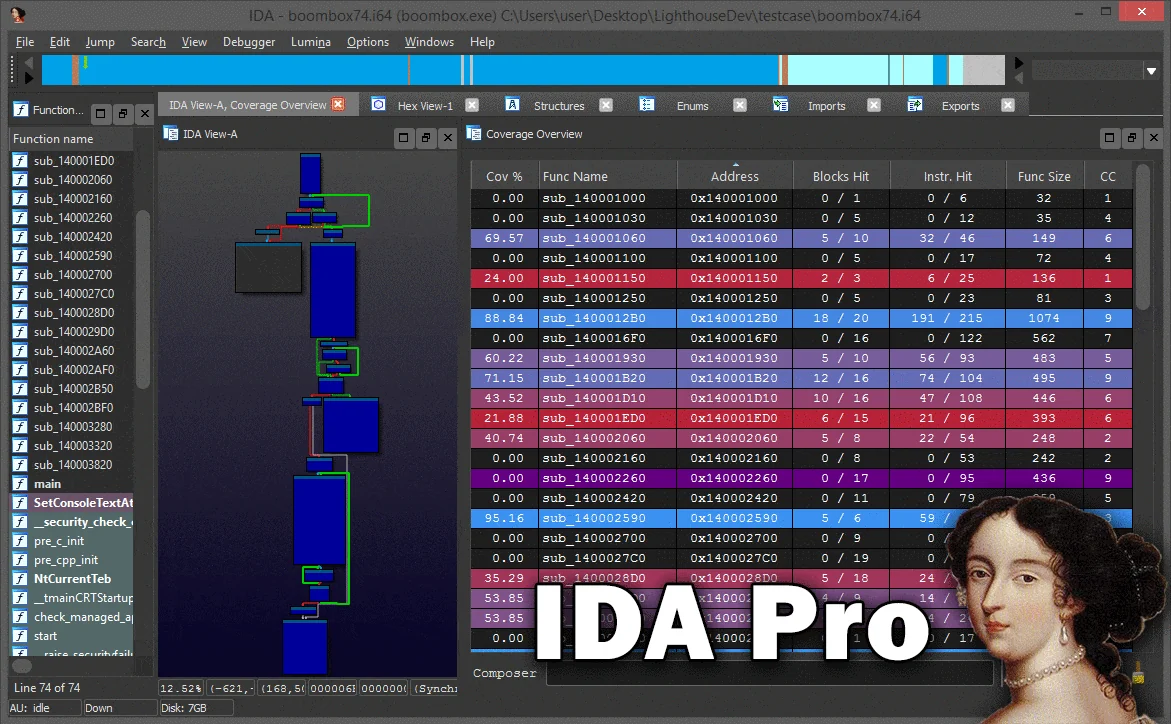
Lighthouse is a powerful code coverage explorer for IDA Pro and Binary Ninja, providing software researchers with uniquely interactive controls to study execution maps for native applications without requiring symbols or source.
This project placed 2nd in IDA's 2017 Plug-In Contest and was later nominated in the 2021 Pwnie Awards for its contributions to the security research industry.
Special thanks to @0vercl0k for the inspiration.
Lighthouse is a cross-platform (Windows, macOS, Linux) Python 2/3 plugin. It takes zero third party dependencies, making the code both portable and easy to install.
Use the instructions below for your respective disassembler.
import idaapi, os; print(os.path.join(idaapi.get_user_idadir(), "plugins"))/plugins/ folder to the listed directory.Lighthouse can be installed through the plugin manager on Binary Ninja, supporting v3.5 and newer.
Edit -> Preferences -> Manage PluginsEnable button in the bottom right.Once properly installed, there will be a few new menu entries available in the disassembler. These are the entry points for a user to load coverage data and start using Lighthouse.
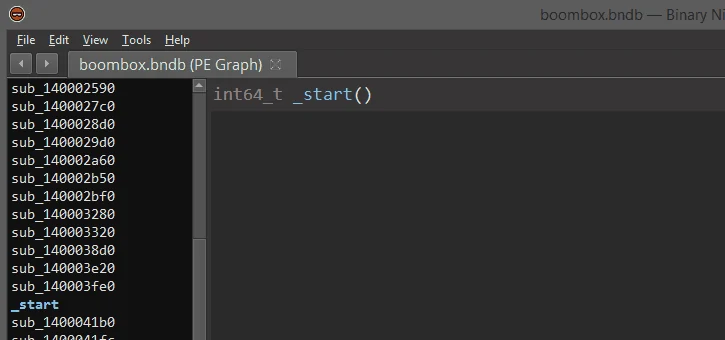
Lighthouse is able to load a few different 'flavors' of coverage data. To generate coverage data that can be loaded into Lighthouse, please look at the README in the coverage directory of this repository.
While Lighthouse is in use, it will 'paint' the active coverage data across all of the code viewers available in the disassembler. Specifically, this will apply to your linear disassembly, graph, and decompiler windows.
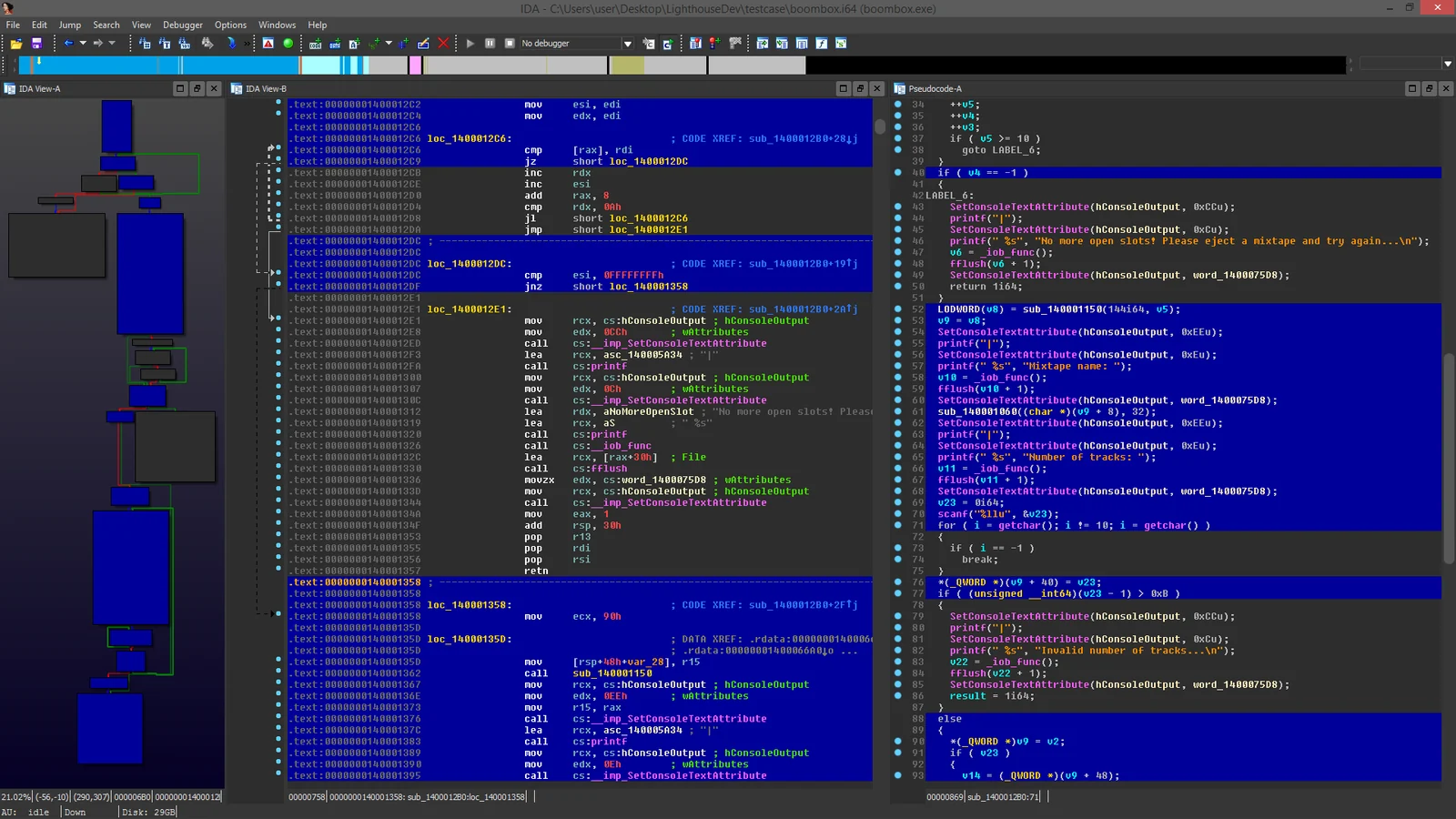
In Binary Ninja, only the linear disassembly, graph, and IL views are supported. Support for painting decompiler output in Binary Ninja will be added to Lighthouse in the near future as the feature stabilizes.
The Coverage Overview is a dockable widget that will open up once coverage has been loaded into Lighthouse.
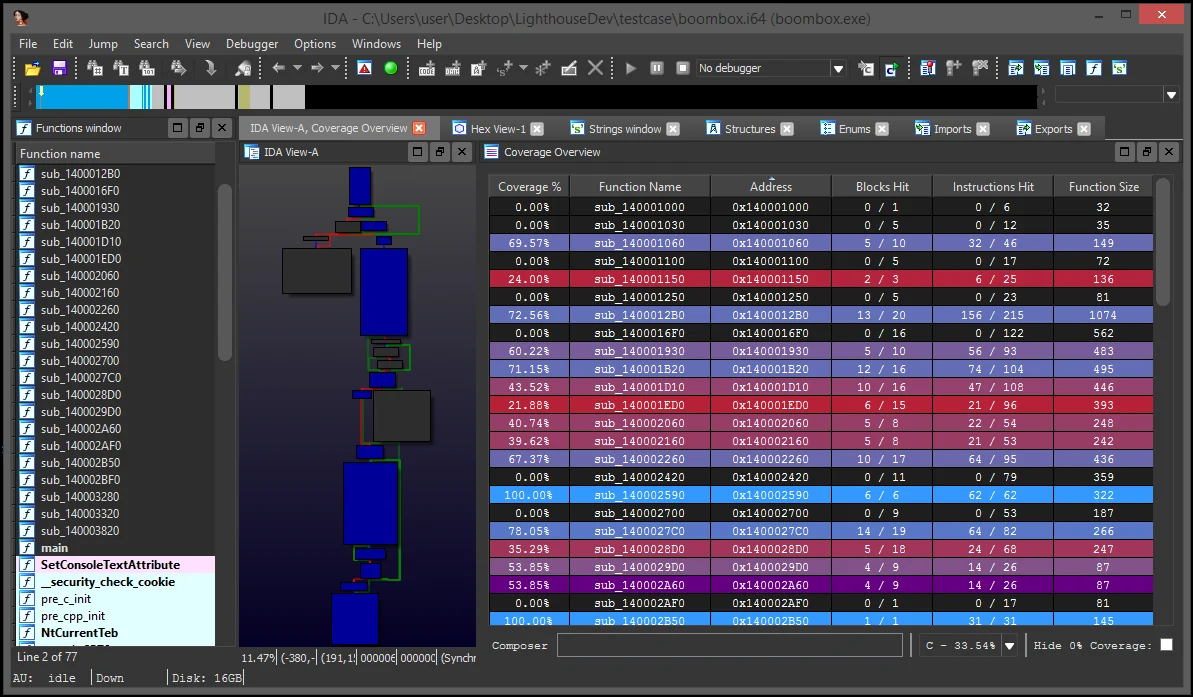
This interactive widget provides a function level view of the loaded coverage data. It also houses a number of tools to manage loaded data and drive more advanced forms of coverage analysis.
Right clicking the table in the Coverage Overview will produce a context menu with a few basic amenities to extract information from the table, or manipulate the database as part of your reverse engineering process.
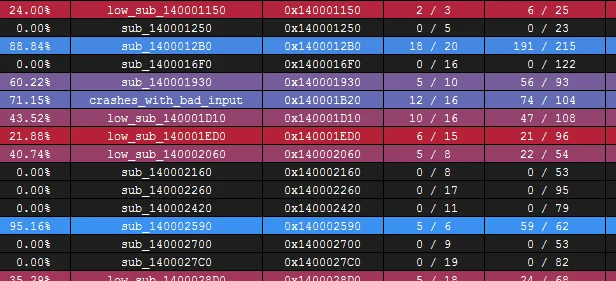
If there are any other actions that you think might be useful to add to this context menu, please file an issue and they will be considered for a future release of Lighthouse.
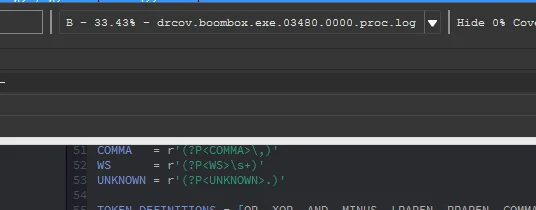
Loaded coverage and user constructed compositions can be selected or deleted through the coverage combobox.
Lighthouse can generate rudimentary HTML coverage reports. A sample report can be seen here.
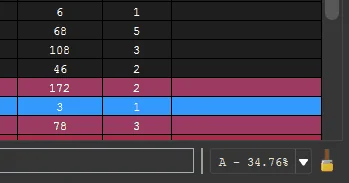
At the bottom of the coverage overview window is the coverage shell. This shell can be used to perform logic-based operations that combine or manipulate the loaded coverage sets.

This feature is extremely useful in exploring the relationships of program execution across multiple runs. In other words, the shell can be used to 'diff' execution between coverage sets and extract a deeper meaning that is otherwise obscured within the noise of their individual parts.
Coverage composition, or Composing as demonstrated above is achieved through a simple expression grammar and 'shorthand' coverage symbols (A to Z) on the composing shell.
|, &, ^, -A, B, C, ..., Z, *(...)A and coverage B:A & B
A:A - B
A or B, but not C:(A | B) - C
Expressions can be of arbitrary length or complexity, but the evaluation of the composition may occur right to left. So parenthesis are suggested for potentially ambiguous expressions.
Additionally, there is a 'Hot Shell' mode that asynchronously evaluates and caches user compositions in real-time.
