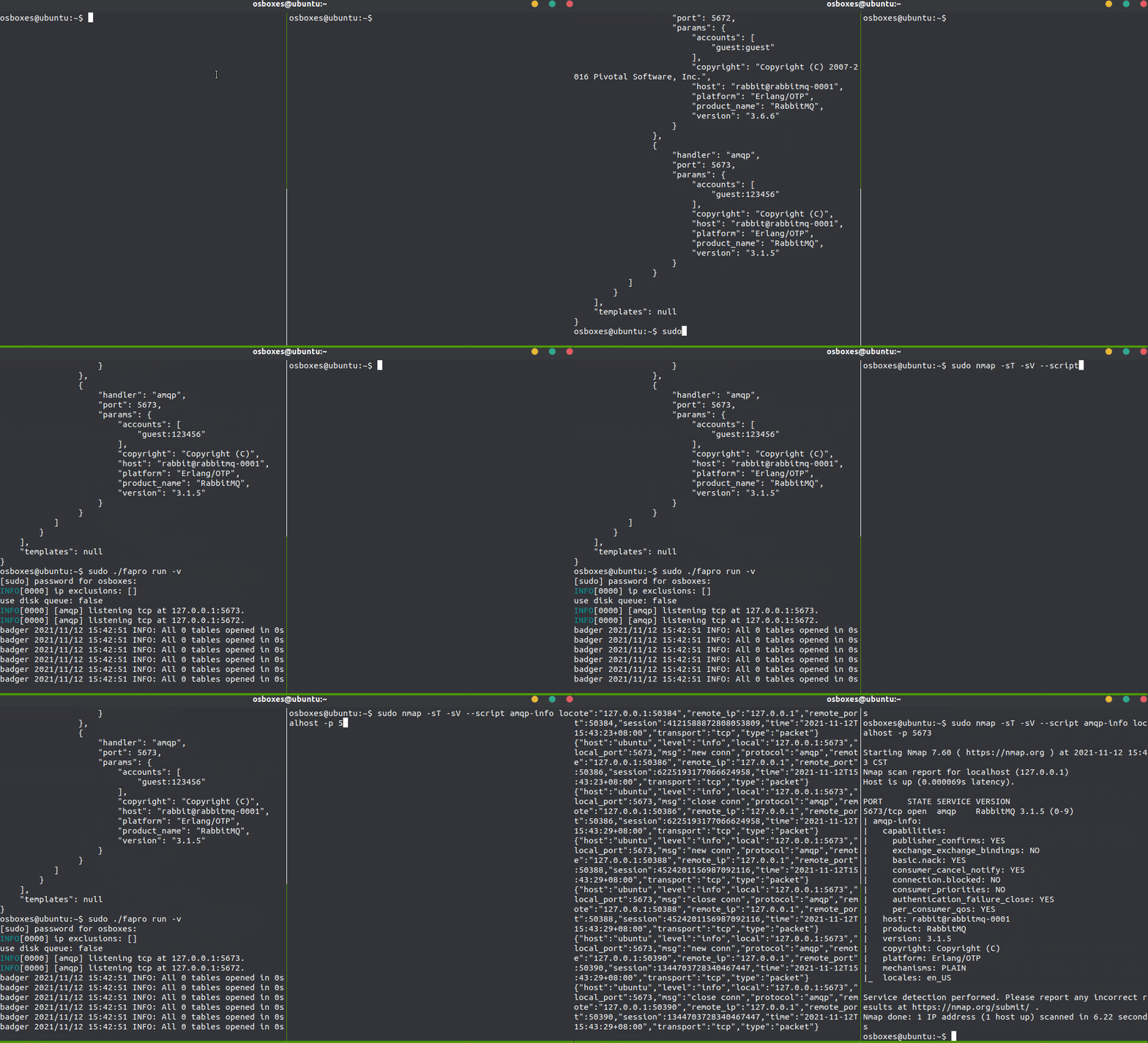
 fofapro/fapro
Multi-protocol honeypot simulator supporting 50+ network services with deep interaction, TCP/UDP/ICMP logging, JA3 fingerprinting, and virtual network deployment for threat intelligence and network deception.

 FaPro
FaPro


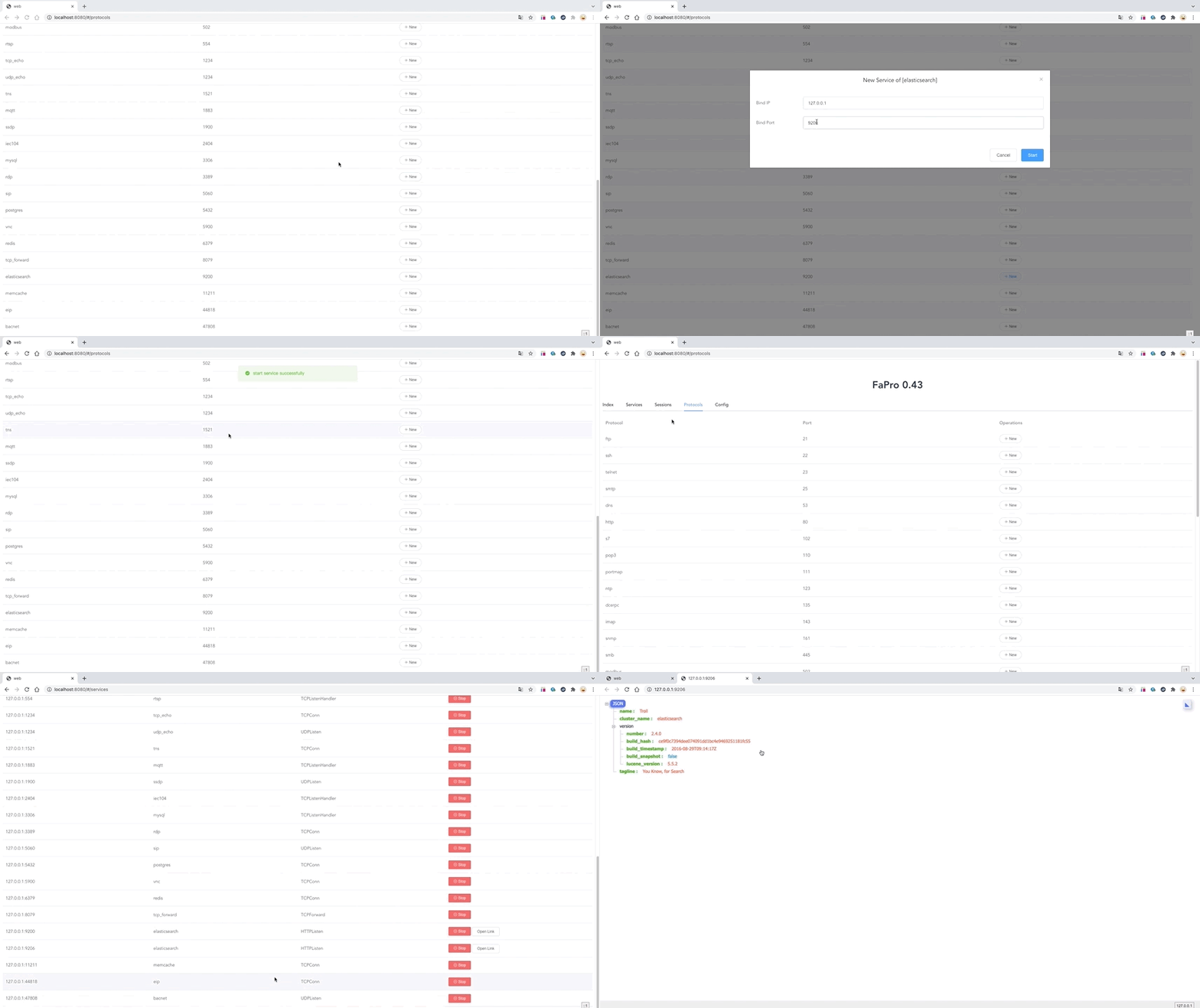
FaPro is a Fake Protocol Server tool, Can easily start or stop multiple network services.
The goal is to support as many protocols as possible, and support as many deep interactions as possible for each protocol.
Supported Running Modes:
Supported Protocols:
Use TcpForward to forward network traffic
Support tcp syn logging
Support icmp ping logging
Support udp packet logging
Support ja3 SSL Fingerprint
Support IP Limiter
Support credssp ntlmv2 nla authentication.
Support to configure the image displayed when user login.
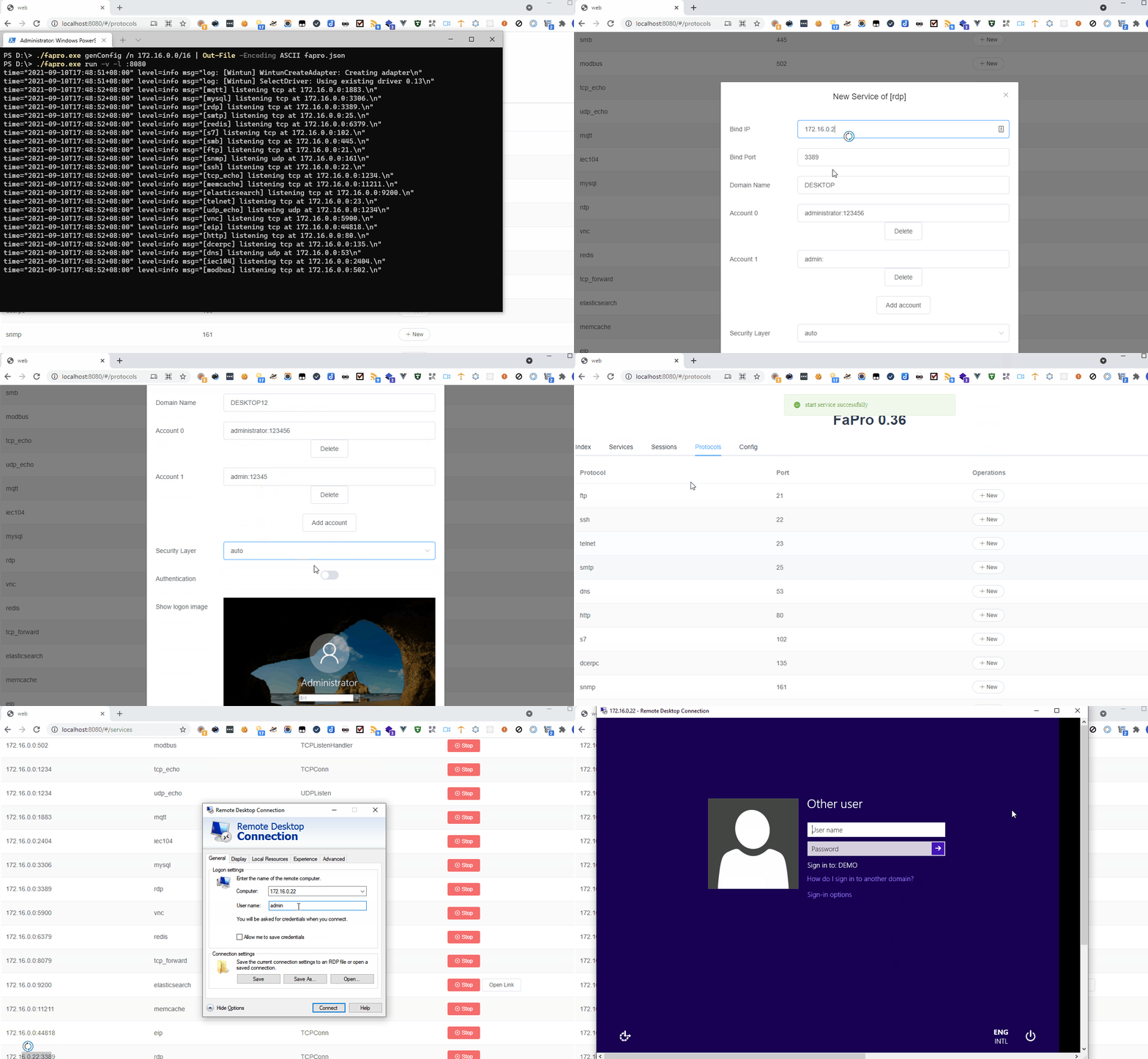
Support user login.
Support fake terminal commands, such as id, uid, whoami, etc.
Account format: username:password:home:uid
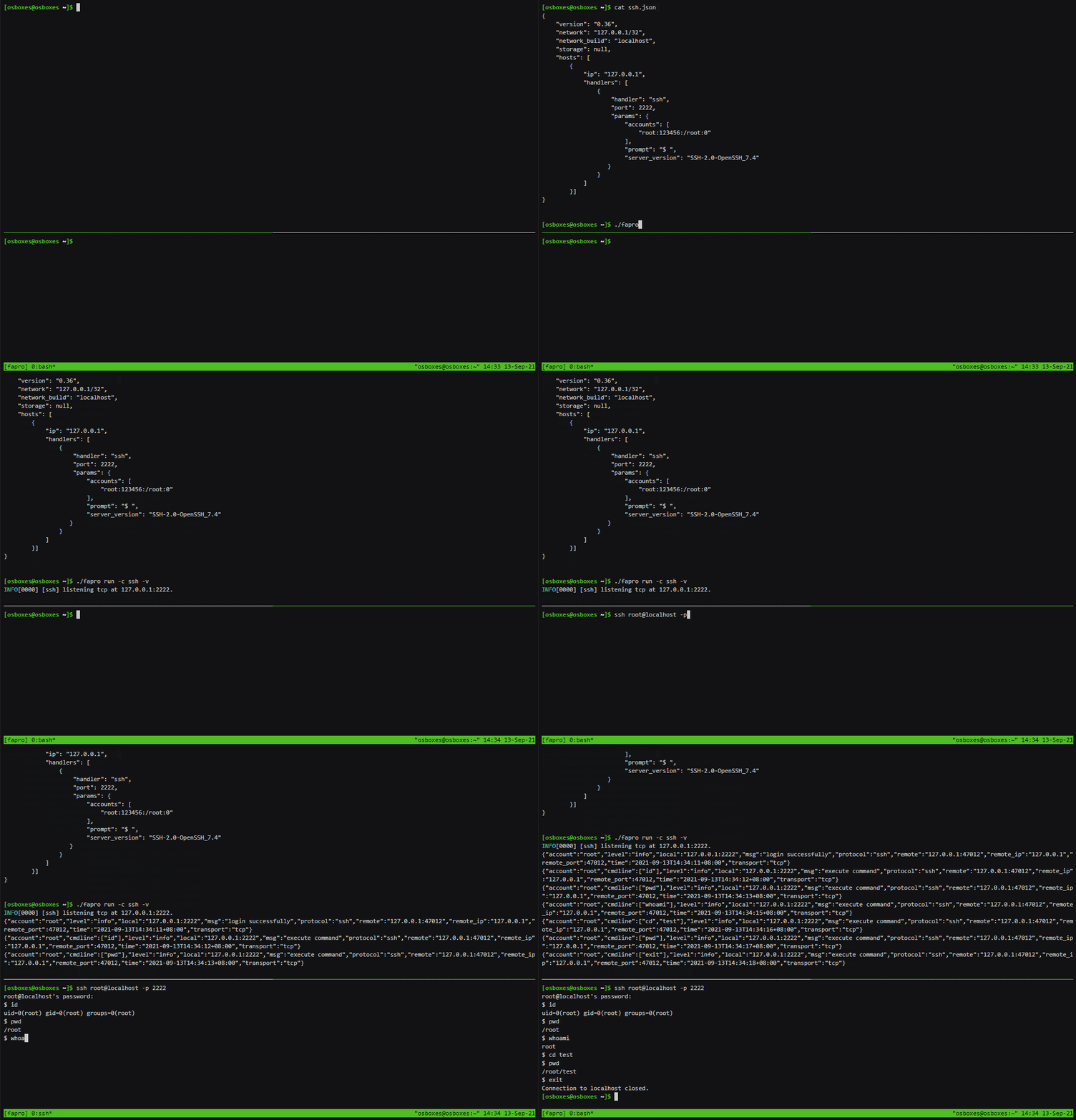
Support user login and interaction.
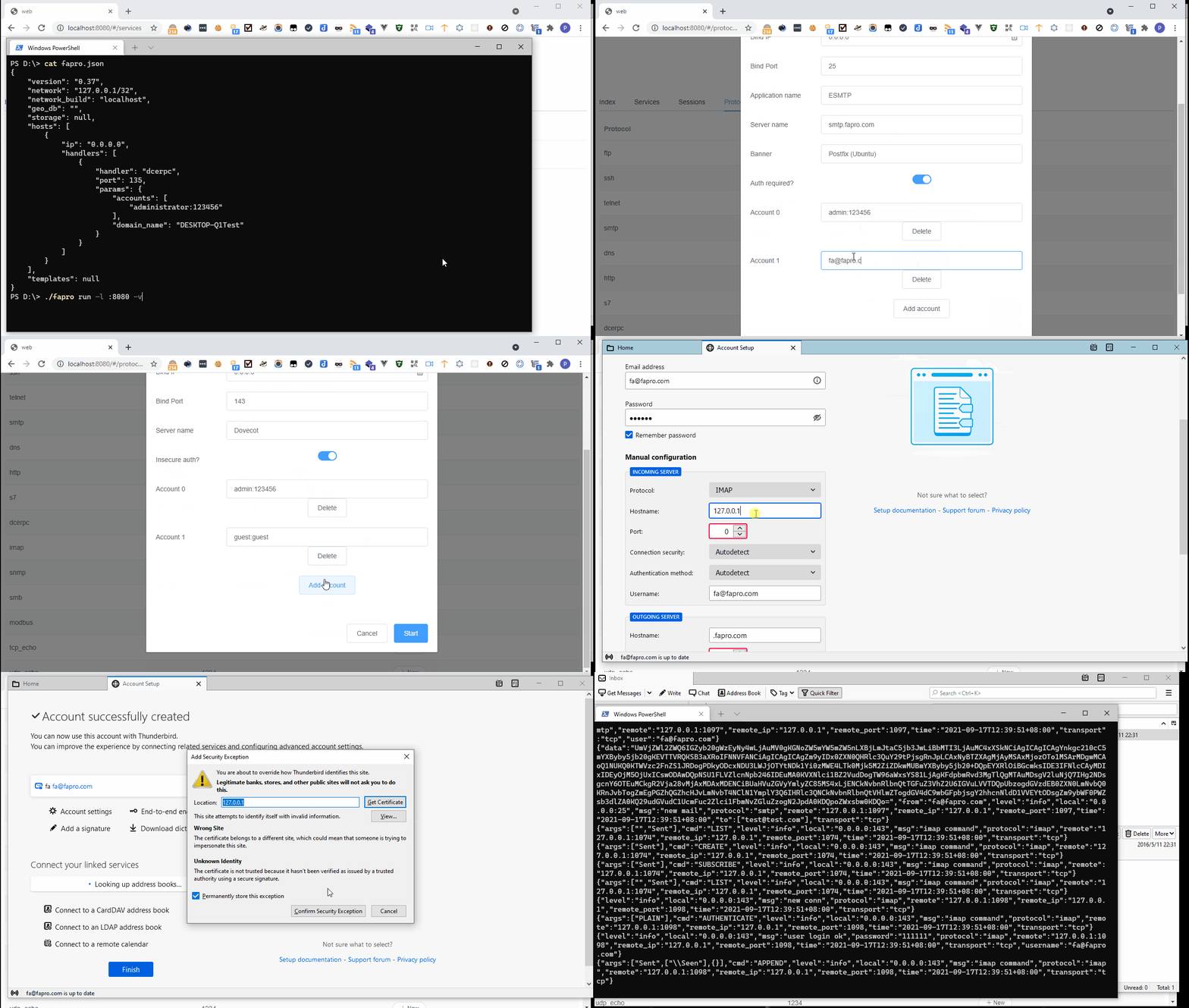
Support sql statement query interaction
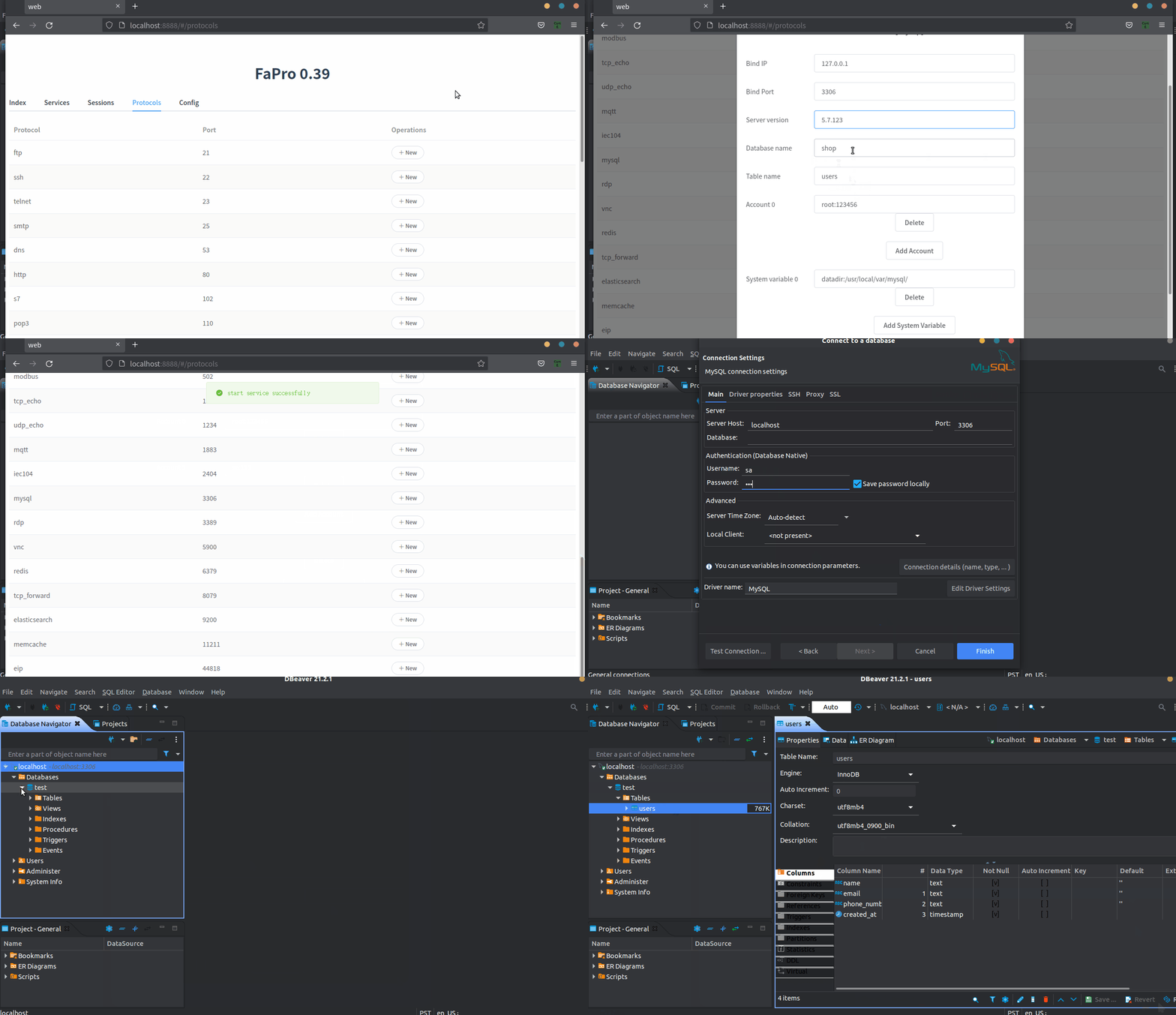
Support user login and interaction.
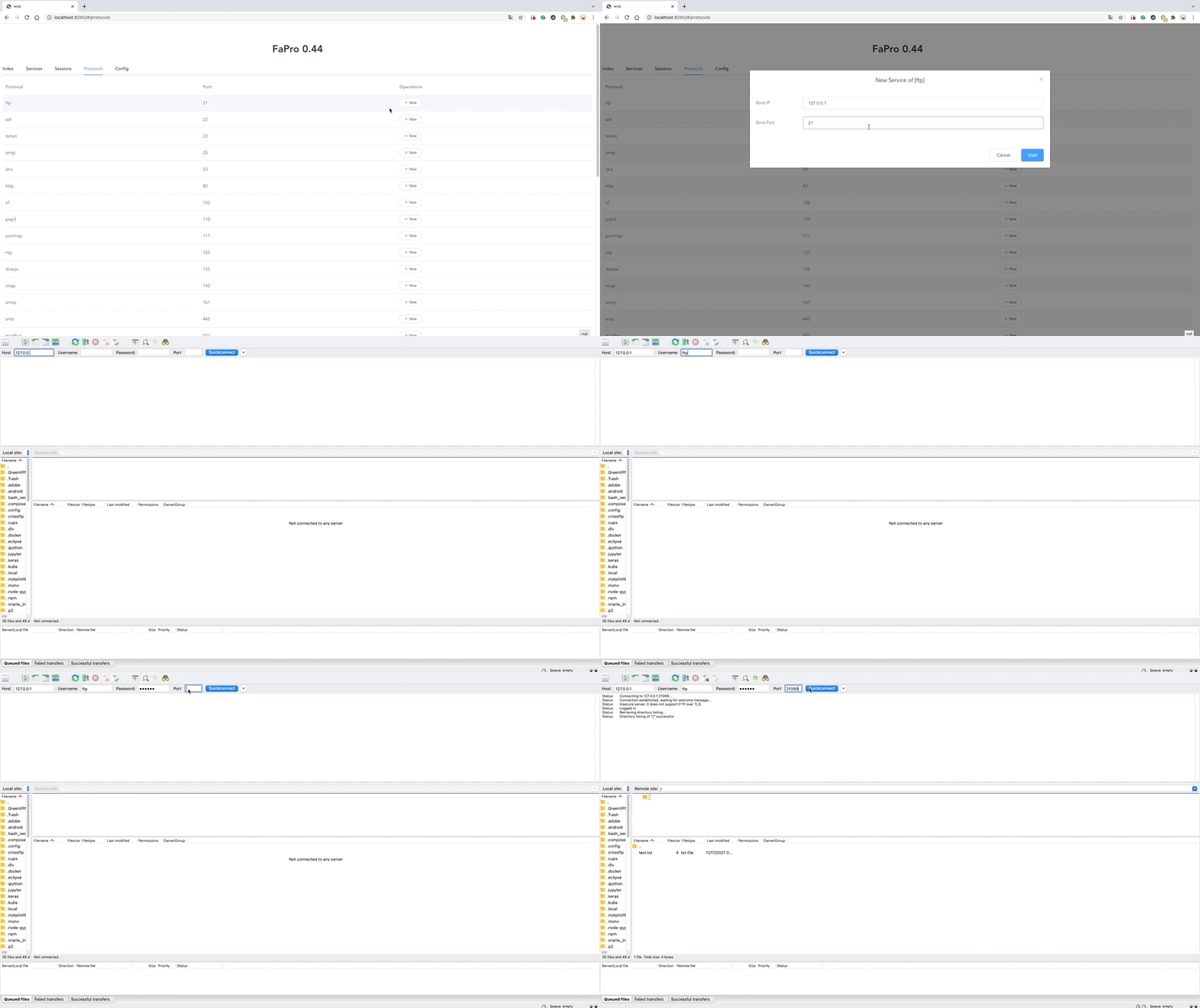
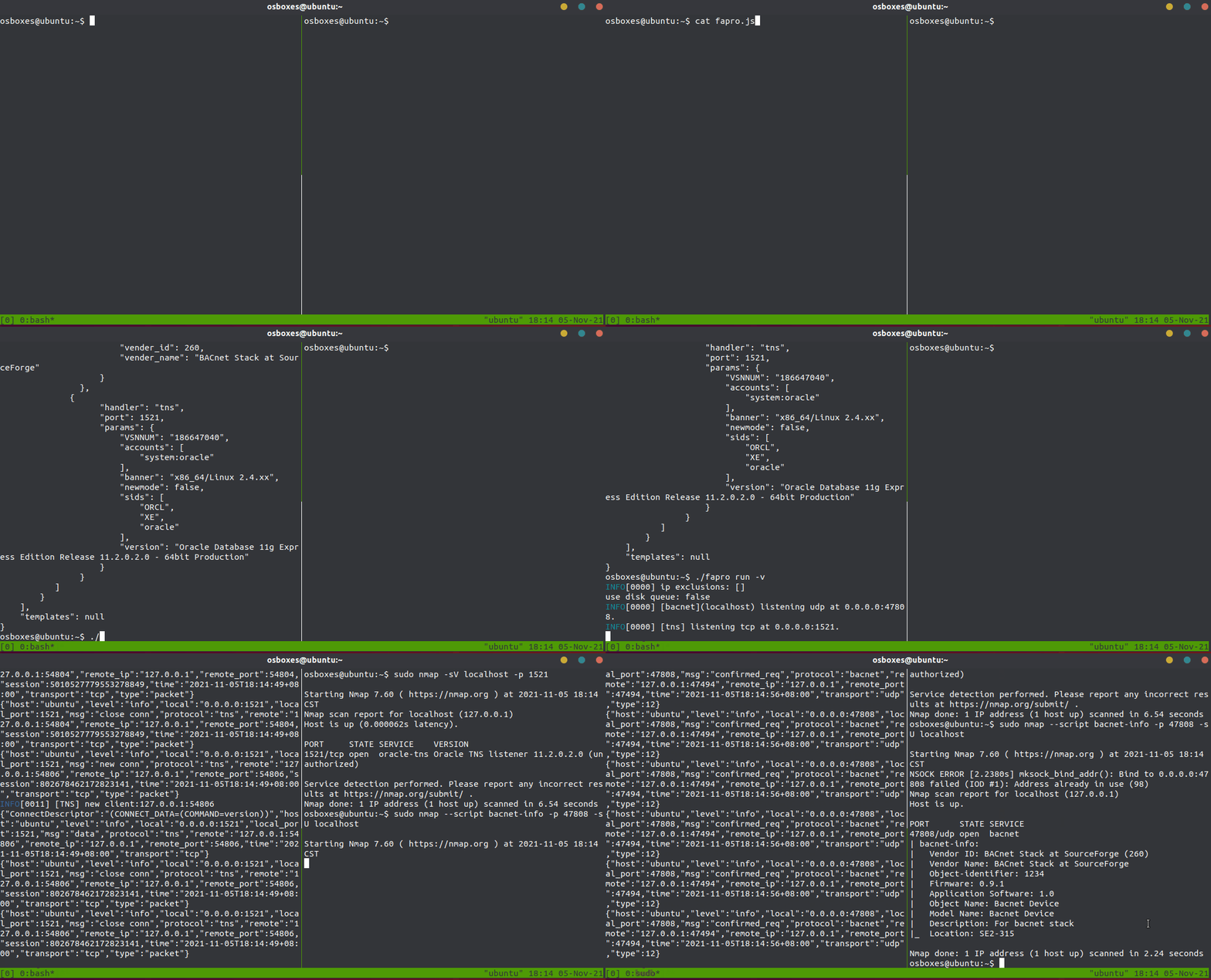
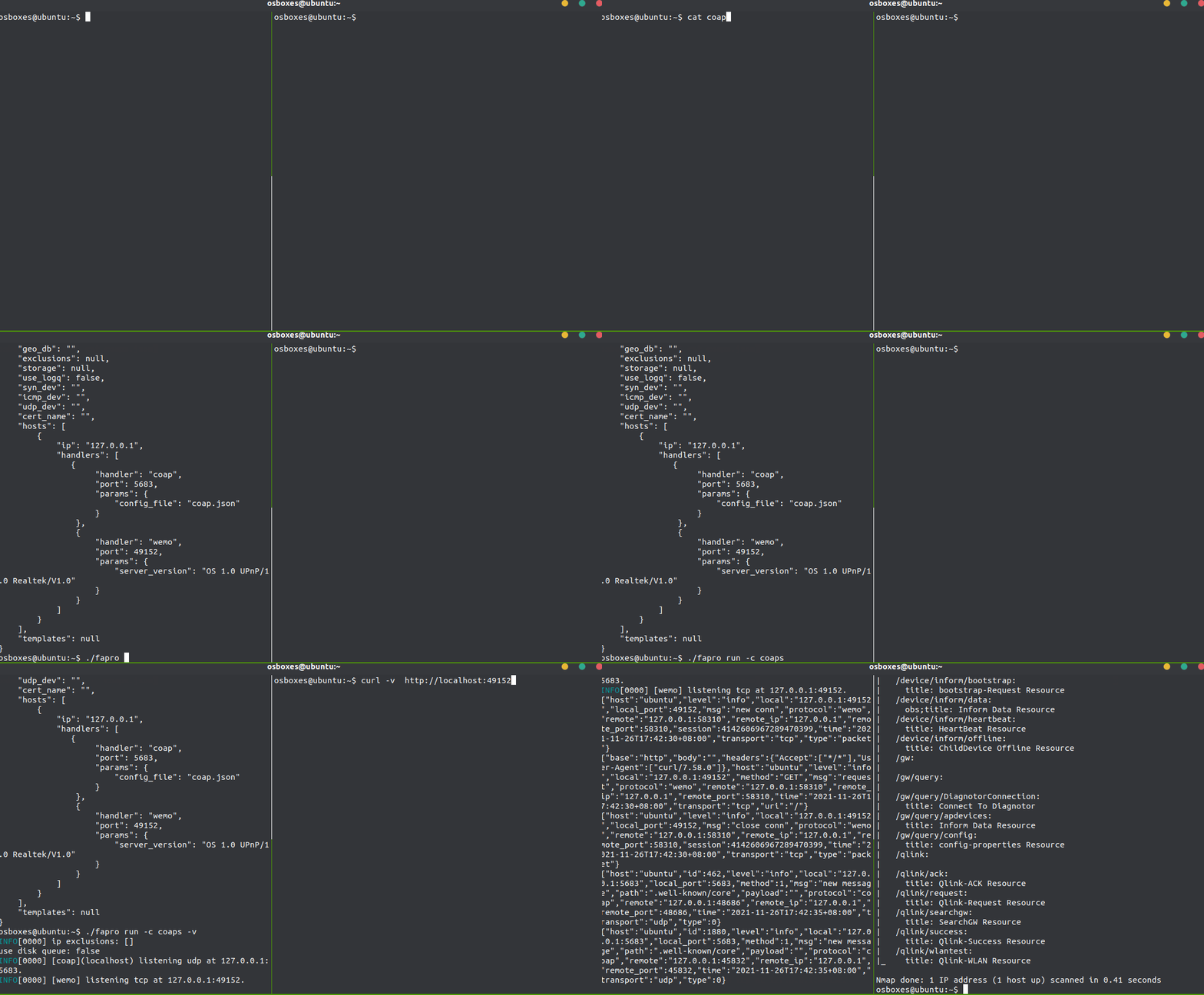
Currently only support nmap fingerprint spoofing
Support login and interaction.

Support login and interaction
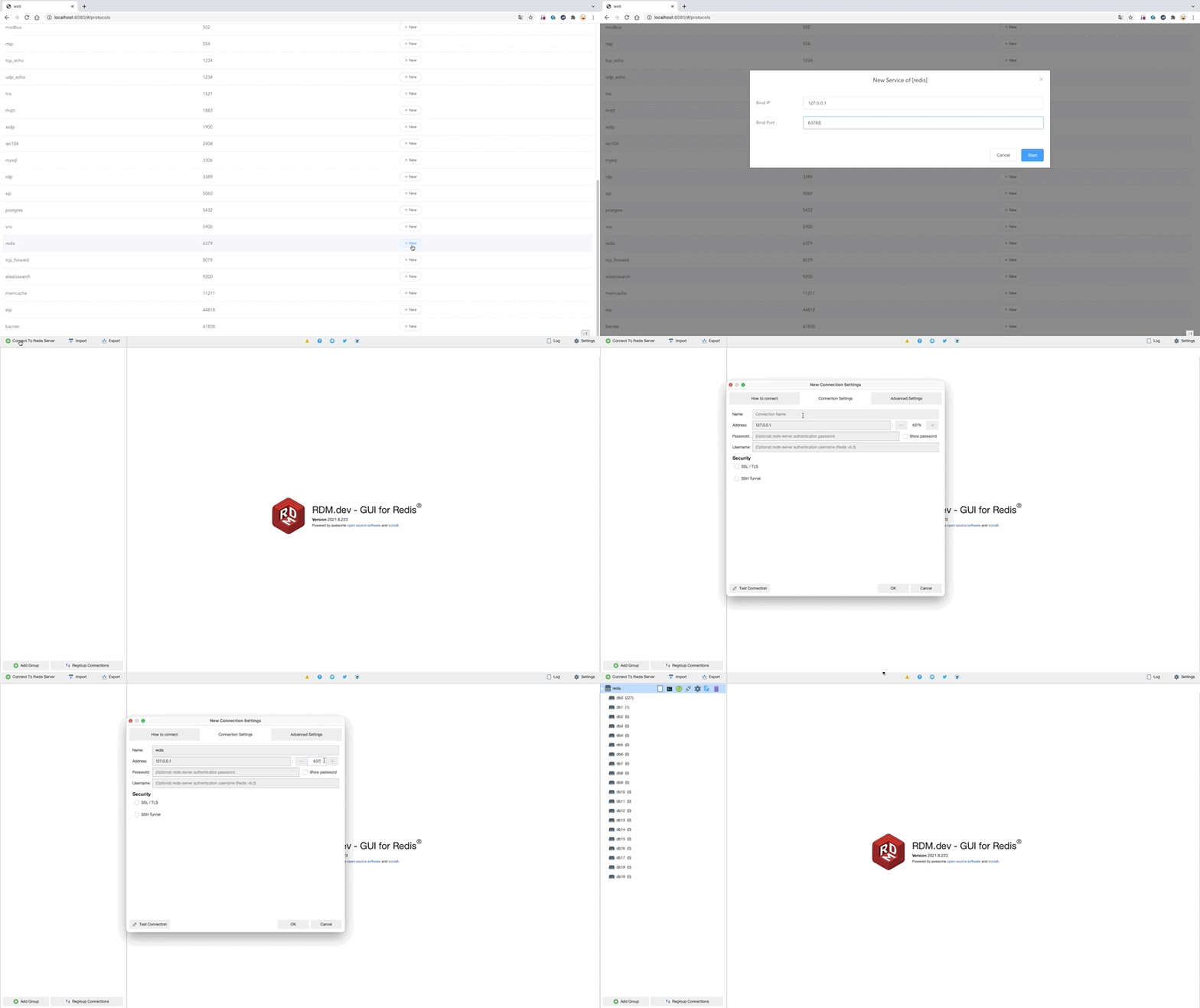
Support basic info
Support login and interaction
Currently only support nmap fingerprint spoofing
Support website clone, You need to install the chrome browser and chrome driver to work.
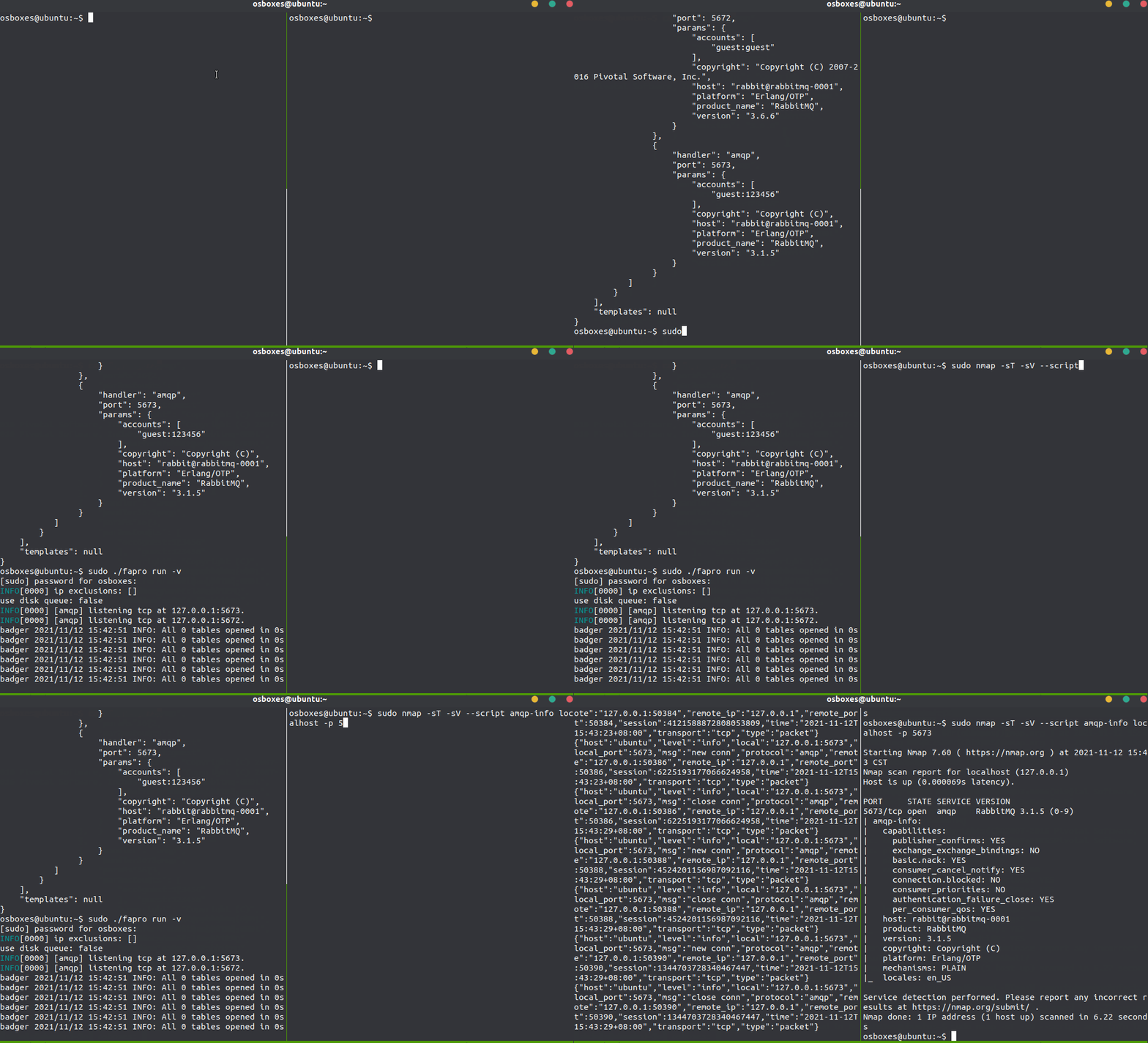
The configuration of all protocols and parameters is generated by genConfig subcommand.
Use 172.16.0.0/16 subnet to generate the configuration file:
fapro genConfig -n 172.16.0.0/16 > fapro.json
Or use local address instead of the virtual network:
fapro genConfig > fapro.json
Only generate ssh protocol configuration:
./fapro genConfig -p ssh
Run FaPro in verbose mode and start the web service on port 8080:
fapro run -v -l :8080
For windows users, please install winpcap or npcap.
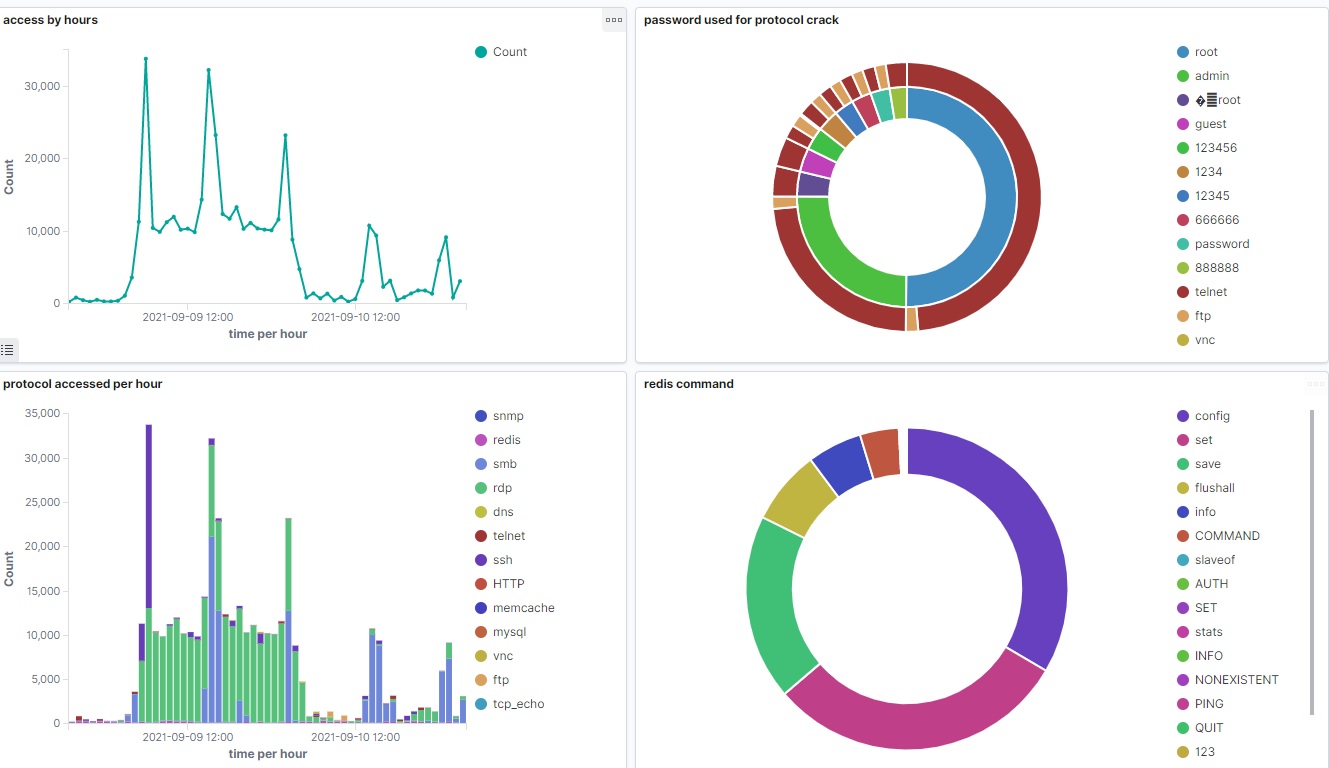
Use ELK to analyze protocol logs:
This section contains the sample configuration used by FaPro.
{
     "version": "0.65",
     "network": "127.0.0.1/32",
     "network_build": "localhost",
     "storage": null,
     "geo_db": "/tmp/geoip_city.mmdb",
     "hostname": "fapro1",
     "use_logq": true,
     "cert_name": "unknown",
     "syn_dev": "any",
     "udp_dev": "any",
     "icmp_dev": "any",
     "limiter": {
         "period": 10,
         "count": 3,
         "block_period": 20
     },
     "exclusions": [],
     "hosts": [
         {
             "ip": "127.0.0.1",
             "handlers": [
                 {
                     "handler": "dcerpc",
                     "port": 135,
                     "params": {
                         "accounts": [
                             "administrator:123456",
                         ],
                         "domain_name": "DESKTOP-Q1Test"
                     }
                 }
             ]
         }
     ]
}

