
 fin3ss3g0d/cypherhound
Your template-based BloodHound terminal companion tool


A Python3 terminal application that contains Neo4j cyphers for BloodHound data sets with a script to automate importing them into BloodHound CE.
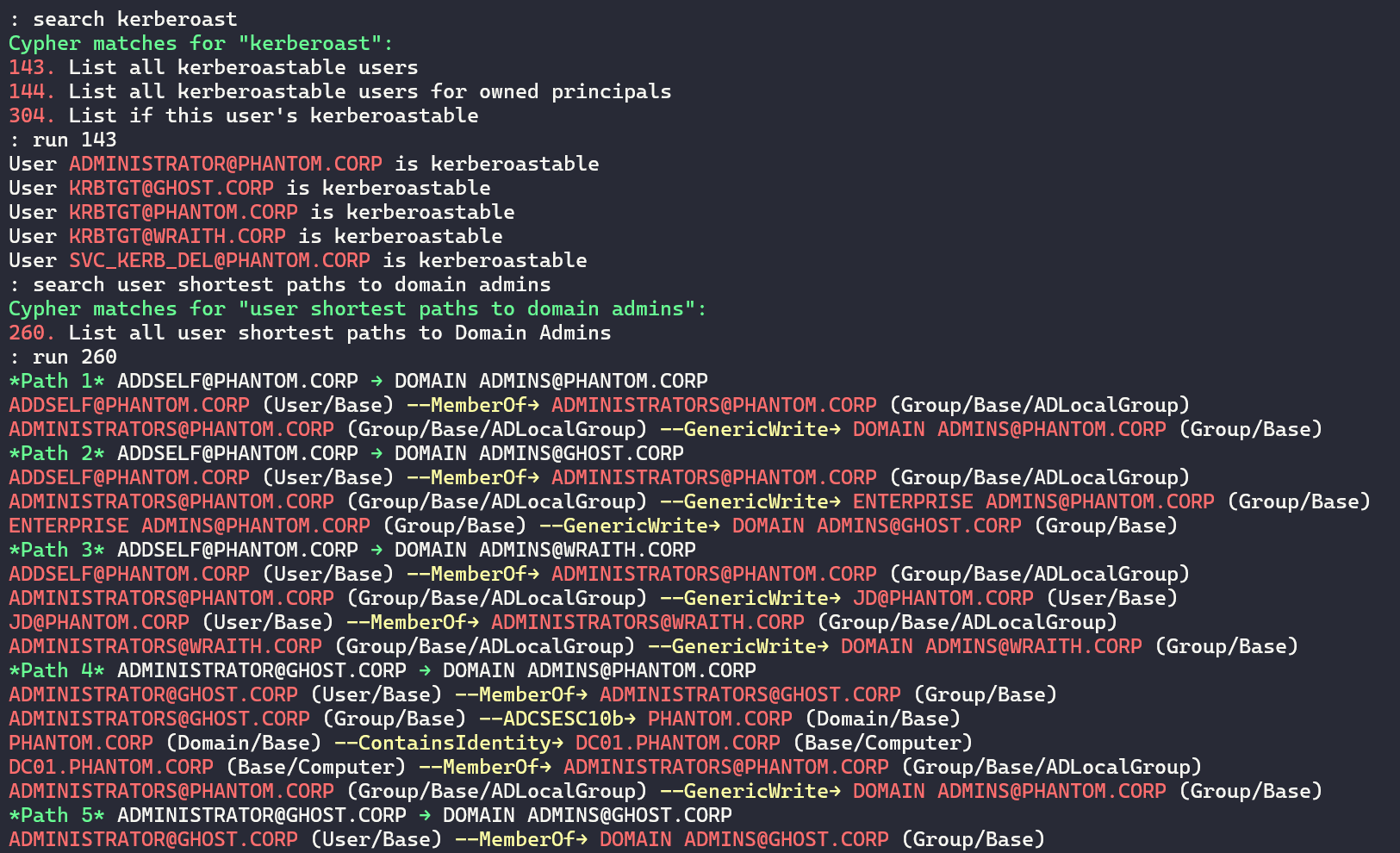
Terminal
HTML Report
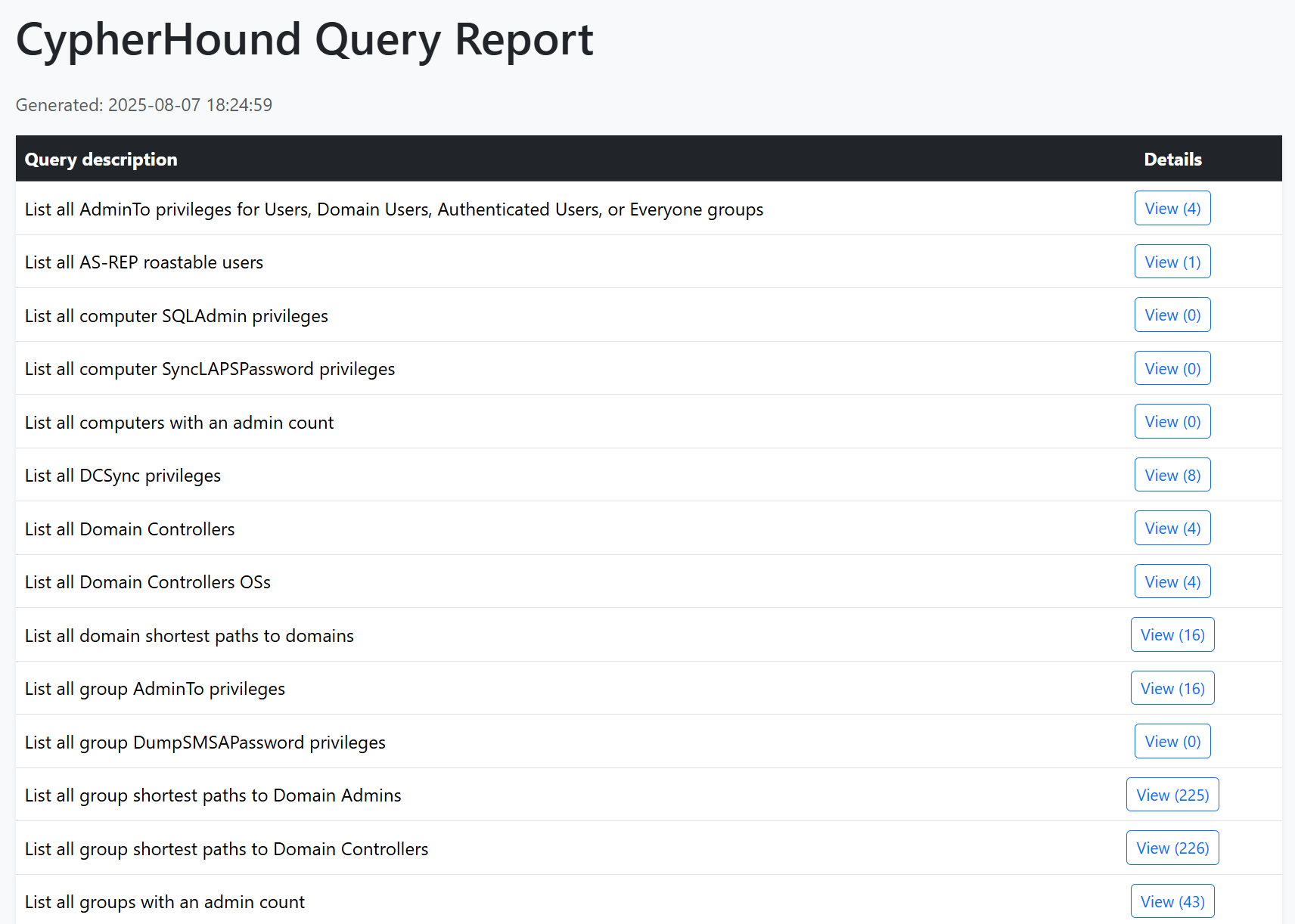
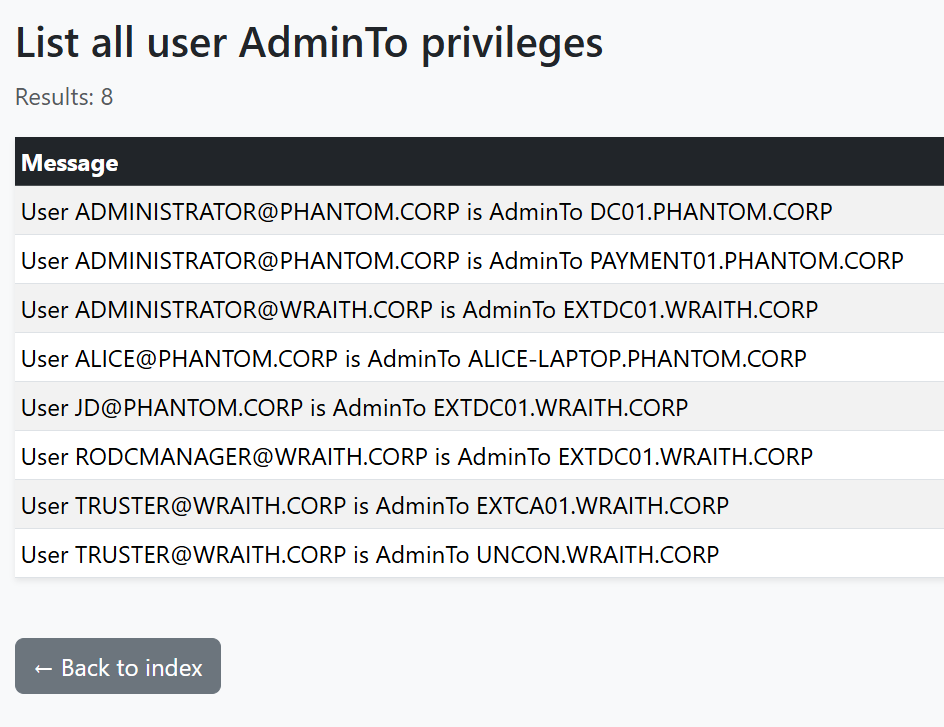
HTML Report (continued)
BloodHound is a staple tool for every penetration tester. However, there are some negative side effects based on its design. I will cover the biggest pain points I've experienced and what this tool aims to address:
JSON graphs, I need graph results in a line-by-line format .txt file to actually attack things from other toolsThis tool can provide significant value for both red and blue teams.
Take back control of your BloodHound data with CypherHound!
grep/cut/awk-friendly formatcustomqueries.json importer script into BloodHound CE includedMake sure to have python3 installed and run:
python3 -m pip install -r requirements.txt
Start the program with: python3 cypherhound.py -c config.json -y queries.yaml
The program will read a configuration file in json format. An example of this file is shown below:
{
    "user": "neo4j",
    "pwd": "password",
    "database": "neo4j"
}
where:
user is your Neo4j usernamepwd is your Neo4j passworddatabase is your Neo4j databaseThe program reads queries from a YAML file in the format below. ad-queries.yaml has been provided as an example containing queries related to Active Directory. msg_template is not required for shortest paths queries but they must return the variable containing the path
queries:
- group: general
  desc: List all AddKeyCredentialLink privileges for owned principals
  cypher: |-
    MATCH (n {owned: true})-[r:AddKeyCredentialLink]->(m)
    RETURN n.name AS n_name, m.name AS m_name, labels(m) AS labels_m, labels(n) AS labels_n
    ORDER BY n.name
  msg_template: |-
    {{ n_name }} ({{ labels_n[0] }}/{{ labels_n[1] }}) has AddKeyCredentialLink over {{ m_name }} ({{
    labels_m[0] }}/{{ labels_m[1] }})
A table breakdown of the keys/value pairs can be seen below:
| Key | Description |
|---|---|
group | The group this query belongs to, groups are user-defined e.g. "general" |
desc | The description of the query |
cypher | The query itself in Neo4j format |
msg_template | Jinja2 template for the terminal output based on cypher variables, use aliases for Neo4j variables to avoid Jinja attempting to render as nested variables |
params.*)The program uses Jinja2 to render Cypher. Define runtime parameters with the set command and reference them in YAML as {{ params.<key> }}.
CLI
set <key> <value...> # e.g., set user [email protected]
unset <key> # optional
show # optional
YAML Example
- group: user
  desc: List all privileges for this user
  cypher: |-
    MATCH (n:User)-[r]->(m)
    WHERE n.name =~ '((?i){{ params.user }})'
    RETURN n.name AS n_name, TYPE(r) AS rel_type, labels(m) AS labels_m, m.name AS m_name
    ORDER BY TYPE(r)
  msg_template: |-
    User {{ n_name }} has {{ rel_type }} over {{ m_name }} ({{ labels_m[0] }}/{{ labels_m[1] }})
Common Param Patterns
| Param key | Example value | Use in Cypher |
|---|---|---|
params.user | [email protected] | = {{ params.user }} |
params.user_regex | (?i)john\.doe(@example\.com)? | =~ '{{ params.user_regex }}' |
params.group | Domain [email protected] | = {{ params.group }} |
params.prefix | ACME- | STARTS WITH {{ params.prefix }} |
This repository provides a query-importer.py script to automate importing queries into the BloodHound CE UI from a JSON file. bh_query_converter.py has also been provided to convert a YAML file intended for the terminal application to the JSON format expected by query-importer.py & BloodHound CE. An example of the required JSON format can be seen below:
{
  "queries": [
    {
      "name": "List all AddKeyCredentialLink privileges for owned principals",
      "description": "List all AddKeyCredentialLink privileges for owned principals - General",
      "query": "MATCH p=(n {owned: true})-[r:AddKeyCredentialLink]->(m)\nRETURN p\nORDER BY n.name"
    },
    {
      "name": "List all AddKeyCredentialLink privileges for Users, Domain Users, Authenticated Users, and Everyone groups",
      "description": "List all AddKeyCredentialLink privileges for Users, Domain Users, Authenticated Users, and Everyone groups - General",
      "query": "MATCH p=(n:Group)-[r:AddKeyCredentialLink]->(m)\nWHERE (n.objectid =~ \"(?i)S-1-5-21-.*-513\" OR n.objectid =~ \"(?i).*-S-1-5-11\" OR n.objectid =~ \"(?i).*-S-1-1-0\" OR n.objectid =~ \"(?i).*-S-1-5-32-545\")\nRETURN p\nORDER BY n.name"
    }
  ]
}
The full command menu is shown below:
