 fcavallarin/burp-dom-scanner
Burp Suite's extension to scan and crawl Single Page Applications

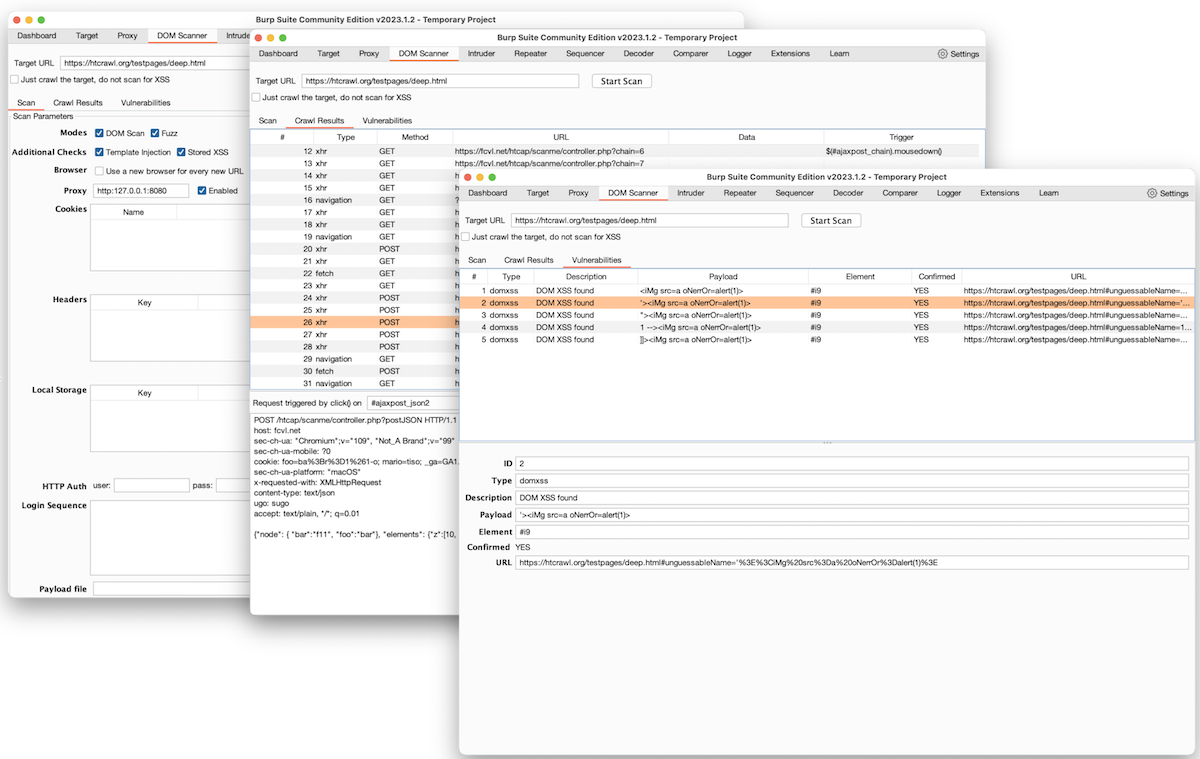
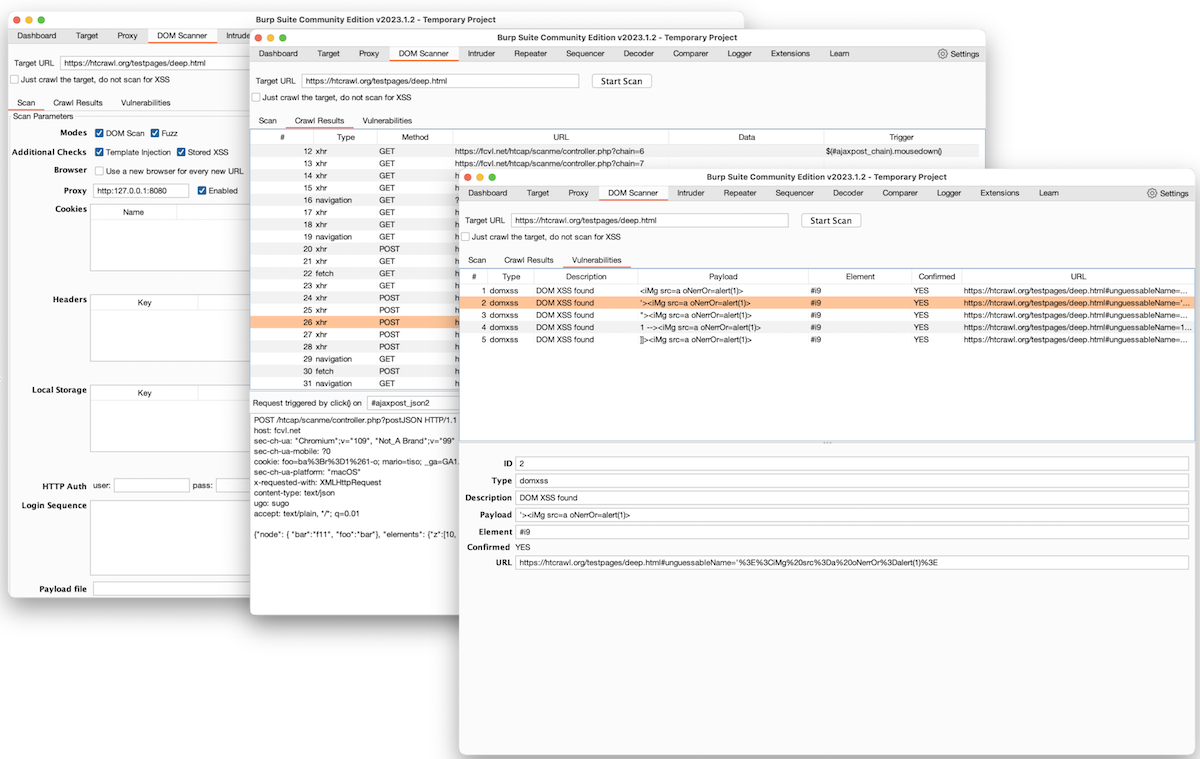
It's a Burp Suite's extension to allow for recursive crawling and scanning of Single Page Applications.
It runs a Chromium browser to scan the webpage for DOM-based XSS.
It can also collect all the requests (XHR, fetch, websockets, etc) issued during the crawling allowing them to be forwarded to Burp's Proxy, Repeater and Intruder.
It requires node and DOMDig.
Latest release can be downloaded here
node's executable and the path of domdig.js in the extension's UI.Burp DOM Scanner uses DOMDig as the crawling and scanning engine.
DOMDig is a DOM XSS scanner that runs inside the Chromium web browser and it can scan single page applications (SPA) recursively. Unlike other scanners, DOMDig can crawl any webapplication (including gmail) by keeping track of DOM modifications and XHR/fetch/websocket requests and it can simulate a real user interaction by firing events. During this process, XSS payloads are put into input fields and their execution is tracked in order to find injection points and the related URL modifications.
Details about usage, performed checks and reported vulnerabilities, can be found at DOMDig's page