 eth0izzle/shhgit
Ah shhgit! Find secrets in your code. Secrets detection for your GitHub, GitLab and Bitbucket repositories.




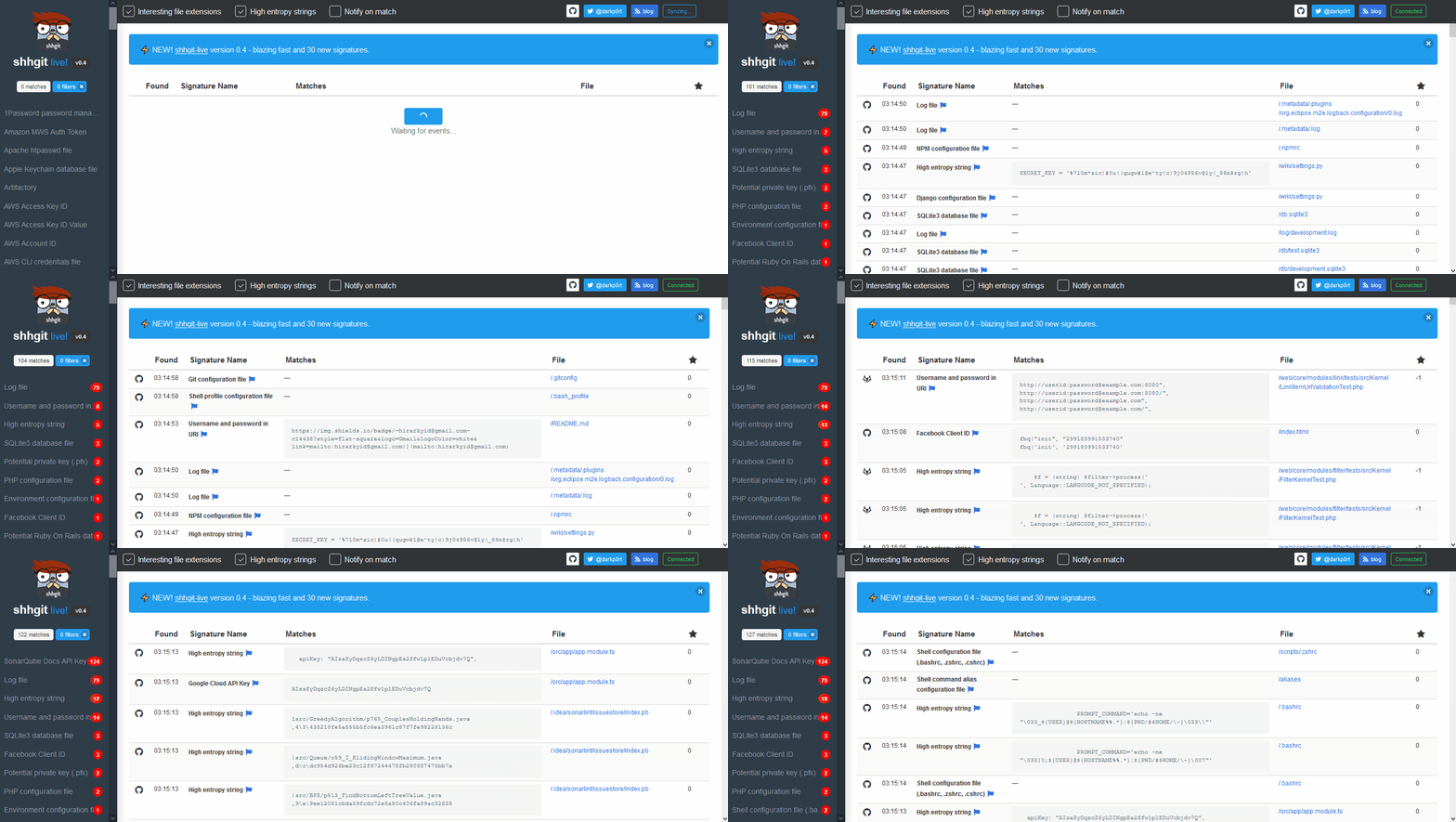
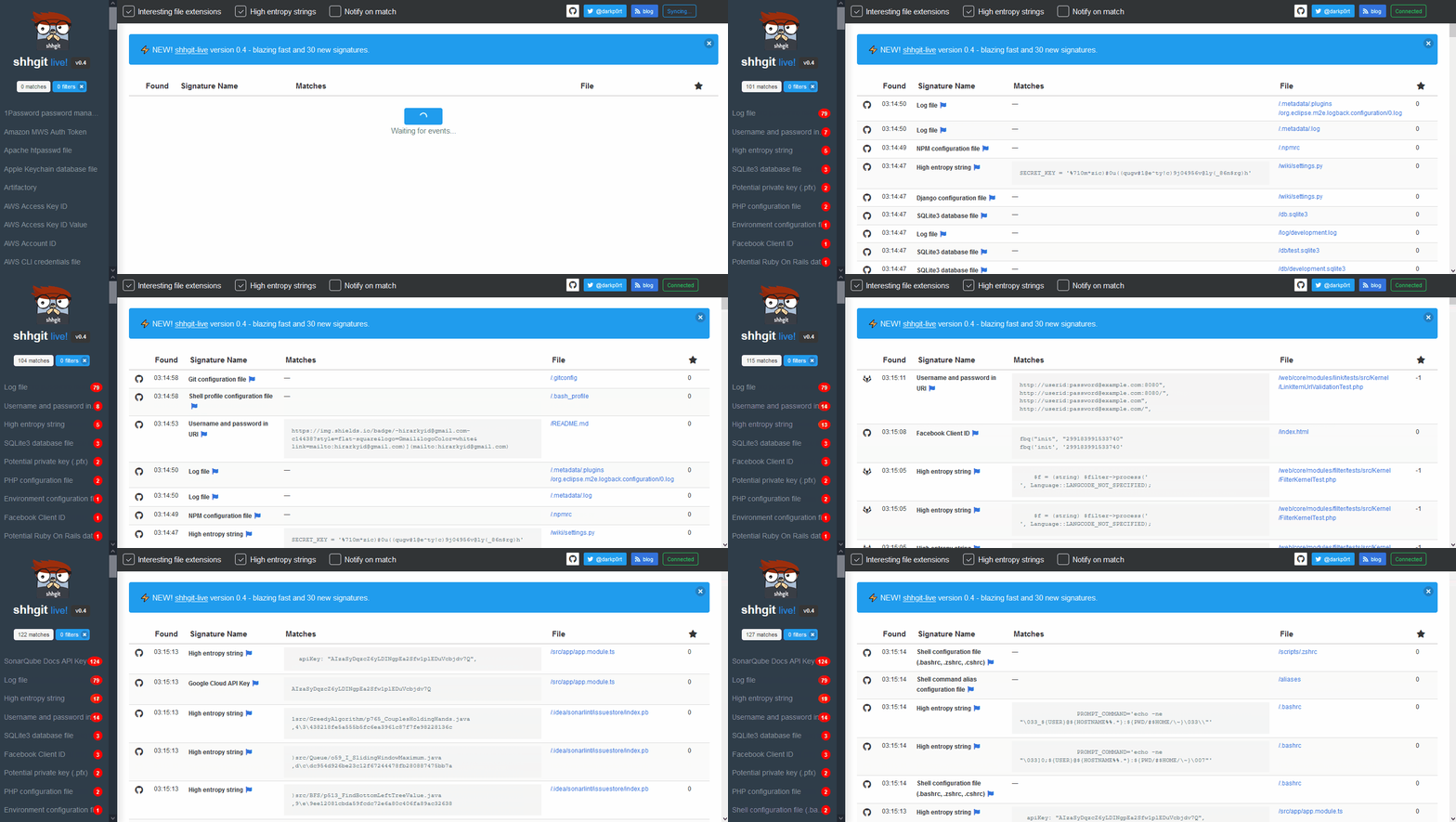
Accidentally leaking secrets — usernames and passwords, API tokens, or private keys — in a public code repository is a developers and security teams worst nightmare. Fraudsters constantly scan public code repositories for these secrets to gain a foothold in to systems. Code is more connected than ever so often these secrets provide access to private and sensitive data — cloud infrastructures, database servers, payment gateways, and file storage systems to name a few.
shhgit can constantly scan your code repositories to find and alert you of these secrets.
You have two options. I'd recommend the first as it will give you access to the shhgit live web interface. Use the second option if you just want the command line interface.
git clone https://github.com/eth0izzle/shhgit.gitdocker-compose buildconfig.yaml file (i.e. adding your GitHub tokens)docker-compose upNote: this method does not include the shhgit web interface
go get github.com/eth0izzle/shhgit will download and build shhgit automatically. Or you can clone this repository and run go build -v -i.config.yaml file and see usage below.shhgit can work in two ways: consuming the public APIs of GitHub, Gist, GitLab and BitBucket or by processing files in a local directory.
By default, shhgit will run in the former 'public mode'. For GitHub and Gist, you will need to obtain and provide an access token (see this guide; it doesn't require any scopes or permissions. And then place it under github_access_tokens in config.yaml). GitLab and BitBucket do not require any API tokens.
You can also forgo the signatures and use shhgit with your own custom search query, e.g. to find all AWS keys you could use shhgit --search-query AWS_ACCESS_KEY_ID=AKIA. And to run in local mode (and perhaps integrate in to your CI pipelines) you can pass the --local flag (see usage below).
--clone-repository-timeout
        Maximum time it should take to clone a repository in seconds (default 10)
--config-path
        Searches for config.yaml from given directory. If not set, tries to find if from shhgit binary's and current directory
--csv-path
        Specify a path if you want to write found secrets to a CSV. Leave blank to disable
--debug
        Print debugging information
--entropy-threshold
        Finds high entropy strings in files. Higher threshold = more secret secrets, lower threshold = more false positives. Set to 0 to disable entropy checks (default 5.0)
--local
        Specify local directory (absolute path) which to scan. Scans only given directory recursively. No need to have Github tokens with local run.
--maximum-file-size
        Maximum file size to process in KB (default 512)
--maximum-repository-size
        Maximum repository size to download and process in KB) (default 5120)
--minimum-stars
        Only clone repositories with this many stars or higher. Set to 0 to ignore star count (default 0)
--path-checks
        Set to false to disable file name/path signature checking, i.e. just match regex patterns (default true)
--process-gists
        Watch and process Gists in real time. Set to false to disable (default true)
--search-query
        Specify a search string to ignore signatures and filter on files containing this string (regex compatible)
--silent
        Suppress all output except for errors
--temp-directory
        Directory to store repositories/matches (default "%temp%\shhgit")
--threads
        Number of concurrent threads to use (default number of logical CPUs)
The config.yaml file has 7 elements. A default is provided.
github_access_tokens: # provide at least one token
  - 'token one'
  - 'token two'
webhook: '' # URL to a POST webhook.
webhook_payload: '' # Payload to POST to the webhook URL
blacklisted_strings: [] # list of strings to ignore
blacklisted_extensions: [] # list of extensions to ignore
blacklisted_paths: [] # list of paths to ignore
blacklisted_entropy_extensions: [] # additional extensions to ignore for entropy checks
signatures: # list of signatures to check
  - part: '' # either filename, extension, path or contents
    match: '' # simple text comparison (if no regex element)
    regex: '' # regex pattern (if no match element)
    name: '' # name of the signature
shhgit comes with 150 signatures. You can remove or add more by editing the config.yaml file.
