Alan Framework
Alan Framework is a post-exploitation framework useful during red-team activities.
If you find my tool useful, please consider to sponsor me.
⚠⚠⚠ Disclaimer ⚠⚠⚠
The creation of this kind of software has always caused controversies. If you're wondering why I decided to create this tool, it's because I'm convinced that the ultimate learning experience is implementing what you learned. During the reverse engineering process, many small details are overlooked. Little by little, these details prevent the researcher from having a complete picture of what is going on. Finally, I'm a programmer first, and I love to develop this kind of program 😄
Download
Download Alan C2 Framework
Notable Features
- You can run your preferred tool directly in-memory
- JavaScript script execution (in-memory without third party dependency)
- Fully compliant SOCKS5 proxy
- Supported agent types: Powershell (x86/x64), DLL (x86/x64), Executable (x86/x64), Shellcode (x86/x64)
- Server.exe can be executed in Linux (via dotnet core)
- The network communication is fully encrypted with a session key not recoverable from the agent binary or from a traffic dump
- Communication performed via HTTP/HTTPS
- No external dependencies or libraries need to be installed
- A powerful command shell
- The agent configuration can be updated on the fly (you can change port and protocol too)
Documentation:
Blog posts
For more information on its usage please read the documentation.
Compile the source code
To compile Alan the following actions must be performed:
- Ensure that you have installed cmake and that it is in the PATH (run cmake --help to see if it works)
- Install Visual Studio 2022 (the Community Edition is fine). These steps were tested against version VS 2022 17.3.1
- Be sure that .NET Desktop Development, Desktop development with C++ and the F# language are installed as part of the Visual Studio suite
- Install .NET libraries by running: ./src/server/paket.exe install
- Open the file .src/server/ServerSln.sln in Visual Studio. Set the ServerBuilder project as the main one (right click -> Set as Startup Project)
- Run the ServerBuilder which will compile everything
- If the compilation ended succesfully, the Alan .zip file will be located in the newly created directory Misc/out/release
Videos:
Demo videos
Alan v7.0.514.10 - SOCKS5 Proxy 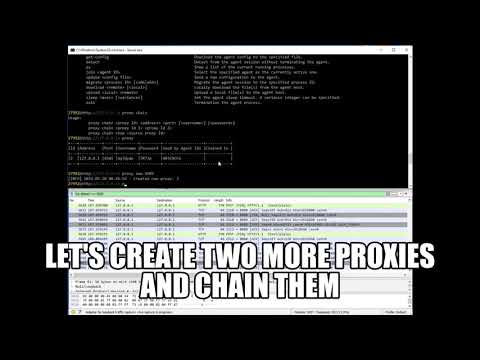 | Alan v6.0.511.28 - JS Execution 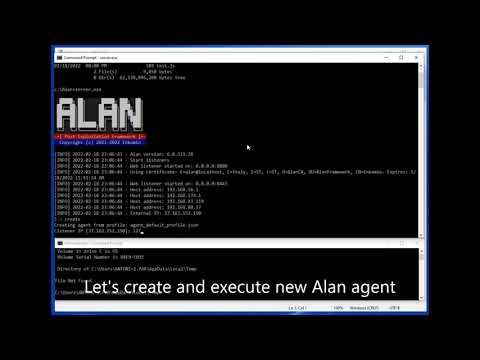 | Alan v5.0.509.20 - In-Memory Execution 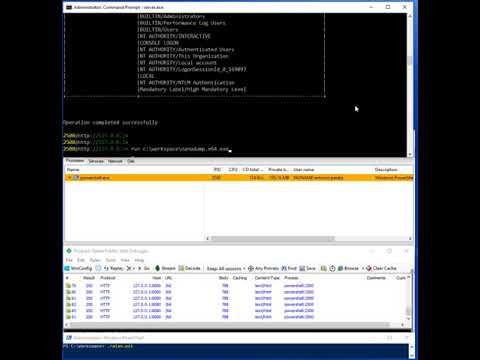 |
|---|
Alan v4.0.0 - x64 Agent && Inject 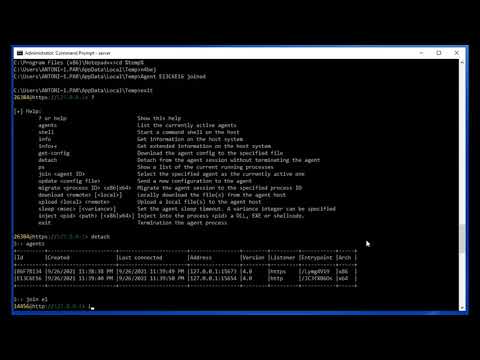 | Alan v3.0.0 - Misc Commands 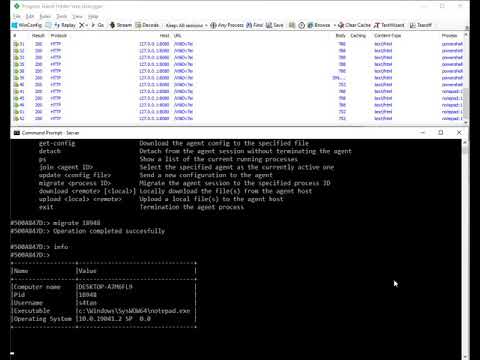 | Alan v2.0.500.23 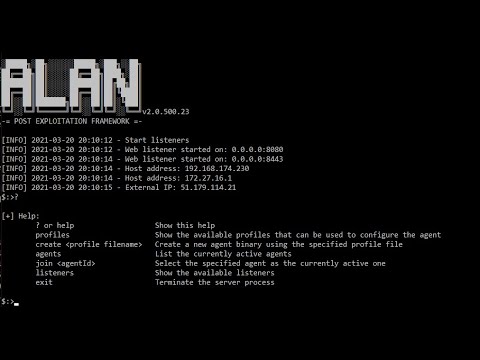 |
Alan v1.0.0 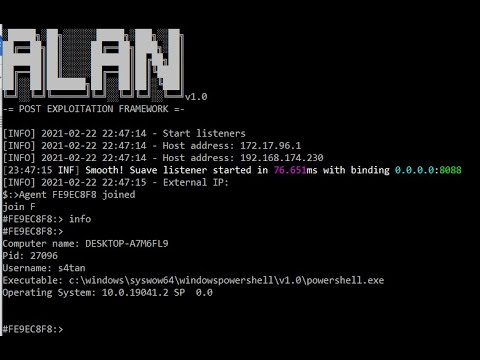 | | |
Changelog
v7.0.514.10 - 15/05/2022
- Implemented
proxy command for pivoting
- The
info and info++ commands display if the agent is using a proxy
- Fixed bug on network communication (Issue 2)
- Fixed error in PE loader when function are import via ordinal
- Fixed JS module causing memory free ahead of time
- Fixed error in
run command that cause the & option to not work
- The log messages are now saved to file
alan.log
- All the generated output and user input is logged to an evidence file inside the
evidences folder
- Added machine ID information to
info command
- Added
Vanilla package type for agent creation. This allows a better integration of custom packer.
v6.0.511.28 24/02/2022
- x86/x64 PE loaders modified to update the PEB->Ldr field. This allows the system to call DLL_PROCESS_DETACH on the injected DLL.
- Increase max response size to 1GB. This fix the download of big files.
- Added agent expiration date to the configuration.
- The
run was extended to support the execution of Javascript files.
info++ command now shows the Volume label and the FS type.
v5.0.509.20 - 13/12/2021
- Implemented
run command
- Implemented
kill command
- Implemented
exec command
- Removed
inject message since it can be achieved with the run command in background
- Created stager and PE loader to make the agent stealthier. Each generated agent file has a different hash
- Improved code injection to bypass Dynamic Code Policy Mitigation
- It is now possible to specify the agent file name to create during the wizard
- Fixed error in
upload and download commands
- Fixed error in shell creation. The command shell process token did not have the same agent integrity level
- Removed exported function from DLL agent artifact
- Added current working directory to
info command
- Extended
shell command to execute a single command
v4.0.0 - 26/09/2021
- Added
inject command. This command allows the operator to inject code into a remote process
- Added
sleep command performed in short sleep of 400 msec each.
- Introduced Jitter concept in
sleep
- Ported agent to x64 bit (included PE32+ loader)
- Fixed errors in x86 PE loader
- .NET agent runner is now executed in a stealthier way to avoid detection
- It is now possible to specify a custom Web server in the HTTP/S listener response
- Removed command
listeners since superfluous
- Improved
info command with more information
- Error message are more explanatory
- Added information on process token type (elevated or not)
- Added information on process token privileges
- Added information on process token groups