 emrekybs/tgsherlock
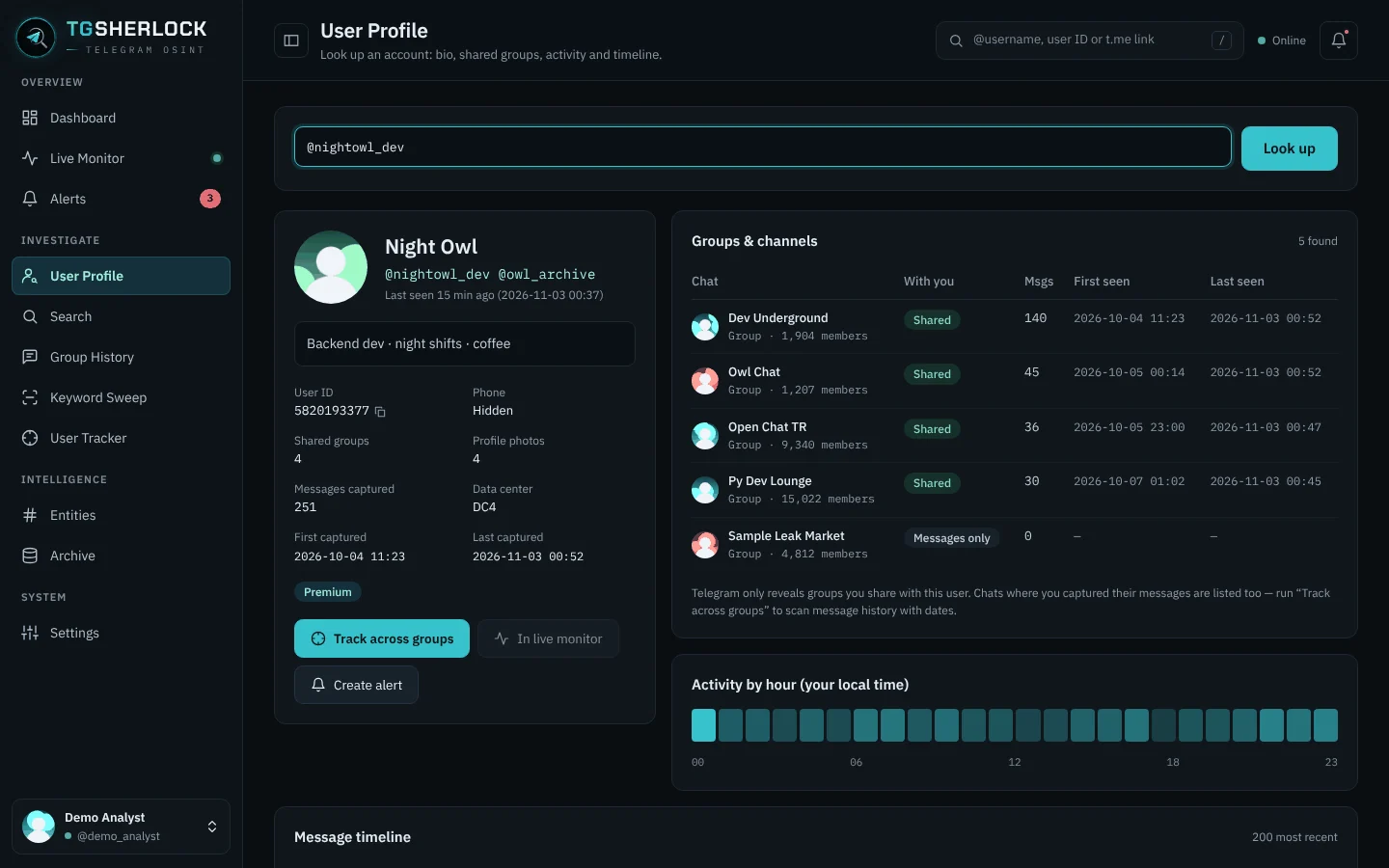
Telegram OSINT tool for user, group and message investigation


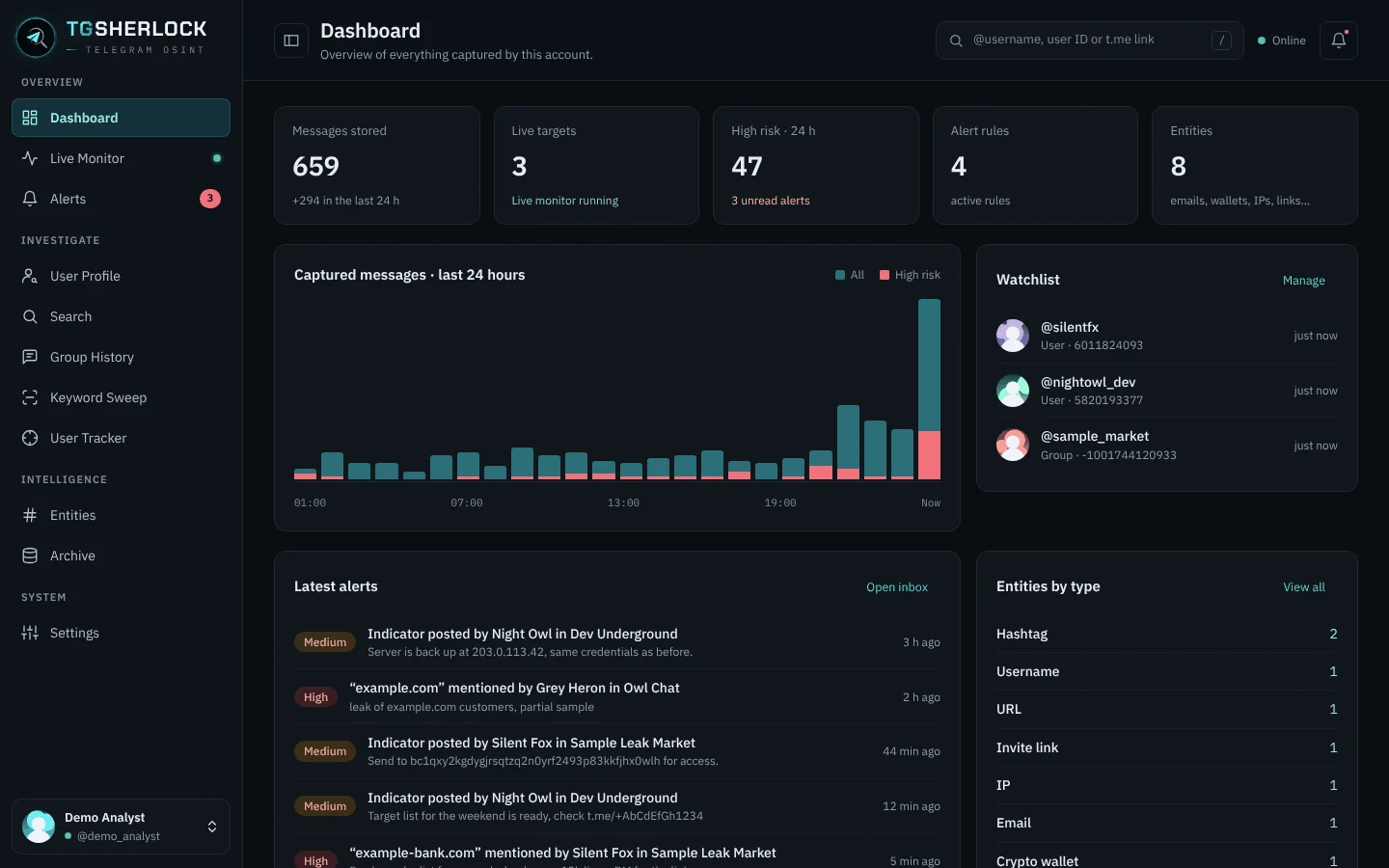
Telegram OSINT in a local web panel: live monitoring, alerts, user tracking and keyword sweeps.
pipx install tgsherlock
Latest from GitHub: pipx install git+https://github.com/emrekybs/tgsherlock.git (if tgsherlock is not found afterwards, run pipx ensurepath and open a new terminal).
tgsherlock
The panel opens in your browser at http://127.0.0.1:8765. On Linux, the first run also adds TGSherlock to your application menu, so you can start it with a click.
First run: create an app at my.telegram.org → API development tools, enter your API ID and API Hash, then scan the QR code with Telegram (Settings → Devices → Link Desktop Device). Phone-number login is available too.
Update: pipx upgrade tgsherlock
Options: --port 8790, --no-browser, --install-desktop, --uninstall-desktop.
Data stays local: ~/.config/tgsherlock (settings, sessions) and ~/.local/share/tgsherlock (databases, media).
Built for defensive OSINT and threat intelligence. TGSherlock only sees what your own Telegram account can see. Follow local law and Telegram's Terms of Service.
MIT
