
Skip to content
KitploitKITPLOIT
ToolsBlog
Submit
ToolsBlog
Submit

Hacking, PenTest, and Cybersecurity Tools for Your Security Arsenal!

Kitploit is a directory of hacking, cybersecurity, and pentesting tools. Discover the latest project updates to find vulnerabilities, analyze systems, automate testing, and strengthen your security.

··Feeds·Contact·Privacy·© 2026 Kitploit

Tool Directory

Categories

View all categories
Loading categories
CVE-2025-55182 — Chrome extension and Shodan scanner for detecting and demonstrating RCE vulnerabilities in React Server Components (RSC) and Next.js applications, with a CORS proxy helper for testing. | Kitploit
Tools/GitHubGitHub/emredavut/cve-2025-55182
Vulnerability AnalysisExploitationWeb Application ExploitationWeb SecurityPenetration TestingLearning & Education
GitHubemredavut/cve-2025-55182

CVE-2025-55182

Chrome extension and Shodan scanner for detecting and demonstrating RCE vulnerabilities in React Server Components (RSC) and Next.js applications, with a CORS proxy helper for testing.

View Repository
31456149 months agoReviewed by Kitploit

Most Popular

View all →

Discover the most used tools by our community.

Explore all tools

Browse our collection of tools

View all tools →
Share

RSC/Next.js RCE Vulnerability Detector & PoC Chrome Extension

CVE-2025-55182 & CVE-2025-66478

This repository contains a security research toolkit designed to detect and demonstrate (PoC) the recently disclosed RCE vulnerabilities affecting React Server Components (RSC) / Next.js.

The toolkit includes:

  • Chrome Extension – Automatically detects vulnerable RSC/Next.js applications and provides a PoC trigger in authorized environments.
  • Shodan Detection Tool – Searches for potentially vulnerable public hosts using Shodan scanning queries.
  • Proxy Helper (extension_proxy.py) – Optional lightweight proxy to bypass CORS restrictions when interacting with remote targets during testing.

⚠️ For educational and research purposes only.
Do not use on systems you do not own or have explicit permission to test.
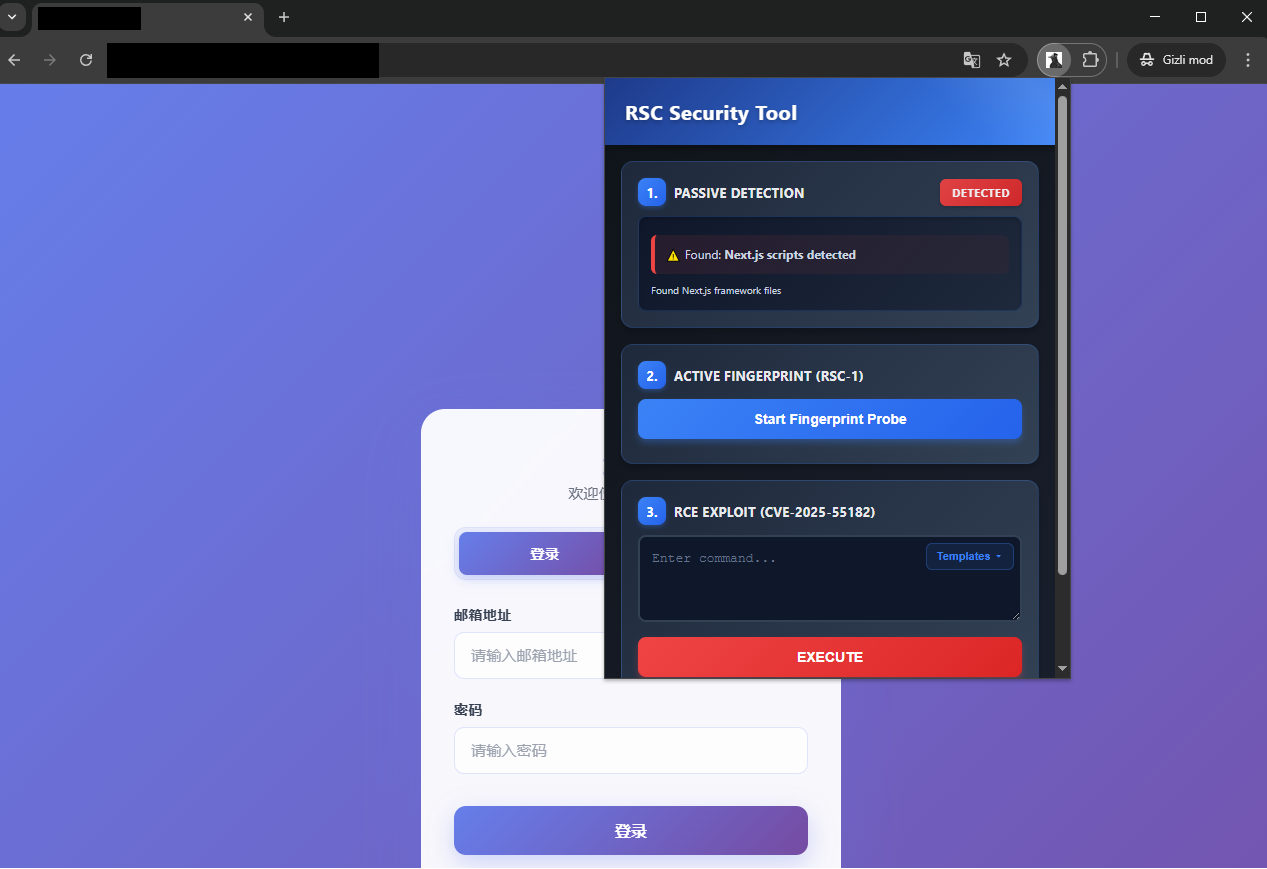
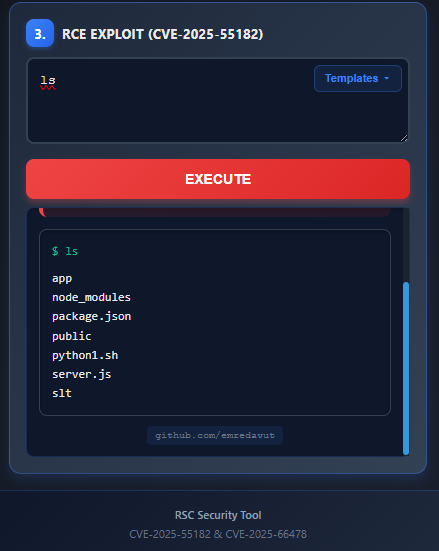
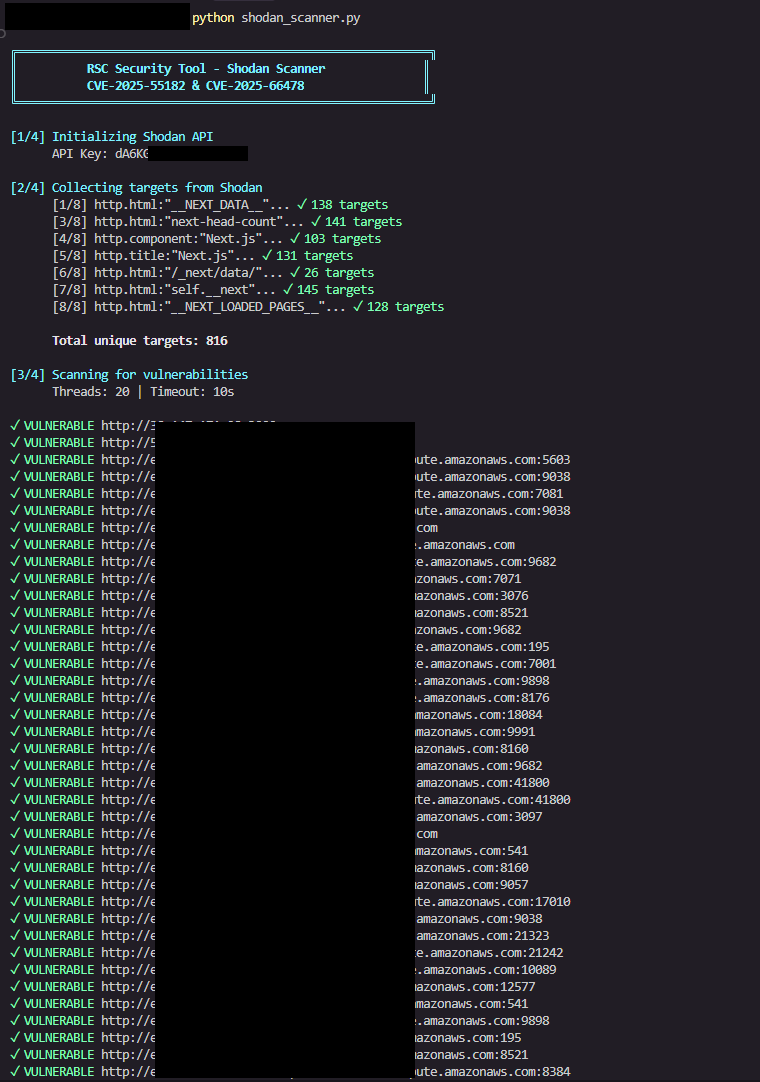
Screenshots

Screenshot 1 Screenshot 2 Screenshot 3


Installation & Usage

1. Load the Chrome Extension

  1. Open chrome://extensions
  2. Enable Developer Mode
  3. Click Load unpacked
  4. Select the chrome_extension/ folder

The extension will begin analyzing pages instantly.


2. (Optional but recommended) Run the CORS Proxy

Some endpoints enforce strict CORS headers that block detection.
Start the included proxy:

root@kitploit:~
python extension_proxy.py

3. Use the Shodan Scanner

root@kitploit:~
python shodan_scanner.py

mucq


Download Tool